ColorGradle
Rate itOne photo and sixty seconds to match its target colour grade with sliders.
on colorgradle.app
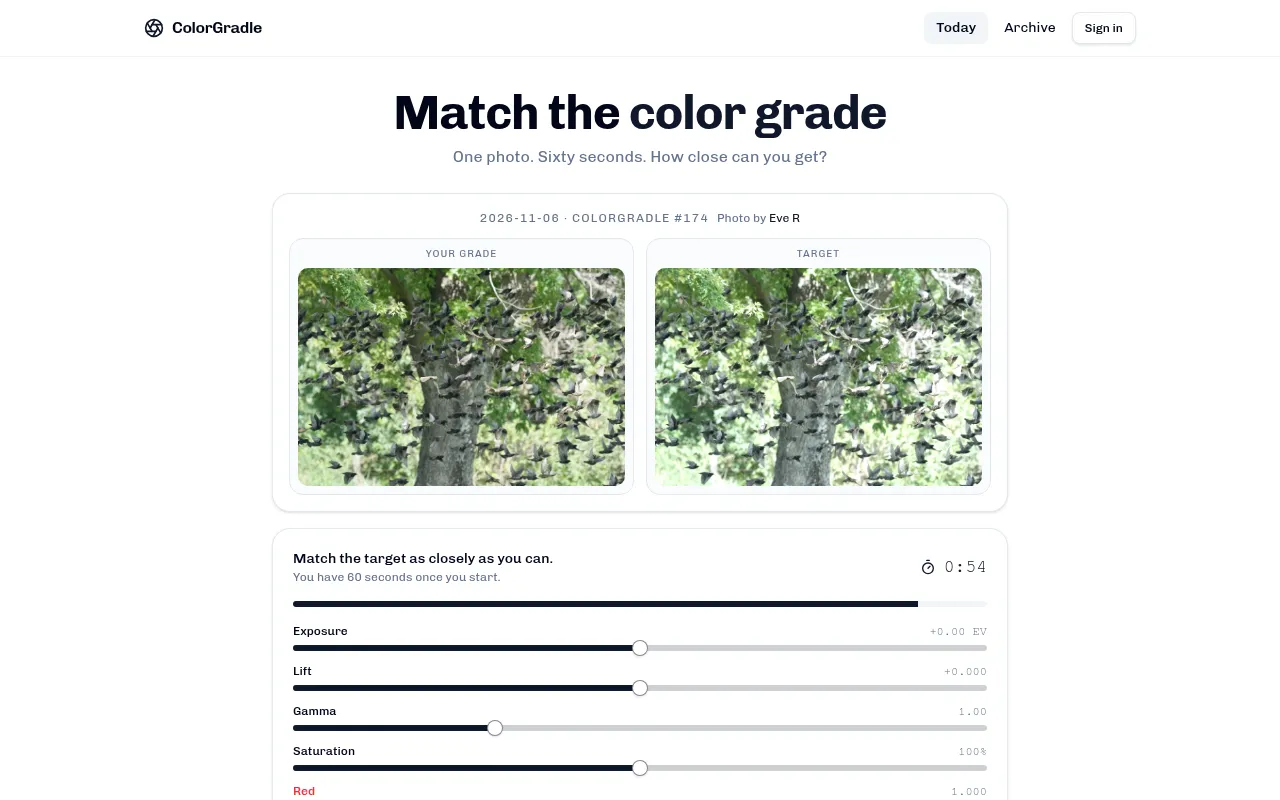
ColorGradle is a daily colour grading game. Each day brings one photo shown twice, your copy and a graded target. You get 60 seconds to move seven sliders, from exposure to the red, green and blue channels, until your copy matches, and the game scores how close you came out of 100.
About ColorGradle
ColorGradle turns photo colour grading into a one-minute daily test. Each date has one photo with a title and a photographer credit, numbered from ColorGradle #1 on 17 May 2026. On 6 November 2026 it was #174, a photo of a tree full of starlings titled "Murmuration". The maker is not named on the site.
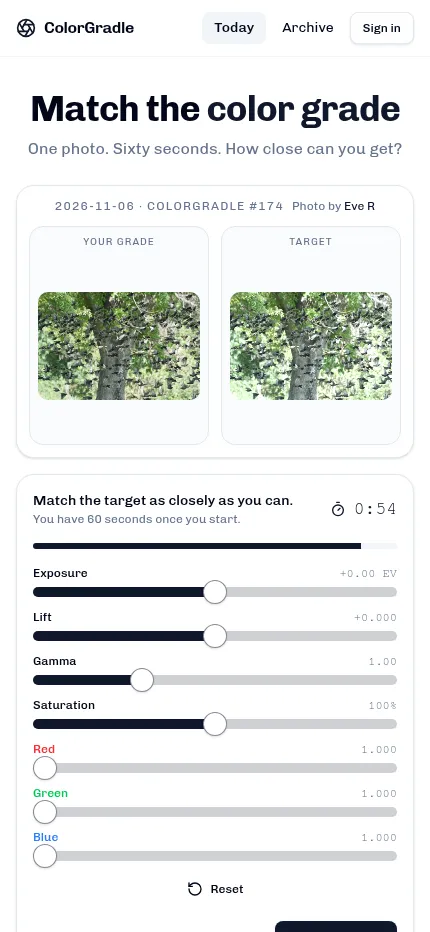
The board shows the photo twice, side by side: "Your grade" and "Target". The target has had a grade applied, perhaps a cold blue cast, crushed shadows or a warm glow. When you press "Start the clock" a 60 second timer runs and seven sliders open under the photos: Exposure, Lift, Gamma, Saturation, Red, Green and Blue. You move them until your copy looks like the target, then press "Lock in grade".
The score is out of 100 and measures how close your grade came. Locking in within the first 15 seconds keeps the full score. After that a time multiplier eases it down as the clock runs on, so a quick and close match beats a slow perfect one. When you finish you can copy or share your result.
Every past day stays in the archive and can be replayed. An account is optional. Signing in with email or Google keeps your stats, your average and a day streak.
The photos vary from landscapes and city buildings to animals and close-ups, so each day asks your eye something new. It suits photographers, video editors and anyone curious about how a few sliders change a picture.
How to play ColorGradle
- Compare the Target photo with your ungraded copy beside it.
- Press "Start the clock" to open the sliders and begin the 60 second timer.
- Move Exposure, Lift, Gamma, Saturation and the Red, Green and Blue sliders until your copy matches the target.
- Press "Lock in grade" before the time runs out. A lock within 15 seconds keeps your full score.
- Read your score out of 100, share it if you like, then try past days in the archive.
Screenshots
Tips
- Set brightness first with Exposure, then the shadows with Lift and the midtones with Gamma.
- Look at whites, greys and shadows to spot a colour cast. Then fix it with the Red, Green and Blue sliders.
- Speed counts after the first 15 seconds, so lock in a close grade rather than chase the last point.
- Replay archive days to learn what each slider does to a photo.
Questions
Is the photo the same for everyone?
Yes. Each puzzle is scheduled for a date and numbered, so everyone plays the same photo and target grade that day.
How long do I have?
60 seconds once you start the clock. Your score stays whole if you lock in within 15 seconds and shrinks the longer you take after that.
Which sliders are there?
Exposure, Lift, Gamma, Saturation, Red, Green and Blue, with a Reset button to start over.
Can I play earlier days?
Yes. The archive lists every past ColorGradle back to 17 May 2026, and each can be replayed.
Do I need an account?
No. Signing in is optional and keeps your stats and streak.
Ratings and reviews
Games like ColorGradle
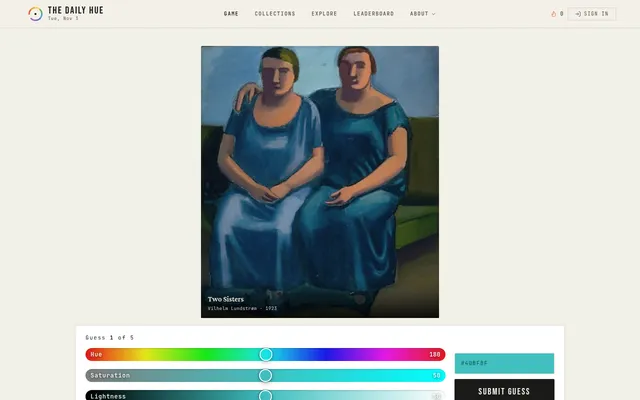
The Daily Hue
Also starts from a real picture. You match one hidden colour from the day's artwork with hue, saturation and…
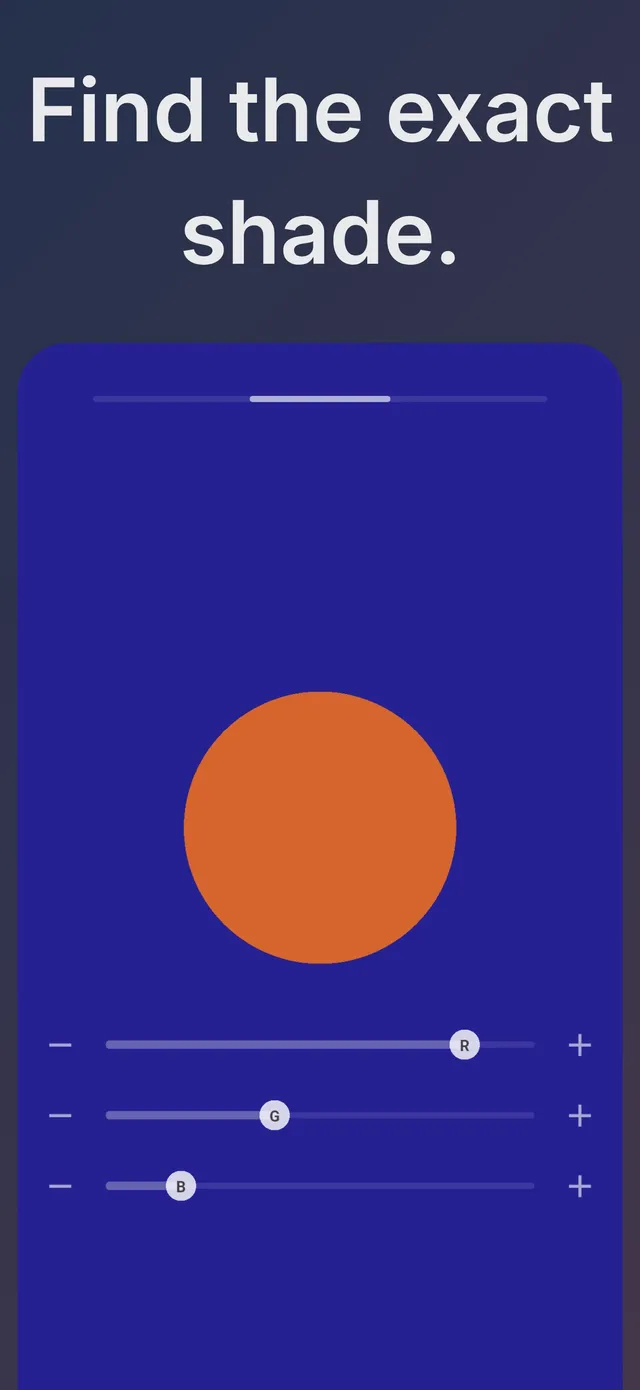
Chromatic: the Color Game
The closest match for pace: one colour a day rebuilt with RGB sliders against a 20 second clock, scored out…
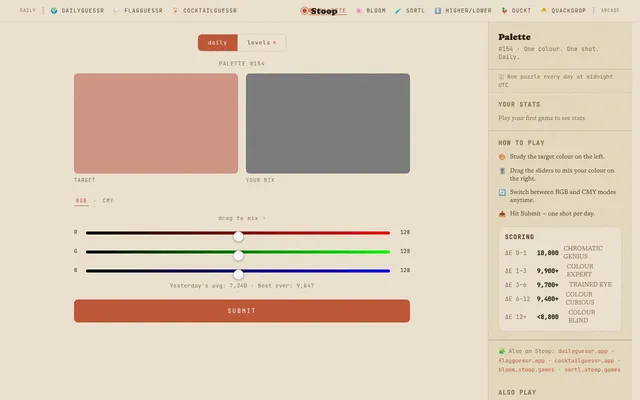
Palette (Stoop Games)
A slower slider game where you mix the day's colour with RGB or CMY and submit once.
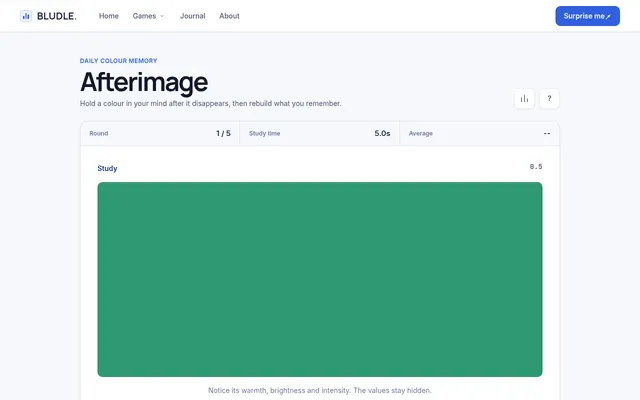
Afterimage
Five target colours a day to study and then rebuild, with less time to look each round.
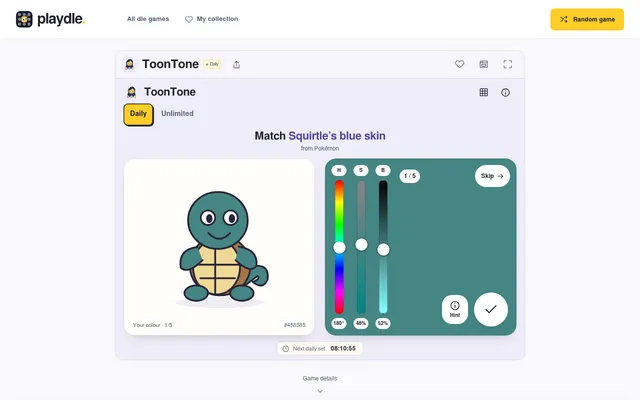
ToonTone (dle.wtf)
You mix the true colour of a part of five cartoon and game characters, which trains the same eye.
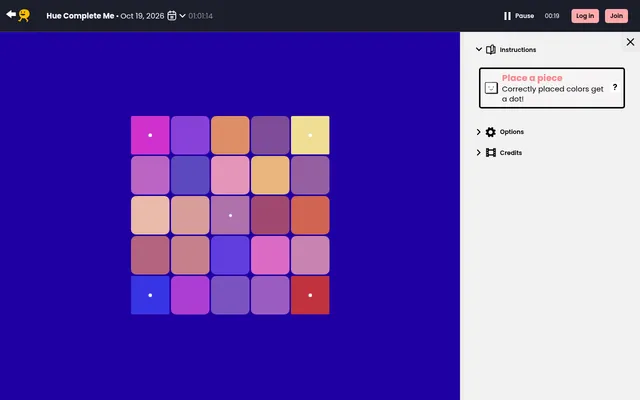
Hue Complete Me (Puzzmo)
For a calmer colour puzzle, sort a 5x5 board of tiles into a smooth gradient.
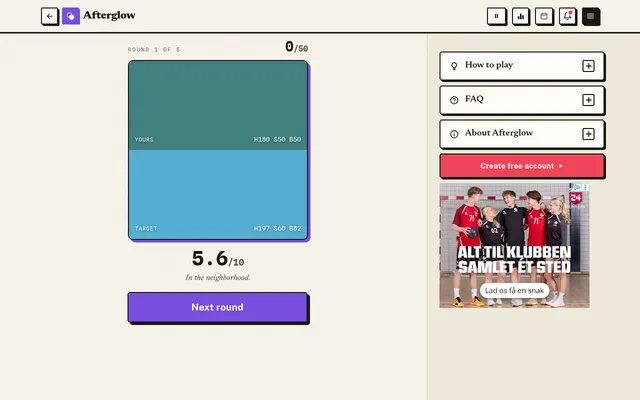
Afterglow
See a colour for a moment, then rebuild it from memory, five times a day.
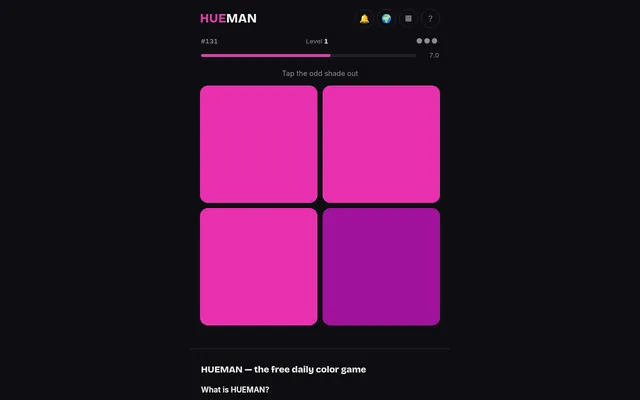
Hueman
Spot the one tile in a slightly different shade before the clock runs out.