PassportQ (FlightQ)
Rate it#12 of 301 in daily geography games How games rank
Name the day's mystery city from its weather, size and more, in five guesses.
on flightq.app
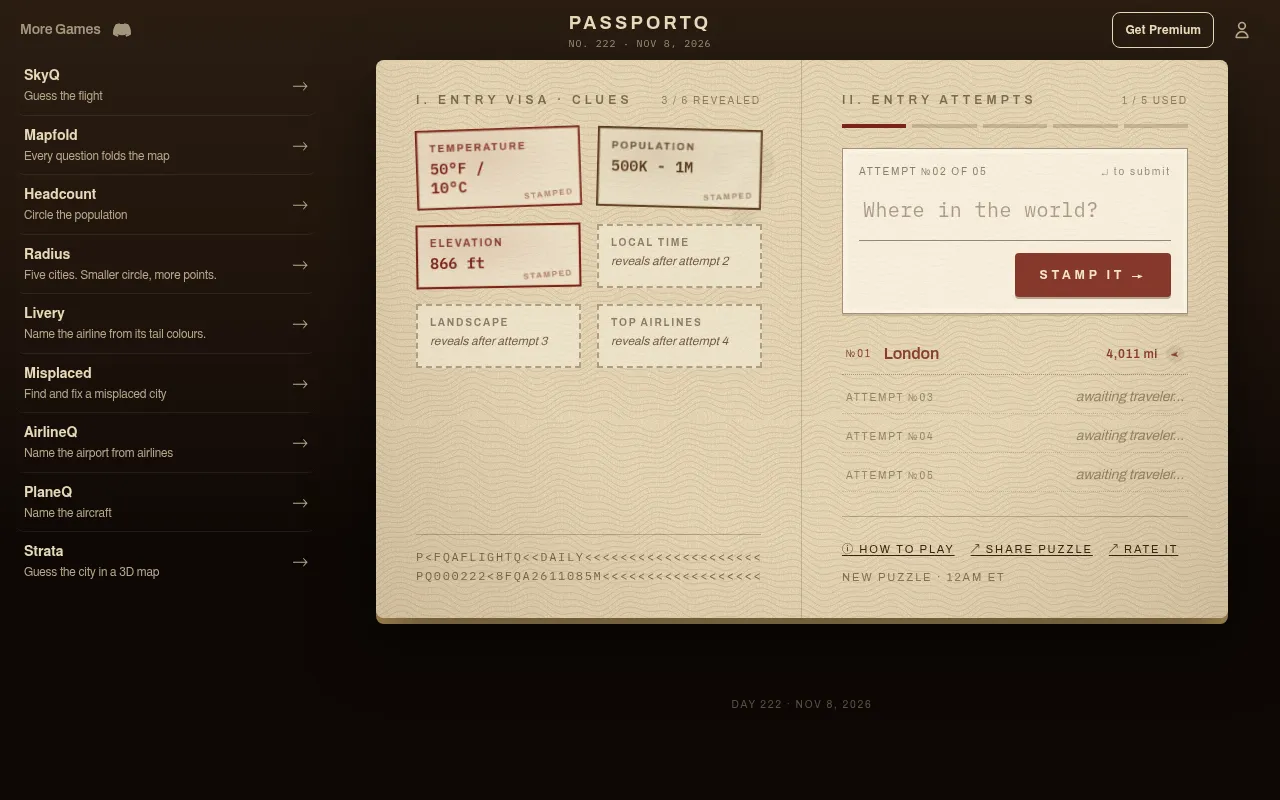
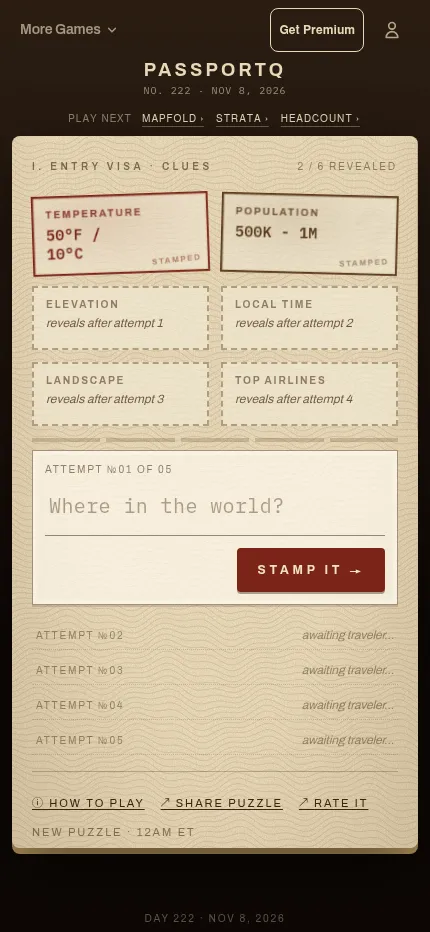
PassportQ shows the day's high temperature and population size of a mystery city, stamped on a passport page, and gives you five guesses to name it. Each wrong guess shows the distance and direction to the answer and unlocks another clue: elevation, local time, landscape and top airlines.
About PassportQ (FlightQ)
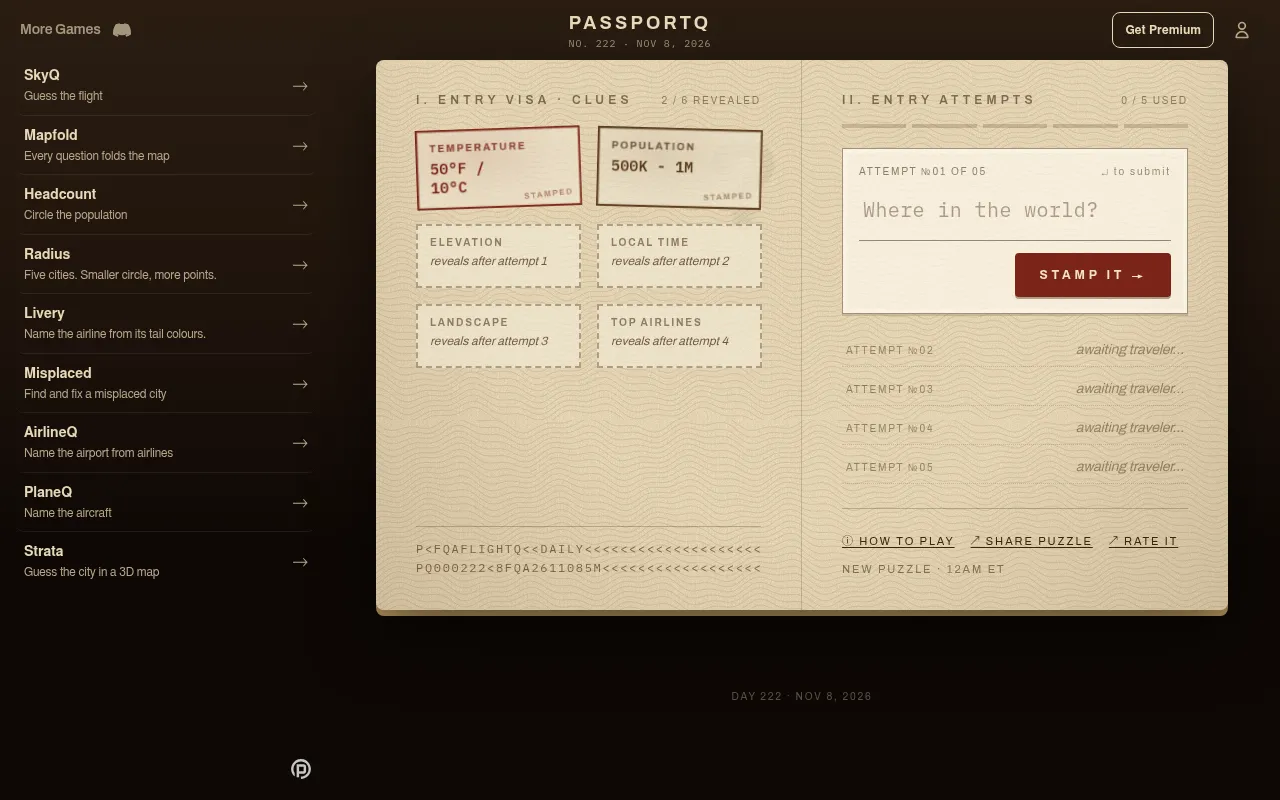
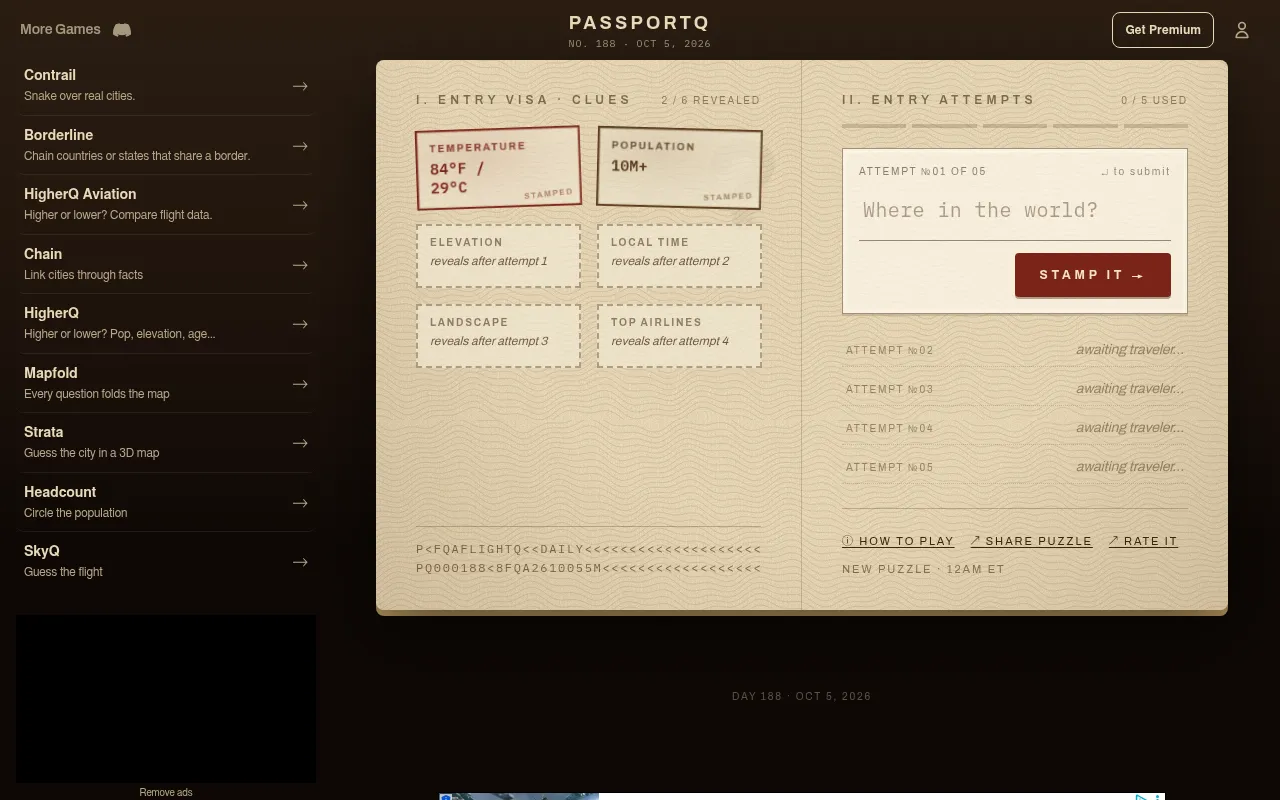
PassportQ is a FlightQ daily styled as an open passport, with clue stamps on one page and your entry attempts on the other. The first two stamps are the city's high temperature for the day, such as 92°F / 34°C, and a broad population band, such as Under 500K, which narrow the climate and the scale at once.
You type any city and pick it from the suggestions; autocomplete handles alternate names and accents. A wrong guess shows the distance to the answer, in miles or kilometres, with an arrow for the direction, and stamps the next clue: elevation, then local time, then landscape, then the top airlines serving it. Small cities turn up as well as capitals, so the later clues often decide it.
The puzzle is numbered and changes at midnight Eastern, the same for everyone, and keeps a streak you can share. It needs no sign-up and runs on the web and in the FlightQ apps. A menu in the footer switches the screens to 18 other languages, Chinese in two scripts among them. It is free with ads, and FlightQ Premium removes them and adds past puzzles, unlimited practice and fuller stats.
How to play PassportQ (FlightQ)
- Open PassportQ on flightq.app and read the temperature and population stamps.
- Type a city in the Where in the world? box and pick it from the suggestions.
- Press Stamp it to enter your guess.
- Read the distance and direction to the answer that come back after a miss.
- Use each newly stamped clue: elevation, local time, landscape, then top airlines.
- Name the city within five attempts to keep your streak.
Screenshots
Tips
- Combine temperature with the date: a hot day in October rules out much of the northern hemisphere's cooler cities.
- Guess a well-placed city first to get a useful distance and direction; the population band tells you whether to think big or small.
- Local time narrows the longitude band sharply once it unlocks.
- Top airlines usually point to the national carrier's country.
Questions
When does PassportQ change?
At midnight Eastern; the page says new puzzle at 12 AM ET.
How many guesses do I get?
Five, with a new clue stamped after each wrong guess.
Do I need an account?
No. The daily plays without sign-up; an account only syncs streaks across devices.
Does PassportQ have ads?
Yes. A Google ad banner runs along the bottom of the screen and an ad consent box opens on the first visit. FlightQ Premium removes the ads and adds past puzzles and unlimited practice.
Ratings and reviews
Games like PassportQ (FlightQ)
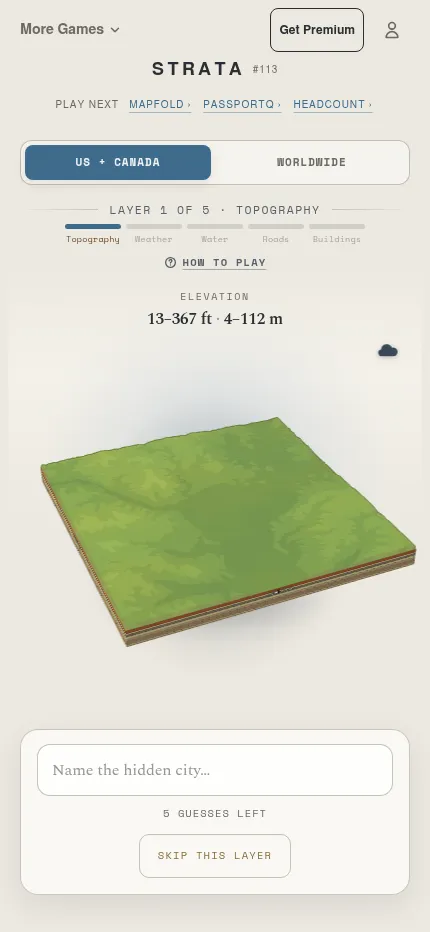
Strata (FlightQ)
Another FlightQ mystery city, built up layer by layer on a 3D map, with a US and Canada pool beside the world…
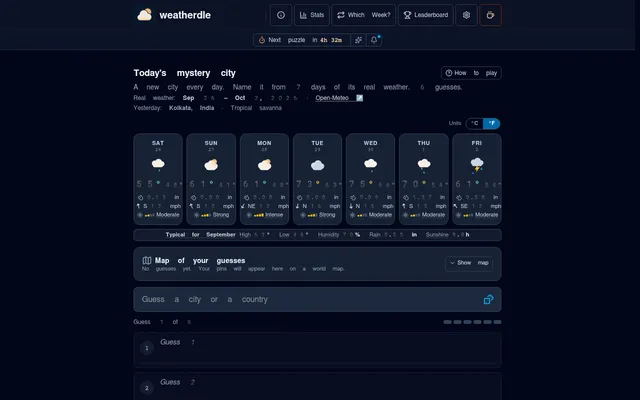
Weatherdle
If the temperature stamp is your favourite clue, this one gives you a whole week of a city's real weather and…
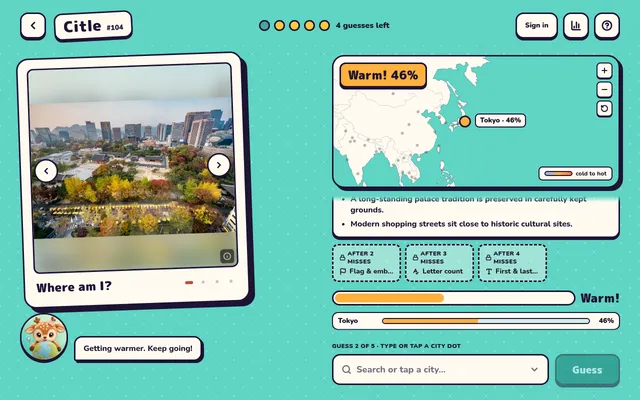
Citle
Four photos of the day's city and five guesses, each marked warm or cold by distance.
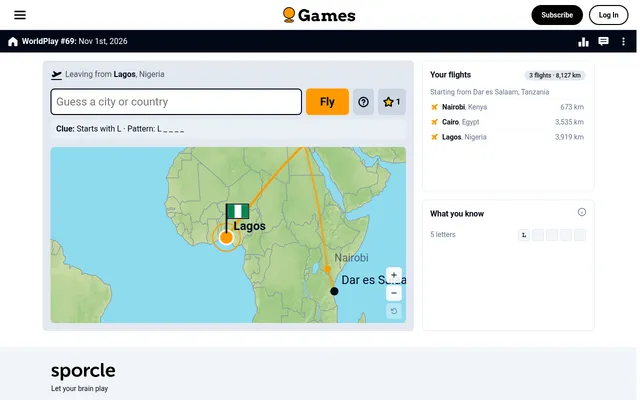
WorldPlay (Sporcle)
You hop from city to city toward the hidden one, and each stop reveals a letter clue.
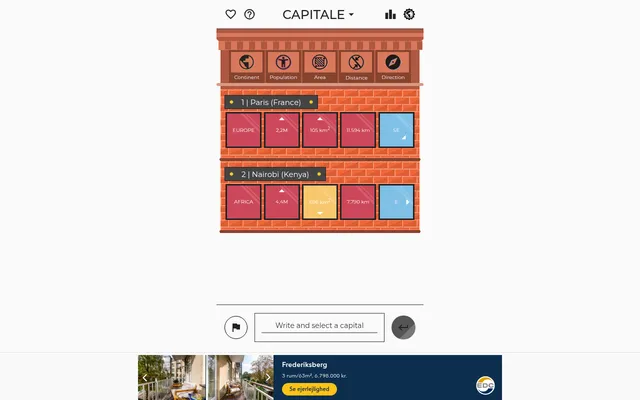
Capitale
Closer to PassportQ's distance and direction play, though the answer is always a capital.
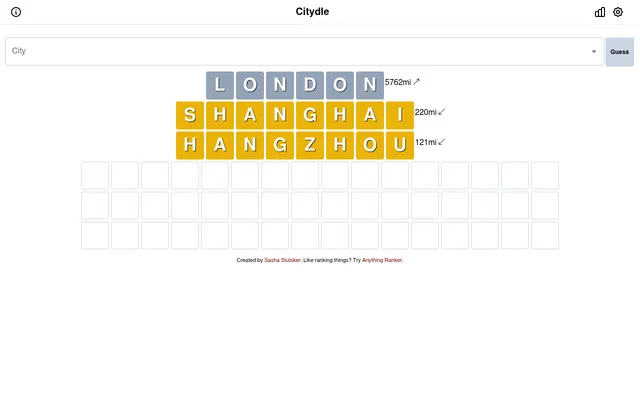
Citydle
Six guesses at a mystery city, with a longer back catalogue of answers.
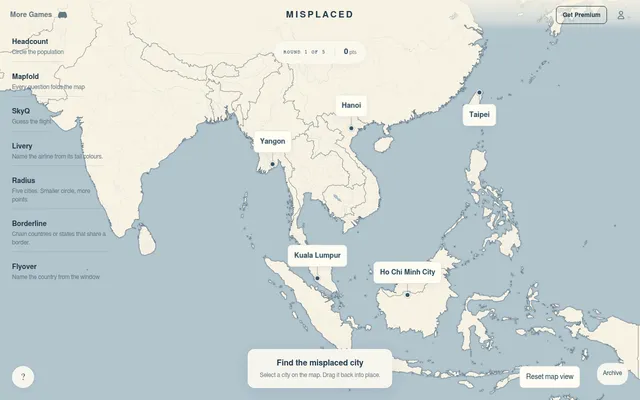
Misplaced (FlightQ)
Same maker, other side of the map: spot the city put in the wrong place and drag it back.
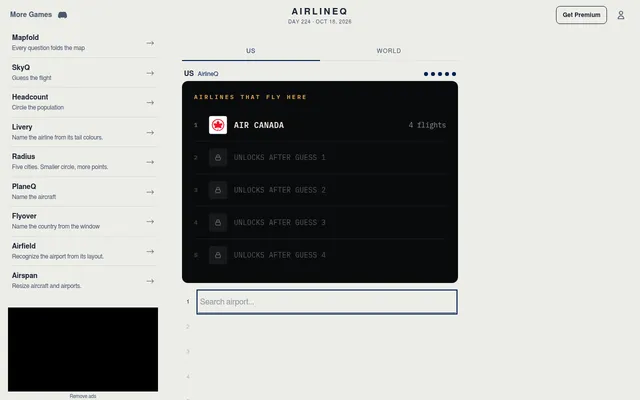
AirlineQ (FlightQ)
Name the day's airport from the airlines that fly there.