OneShot
One tap at a time, one attempt a day: stop the marker in the zone for as long as you can.
Every day: One numbered timing challenge a day, the same for everyone in the world, with exactly one attempt. A marker races along a track and you tap as it reaches the zone; one mistimed tap ends the run, and the score goes on the day's leaderboard. New puzzle: Midnight.
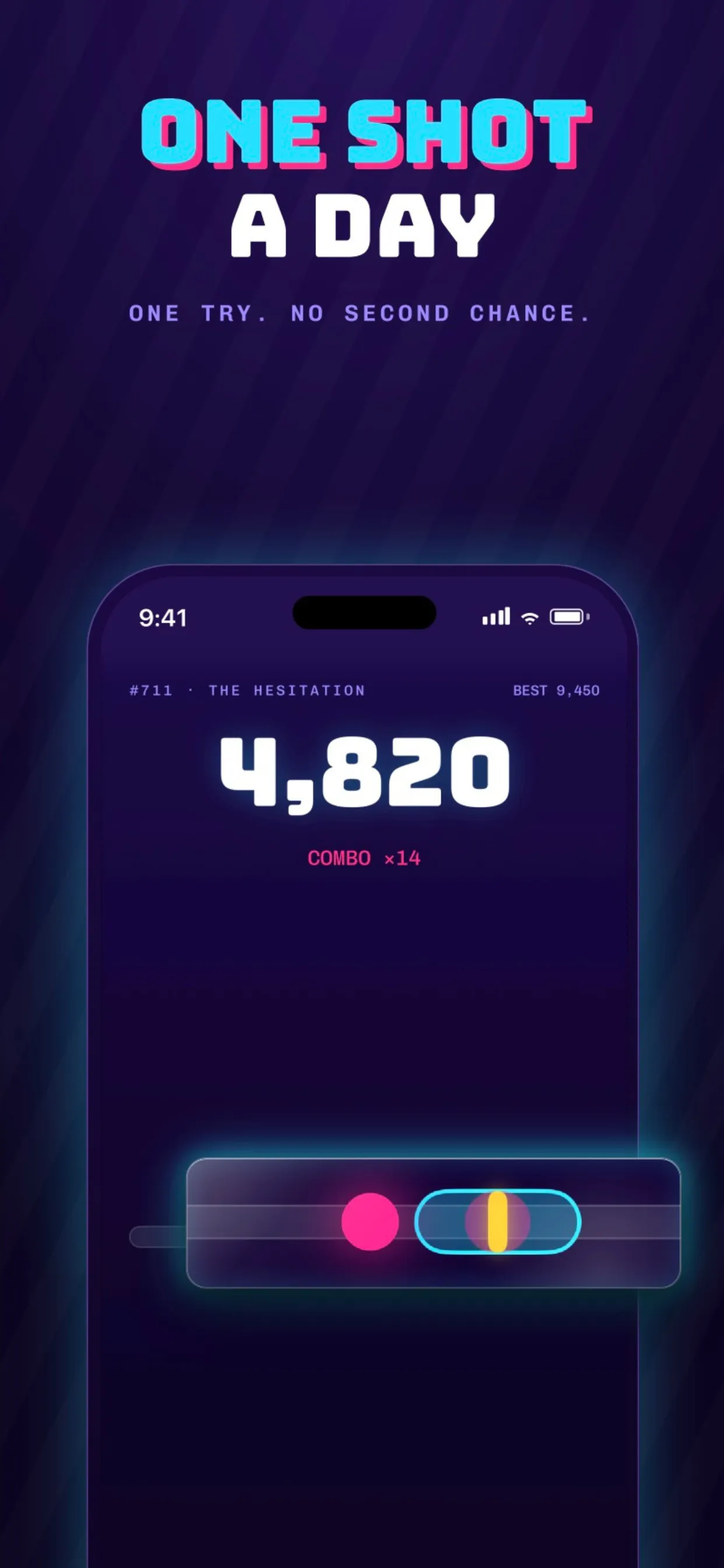
OneShot is an iPhone timing game with one challenge a day, the same for everyone, and a single attempt at it. A marker races across a track and you tap the screen as it hits the target zone, chaining Perfects for a combo until one bad tap ends your run. Then the score is shared and ranked, and the next challenge comes at midnight.
About OneShot
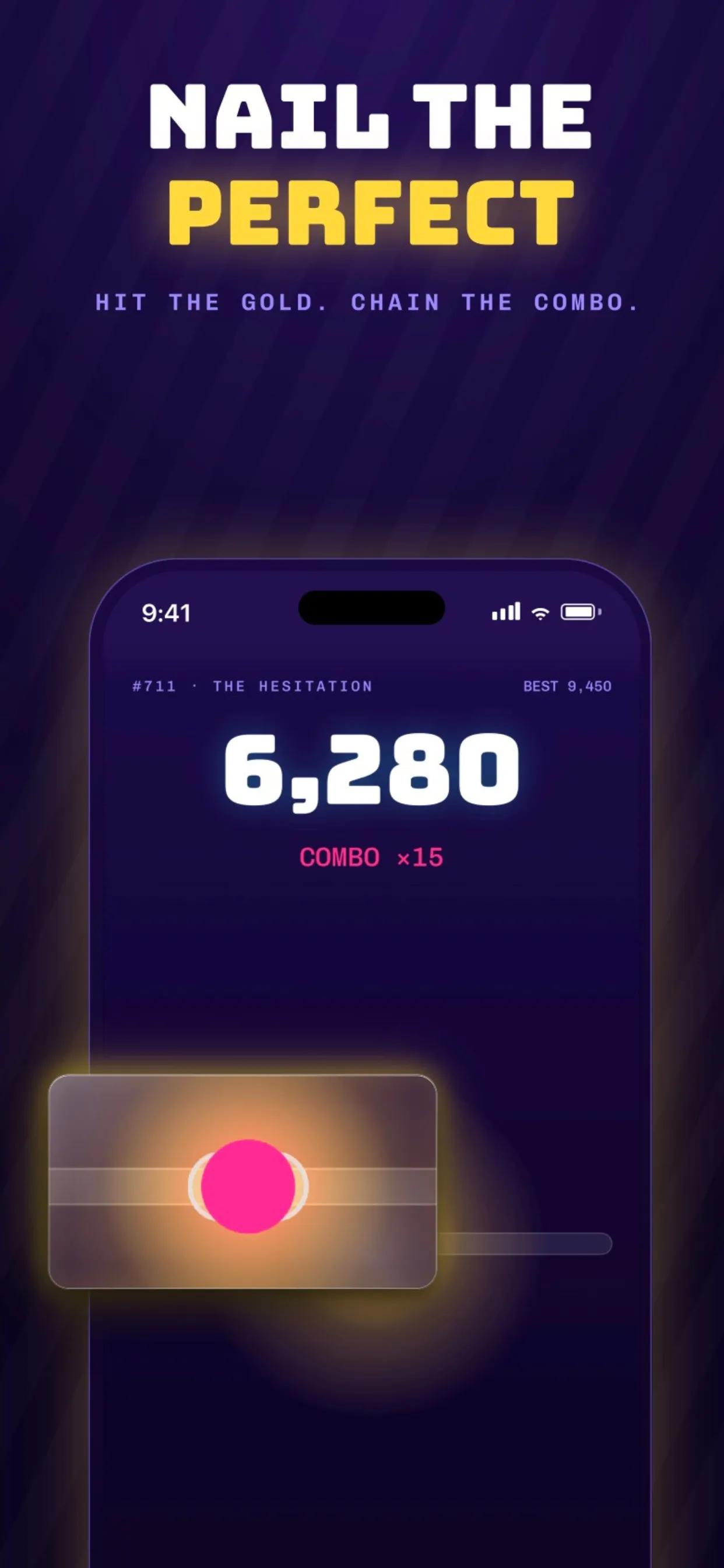
OneShot asks for one thing: timing. A marker moves along a track with a target zone on it, and you tap anywhere on the screen the instant it reaches the zone. Hitting the gold centre counts as a Perfect and builds a combo, and the score climbs with every good tap. One mistimed tap, even by a few milliseconds, ends the run.
There is one challenge a day, numbered and named, and everyone in the world plays the same one. You get exactly one attempt, with no retries; the listing says the next challenge comes at midnight. Each day's challenge moves differently: on some days the marker surges, on others it stutters or drifts, and reading that pattern is the skill. Because everyone plays the same run, the daily leaderboard compares like with like.
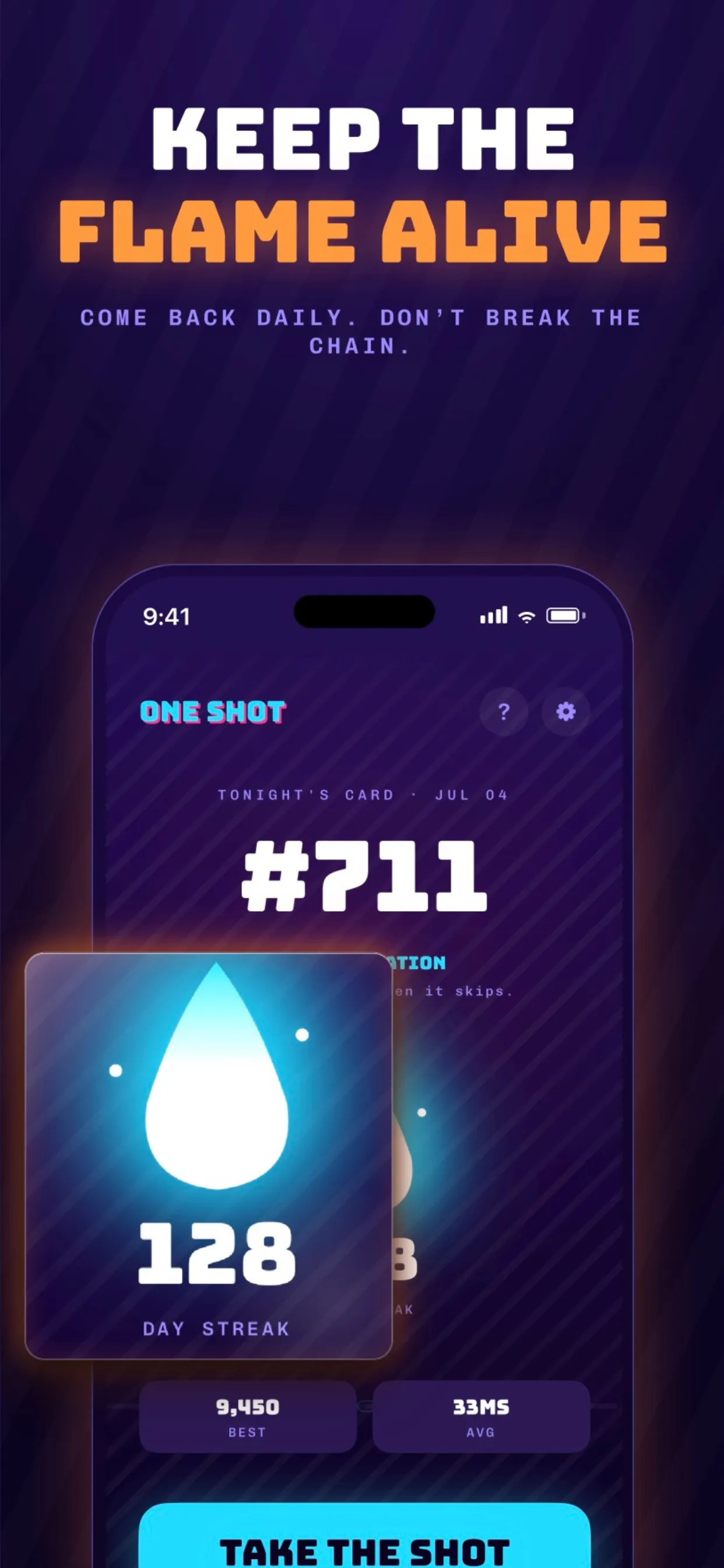
A run takes about a minute. It ends with a result card made for sharing, showing the day's number, your score, how many milliseconds you missed by and your streak. Playing every day grows the streak, and missing a day resets it.
OneShot is free, needs no account or sign-up and does no tracking, according to its listing. It is made by Reuben Schultz and came out in July 2026.
How to play OneShot
- Open the app and look at the day's card, then press Take the shot.
- Watch the marker move along the track.
- Tap anywhere on the screen the moment the marker hits the zone; the gold centre is a Perfect.
- Keep tapping in time to build your combo; one mistimed tap ends the run.
- Share your result card and come back after midnight for the next challenge.
Screenshots
Tips
- Watch the first few passes closely: each day's marker has its own rhythm.
- Tap on the zone, not ahead of it: the whole screen is the button, so keep your thumb resting.
- Perfects build the combo, but a safe hit keeps the run alive; do not chase gold on a stuttering day.
- Play somewhere quiet; you only get one try.
Questions
Is the challenge the same for everyone?
Yes. Everyone in the world gets the exact same challenge each day.
How many tries do I get?
One. There are no retries until the next day's challenge.
When is the next challenge?
The listing says to come back at midnight for the next one.
Is OneShot free?
Yes, and it needs no account.
Games like OneShot

Daily Holes
A daily golf course played on timing, with one leaderboard for everyone
DayBrix
A one-shot daily arcade challenge, the same for everyone
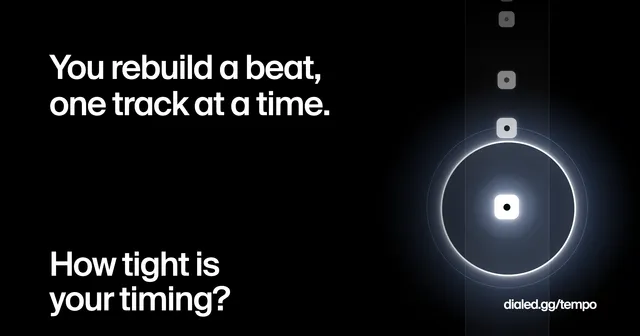
Dialed Tempo
Tap a beat back in time, one shared daily attempt

Corflex
Short timing and perception tests with a shared daily challenge

Helm (Yuki Games)
Quick reaction rounds every day

Trade Lord
Buy low, fly to another city, sell high: fifteen days to top the day's Rich List.
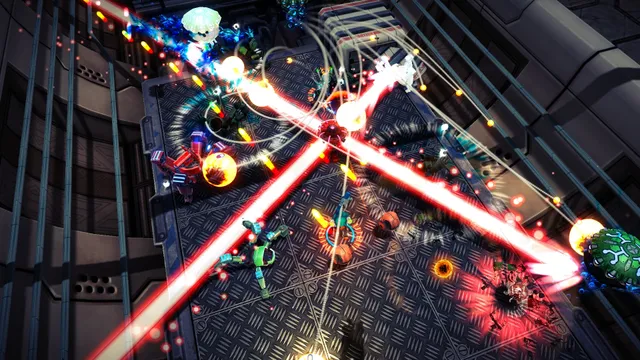
Assault Android Cactus+
A twin-stick shooter with one shared ten-layer Daily Drive each day and a single shot at the leaderboard.
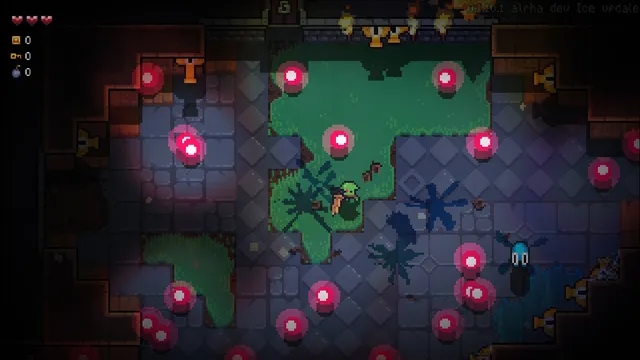
Burning Knight
A pixel-art bullet hell roguelike with a date-seeded Daily Run shared by everyone.