Chronle
Drag the day's historical events into the order they happened, in six moves or fewer.
Every day: A new set of historical events every day, the same for every player, to drag into the order they happened. New puzzle: Midnight UTC.
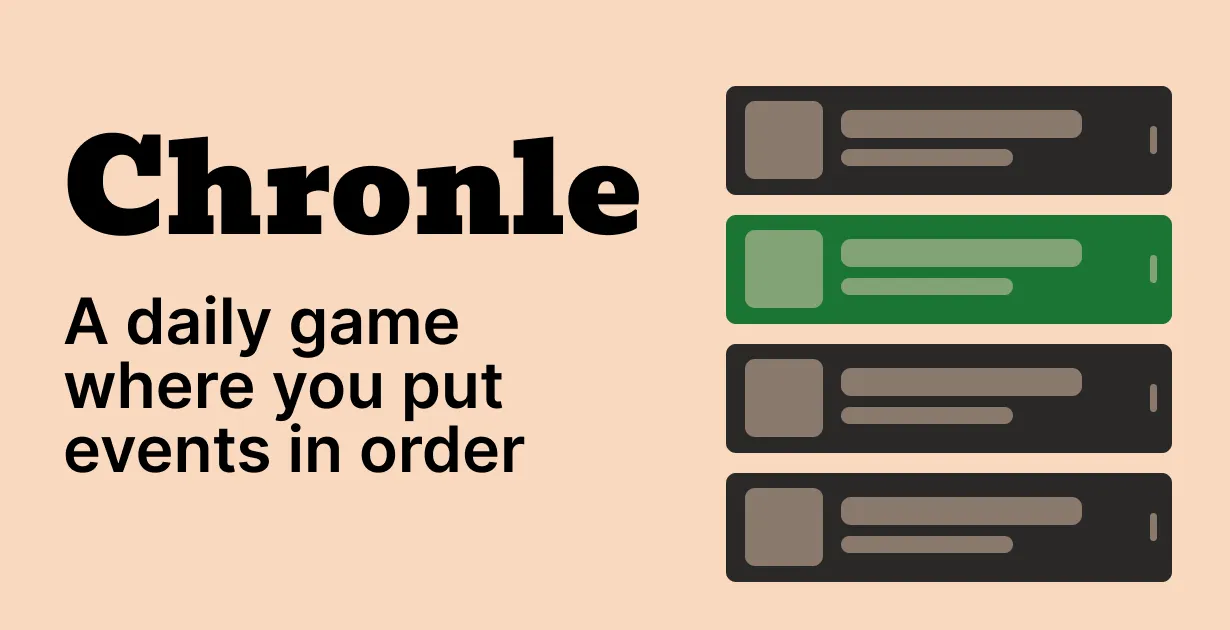
Chronle gives you a short list of historical events, each with a photo, and asks you to sort them from oldest to newest. You get six submissions, and after each one the events already in the right place turn green. Everyone gets the same events, and a new set appears at midnight UTC.
About Chronle
Chronle is a daily timeline game by the developer ajhenry, whose first version went up on GitHub in 2024. The idea is simple: you see a handful of events from different periods and put them in order, with the oldest at the top and the most recent at the bottom.
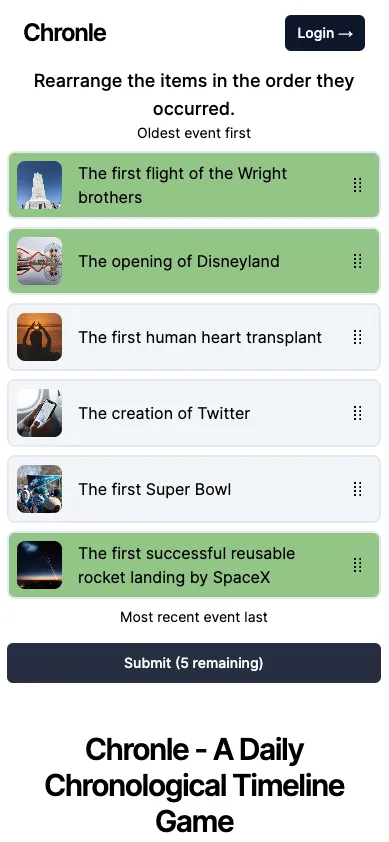
A day's puzzle mixes very different kinds of events. One set might put the sinking of the Titanic next to the first teddy bear, the opening of the first TGI Fridays, the release of the GoPro camera and the Paris Climate Agreement. Each event has a picture, and you drag it up or down by the handle on its right. When you submit, the events that are in the correct position light up green and the others stay marked as wrong, so you know which ones still need to move.
You have six moves in total, one game a day, and all players get the same events. The puzzles reset at midnight UTC. You can play without an account; signing up lets you keep your progress across devices and opens the archive of past days.
The game is less about knowing exact dates than about knowing roughly how far apart things are, which is the point its maker gives for it: showing how close some famous moments sit in time. It suits players who like history quizzes such as Chronophoto or WhenTaken but want a puzzle where reasoning about the order matters as much as recall.
How to play Chronle
- Open the day's puzzle and read the list of events.
- Drag each event by its handle so the oldest is at the top and the most recent at the bottom.
- Press Submit to check your order.
- Leave the green events where they are and move the ones that are still wrong.
- Keep submitting until every event is green or your six moves are used up.
Screenshots
Tips
- Place the events you are surest about first and use them as anchors for the rest.
- Think in decades rather than exact years; most sets spread across very different periods.
- Brand and product launches are often more recent than they feel, so check them against modern events like phones and cameras.
- When only two events are wrong, they usually just need to swap places.
- Look at the photos: clothing, cars and image quality can hint at the era.
Questions
When does Chronle reset?
A new set of events appears at midnight UTC.
How many tries do you get in Chronle?
Six moves. Each submission shows which events are already in the right position.
Do I need an account to play Chronle?
No. An account is only needed to save your progress across devices and to open the archive of past puzzles.
Is everyone given the same events?
Yes. All players get the same set each day.
Is Chronle free?
Yes, it is free to play in the browser.
Games like Chronle
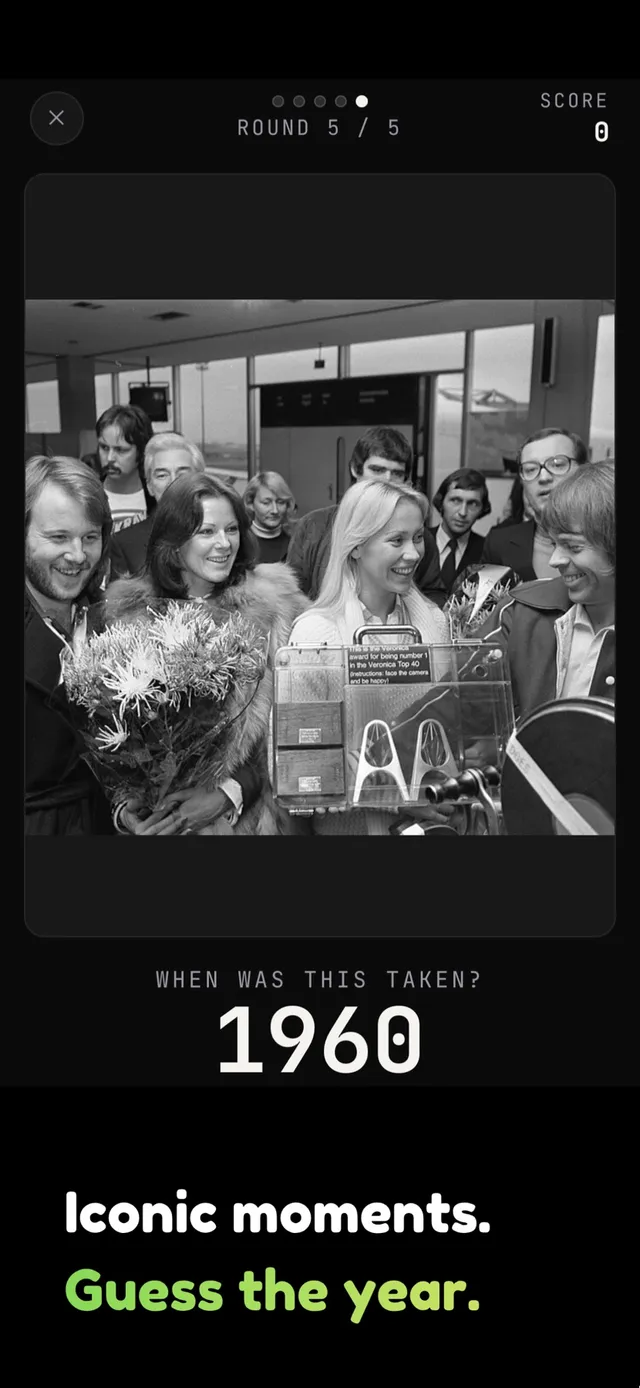
Chronophoto
A daily history game where you place photos on a timeline by guessing the year
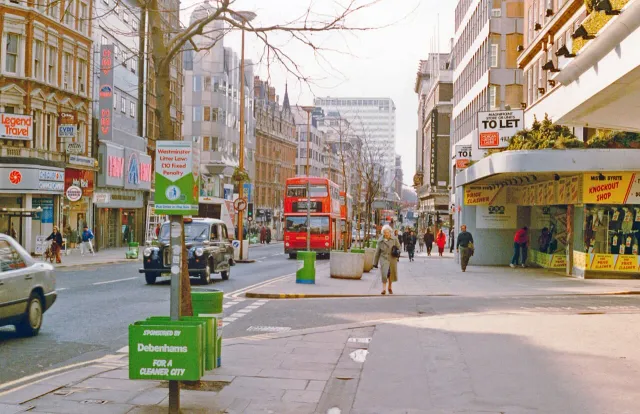
WhenTaken
Guess when and where a photo was taken, a daily test of the same sense of dates
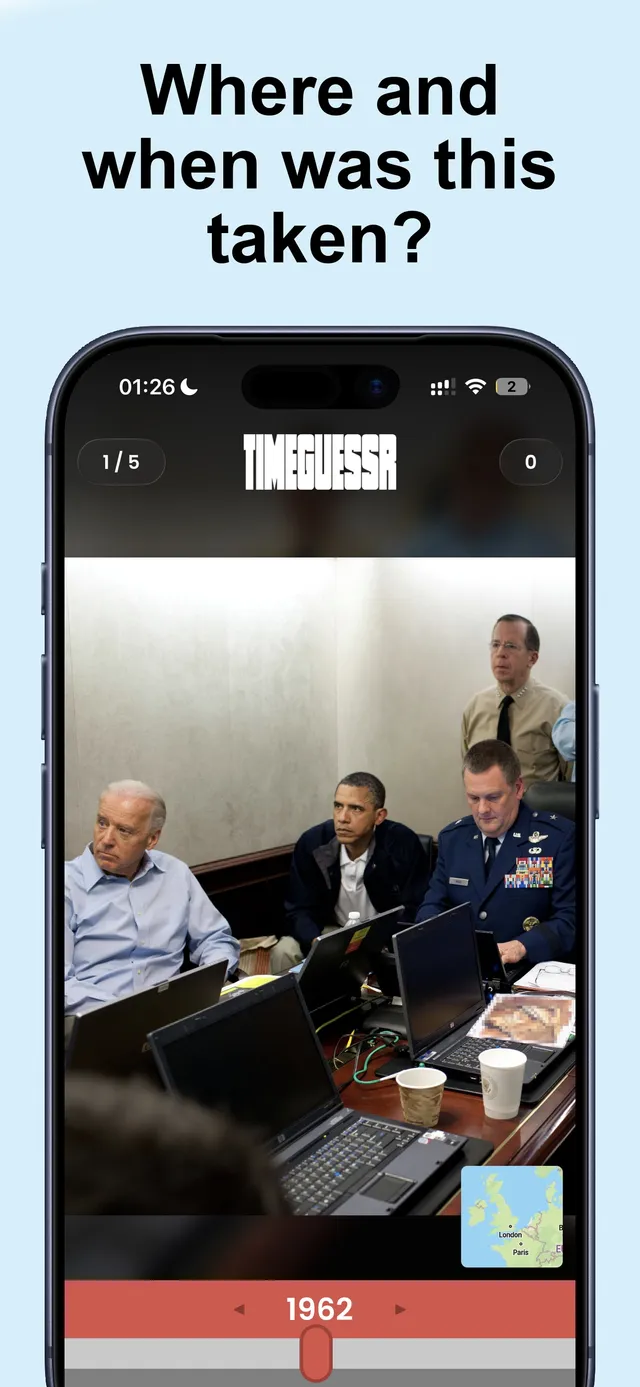
TimeGuessr
Daily photos to place in time and on the map, scored on how close you get
Redactle
A daily puzzle built from a Wikipedia article, for players who like general knowledge
Immaculate Grid
A daily trivia grid that rewards knowing history in one field
Laugh Lines
Put six New Yorker cartoons in the order they were first published.
Propagandle
Tell documented conspiracies from invented ones in five daily rounds.
HistoriaQuest
Sort the day's inventions, figures and events into the order they came.