Triage
Archive, reply or spam: sort today's 45 emails before the inbox overflows.
Every day: Today's inbox: the same 45 emails in the same order for everyone on that date, to archive, reply to or mark as spam before the inbox overflows; clearing it keeps a daily streak going. New puzzle: Midnight, your local time.
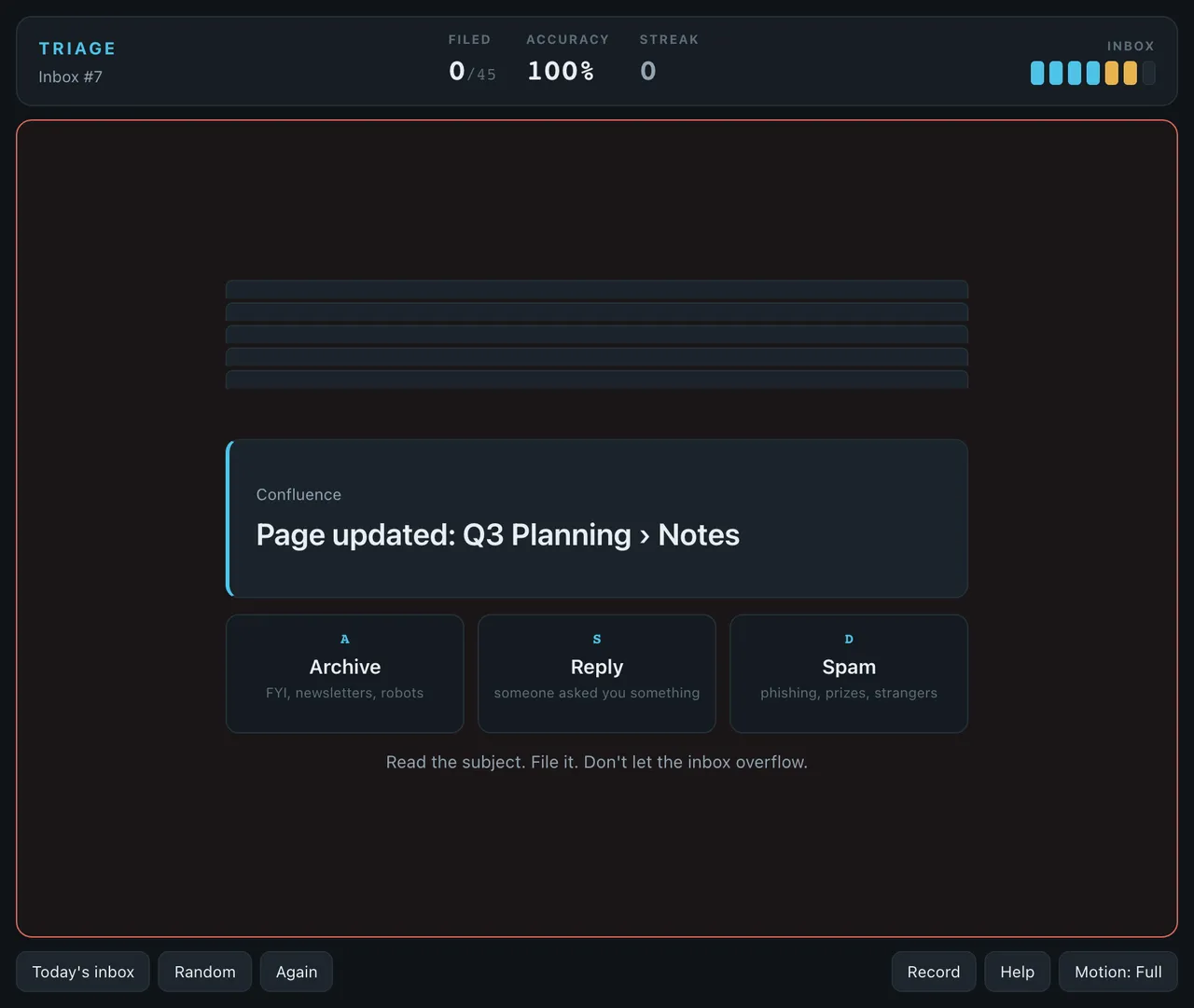
Triage is a one-minute browser game about clearing an inbox. Emails arrive faster than you can comfortably read them, and you file each one with one of three keys. Today's inbox is the same for every player, so a clean run means the same thing for everyone.
About Triage
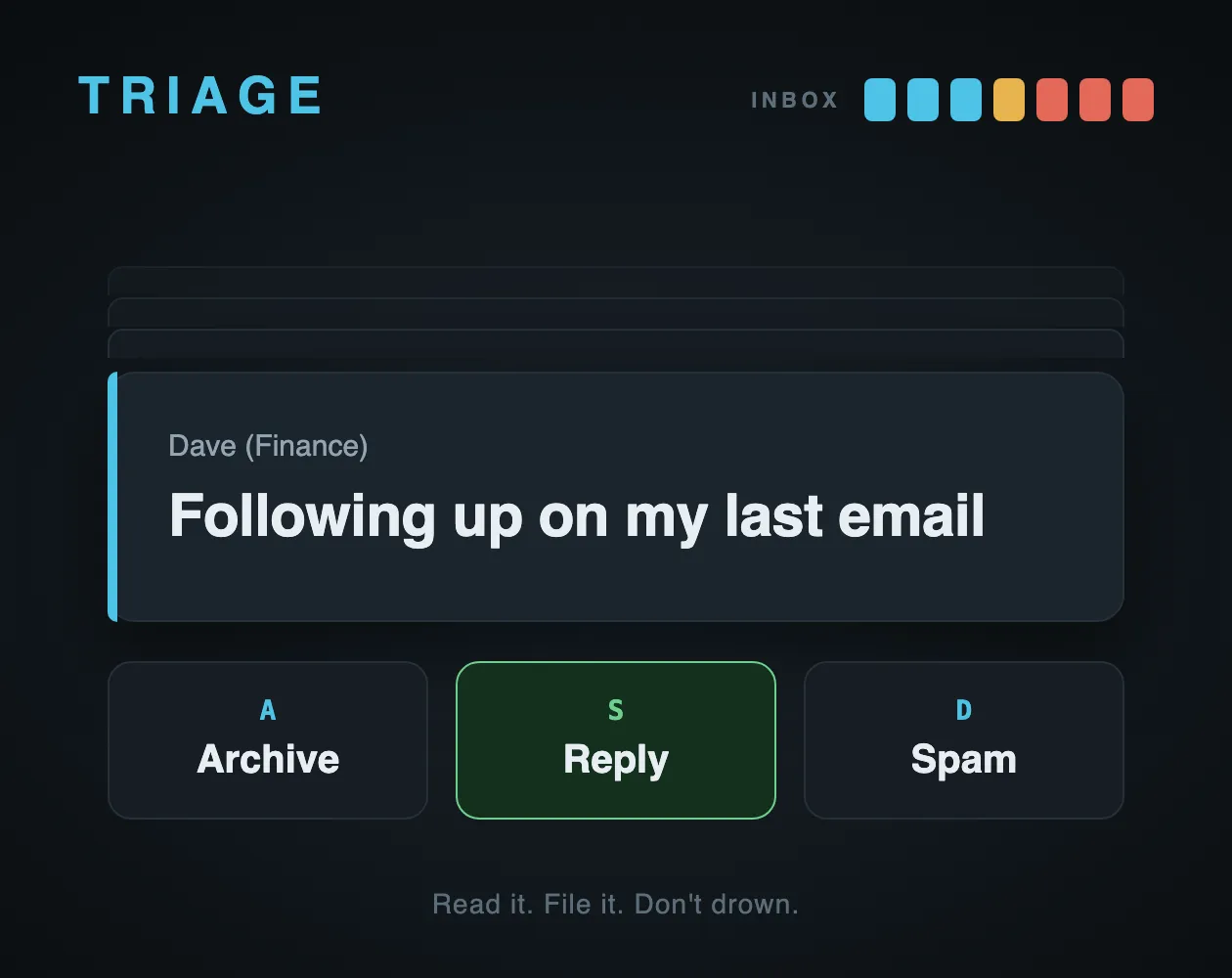
Triage is a small arcade game from Stew Prod, released on itch.io at the end of September 2026. It turns inbox sorting into a reflex test: a subject line and sender appear, and you have about a second to decide whether it gets archived, answered or thrown in the spam folder.
The pressure comes from the queue. Up to seven emails can wait at once, shown as a row of lights at the top of the screen; an eighth ends the run. Files are counted out of 45, with your accuracy and your current streak of correct calls beside them. Clear all 45 and you reach Inbox Zero; do it without a single wrong call and the run is spotless.
The daily is called Today's inbox. Its emails are generated from the date, so everyone playing on the same day sorts the same messages, and clearing it extends a daily streak. Random and Again buttons give you other inboxes to practise on, and a Record screen keeps your stats.
The difficulty is in the reading rather than the speed. Some messages are written to mislead: a notification that contains a question, a sales pitch that opens like a colleague, a real invoice from a vendor you do not recognise. A wrong call sends the email back with a one-line reason, which is the only tutorial the game has. There is no sound and nothing to install.
How to play Triage
- Open the itch.io page and choose Today's inbox.
- Read the sender and subject of the email at the front of the stack.
- Press A to archive it (newsletters, notices, automated mail), S to reply (someone asked you something) or D to mark it as spam (phishing, prizes, strangers). On a phone, tap the buttons.
- Keep the queue under eight emails; the eighth waiting email ends the run.
- File all 45 to reach Inbox Zero, then share your result.
Screenshots
Tips
- Watch the sender as well as the subject: IT and finance names are often used by the phishing mails.
- A question mark alone does not mean Reply; sales emails use them too.
- When you get one wrong, read the reason it gives; the same trick tends to come back.
Questions
Is Triage the same for everyone?
Yes. Today's inbox is generated from the date, so every player sorts the same emails that day.
When does a new inbox arrive?
At midnight on your own device's clock.
Is Triage free?
Yes. It runs in the browser on its itch.io page, with no account and nothing to install.
What counts as a perfect run?
Filing all 45 emails reaches Inbox Zero; doing it with no wrong calls is a spotless run.
Games like Triage
Glimpse (Yuki Games)
Five quick perception tests a day, for players who like short reaction challenges

Helm (Yuki Games)
Quick self-control rounds each day where the trap is acting too fast

Corflex
Short timing and perception tests with one shared challenge a day

Daily Brain
Three one-minute brain games a day and one score, about as long as a Triage run

DayBrix
A one-shot daily arcade challenge with the same layout for everyone
SUPER 56
Quick one-button arcade games with a daily challenge and leaderboards
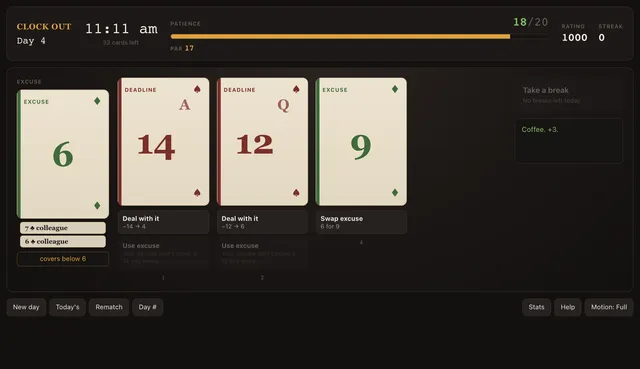
Clock Out
A working day dealt as 44 cards: make it to 5pm without losing your patience.

Anybody Problem
Clear a run of orbiting, gravity-bound bodies as fast as you can, with a new set every day.