Counted (Freehand)
Rate it#13 of 138 in daily estimation games How games rank
See a shelf, a tray or a crowd for a moment, then say how many there were.
on freehand.fun
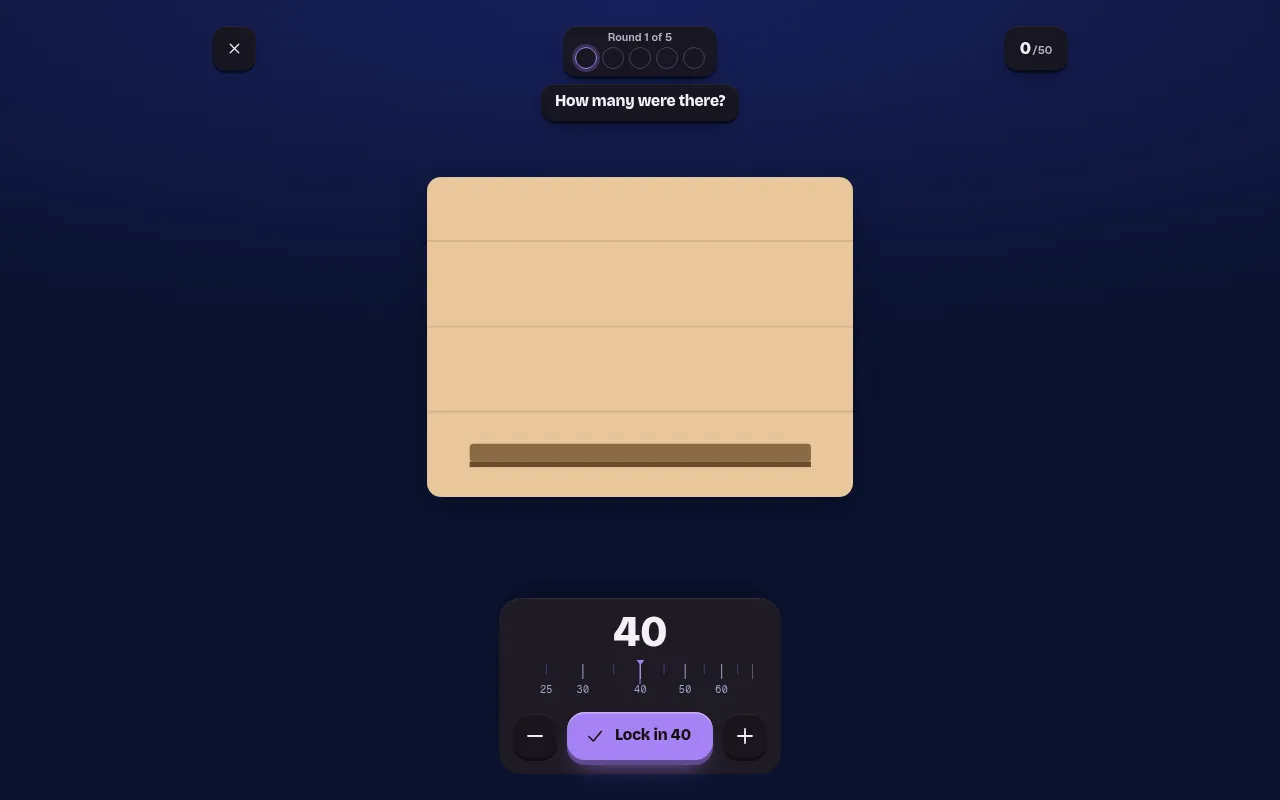
Counted is a daily estimation game from Freehand that you cannot win by counting: books on a shelf, grapes on a bunch or a crowd flash up for a moment and go dark. You say how many there were, and your score depends on how close you got relative to the real number.
About Counted (Freehand)
Counted shows you a scene, such as a shelf of books, a tray, a table, a bunch of grapes or a crowd of people, for long enough to look at and never long enough to tally. Then the scene goes dark and you type how many things you think it held.
The scoring is proportional, so being ten off a hundred is a good round while ten off twelve is not. That makes it a test of the quick sense of quantity people use every day, the way you know a room holds about forty people without counting heads.
Each day has five scenes, one look each, the same for everyone, for a day's score out of 50. The start card shows the date and how far you are into the day's five, and you can leave and pick the round up later that day. A "Play with friends" mode sits beside the daily.
Counted is one of six daily estimation games on Freehand, with games about angles, cutting, landing, balance and time, so it suits players who enjoy short tests of judgement.
How to play Counted (Freehand)
- Open Counted and press Play on today's date.
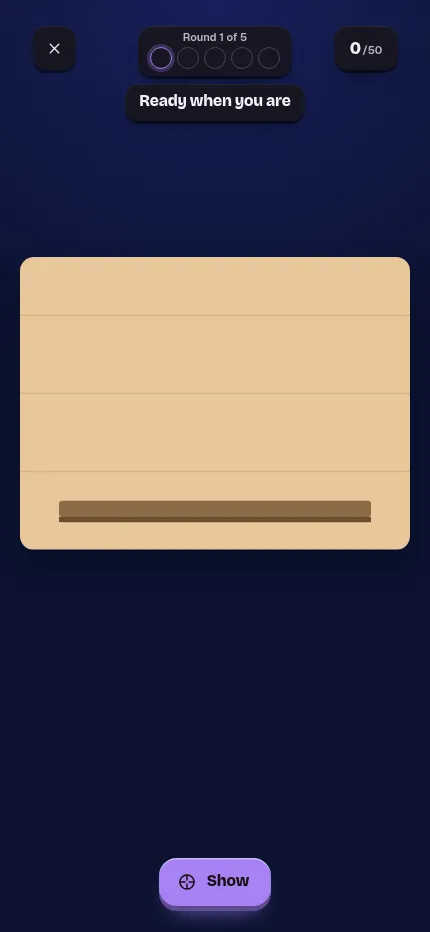
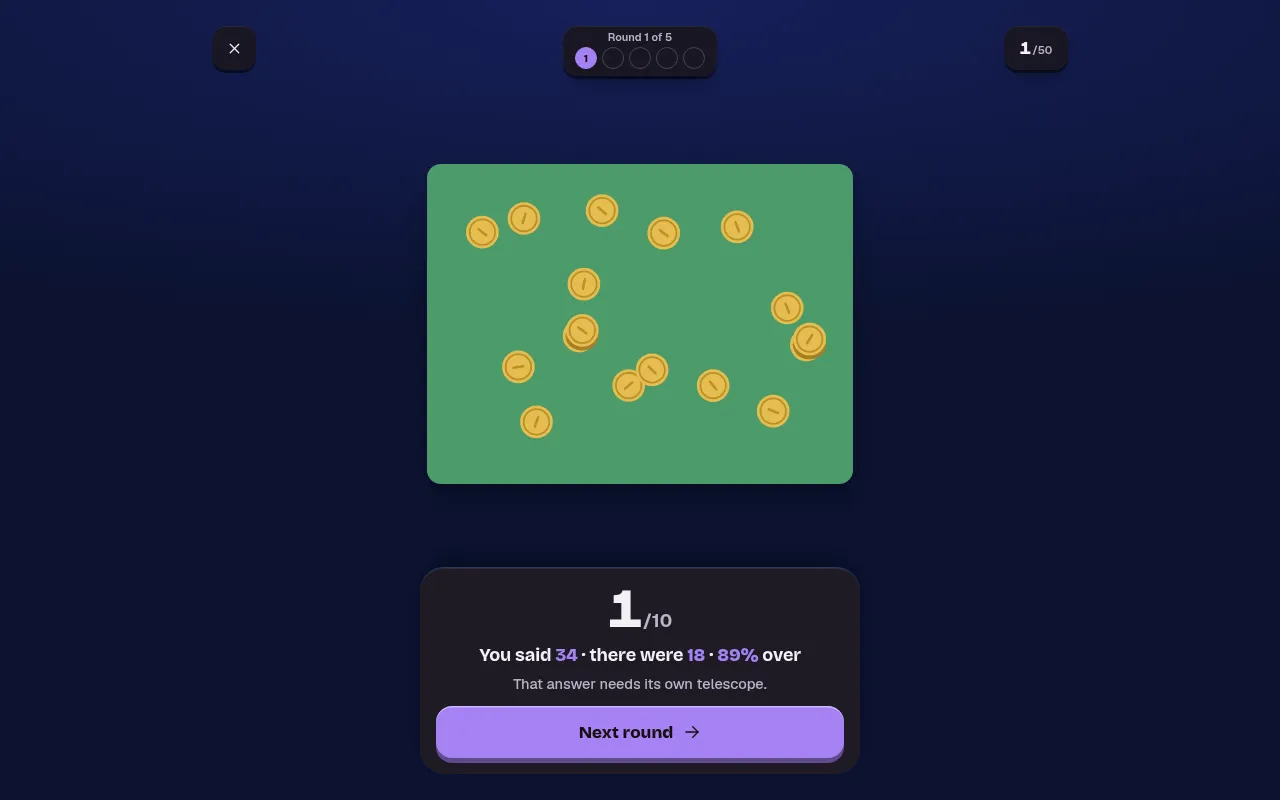
- Tap Show when you are ready; the scene appears for a moment, then goes dark.
- Set how many objects you think there were on the dial with the minus and plus buttons, then press Lock in.
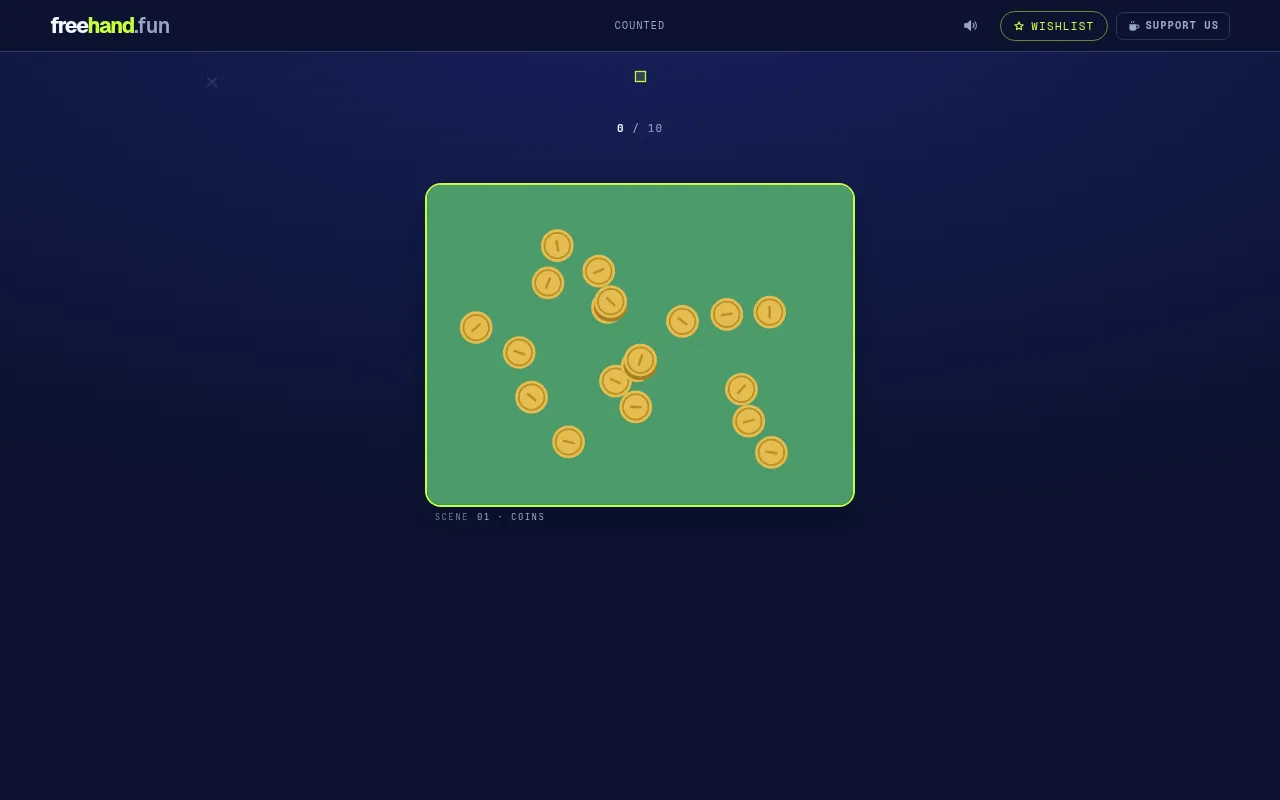
- See the true count and your mark out of 10, then press Next round for the next of the day's five scenes.
Screenshots
Tips
- Do not try to count one by one; split the scene into rough groups and multiply.
- Look at the whole scene at once rather than one corner.
- Close is relative: on big counts a near guess still scores well.
Questions
How many scenes does Counted have each day?
The site says five scenes a day, one look each, the same five for everyone.
How is Counted scored?
In proportion to the true count, so the same miss costs less on a big number than on a small one.
Ratings and reviews
Games like Counted (Freehand)
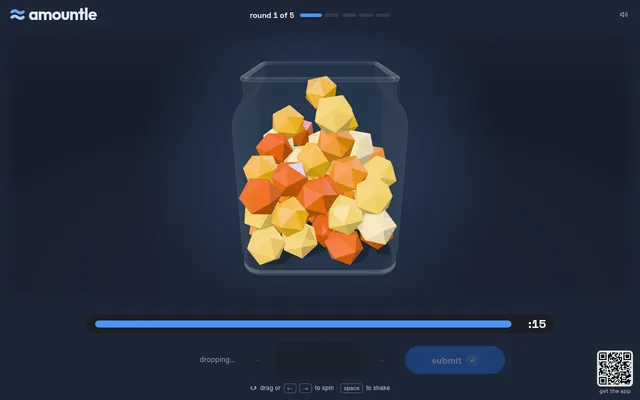
Amountle
Five daily rounds of guessing how many objects there are, as they pour into a jar instead of flashing past.
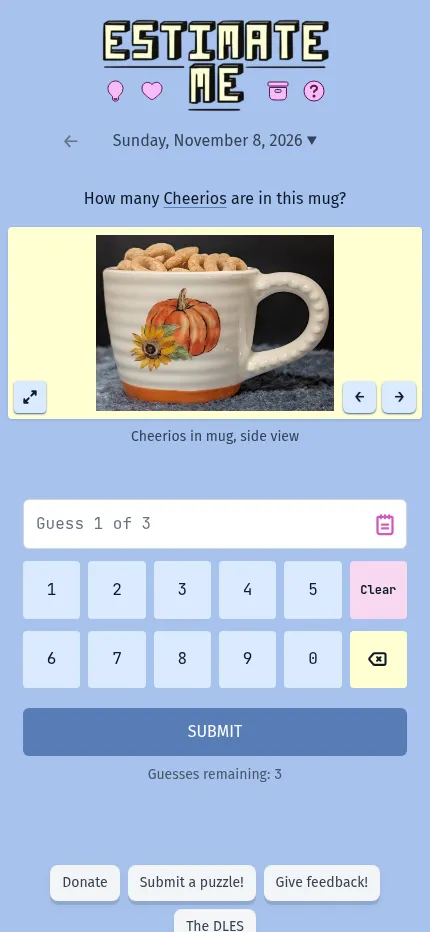
Estimate Me
Say how many small things are in a photo, such as popcorn in a mug, with three guesses to get close.
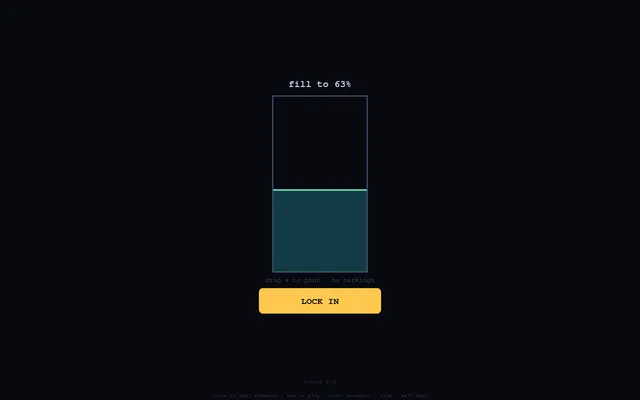
Gauge (Yuki Games)
Five one-shot eye tests a day, one of which is counting dots at a glance.
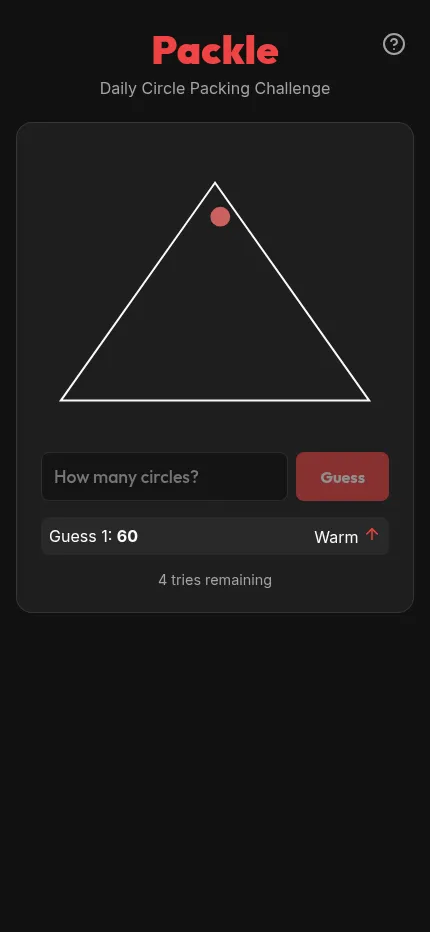
Packle
A how-many question answered by eye, here how many circles fit inside the day's shape.
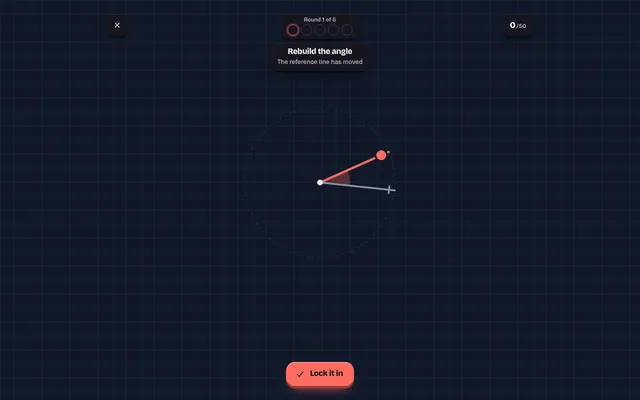
Angled
From the same Freehand set: you see an angle for a few seconds, then rebuild it from memory.
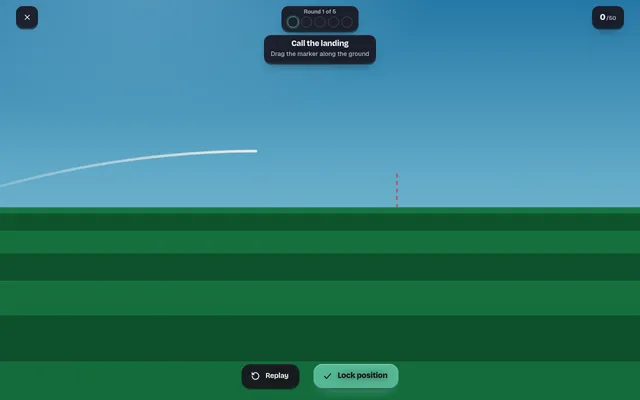
Dropped (Freehand)
Another Freehand one-attempt judgement, calling where a thrown ball will land.
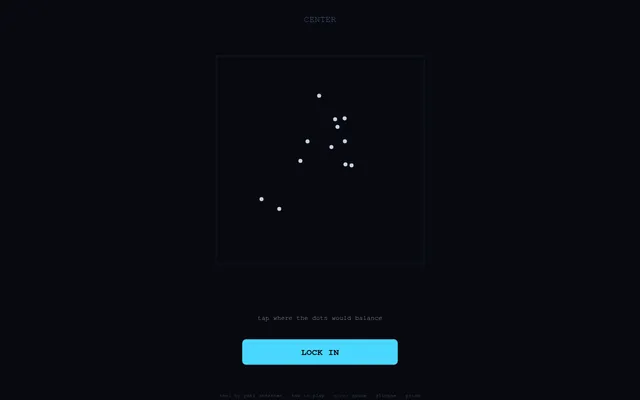
Keel (Yuki Games)
Five quick rounds a day of judging size, area and position by eye, with no ruler.
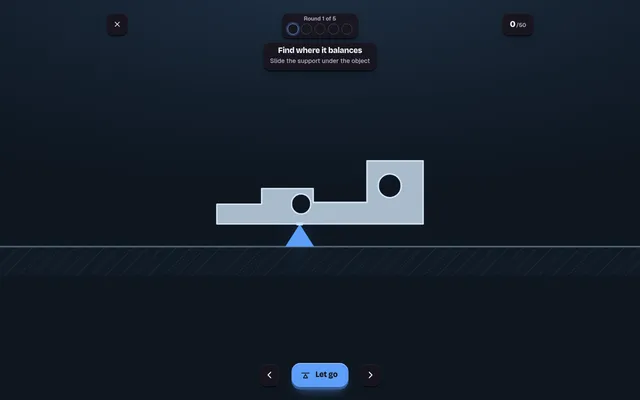
Balanced (Freehand)
Slide the support under an uneven shape to where it will hold level, five shapes a day.