BlindCut
Rate itCut a fading shape in half with one straight line, five times a day.
on blindcut.app
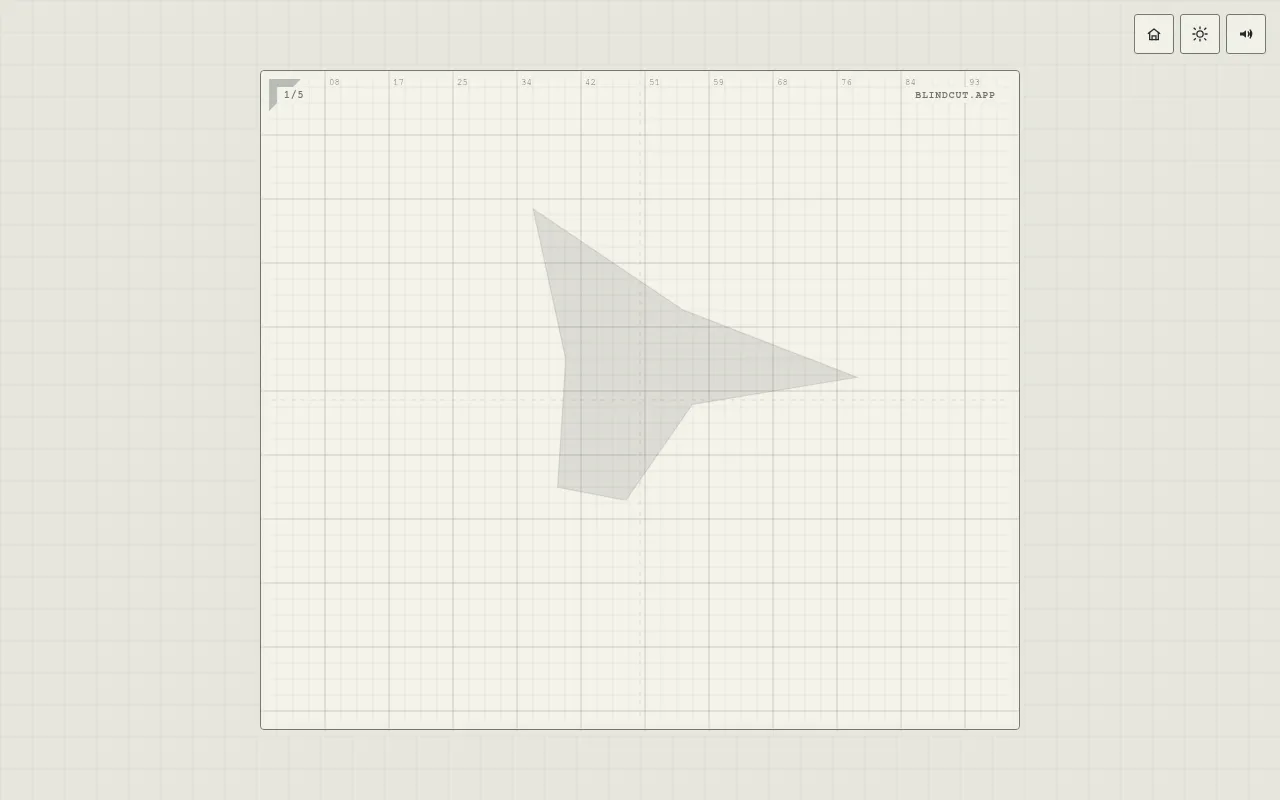
BlindCut is a free browser game about cutting shapes exactly in half. A shape appears and starts to fade, and you draw one straight line through it, by sight while it is still there or from memory once it is gone. The Daily run gives everyone the same five shapes, scored out of 500 with a leaderboard, and a Practice mode deals random shapes.
About BlindCut
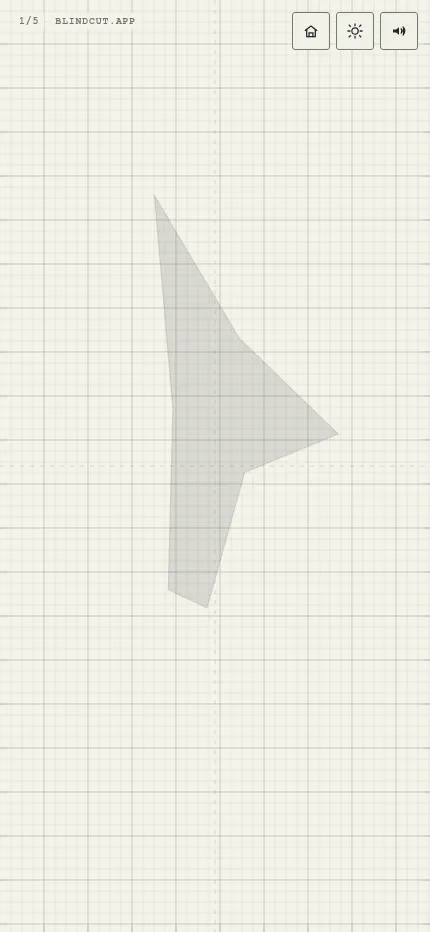
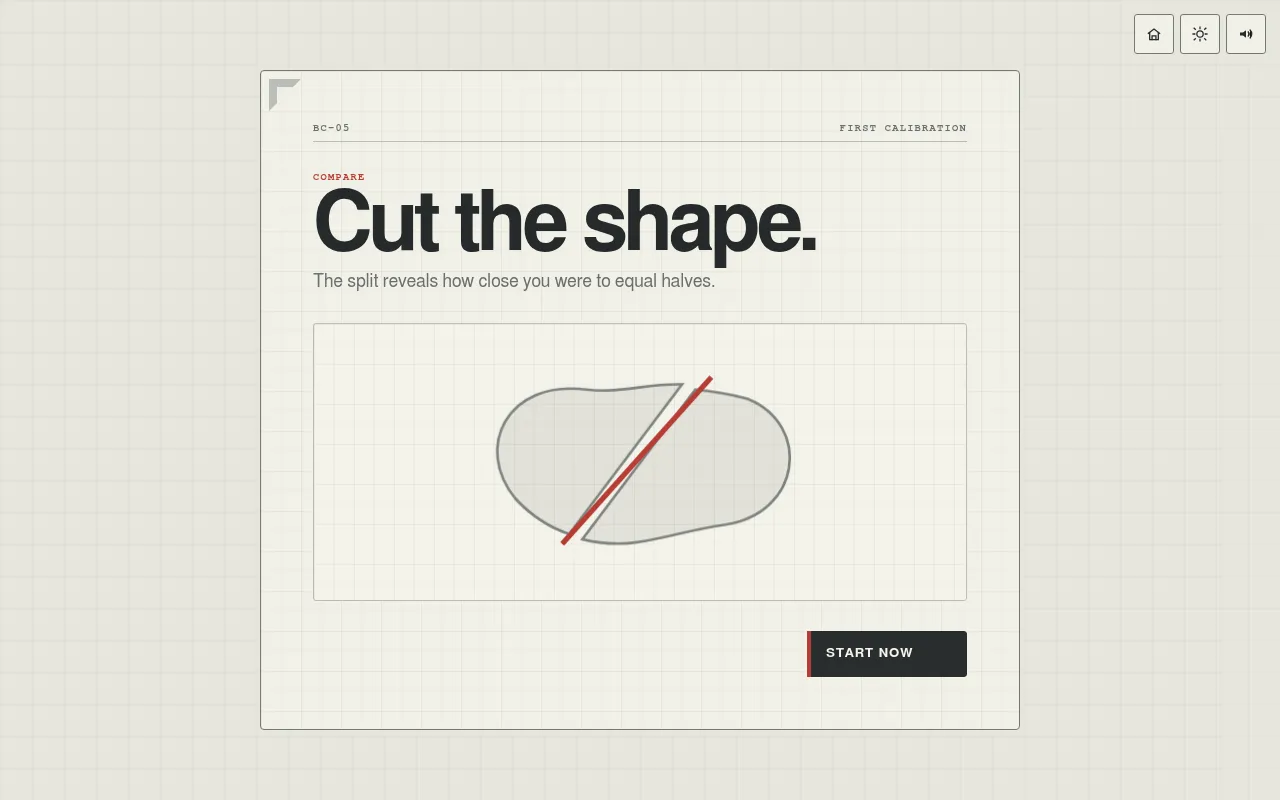
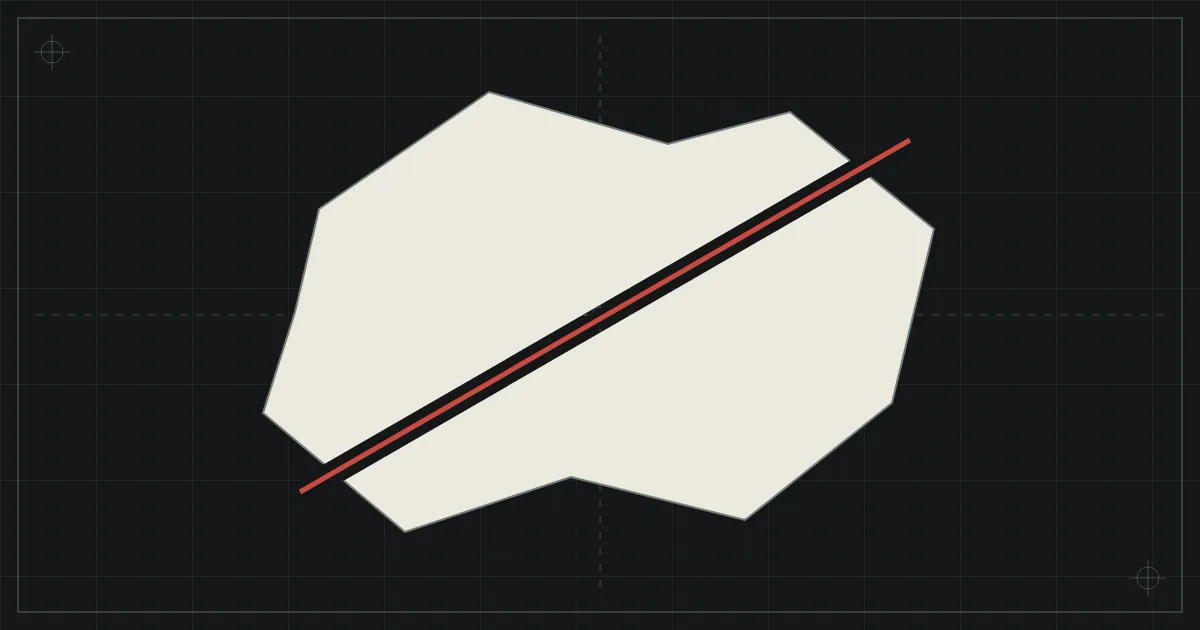
BlindCut is a small precision game that runs in the browser. Each round shows an irregular shape on a measured grid, and the shape begins to fade as soon as it appears. Your job is to draw a single straight cut that splits it into two pieces of equal area. The first time you open it, a short calibration card shows the idea with a sample shape and a red cut.
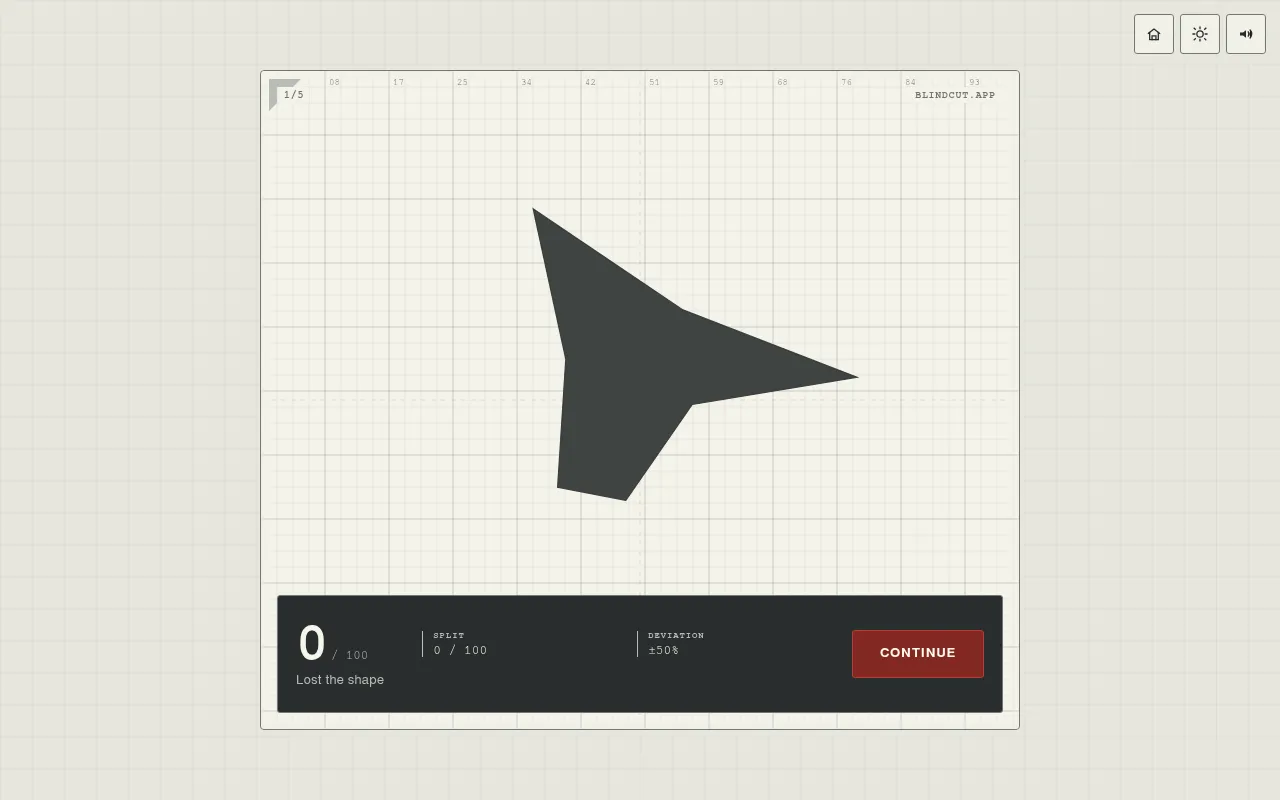
You can cut quickly while the shape is still visible, or wait and cut from memory after it has faded. The game then shows the shape again in solid form and gives the round a score out of 100, with the split between the two pieces and how far it strayed from 50:50, plus a short comment on how you did. A line that misses the shape scores nothing.
The Daily button carries today's date and gives five shapes generated from the date in UTC, so every player meets the same set. The shapes vary in kind from round to round: smooth blobs, sharp polygons, concave outlines, rings and shapes with holes in them. The run can be played once a day. Your total out of 500 can be posted to a daily leaderboard with a three-letter tag and a flag, and shared as a link. An all-time board sits beside the daily one, and Practice mode deals random shapes as often as you like.
The game comes from the same maker as MotionPath, which it links to from its home screen. It has a light and a dark theme and sound effects that can be switched off. It suits anyone who likes quick tests of the eye that take a couple of minutes.
How to play BlindCut
- Open blindcut.app and press Daily.
- Watch the shape as it appears and starts to fade.
- Draw one straight line across it where you think the two halves will have the same area.
- Read the split and your round score, then press Continue for the next shape.
- After five shapes, check your total out of 500 and your place on the daily leaderboard, and share it if you like.
Screenshots
Tips
- Use Practice mode to get a feel for how odd shapes balance before you play the Daily.
- A line through the visual centre of mass of the shape is a good starting point; then adjust for long arms or bulges.
- Cutting before the shape fades is easier, so decide early if you can.
Questions
Is BlindCut free?
Yes. It runs in the browser for free and needs no account. The site carries Google ads.
Is the daily the same for everyone?
Yes. The Daily run is built from the date in UTC, so every player gets the same five shapes that day, and there is a daily leaderboard.
Can I play the Daily more than once?
No. The Daily is marked as played once you finish it that day, but Practice mode is always open.
Ratings and reviews
Games like BlindCut
MotionPath
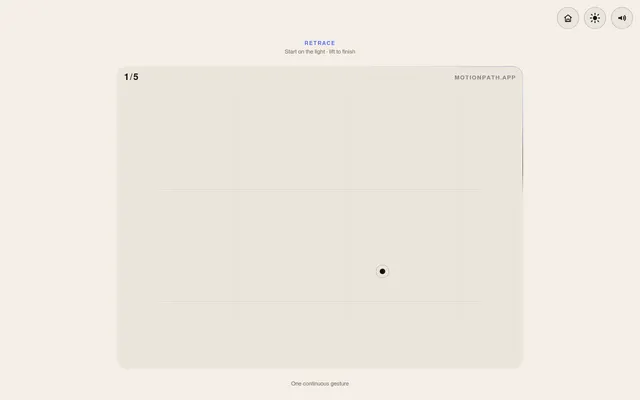
Same maker and the same daily frame: five rounds from the UTC date, once a day, scored out of 500 on a shared…
Halvsies
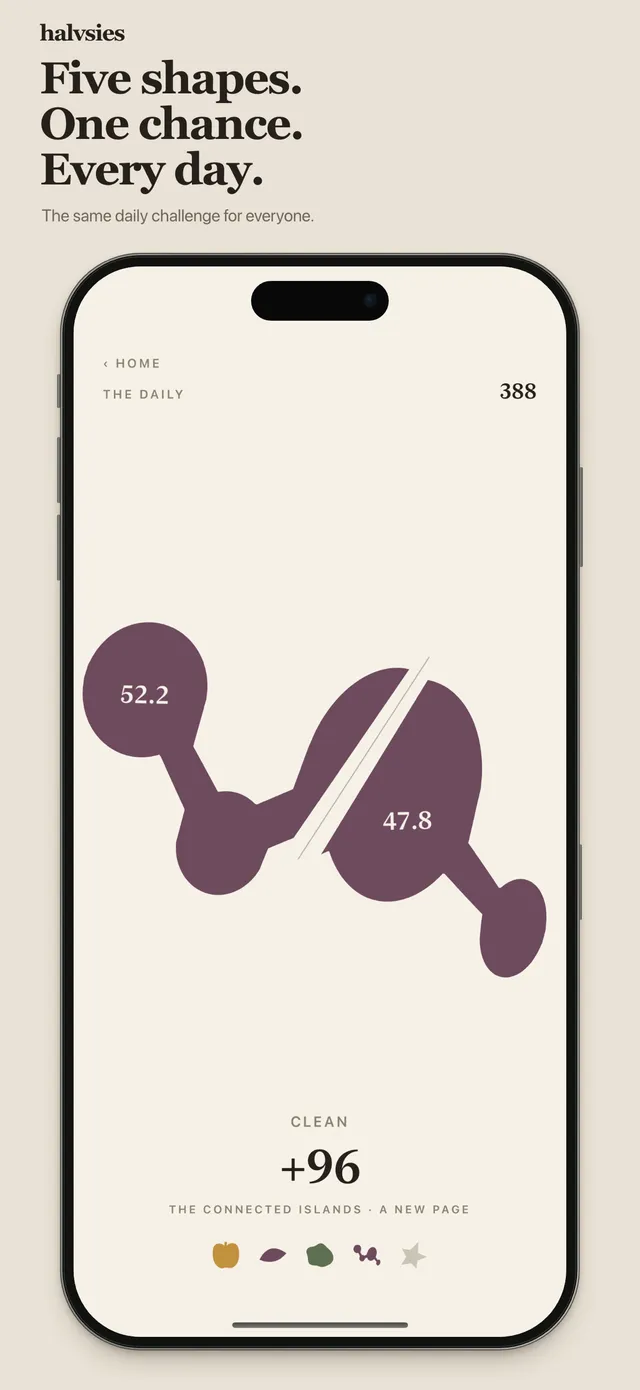
Five shapes a day, one try each, cut with one straight line as close to an even split as you can.
Bisecto
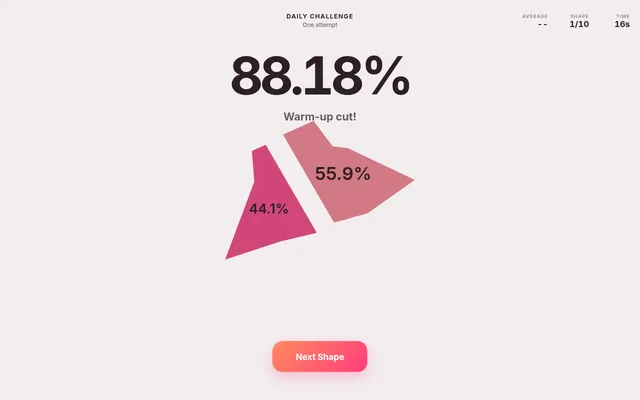
Ten generated shapes a day at hard to extreme difficulty. The same halving test with no fading.
Cutle
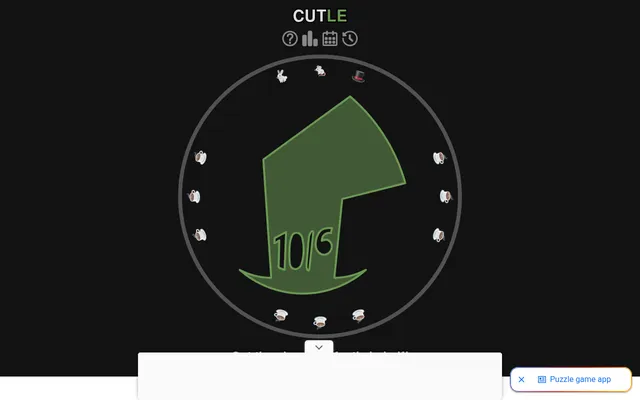
One shape a day and a single straight cut, where the first cut is the one that counts.
Halved (Freehand)
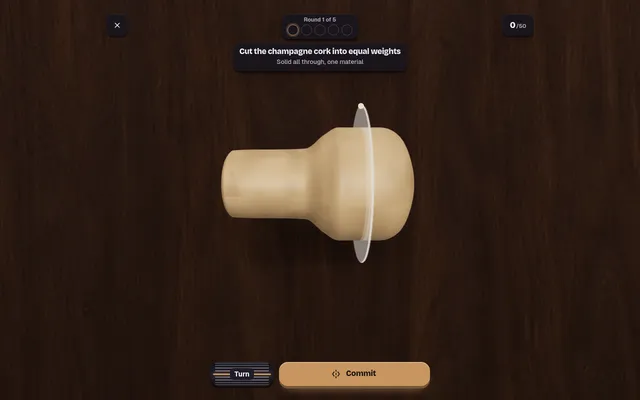
Five objects, one cut each, a score out of 50 and a daily leaderboard.
Balanced (Freehand)
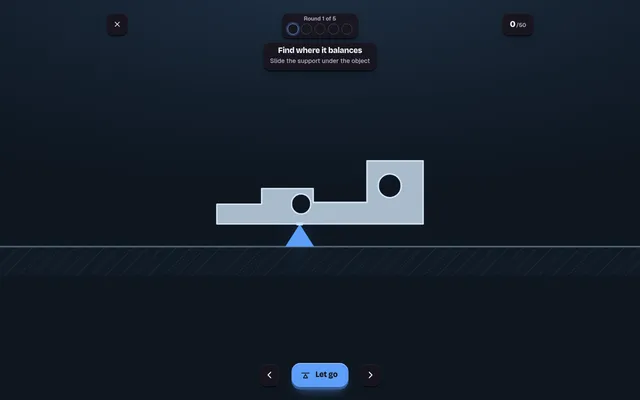
Also five irregular shapes a day with one attempt each, though you judge balance instead of area.
Angled
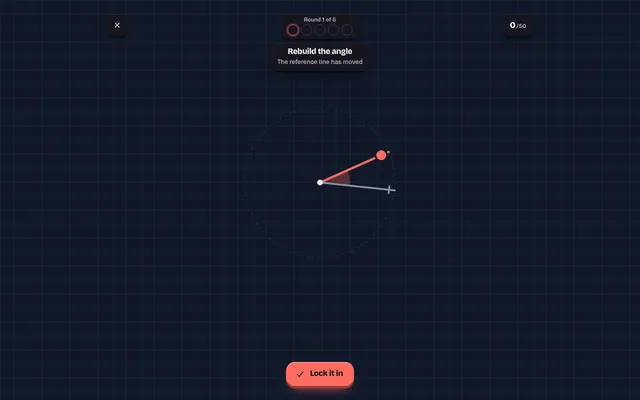
For the eye-test side of BlindCut: five angles a day, scored out of 10 each and placed on a shared board.

Chronicle Daily
Five historical events a day: slide to the year each one happened and score by how close you land.