QueenBoard: Daily Puzzle Games
Rate itA daily board in each of its logic games: place queens, draw paths, light grids and fill a small sudoku.
Every day: A daily puzzle in each of its games (a queens grid, path puzzles, Lit, Duet, the 6x6 sudoku Miku and more), the same board for every player, each with its own daily leaderboard. New puzzle: Not stated; a new daily puzzle for each game every day..
QueenBoard on the App StoreQueenBoard on Google PlayQueenBoard on Tim Codex

QueenBoard is a free phone app of grid logic puzzles, led by a Queens-style board where you place one queen in every row, column and colour region. Each of its games has a daily puzzle shared by all players and its own daily leaderboard, and you can practise, build your own boards and challenge other players for Elo.
About QueenBoard: Daily Puzzle Games
QueenBoard is a puzzle app for iPhone, iPad and Android by the independent developer Tim Nguyen, who publishes it as Tim Codex. It began as a single queen-placing puzzle and has grown into a set of grid logic games, each with a daily board, a practice mode, tutorials and hints.
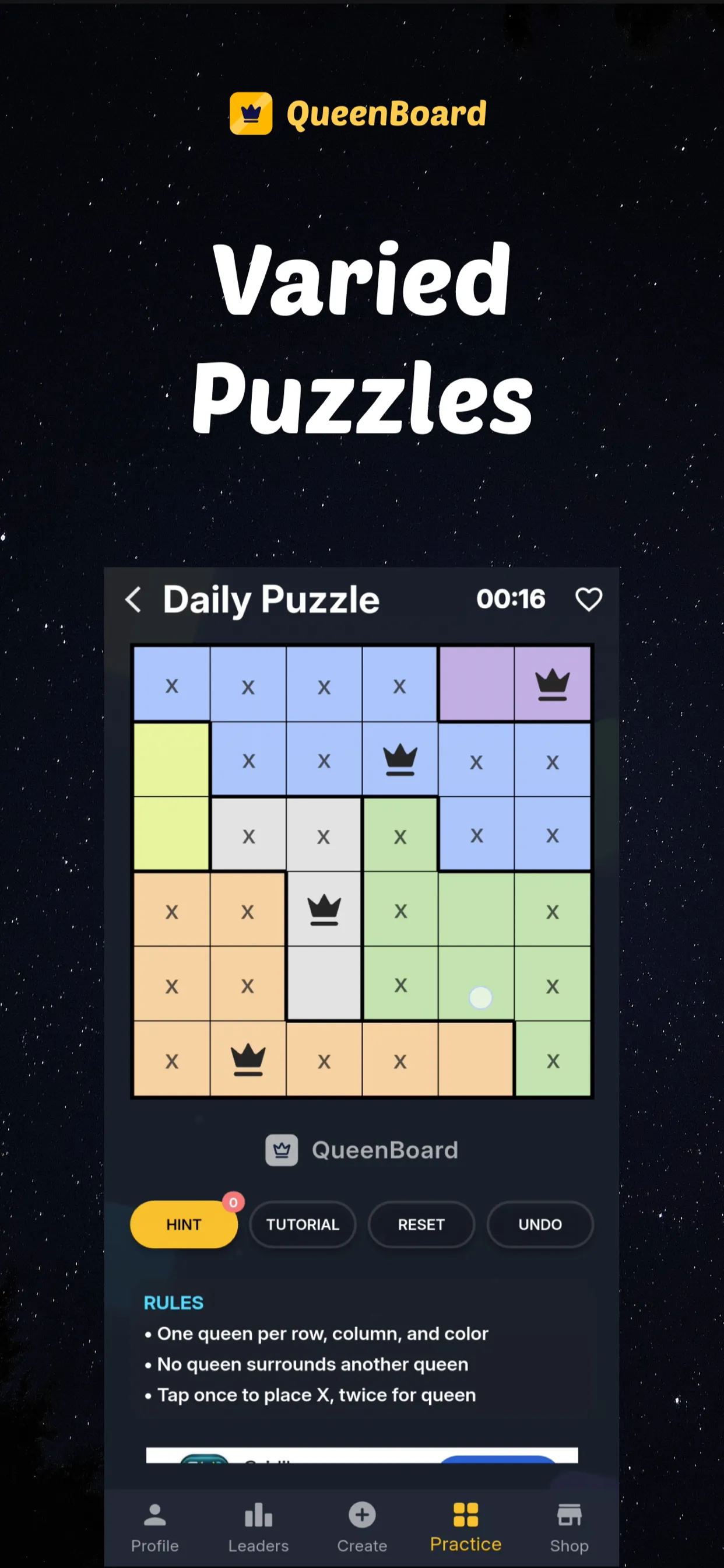
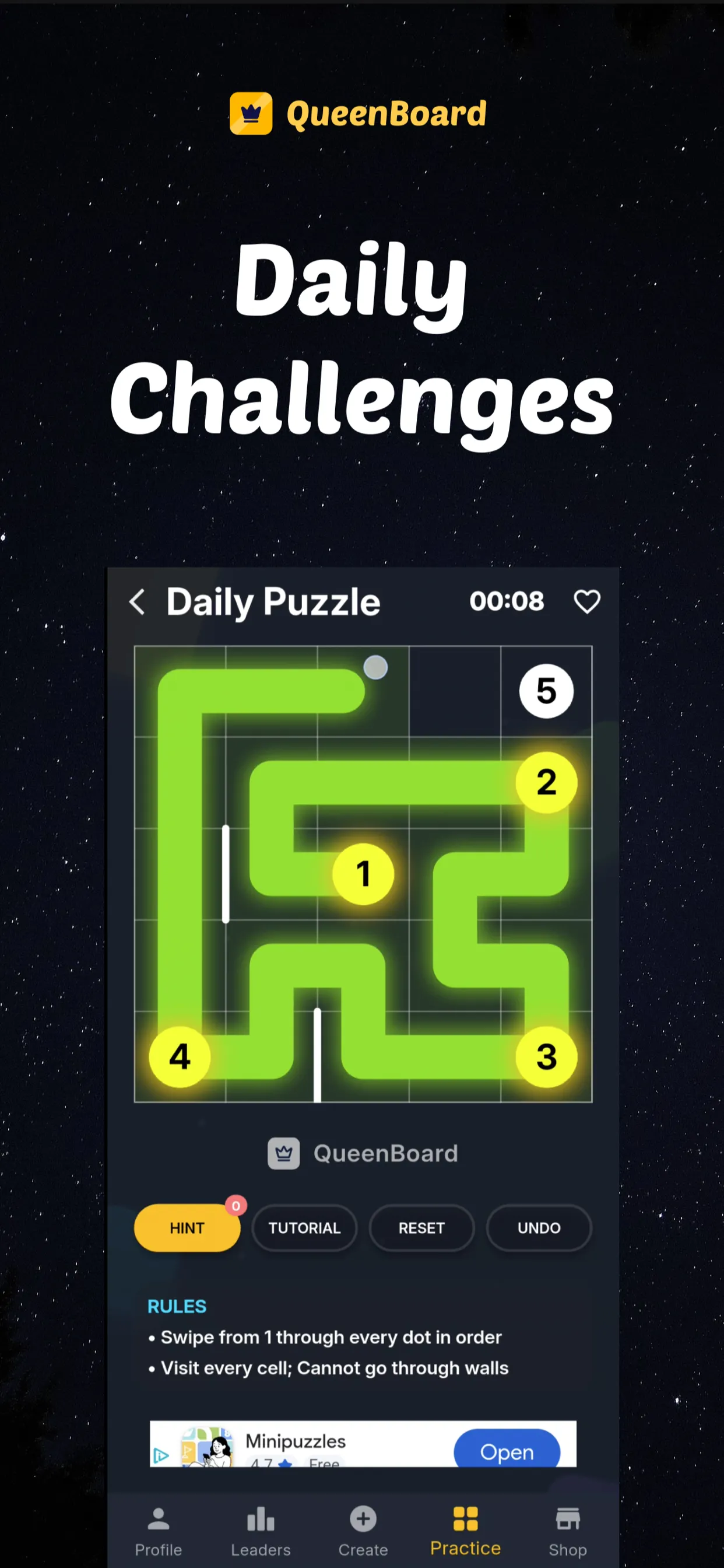
The game it is named for works like LinkedIn's Queens: a square grid is split into colour regions, and you place one queen in each row, each column and each region, with no two queens touching, even at a corner. One tap marks a cell with an X, a second tap places a queen. Beside it sit path puzzles where you swipe from dot 1 through every numbered dot in order and fill every cell without crossing walls (Link and Patrol), Plot, Lit, Duet with its hearts and gems, Union, and Miku, a compact 6x6 sudoku.
Each game has its own Daily Puzzle, the same board for everyone that day, played against a timer with a daily leaderboard for that game. Solving daily boards and challenging another player on the same board raise your Elo rating, and your profile shows it along with the boards you have made. The app leans on this side: its store page pitches the profile as a way to show your reasoning skills to employers, with room for a job title and professional links.
Players can also build their own boards, have the app check that they have a single solution, and publish them for others. The app is free, with ads and optional rewarded ads that pay coins for hints. It suits players who already solve LinkedIn's Queens and Zip and want more boards of that kind each day in one app.
How to play QueenBoard: Daily Puzzle Games
- Install QueenBoard from the App Store or Google Play and open the Practice tab.
- Pick a game and open its Daily Puzzle; read the short rules under the board or play the tutorial first.
- In the queens game, tap a cell once to mark it with an X and twice to place a queen, until each row, column and colour region holds one queen and no two queens touch.
- In the path games, swipe from dot 1 through every numbered dot in order, filling every cell and never crossing a wall.
- Finish the board as fast as you can: the timer sets your place on that game's daily leaderboard.
- Use Hint, Undo or Reset when stuck, then move on to the next game's daily board or practise more boards.
Screenshots
Tips
- In the queens game, start with the smallest colour region: its few cells limit where its queen can go and rule out the rows and columns around it.
- Mark cells with an X as soon as you rule them out; the queens show themselves faster on a board full of crosses.
- In the path puzzles, look at the corners and the cells beside walls first, since the path has only one way in and out of them.
- Hints cost coins, so save them for the daily boards where your time counts.
Questions
Is QueenBoard free?
Yes. It is free on iOS and Android and shows ads; optional rewarded ads give coins for hints.
Is QueenBoard made by LinkedIn?
No. It is made by the independent developer Tim Nguyen (Tim Codex). Its queens game uses the same rules as LinkedIn's Queens, and some of its path puzzles are close to Zip.
How many daily puzzles does QueenBoard have?
Each of its games has its own daily puzzle and its own daily leaderboard, so there are several boards to play each day.
Can I play past or extra puzzles?
Yes, the Practice mode has many more boards in every game, and players can solve boards that others have created.
Ratings and reviews
No ratings yet. Be the first to rate QueenBoard: Daily Puzzle Games.
Games like QueenBoard: Daily Puzzle Games
Queens
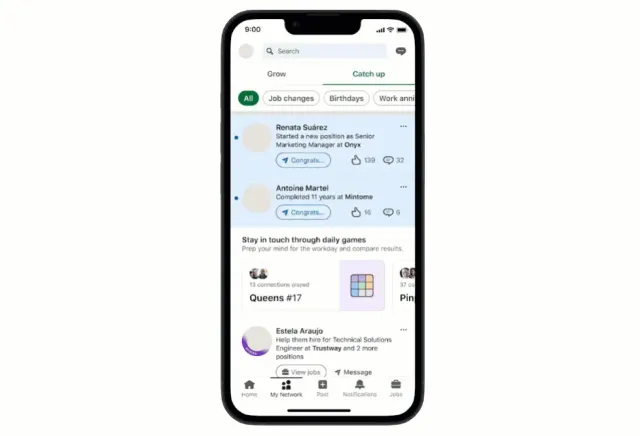
LinkedIn's daily Queens uses the same rule of one queen per row, column and colour region, one board a day.

Zip
LinkedIn's Zip is the daily version of QueenBoard's path puzzles: draw one line through numbered dots that…
Tango
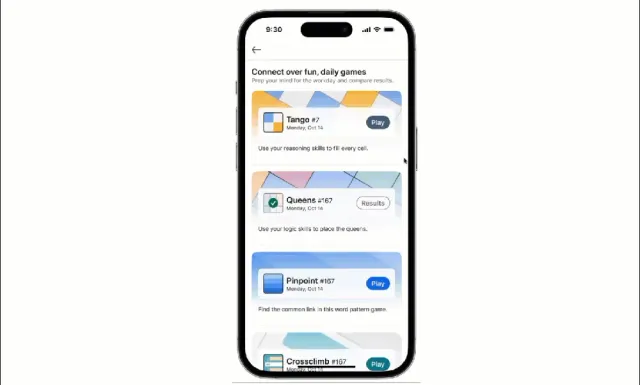
LinkedIn's other small daily logic grid, with suns and moons to balance instead of queens.
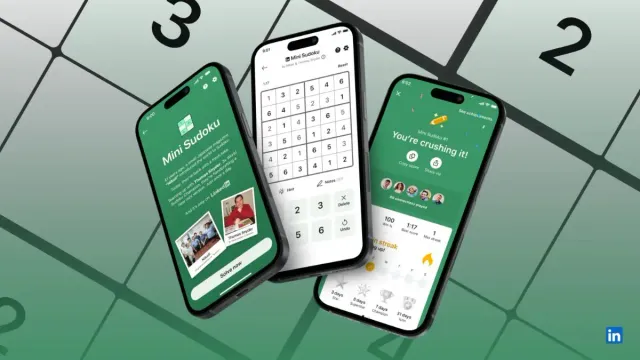
Mini Sudoku
A daily 6x6 sudoku like QueenBoard's Miku, from LinkedIn's set of daily games.
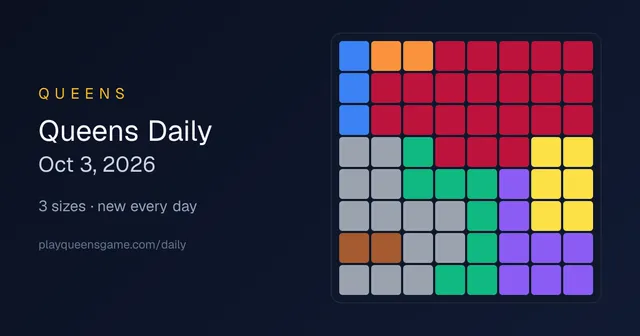
Queens Game (playqueensgame.com)
A free web Queens with a daily board, for playing the queens puzzle in a browser.
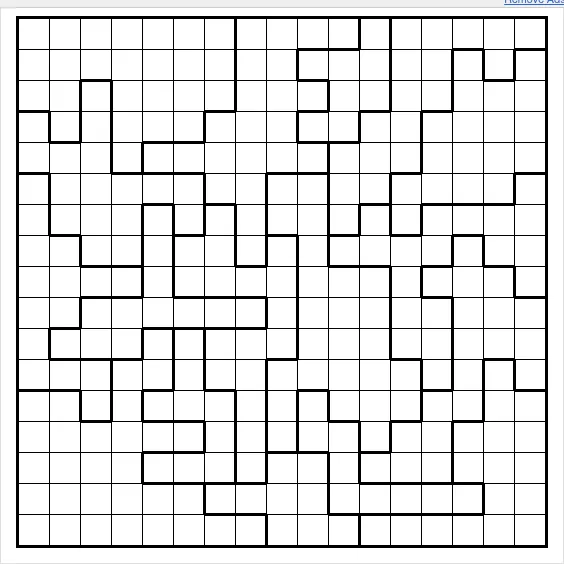
Daily Star Battle
Star Battle is the classic puzzle behind Queens: place stars in rows, columns and regions on a larger daily…
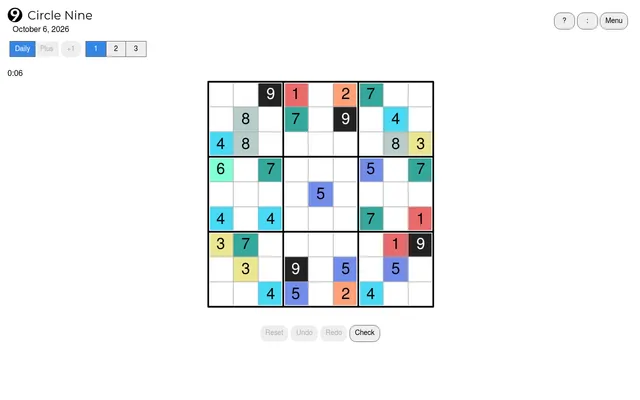
Circle Moon Puzzles
A small ad-free site of original daily logic puzzles, from Circle Nine to Stitchwords.

0h n0
Place red dots so every blue dot sees exactly its number, with a fresh set of grids each day.