Let's Go Build A ____
One thing to build each day, and only 20 bricks to build it with.
Every day: A daily build prompt, the same for everyone that day (an album cover, a haunted house, a breakfast), to make out of no more than 20 toy bricks. New puzzle: Once a day (the exact time is not stated).
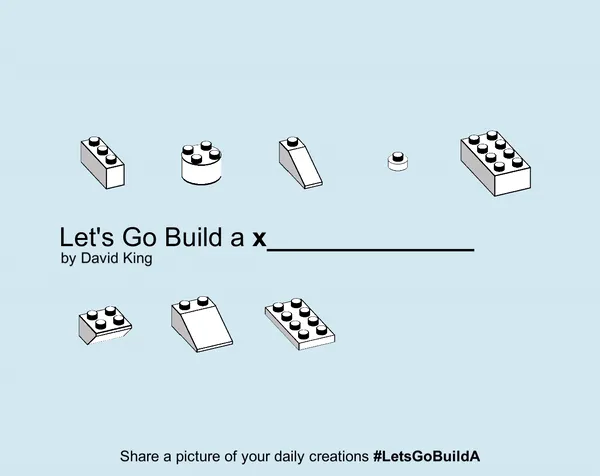
Let's Go Build A ____ is a small browser game by David King that gives you one thing to build each day out of plastic-style bricks. You have a budget of 20 bricks, a palette of colours and a handful of shapes, and the fun is in getting the idea across with so little.
About Let's Go Build A ____
Let's Go Build A ____ is a browser toy with a daily prompt. Each day the title fills in the blank with something to make, and you assemble it from simple studded bricks on a small baseplate. The catch is the budget: no more than 20 bricks, so a house, a fountain or an album cover has to be suggested rather than modelled in detail.
It was made by David King and released on itch.io in 2020, where it picked up coverage from Rock Paper Shotgun, PCGamesN and others. Players share screenshots of their daily creations with the hashtag #LetsGoBuildA, and the itch.io comments are full of people posting what they made for the day.
There is no score and no right answer: it is a creative exercise rather than a logic puzzle with a solution. Once the daily prompt is done you can ask for random prompts and keep building.
It suits people who like a short, calm creative task with a constraint, and anyone who enjoyed building small things from bricks as a child. The game runs in Unity in the browser, so a desktop computer with a mouse works best.
How to play Let's Go Build A ____
- Open the game on itch.io and choose the daily prompt to see today's thing to build.
- Pick brick shapes and colours from the panel, using the arrows to see more brick types.
- Click and drag bricks onto the baseplate; press Space or right-click to rotate the brick you are holding, and R to start over.
- Stay within 20 bricks, then take a screenshot of your build and share it with #LetsGoBuildA if you like.
Tips
- Decide on the one or two features that make the prompt recognisable and spend most of your bricks there.
- Larger bricks cover more space per brick, so use them for bases and backgrounds.
- Slopes and round bricks give a lot of shape for a single brick.
- Try a random prompt after the daily one for extra practice.
Questions
How many bricks can I use in Let's Go Build A ____?
Up to 20 per build.
Is there a score?
No. The game gives you a prompt and a brick budget; how well you capture it is up to you and whoever you share it with.
Can I play more than once a day?
Yes. After the daily prompt you can load random prompts as often as you like.
Games like Let's Go Build A ____
Lawndle
A calm daily grid game made by a solo developer
Railroad Ink Challenge
A daily challenge about drawing a network on a small board with limited pieces
Gridmino
A daily game of fitting block shapes into a small space

Blockudoku
Placing block pieces on a grid, with a daily challenge
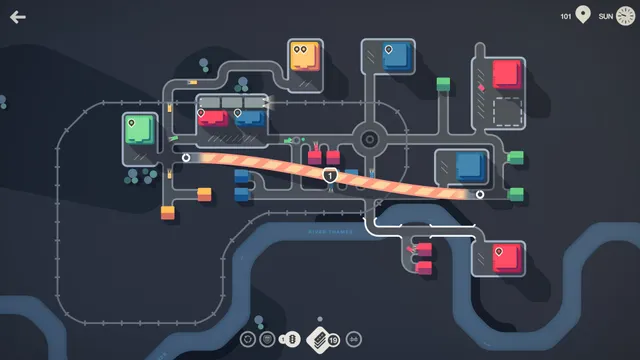
Mini Motorways
Daily challenges about building a working town with limited resources

0h n0
Place red dots so every blue dot sees exactly its number, with a fresh set of grids each day.
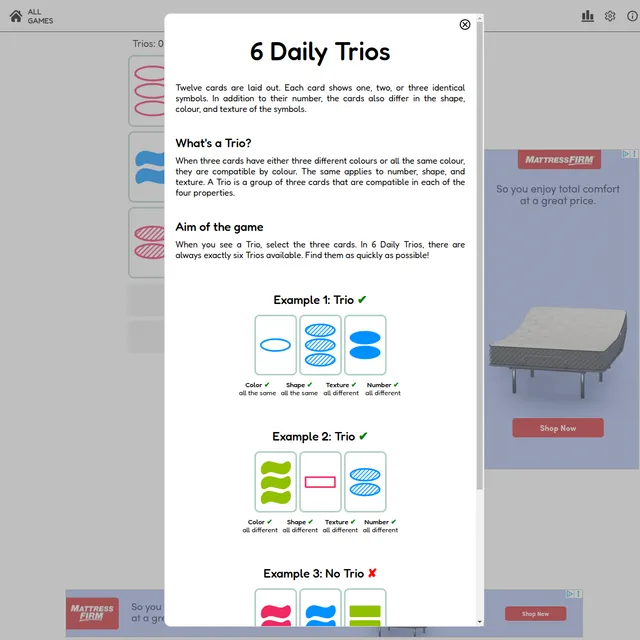
6 Daily Trios
Twelve cards, exactly six Trios, one layout a day.

Afterglow
See a colour for a moment, then rebuild it from memory, five times a day.