Twin Pics
Describe the day's picture so an AI image generator recreates it, and score up to 100 for the match.
Every day: One numbered target picture a day, the same for everyone, to recreate by describing it. New puzzle: Once a day.
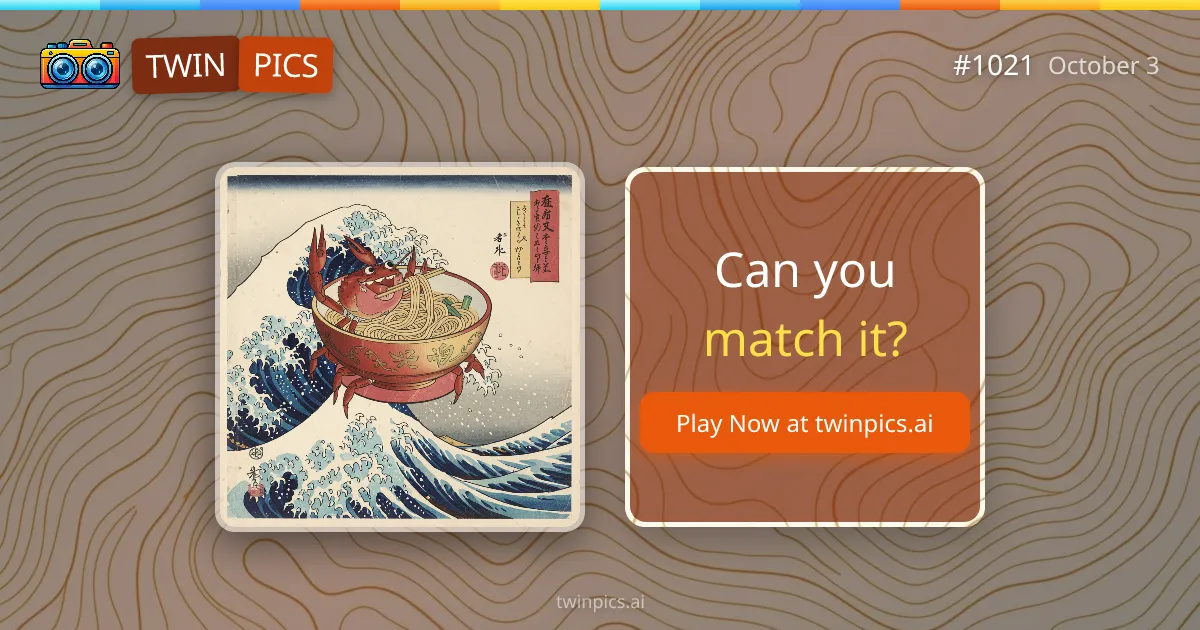
Twin Pics shows you one picture a day and asks you to describe it in words. An AI image generator turns your description into a new picture, and the game scores how closely it matches the original from 0 to 100. Afterwards you can see the prompt that made the original.
About Twin Pics
Twin Pics is a daily browser game about describing images precisely. Each day has a numbered Daily Pic, often a playful scene in a particular art style, such as a woodblock print or a watercolour.
You write a description of the picture. The game sends it to an AI image generator, shows you the picture it made, and compares the two, giving a similarity score from 0 to 100. Once you have played, the game reveals the prompt the original image was made from, so you can see what you missed.
The skill is choosing the right words: naming the subject is not enough, you also need the style, colours, setting and composition. Results can be unpredictable, which is part of the fun.
The daily challenge is free. There is also a classroom mode where teachers create a room and students join with a nickname, play live games and see a class leaderboard; a paid Pro plan adds student progress reports. It suits players who like wordplay with a creative twist, and teachers looking for an exercise in descriptive writing.
How to play Twin Pics
- Open Twin Pics and look at today's Daily Pic.
- Write a description of the picture: subject, style, colours and setting.
- Press Create Image and let the AI draw your description.
- See your similarity score from 0 to 100.
- Compare with the original prompt once it is revealed.
Tips
- Name the art style first; it changes the result more than small details.
- Describe the layout: what is in front, behind and at the edges.
- Keep it to the important elements; long lists of details can confuse the generator.
Questions
Is Twin Pics a daily game?
Yes. There is one numbered Daily Pic each day, the same for everyone.
How is it scored?
Your generated image is compared with the original and given a similarity score from 0 to 100.
Can I use it in a classroom?
Yes. Teachers can create classrooms that students join with just a nickname, with no accounts needed.
Is it free?
The daily challenge and classrooms are free. A paid Pro plan adds student progress reports for teachers.
Games like Twin Pics
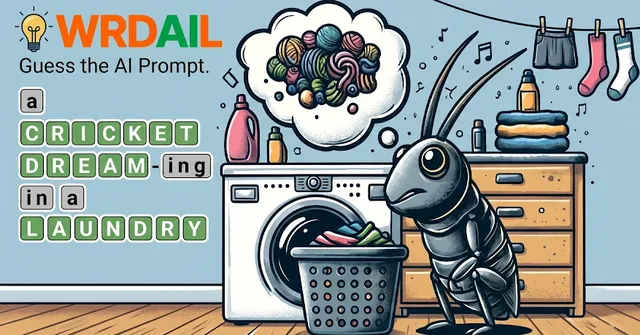
WRDAIL
Look at the day's picture and guess the prompt behind it, the reverse of Twin Pics.
Promptle
Write the prompt that gets an AI to hit the day's brief.
Odle
A daily creative writing challenge with strict limits.
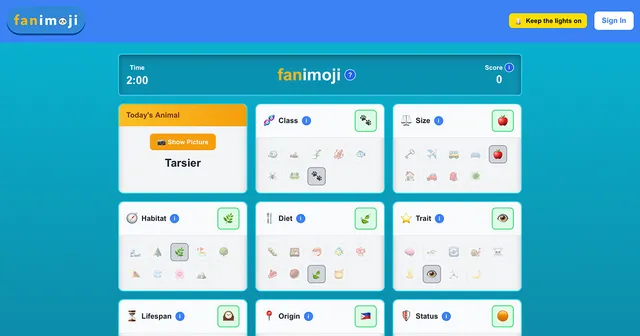
fanimoji
Describe the day's animal in emoji.
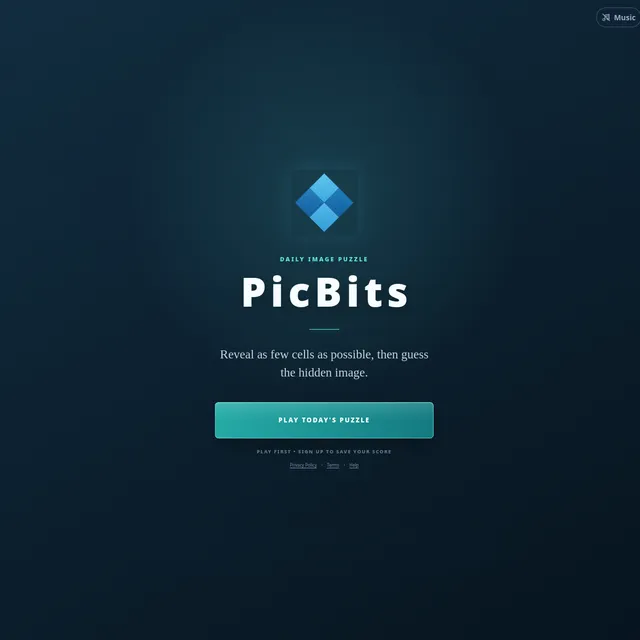
PicBits
Name the day's hidden picture from as little as possible.
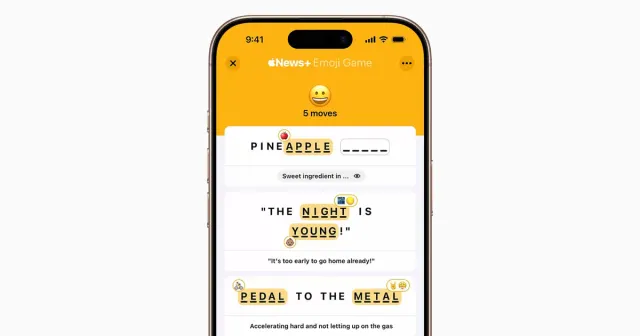
Emoji Game
Finish short phrases from pictures.
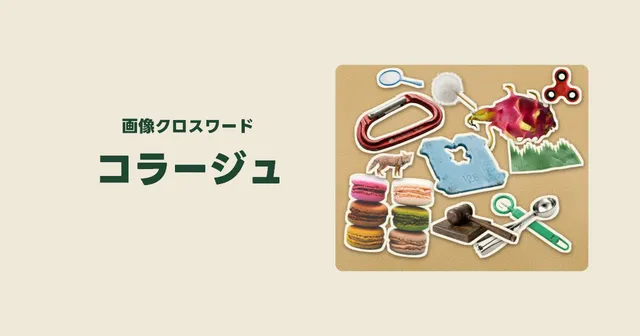
Collage / コラージュ (Puzzlega.me)
A Japanese crossword where the clues are cut-out photos pinned to a corkboard.
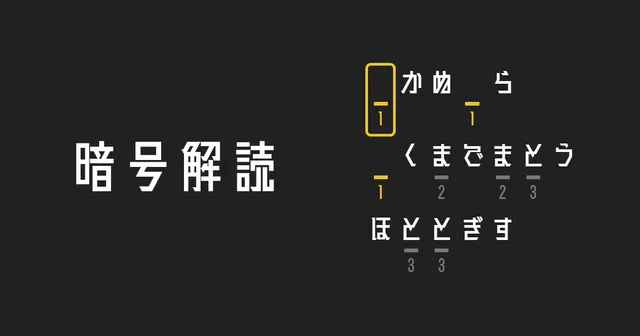
Cryptogram / 暗号解読 (Puzzlega.me)
Crack a Japanese sentence where each number hides one kana, one puzzle a day.