Wordling: Daily Word Challenge
Guess the word of the day in six tries, at four, five or six letters.
Every day: A word of the day to guess in six tries, set at four, five and six letters, with a calendar of the month's past daily words to go back to. New puzzle: Each calendar day, by date; the listing does not say at what hour.
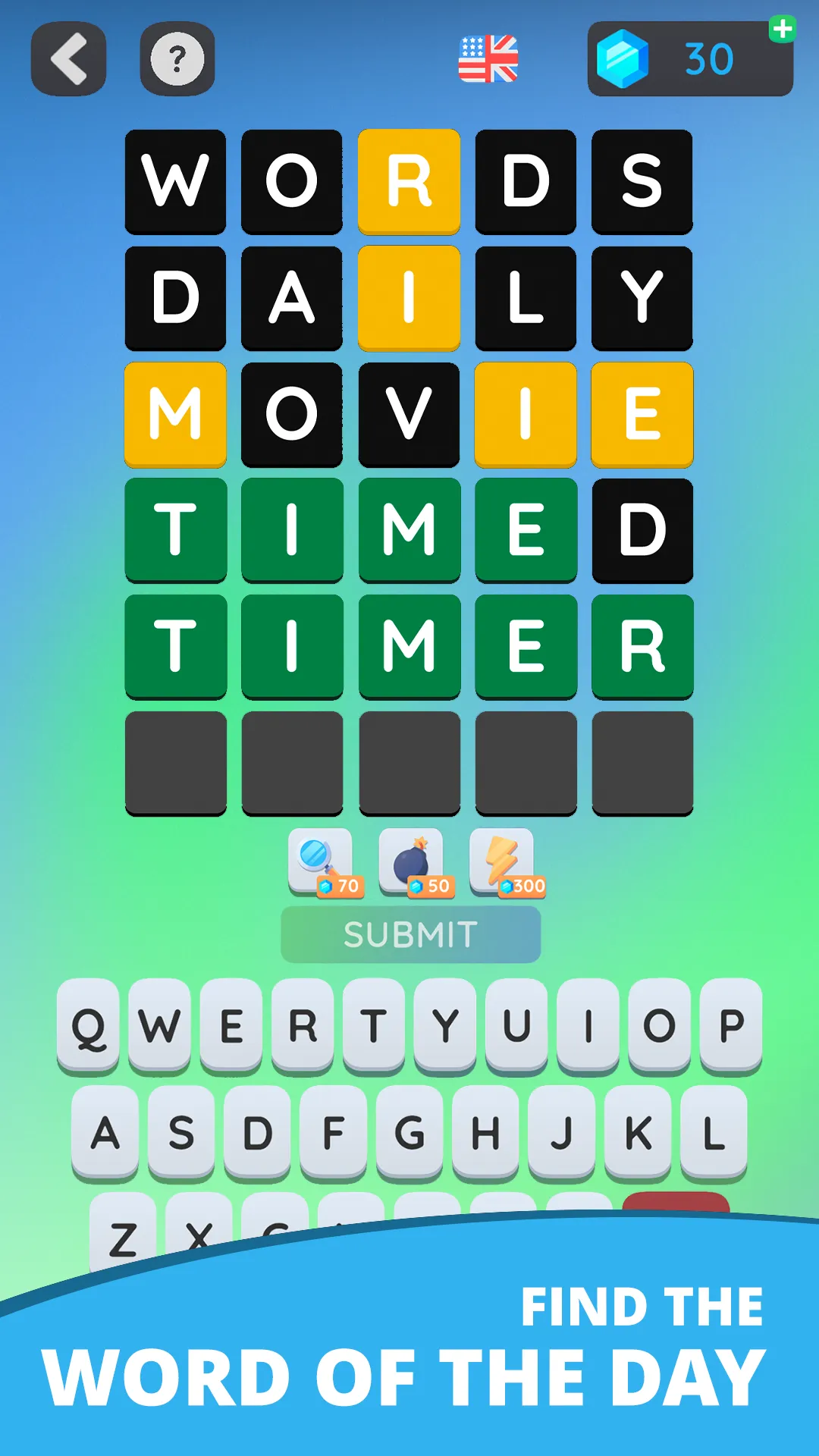
Wordling is a Wordle-style Android app from TapNation. Each day brings a word of the day at three lengths, four, five and six letters, to find in six guesses with green, yellow and black tiles, and a calendar lets you replay the days you missed.
About Wordling: Daily Word Challenge
Wordling: Daily Word Challenge follows the rules Wordle made familiar. You type a guess, and each letter turns green when it sits in the right spot, yellow when it is in the word but somewhere else, and black when the word does not contain it. Six rows are all you get.
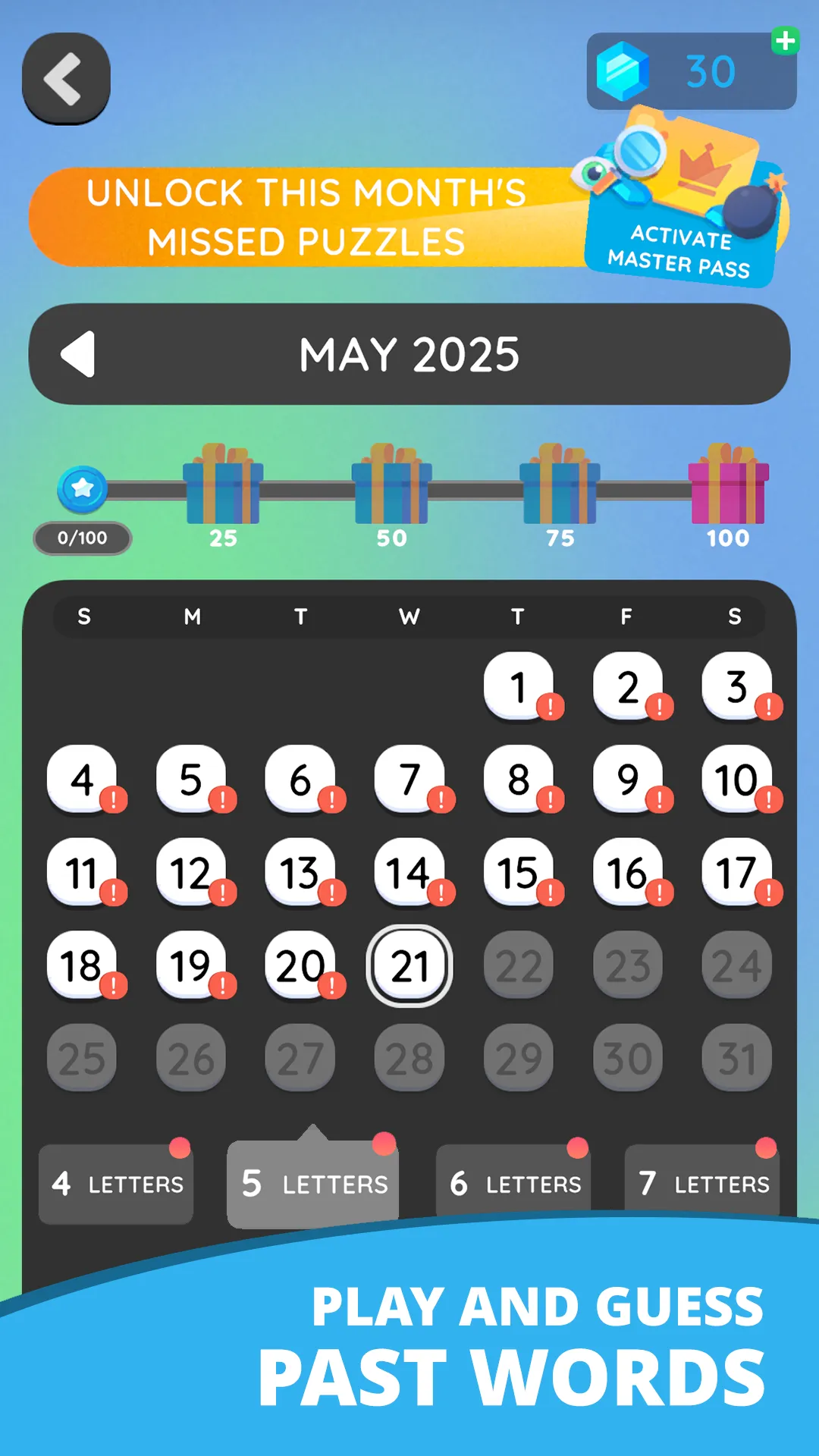
The daily side comes in three sizes. The word of the day is offered at four letters for beginners, five letters for players who know the rules, and six letters for those who want a harder find, so one sitting can mean three puzzles. A calendar screen shows the month's daily words, marks the ones you have not solved yet, and lets you go back to them; unlocking a whole month of missed puzzles is part of a paid pass.
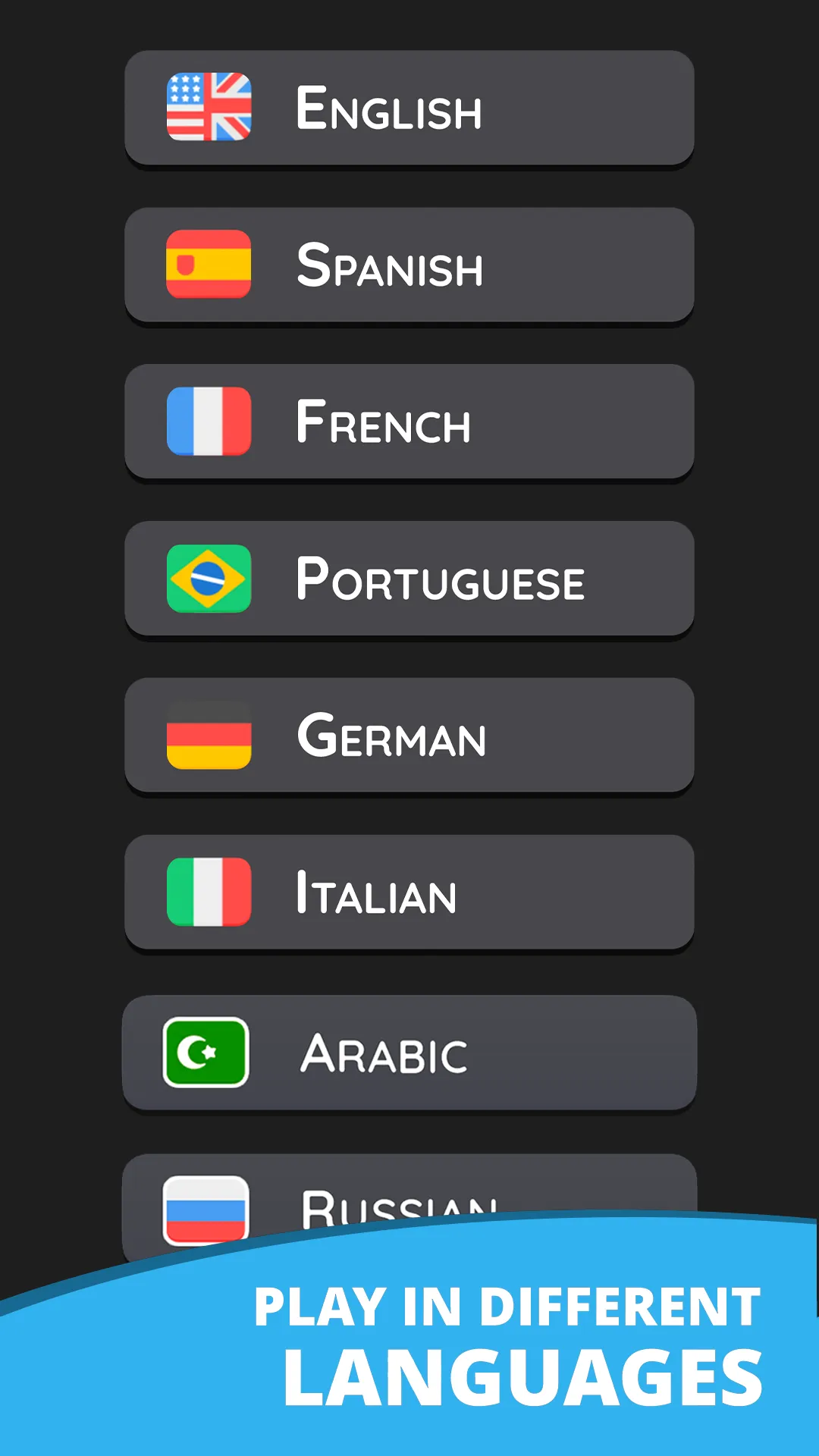
Beyond the daily words there is an unlimited mode with more than a thousand levels, coin-priced hints such as a magnifier that reveals a letter and a bomb that clears unused keys, and a choice of languages that includes English, Spanish, French, Portuguese, German, Italian, Arabic and Russian. You can also send a friend a word of your own to guess, and share how many tries the daily took.
The app is free to download, carries ads and sells in-app purchases. It suits players who want Wordle on Android with a shorter or longer word on the side, and an archive of days to catch up on.
How to play Wordling: Daily Word Challenge
- Open the app and choose the daily challenge, then pick four, five or six letters.
- Type a real word of that length and submit it.
- Read the tiles: green is the right letter in the right place, yellow is in the word elsewhere, black is not in the word.
- Use what the tiles tell you to narrow the next guess, and find the word within six tries.
- Open the calendar to play any daily word from this month that you missed.
Screenshots
Tips
- Start the day with the four-letter word to warm up before the five and six.
- Hints cost coins; save them for the six-letter word, where a single revealed letter helps most.
- Switch the language in settings if you want the daily word in Spanish, French, German or another language the app offers.
Questions
Is Wordling the same as Wordle?
It uses the same rules (six guesses, green, yellow and black tiles) but is a separate app by TapNation, with daily words at four, five and six letters and an unlimited mode.
Can I play past daily words?
Yes. A calendar shows the month's daily puzzles and the ones you have not solved; the app's paid pass unlocks a month of missed puzzles at once.
Is Wordling free?
It is free to download on Google Play, with ads and in-app purchases.
Games like Wordling: Daily Word Challenge

Wordle
The original: one five-letter word a day in six guesses, the rules Wordling copies
Worder: Daily Word Game
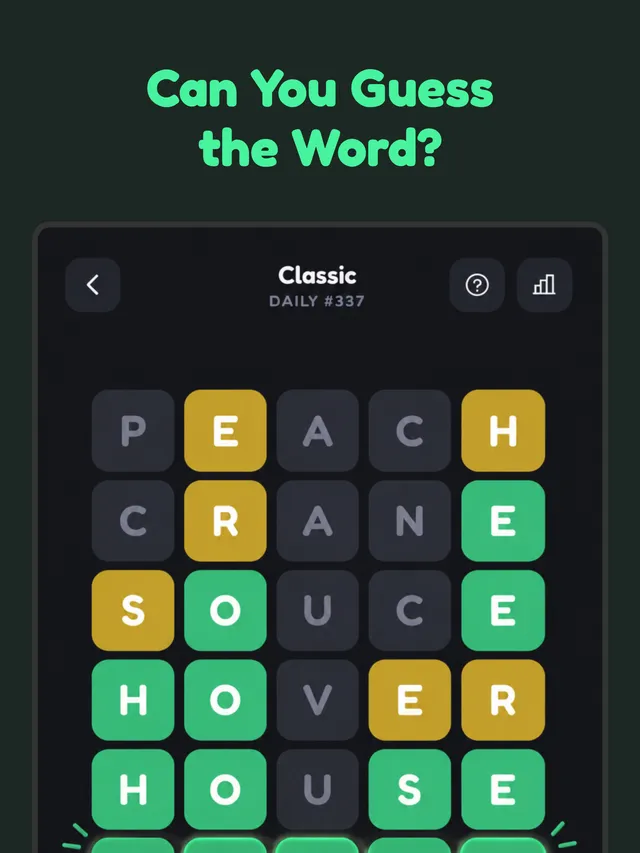
Another daily word app on Android, with Double, Quad and Octo boards when one word is not enough
Wortiger
Daily words from four to seven letters, like Wordling's lengths, in German
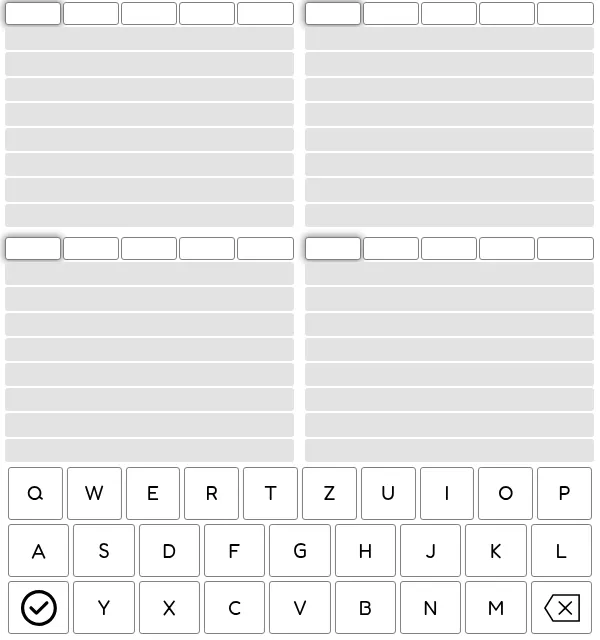
QuadWords (Gridgames)
A daily word puzzle offered in many languages, with four words to find at once
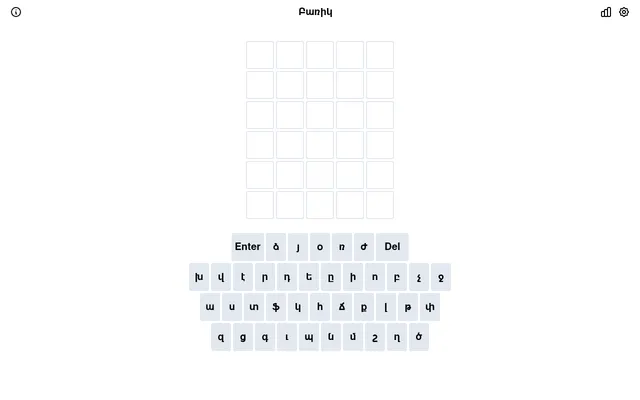
Barik (Բառիկ)
Wordle in Western Armenian: one five-letter word a day in six guesses.
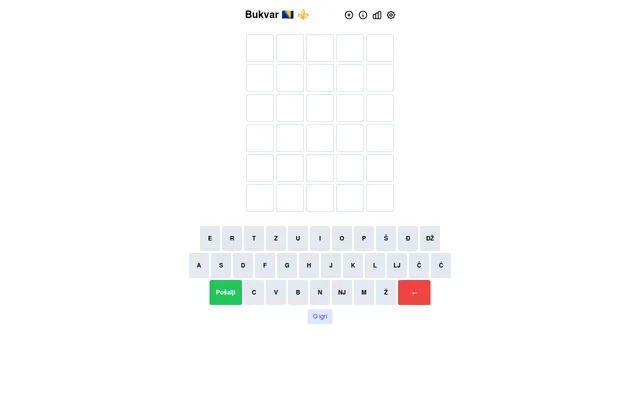
Bukvar
Wordle in Bosnian, with lj, nj and dž as single letters.
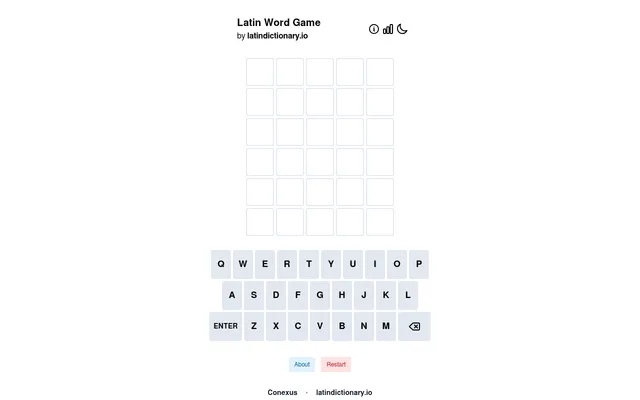
Latin Word Game (latindictionary.io)
Wordle in Latin, where any inflected form from any period can be the answer.
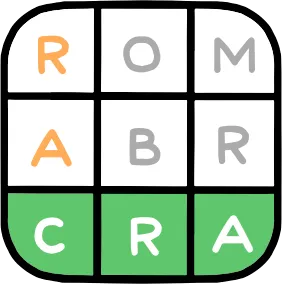
Palagrama (Clarín)
Clarín's daily hidden word in Spanish, in four, five and six-letter versions.