Pixeldle
Rate itName the day's video game in ten tries from how each guess compares on five traits.
Every day: One numbered hidden video game a day, the same for everyone, found in ten guesses by comparing year, genre, platform, players and developer. New puzzle: Once a day; puzzles are numbered (exact hour not stated).
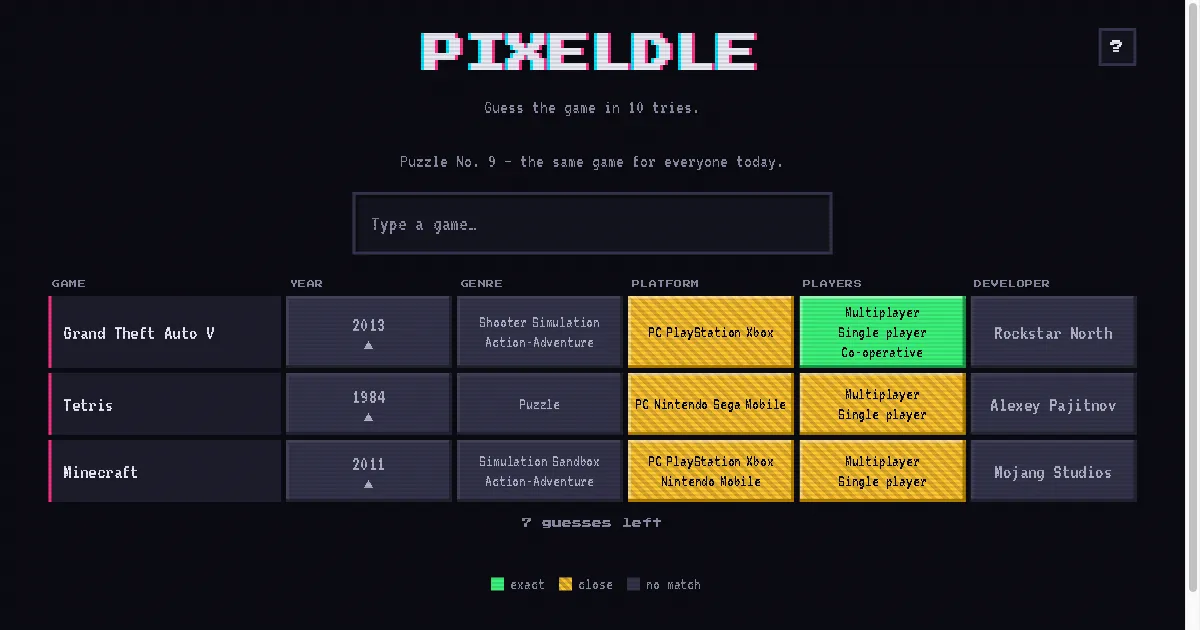
Pixeldle is a daily video game guessing game. You type any game, and the board shows how it compares with the hidden one on release year, genre, platform, player modes and developer, marked exact, close or no match, with arrows on the year. You have ten guesses to find the day's game.
About Pixeldle
Pixeldle hides one video game a day, numbered and the same for every player. Each guess you make adds a row to the board with five columns: the year it came out, its genres, its platforms, its player modes such as single player, multiplayer or co-operative, and its developer. Each cell is coloured green for an exact match, striped yellow for a close one, such as sharing some platforms, or dark for no match, and the year cell has an arrow pointing to an earlier or later release.
The game's own example shows how it narrows: guesses such as Grand Theft Auto V, Tetris and Minecraft each share some platforms or player modes with the answer, which rules out whole parts of gaming history at once. With ten guesses there is room to cast a wide net before closing in.
The look is retro, with a glitchy pixel logo on a dark screen. It is free in the browser with no account, and suits players who know their release years and studios as well as their favourite games.
How to play Pixeldle
- Type the name of any video game and pick it from the list.
- Read the row: year, genre, platform, players and developer are each marked exact, close or no match.
- Follow the year arrow toward an earlier or later release.
- Use the matches to narrow down the hidden game and guess again.
- Find it within ten guesses.
Screenshots
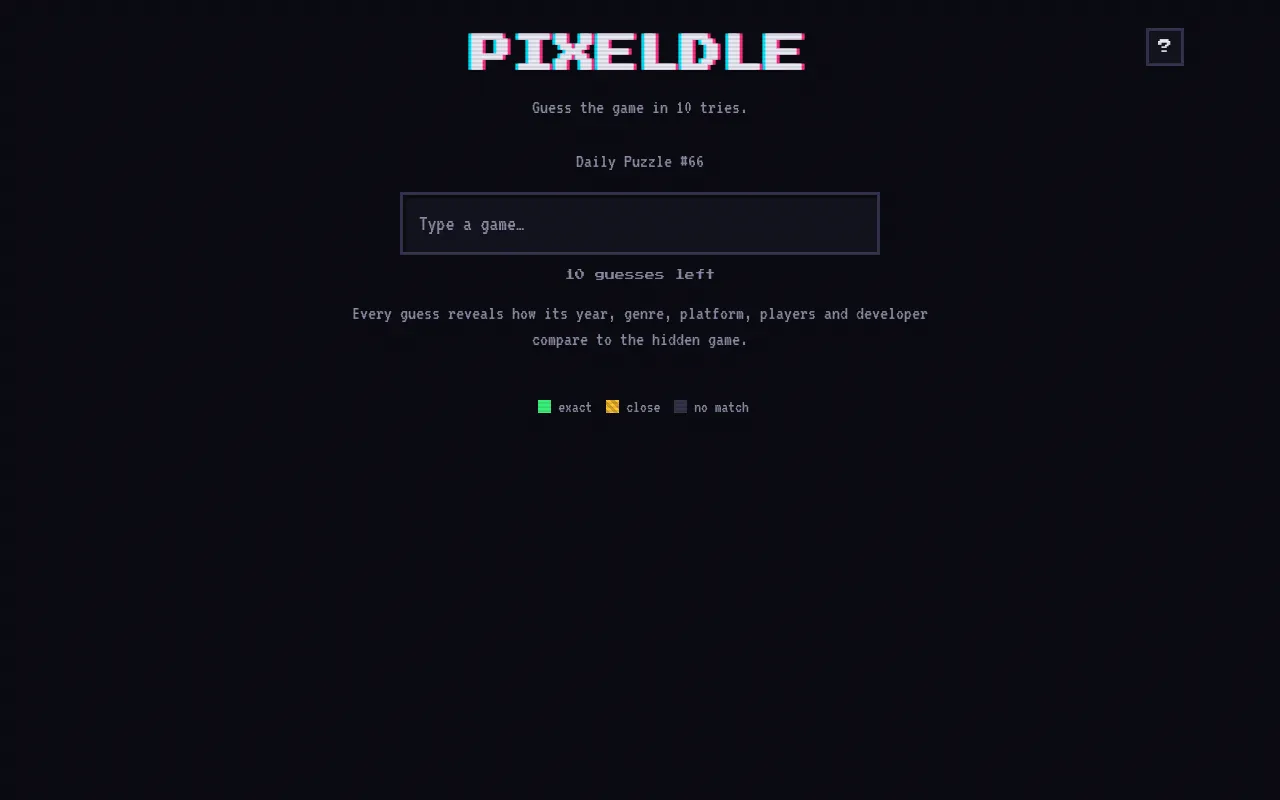
Tips
- Open with a big multi-platform game: its many platforms and modes give partial matches to work from.
- Use the year arrow first to fix the era, then genre and developer to find the game.
- A close platform match means some platforms are shared: try a game on fewer systems to narrow it.
- Developer is the strongest clue once it turns green: think of that studio's other games.
Questions
How many guesses do I get in Pixeldle?
Ten.
What does each guess show?
How the game you named compares with the hidden one on year, genre, platform, players and developer: exact, close or no match.
Is the game the same for everyone?
Yes. Each numbered puzzle is the same game for everyone that day.
Is Pixeldle free?
Yes, in the browser with no account.
Ratings and reviews
No ratings yet. Be the first to rate Pixeldle.
Games like Pixeldle
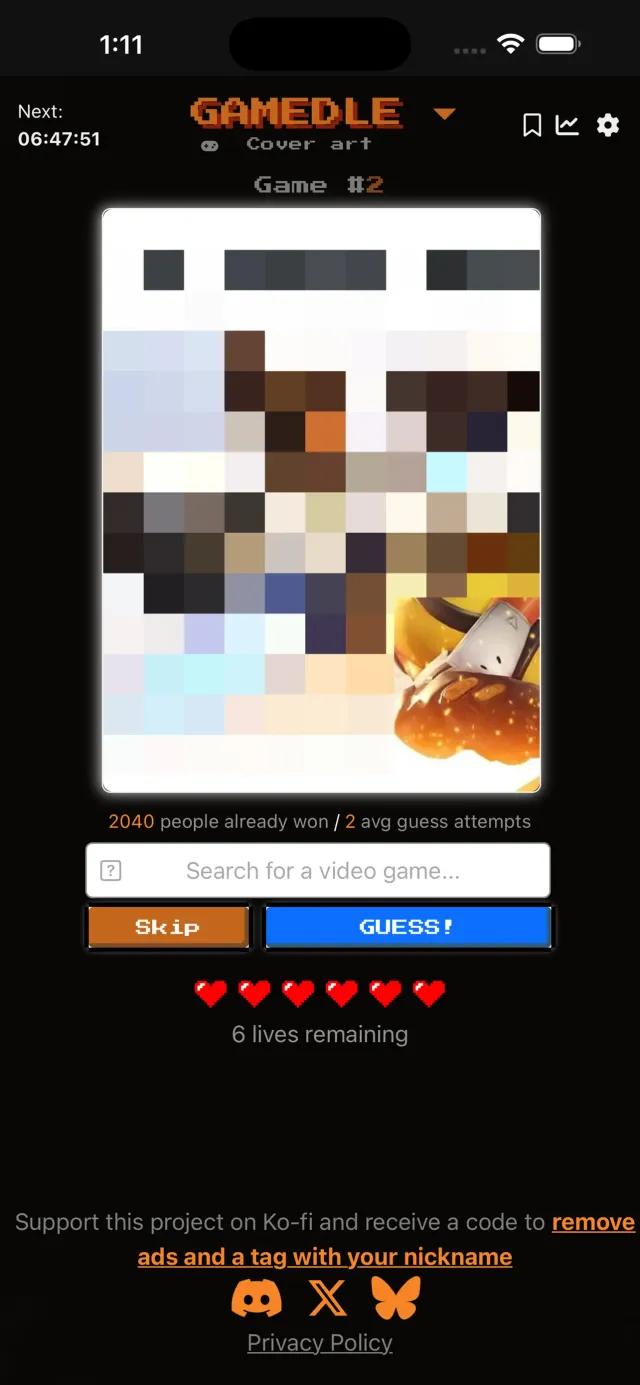
Gamedle
Another daily video game to name, from its cover, art or specs

GuessThe.Game
Name the video game from its screenshots in six guesses
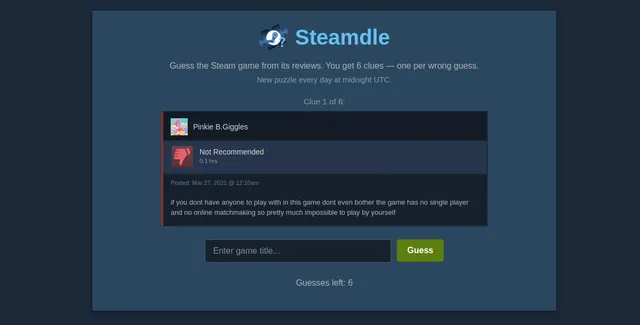
Steamdle
Name the day's Steam game from its players' reviews
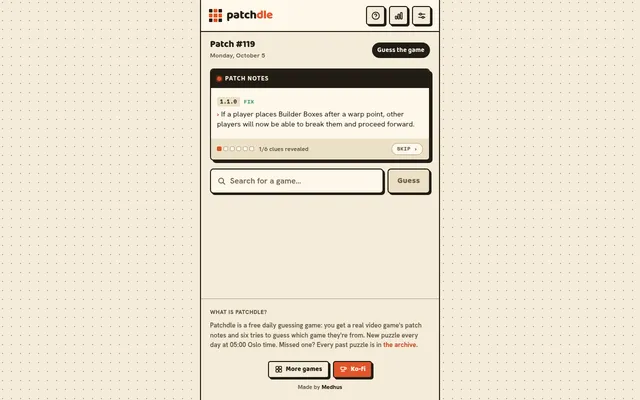
Patchdle
Name the day's video game from its patch notes
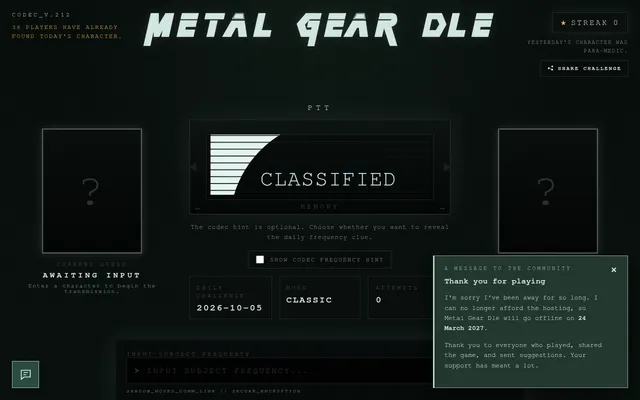
Metal Gear Dle
The same attribute-comparison format for one game series's characters
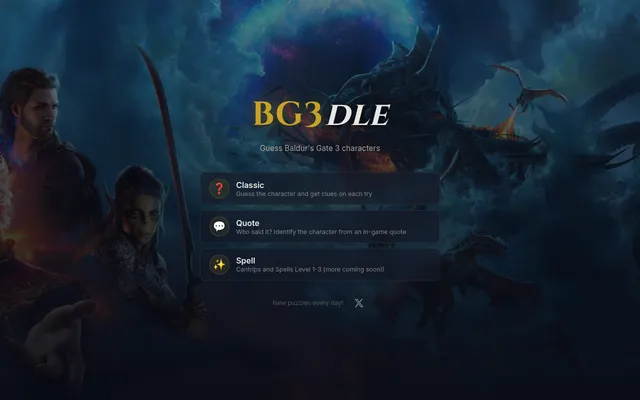
BG3dle
Name the day's Baldur's Gate 3 character, the speaker of a quote and a spell from its icon.
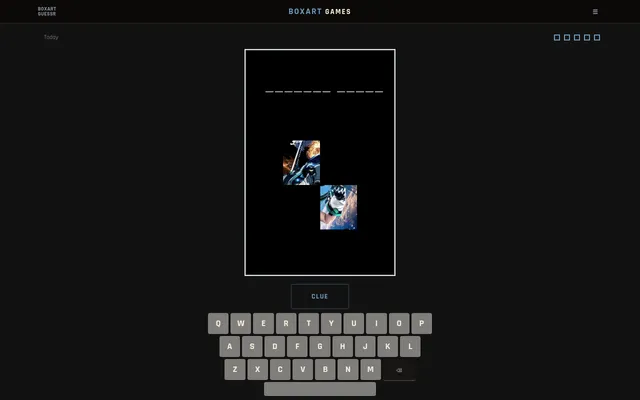
Boxart Games (Boxart Guessr)
Name the video game of the day from a few tiles of its box art.
DEADLOCKDLE
Name the day's Deadlock hero from clues, a silhouette, an ability icon and a weapon.