Kaidoku · Daily Sudoku
A clean, ad-free sudoku with a free Daily Challenge that everyone shares.
Every day: One classic 9x9 sudoku a day, the same grid for everyone worldwide, free to play, with a streak and a Game Center leaderboard for times.
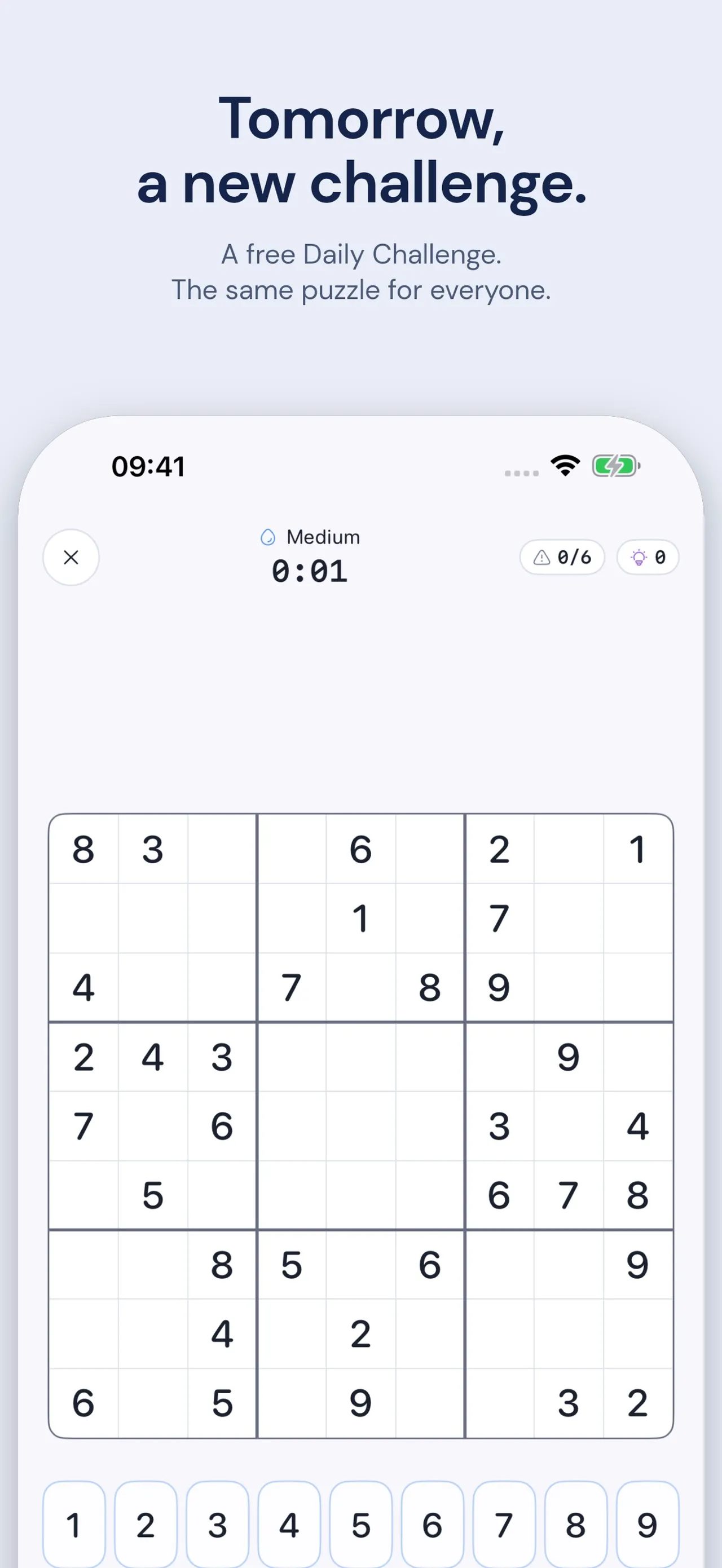
Kaidoku is a sudoku app for iPhone and iPad with a Daily Challenge that is the same grid for everyone worldwide. The daily is free, builds a streak and posts your time to a Game Center leaderboard. Beside it there are graded puzzles and a Cipher Mode that swaps the digits for letters or symbols.
About Kaidoku · Daily Sudoku
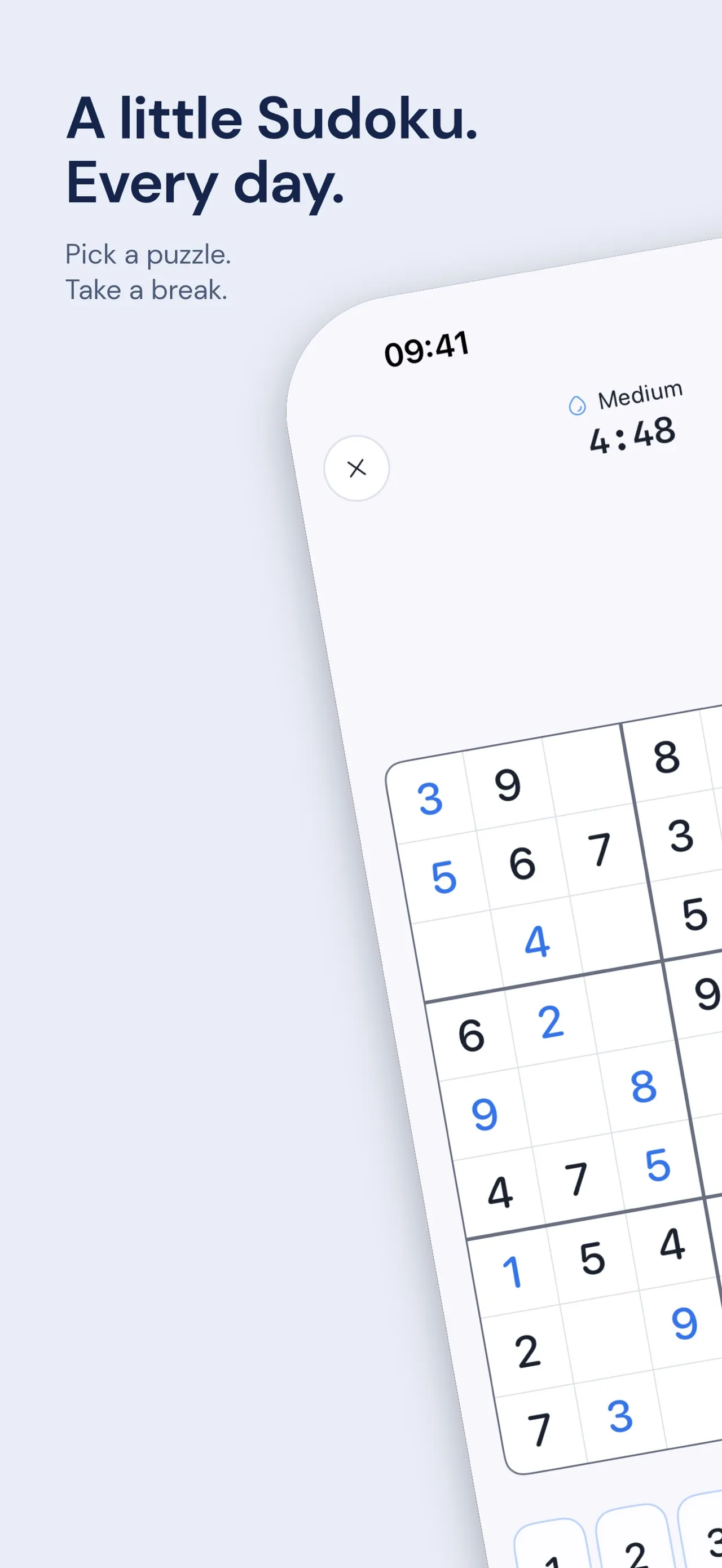
The daily challenge is a classic 9x9 sudoku with one solution that can be reached by logic alone. A timer runs at the top, along with a mistake counter and a hint counter; each difficulty has its own mistake limit. Pencil marks, undo and hints are there when you need them, and the website says the hints explain the next logical step. A Home Screen and Lock Screen widget keeps the Daily Challenge in view, and statistics track best times, completed puzzles and streaks, synced over iCloud.
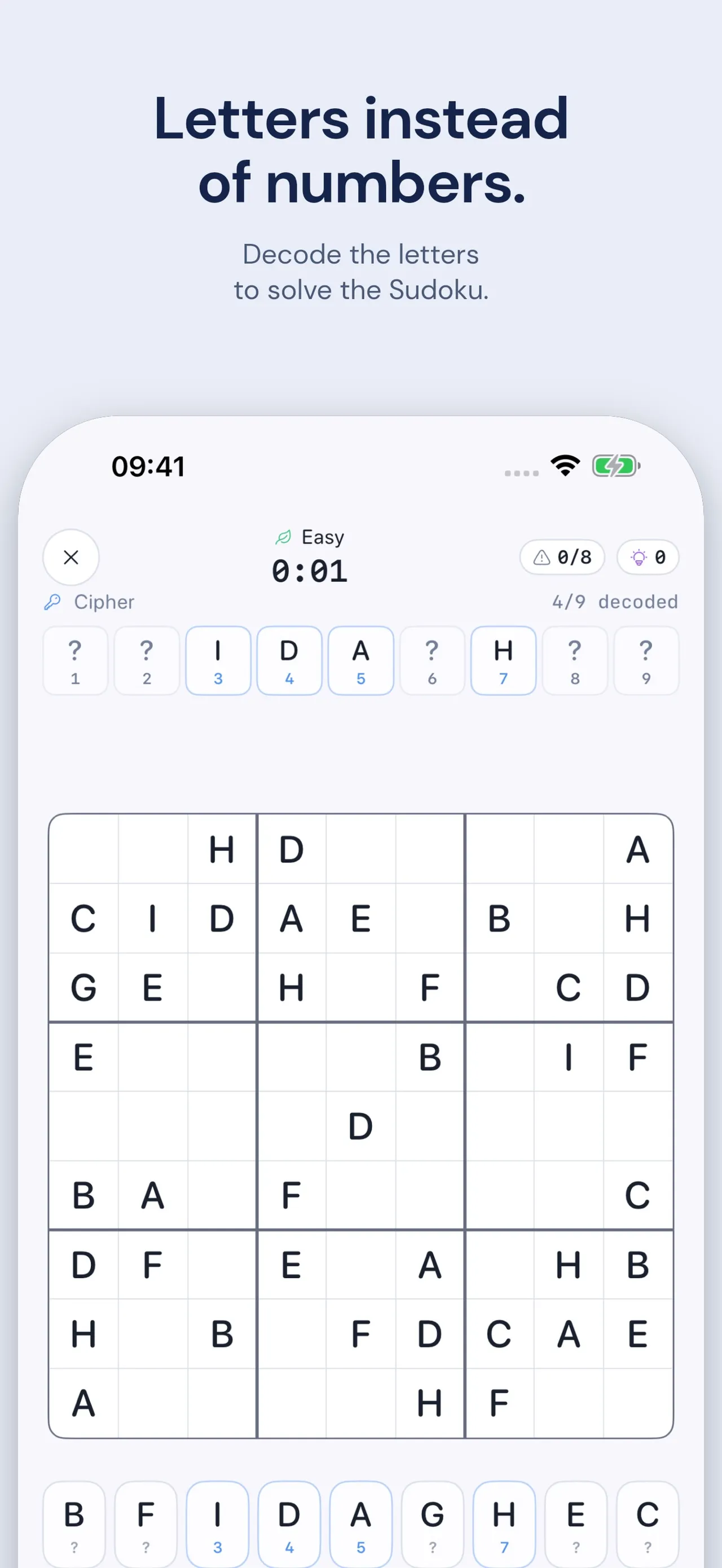
Cipher Mode is the app's own twist. The grid is filled with letters instead of digits, and you work out which digit each letter stands for as you solve; a row above the board shows how many of the nine are decoded. Premium adds Greek letters, runes, zodiac signs, shapes and planetary symbols.
Kaidoku is made by Marvin Kleiber under the undraft name and came to the App Store in September 2026. Each day you get the Daily Challenge plus one free Easy game in either mode, with three hints per game. A one-time Premium purchase, with no subscription, unlocks unlimited games at Medium, Hard, Expert and Master, unlimited hints, more themes and the extra symbol sets. There are no ads and no account, it plays offline and it is available in 19 languages.
How to play Kaidoku · Daily Sudoku
- Open the Daily Challenge from the home screen or the widget.
- Fill the grid so every row, column and 3x3 box holds 1 to 9 once each.
- Use pencil marks for candidates and undo if you change your mind.
- Keep under the mistake limit shown at the top; use a hint if you are stuck.
- Finish to extend your streak and post your time to the Game Center leaderboard.
Screenshots
Tips
- Watch the mistake counter at the top; the limit depends on the difficulty, so slow down when you are close to it.
- Add the widget so the day's puzzle is one tap away and the streak does not slip.
- Try Cipher Mode on the free daily Easy game: decode one letter early and the rest of the grid gets easier.
- Hints explain the next logical step, so use one to learn a technique rather than only to fill a cell.
Questions
Is the Kaidoku daily the same for everyone?
Yes. The Daily Challenge is the same grid for everyone worldwide, with a Game Center leaderboard for times.
Is Kaidoku free?
The Daily Challenge and one Easy game a day are free. A one-time Premium purchase unlocks unlimited games, all difficulties and more symbol sets. There is no subscription and no ads.
What is Cipher Mode?
A sudoku with letters or symbols instead of digits, where you work out which digit each one stands for as you solve.
Does it work offline?
Yes, on iPhone and iPad, with no account needed.
Games like Kaidoku · Daily Sudoku
Good Sudoku
An iPhone sudoku with daily puzzles and a global leaderboard
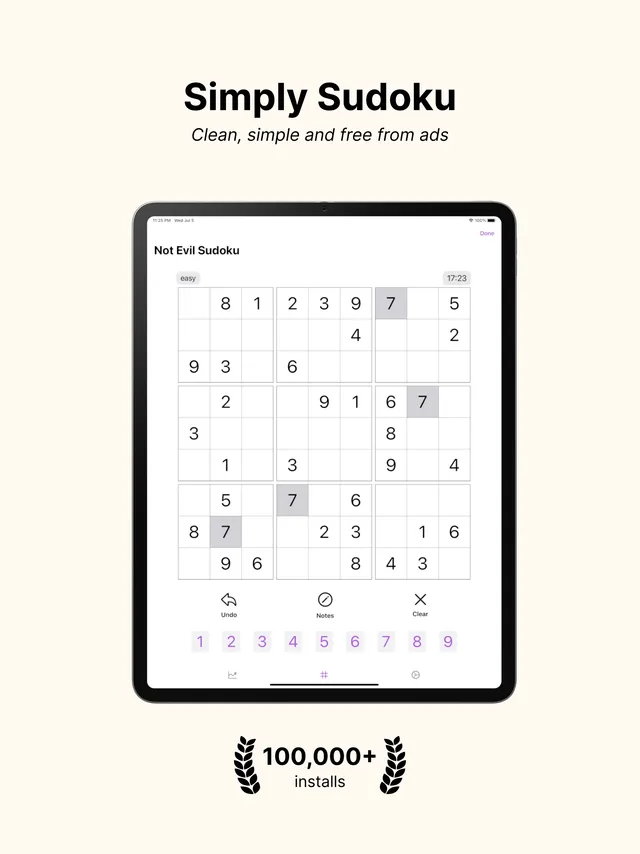
Not Evil Sudoku
An ad-free iPhone sudoku with one daily puzzle per difficulty
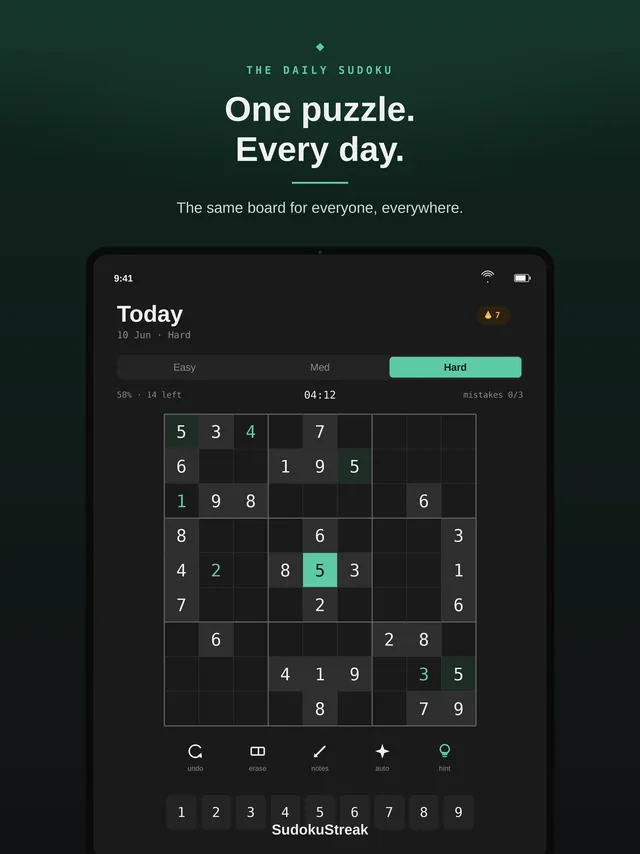
SudokuStreak
One sudoku a day for everyone, with hints that explain the technique
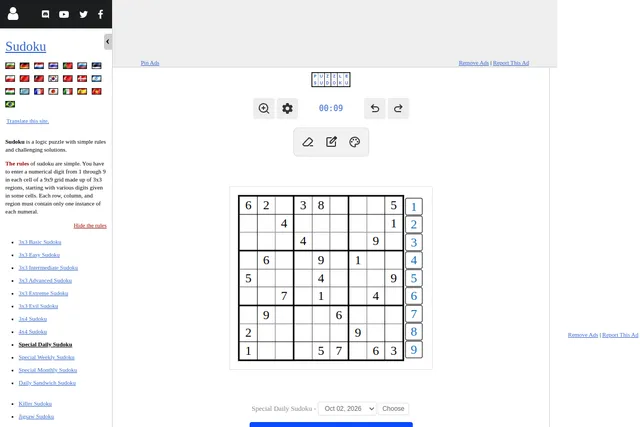
Daily Sudoku
One classic 9x9 grid a day, the same for everyone

Canoku
Sudoku with emojis in place of digits
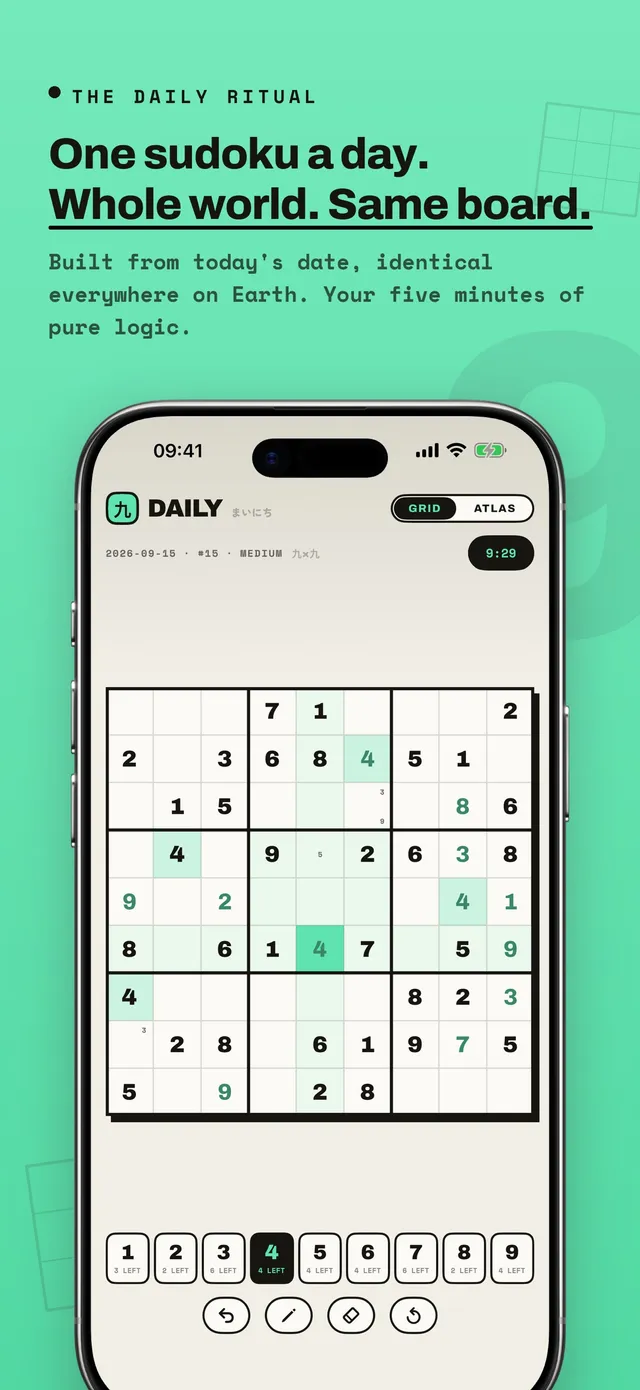
KUMIKO: Daily Sudoku Puzzle
One sudoku a day, the same board worldwide, with a second view that tracks one digit at a time.
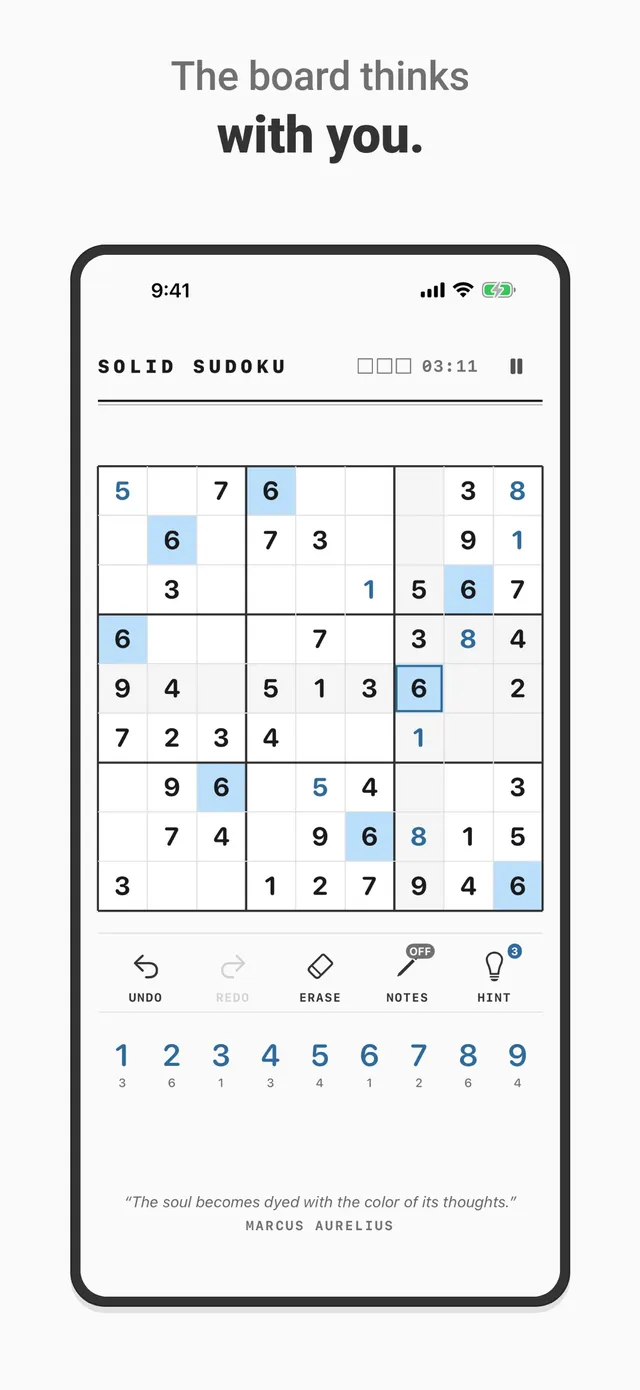
Solid Sudoku: Daily Puzzle
A paper-styled 9x9 sudoku with one seeded Daily Challenge for everyone.
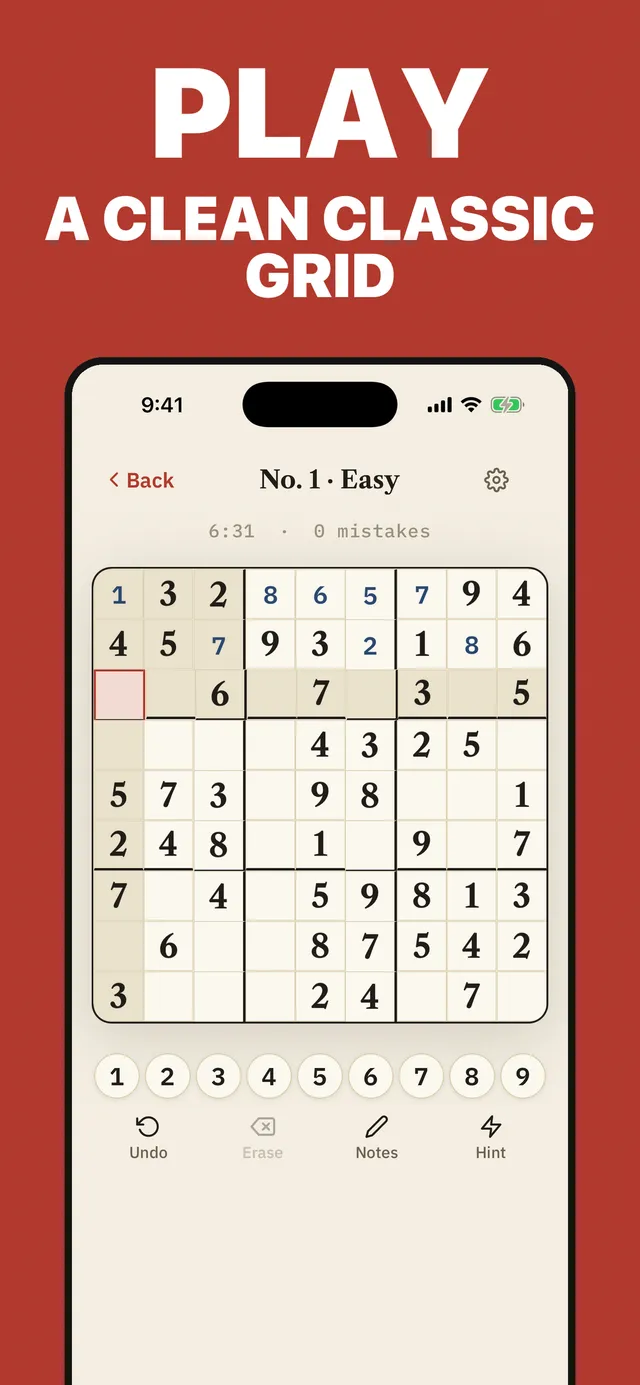
Claire's Sudoku
A daily sudoku that climbs from Monday to Saturday, inside an app that teaches the techniques.