Daydoku
Fit polyomino pieces on a calendar so only today's month, day and weekday remain visible.
Every day: Each date is its own target: fit the pieces on a calendar board so only today's month, day and weekday stay uncovered, on five boards (Daydoku, Micro, Classic, Mini, Grande). Everyone solves for the same date. New puzzle: Local midnight (the target is today's date).
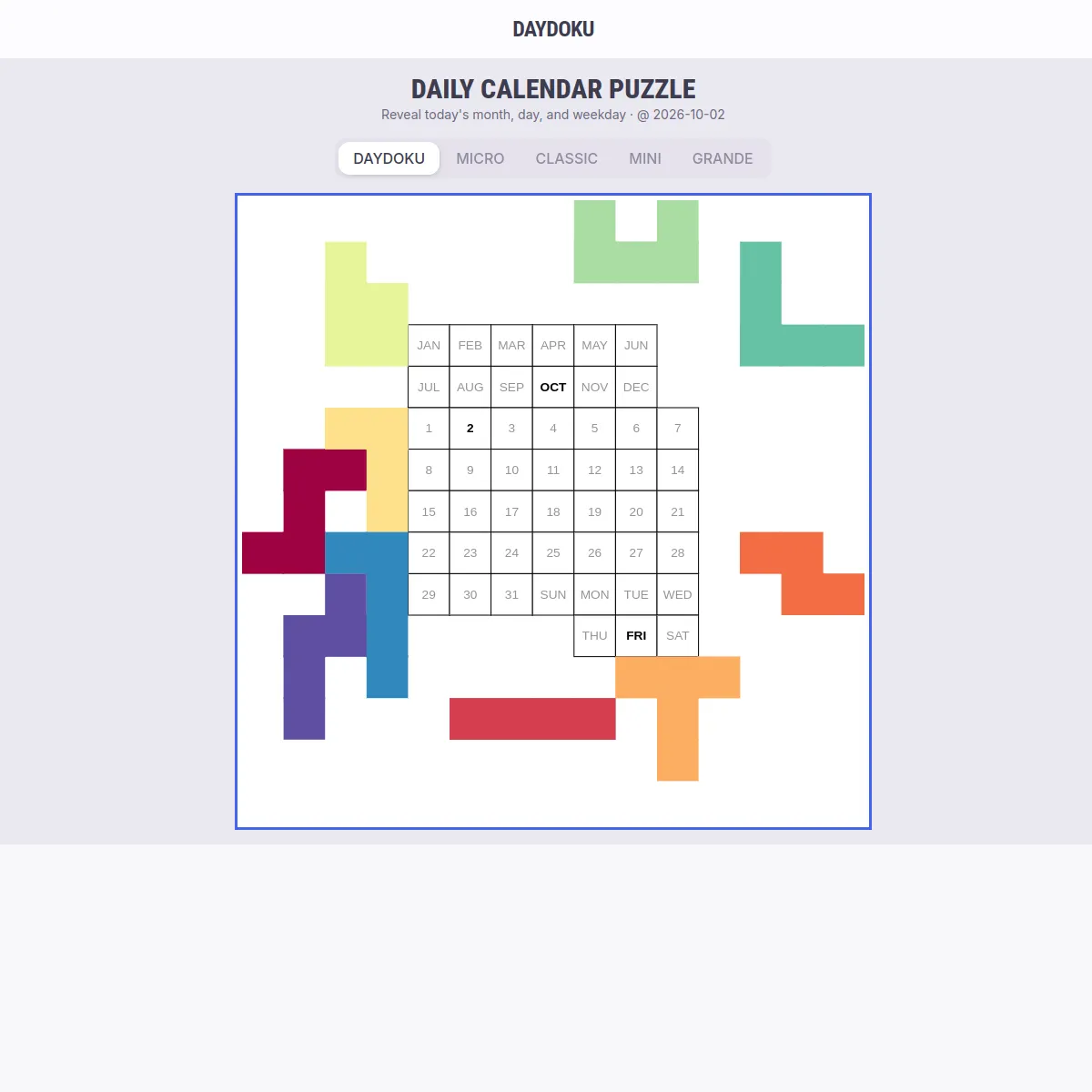
Daydoku is a browser version of the calendar puzzle: a board printed with months, days and weekdays, and a set of polyomino pieces. Each day you must place every piece so that only today's date is left showing, on any of five boards from a quick Micro to the hard Grande.
About Daydoku
Daydoku takes the wooden calendar puzzle and puts it in the browser. The main board has a grid of months, day numbers and weekdays, and ten pieces (three tetrominoes and seven pentominoes). The day's challenge is to fit all of them inside the calendar so that the only squares left uncovered are today's month, day and weekday. Because the target is the date, every player is solving the same challenge on the same day.
There are five boards, each with its own challenge per day. Micro is a compact two-window board with 11 tiny pieces. Classic is the familiar two-window board with 9 pieces that leaves only the month and day. Mini is a year-planner layout cut into 14 small triominoes and tetrominoes. Grande uses just 8 big pieces, pentominoes and a hexomino, and is the hardest. The site says every board has been checked by computer to have at least one solution for every date of the year, and most dates have many.
Pieces start scattered around the board. You drag them on, rotate them with the ring around a selected piece, and flip non-symmetrical ones with a button. Pieces snap to the grid when dropped.
It suits fans of pentomino and tangram puzzles and anyone who likes a hands-on spatial puzzle rather than a word or number game.
How to play Daydoku
- Pick a board: Daydoku, Micro, Classic, Mini or Grande.
- Drag a piece onto the calendar; it snaps to the grid.
- Tap a piece to rotate it with the ring, or flip it with the flip button.
- Fit every piece inside the calendar so only today's month, day and weekday remain visible.
Tips
- Place the largest and most awkward pieces first, in corners and along edges.
- Look at the cells around today's date; they are the hardest to fill without covering it.
- Avoid leaving single isolated cells, since no piece can fill a one-cell gap unless the board has very small pieces.
- Start with Micro or Classic before trying Grande.
Questions
Is the challenge the same for everyone?
Yes. The target is today's date, so all players solve for the same squares on each board.
Is there always a solution?
Yes. The site says every board is verified by computer to have at least one solution for every date of the year.
How many boards are there?
Five: Daydoku, Micro, Classic, Mini and Grande, each with one challenge per day.
Is it free?
Yes, it plays free in the browser with ads.
Games like Daydoku
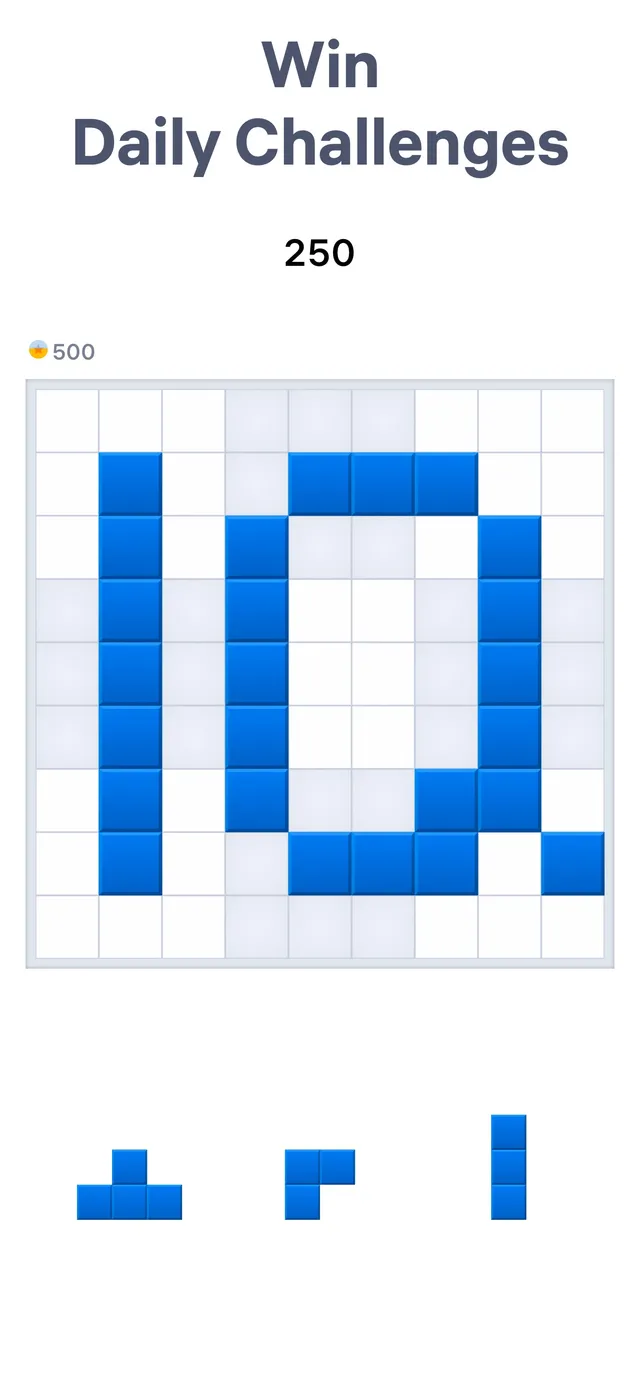
Blockudoku
Place block shapes on a grid each day

Flipart
Fit and flip shapes to fill a frame
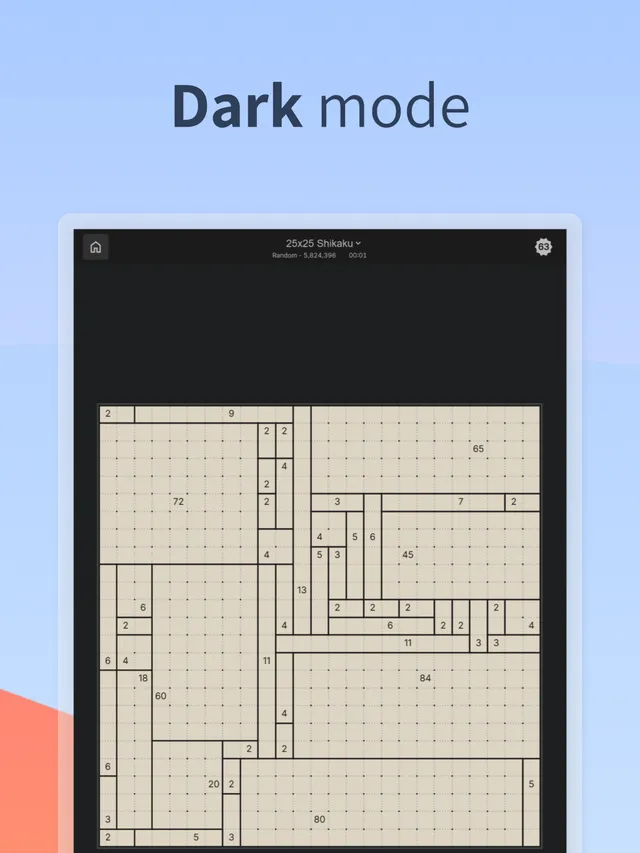
Daily Shikaku
Divide a grid into rectangles by logic
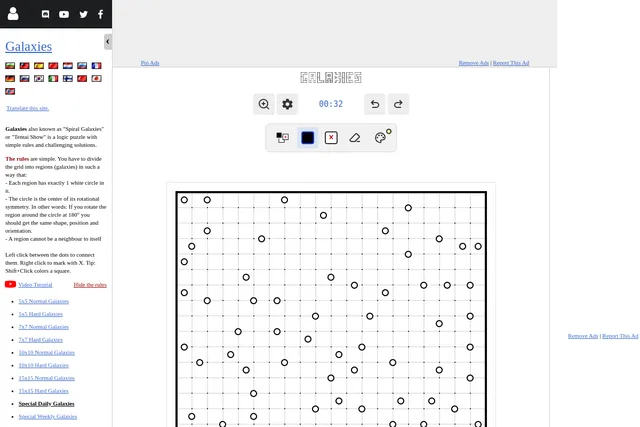
Daily Galaxies
A daily spatial grid puzzle
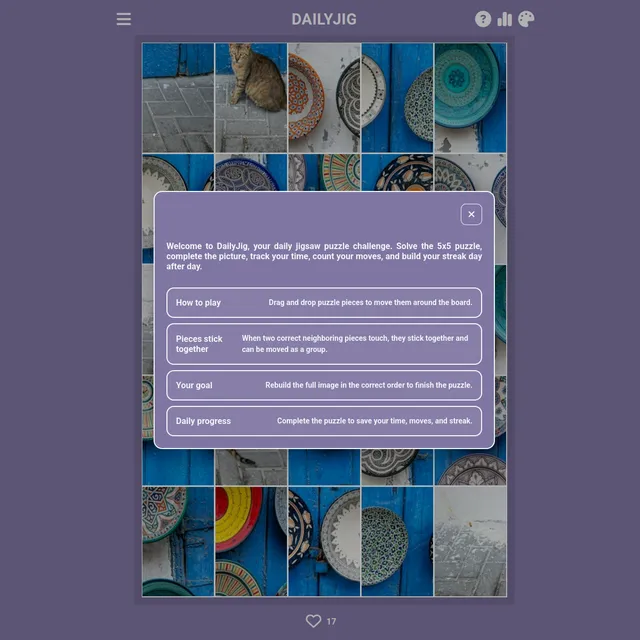
DAILYJIG
A daily jigsaw and logic set
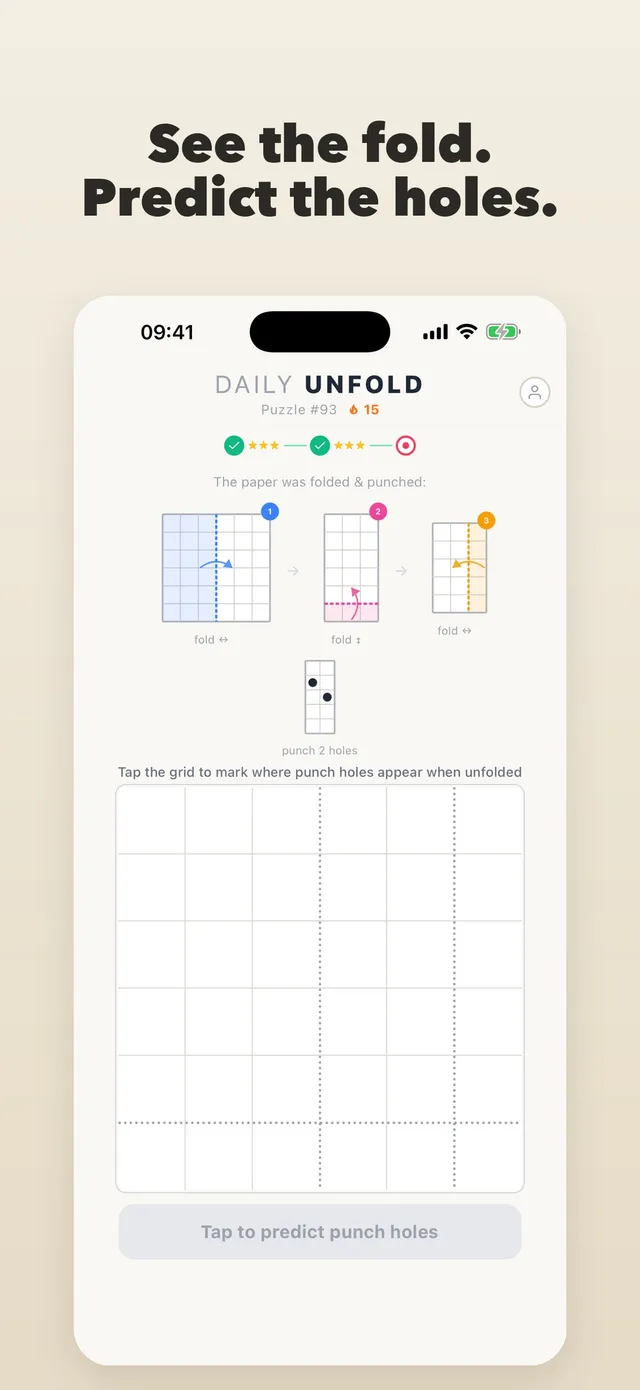
Daily Unfold
A sheet is folded and punched: mark where the holes land when it opens.
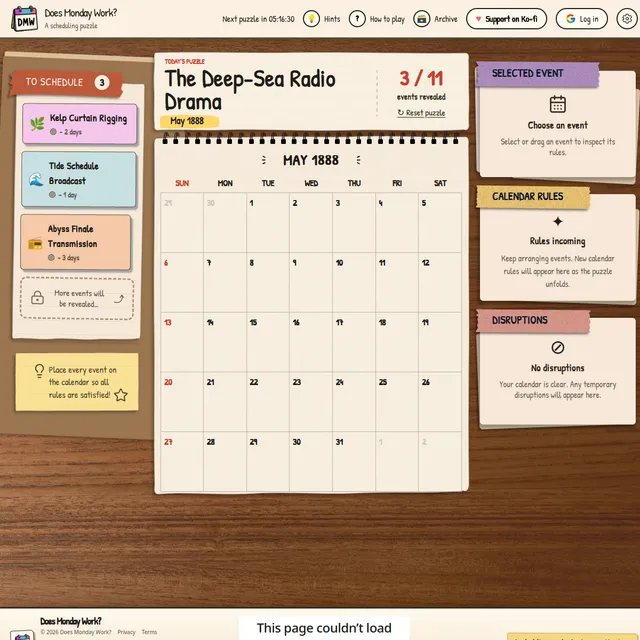
Does Monday Work?
Drag events onto a monthly calendar and find the one schedule that satisfies every rule.
Gridmino
A daily set of more than a dozen small logic and word puzzles, ad-free.