Daily Calendar Puzzle
Rate itFit the pieces on a calendar board so only today's month, date and weekday stay uncovered.
on apps.apple.com
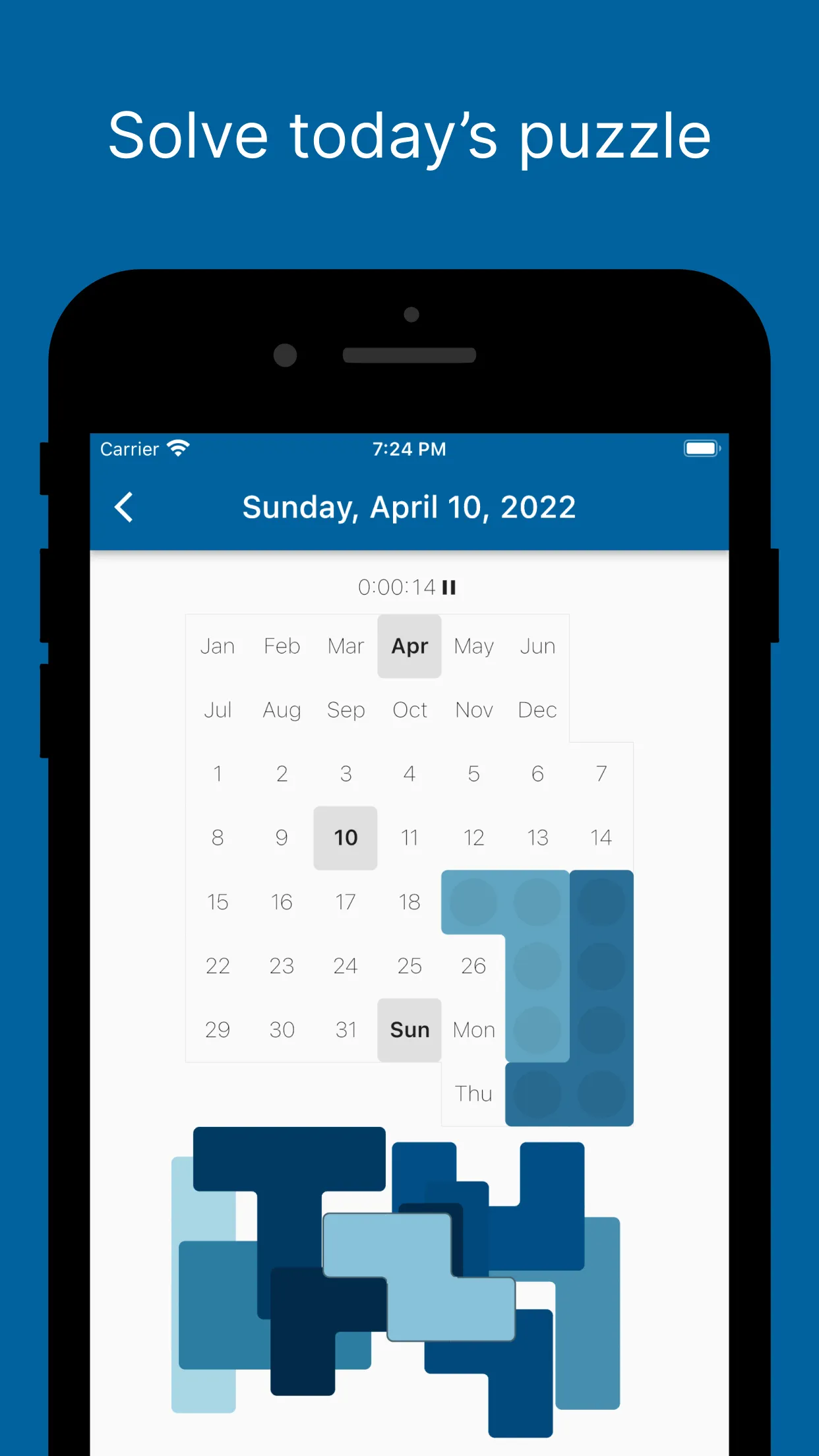
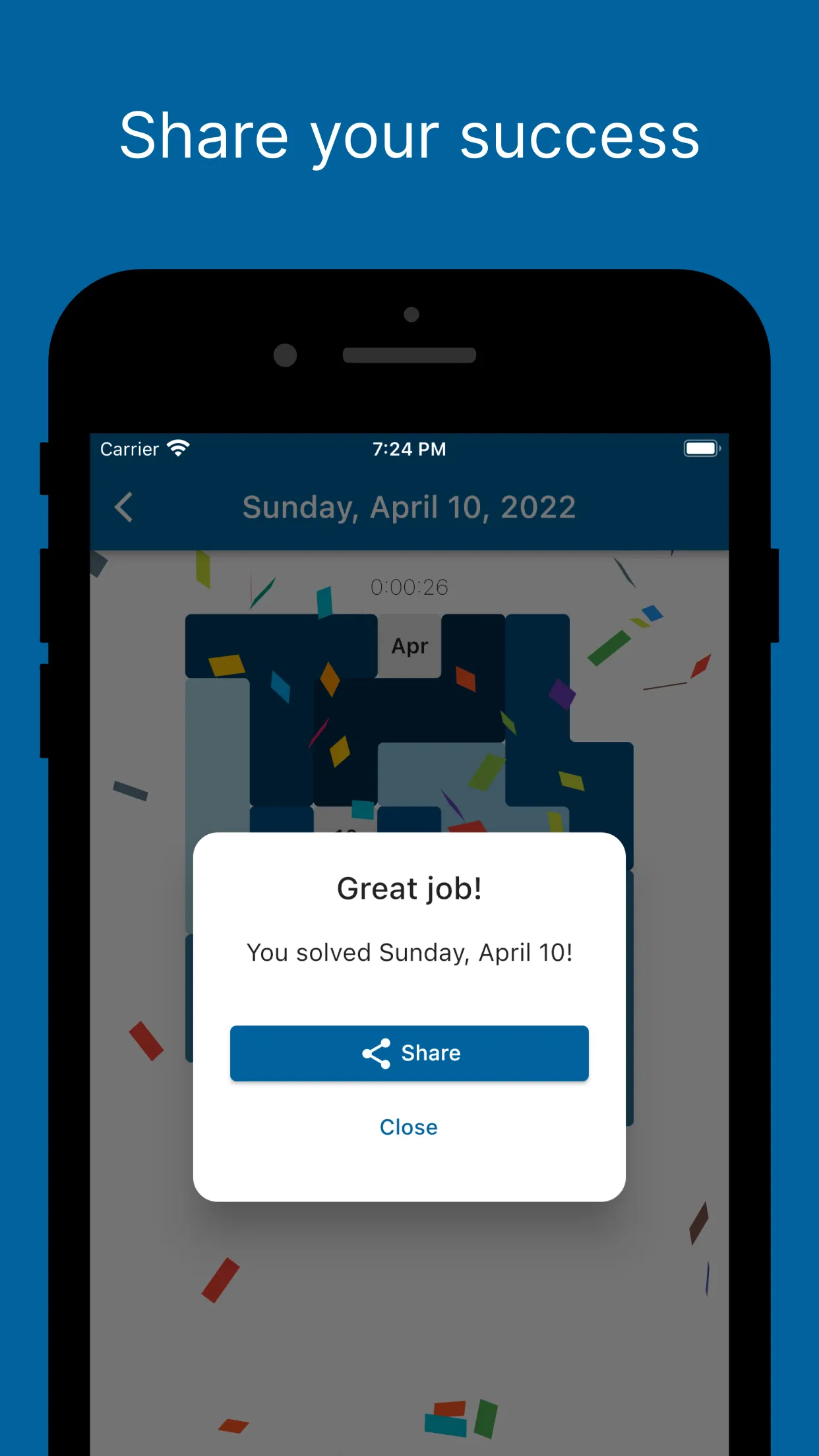
Daily Calendar Puzzle is a free phone app for iPhone, iPad and Android based on the physical calendar puzzle: a board printed with months, dates and weekdays and a fixed set of block pieces. Each day you place the pieces so that only that day's month, date and weekday show, with a timer running, and you can share your time when you finish.
About Daily Calendar Puzzle
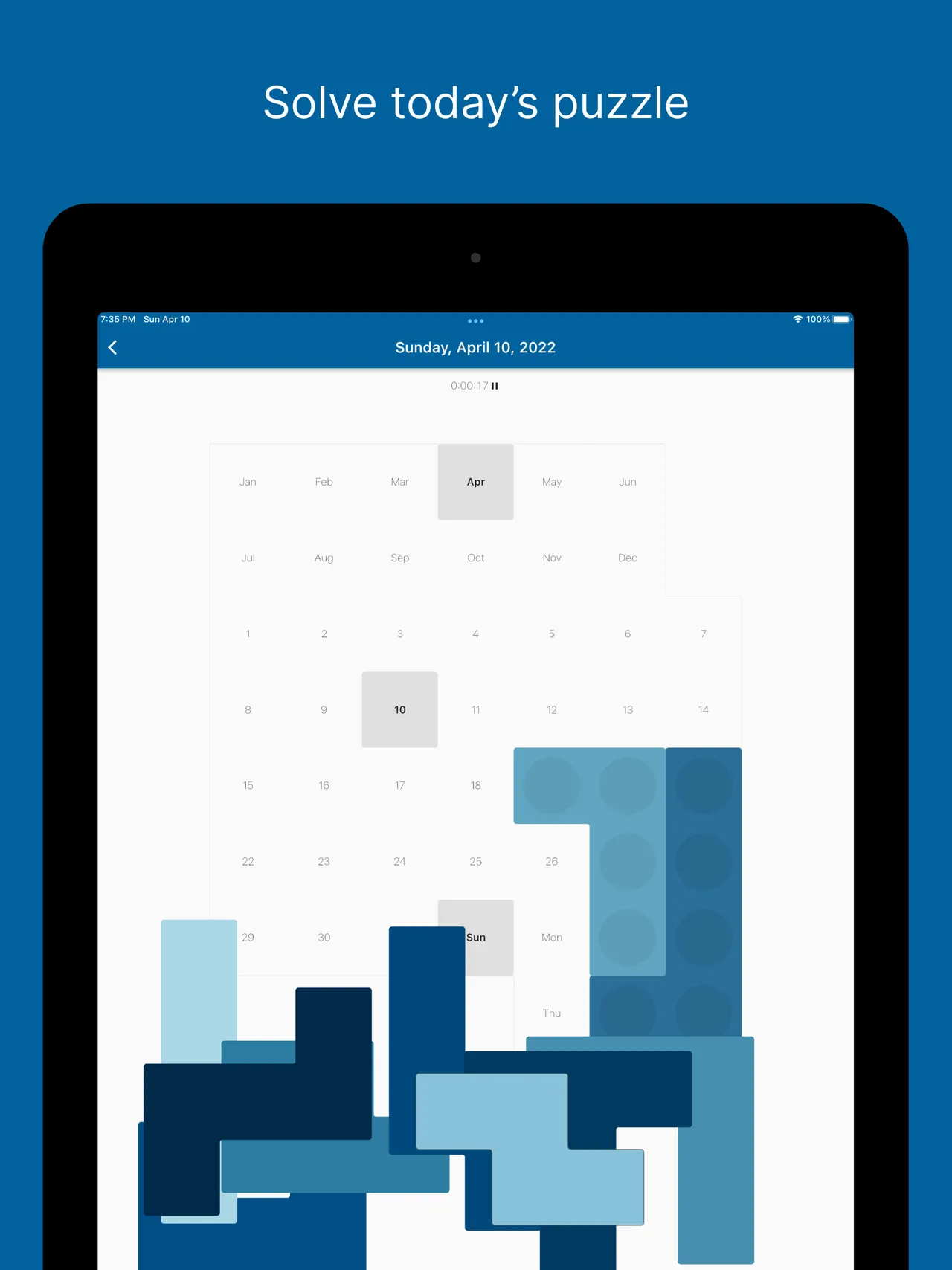
The board is laid out like a wall calendar: two rows of months, the numbers 1 to 31 and the days of the week. The pieces never change. What changes is the target. On any day the puzzle is solved when every square is covered except the three that name today, such as Apr, 10 and Sun.
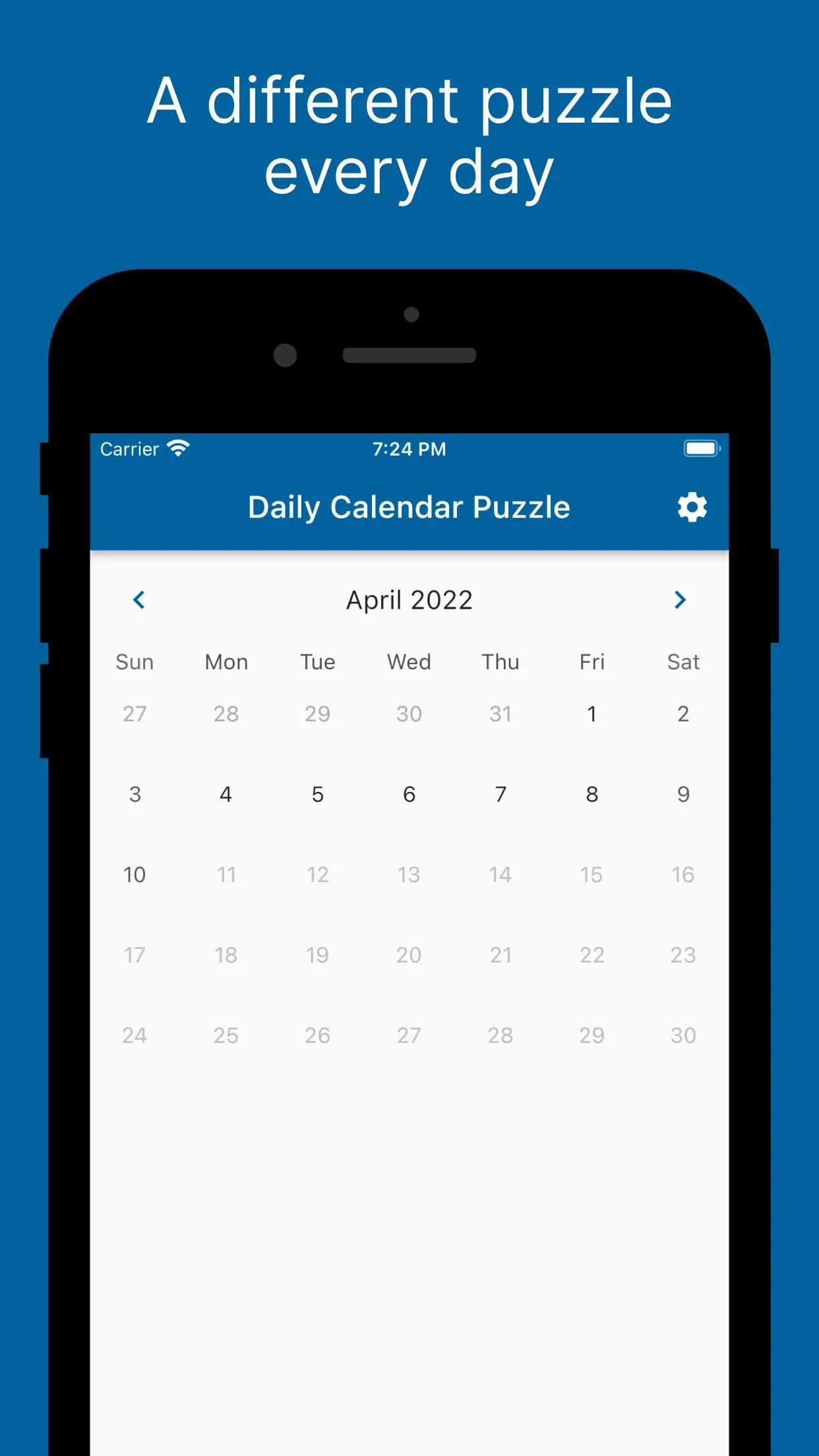
The app is made by Andrew Lau, who publishes as Thinkingalaud, and has been on the App Store since February 2022, with an Android version on Google Play. The store text says every date has at least one solution and many have several. There is an easy and a hard mode, a timer, stats with a longest streak, and a share image for comparing times with friends solving the same date. A month view lets you go back to earlier dates, so you can try a birthday or a holiday too.
The app is free. An ad shows after a solved puzzle, and colour and seasonal themes plus a Premium upgrade are sold in the app. The last update came out in May 2025, and because the target follows the calendar, each day still brings a new board with nothing to download.
It suits anyone who likes packing puzzles, tangrams or the wooden A-Puzzle-A-Day boards and wants one short spatial puzzle with their morning coffee. Owners of the wooden version use it to check a day before setting their own board.
How to play Daily Calendar Puzzle
- Open the app to today's puzzle. The date is shown at the top.
- Drag a piece from the tray onto the calendar board, turning or flipping it to fit.
- Cover every square except today's month, date and weekday.
- Keep rearranging until all pieces fit. The timer stops when you solve it.
- Share your time, or open the month view to try another date.
Screenshots
Tips
- Place the awkward long pieces along the board's edges first.
- Leave the three uncovered squares in mind from the start: build the pieces around them rather than toward them.
Questions
Does every day have a solution?
Yes. The store text says each date has at least one solution, and many have more than one.
Can I play past dates?
Yes, a month view lets you pick other dates.
Is Daily Calendar Puzzle free?
Yes, it is free on the App Store and Google Play. It shows ads and sells themes and a Premium upgrade in the app.
Is it on Android?
Yes. The same app is on Google Play from Thinkingalaud, at the same version as the iPhone app.
Ratings and reviews
Games like Daily Calendar Puzzle
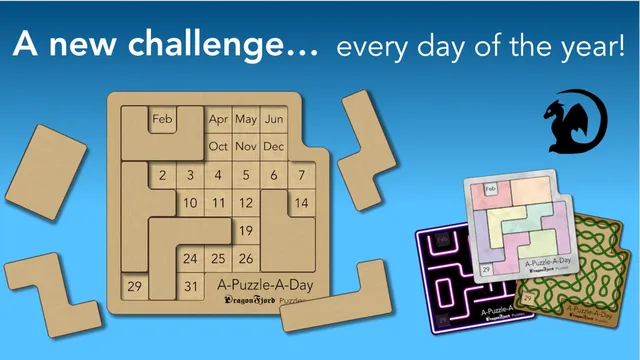
A-Puzzle-A-Day (DragonFjord app)
The app from the makers of the wooden calendar board. Today's month and day stay open while the eight pieces…
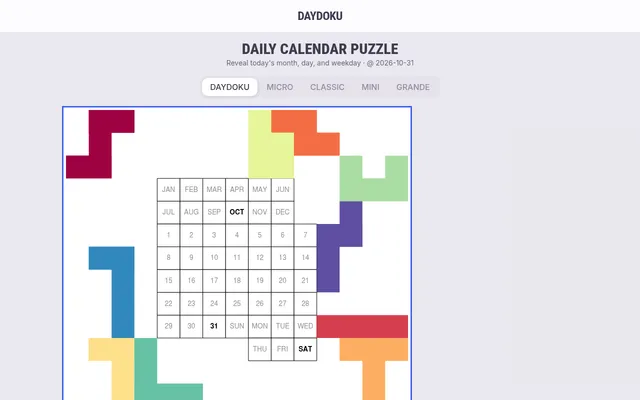
Daydoku
Five boards for each date, three of them asking for the weekday as well, so it is the closest match if one…
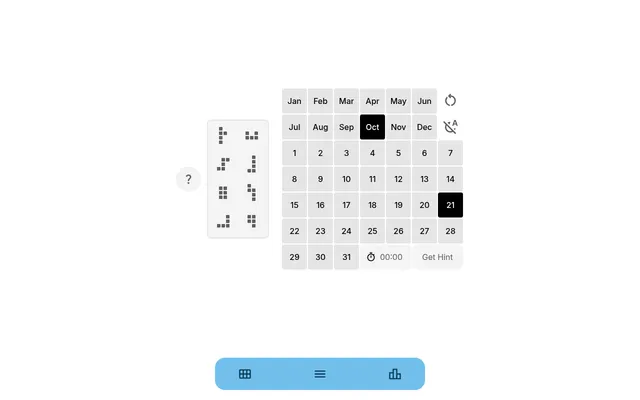
The Calendar Puzzle
Mini, Daily and Weekday boards in the browser, each tied to the date
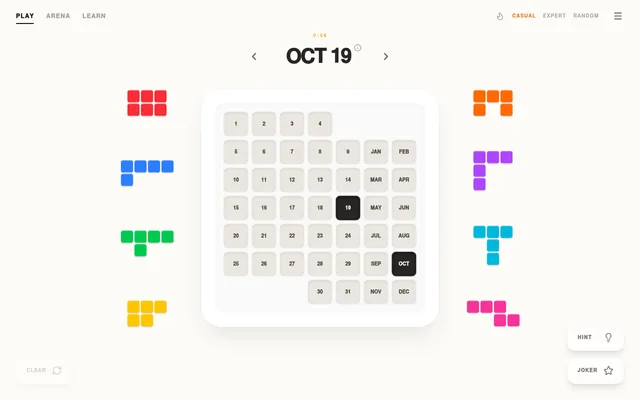
Daily Calendar Puzzle
A web version with eight pieces on a 43-cell board, leaving month and day open. It adds a streak and daily…
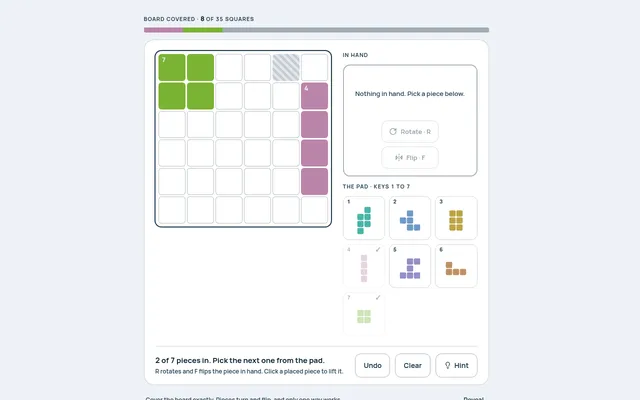
Snug (Mind Loft)
Pieces that turn and flip to cover a 6x6 with only one way to fit them. Sundays grow to 7x7.
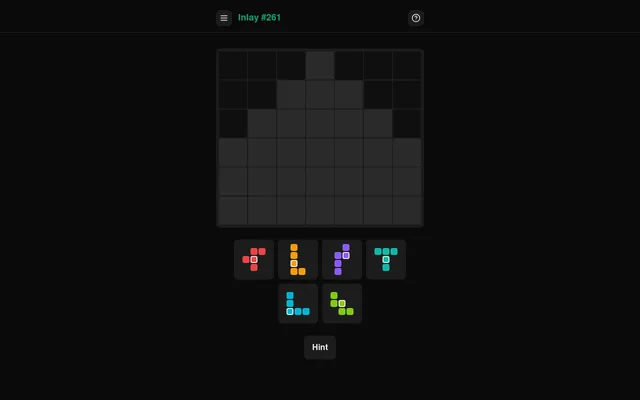
Inlay (Nerdcube)
Pentominoes again, though here the day's target is a shape to fill completely.
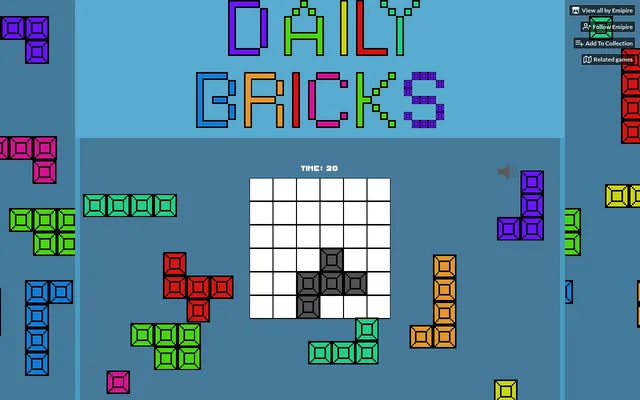
Daily Bricks
A dated set of bricks to pack into a 6x6 box around a few grey cells, the same set for everyone
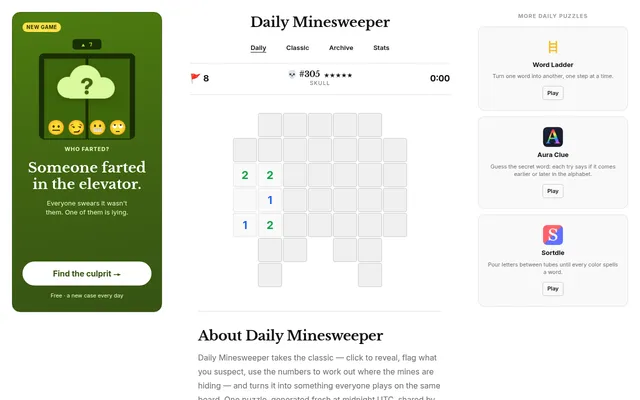
Daily Minesweeper (dailyminesweeper.com)
One shaped Minesweeper board a day, the same for everyone, with the opening already uncovered.