Microsoft Mahjong
Tile-matching mahjong solitaire with five daily challenges and a badge for the month.
Every day: Five Daily Challenges every day in modes such as Classic, Golden Tiles, Lightning Tiles, Match Attack and Score Attack; completing every challenge each day of the month earns a Bronze to Perfect badge. New puzzle: Once a day; Microsoft does not state the time.
Mahjong by Microsoft on Google PlayMicrosoft Mahjong on the Microsoft Store
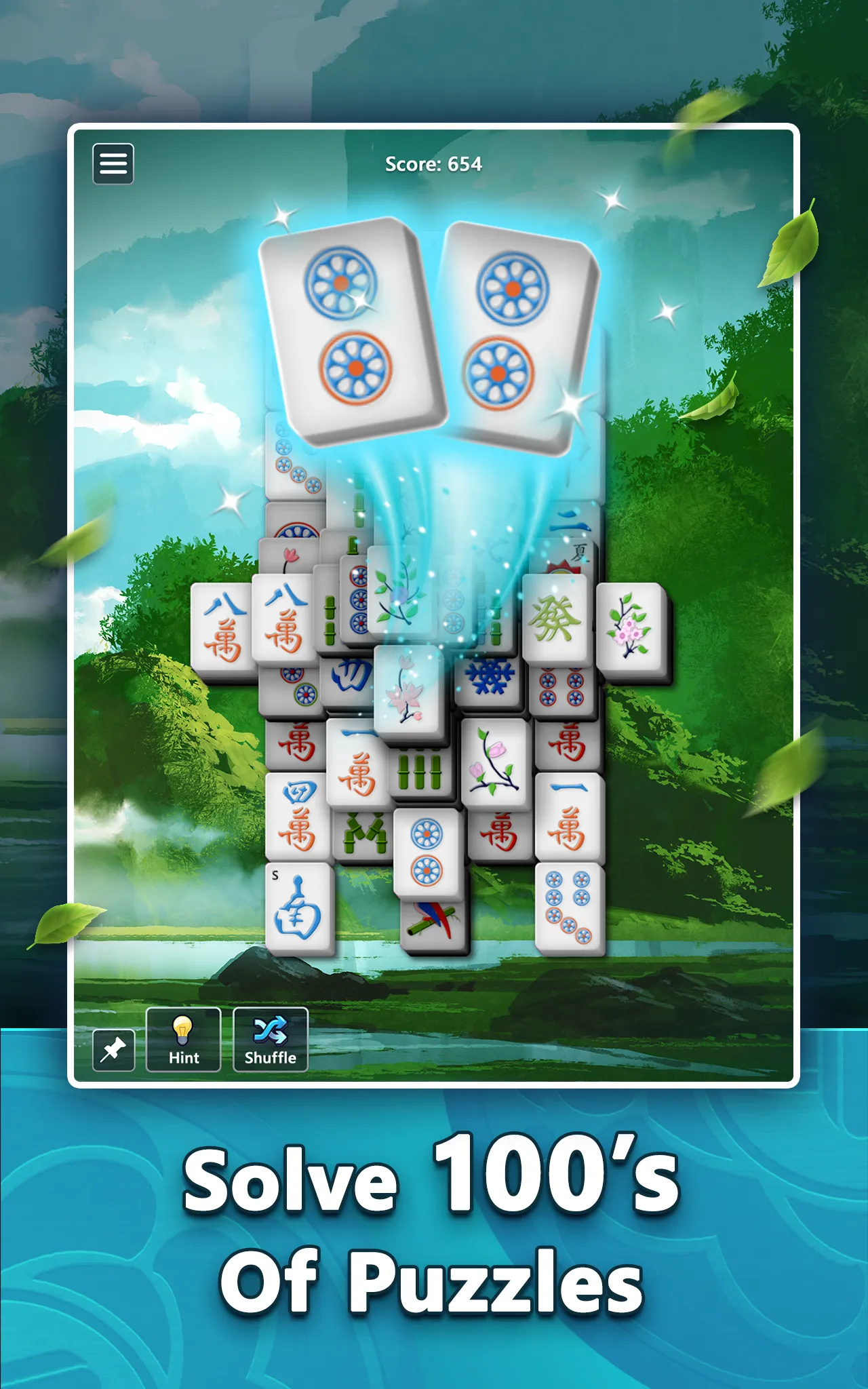
Microsoft Mahjong is mahjong solitaire from Microsoft Casual Games: clear a stacked layout by matching free pairs of tiles. Five Daily Challenges a day, in modes such as Golden Tiles and Score Attack, build toward a monthly badge.
About Microsoft Mahjong
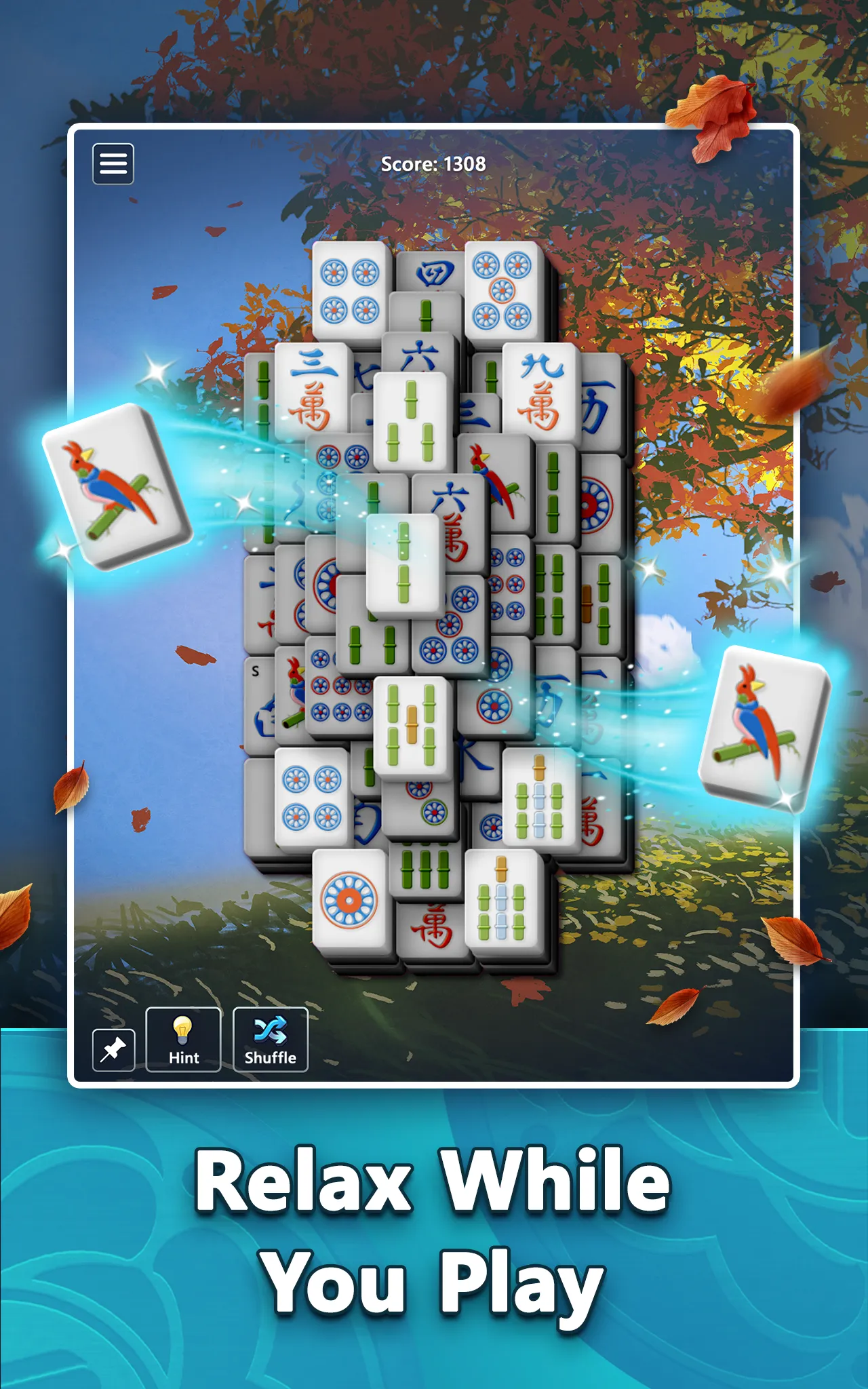
Microsoft Mahjong is the mahjong solitaire game from Microsoft Casual Games, the team behind Microsoft Solitaire Collection. It is not the four-player game of mahjong: you face a stacked layout of tiles and clear it by matching pairs of identical tiles that are free, meaning nothing covers them and at least one side is open. Hints and shuffles help when you are stuck, and matching tiles of the same suit in a row builds a chain bonus. It has hundreds of layouts, several difficulty levels and a choice of themes and tile sets.
The daily part is the Daily Challenges: five each day, spread over several modes. Classic challenges ask you to clear a layout. In Golden Tiles the goal is only to uncover and match the hidden golden pairs. Lightning Tiles, Match Attack and Score Attack each set their own goal, such as a score to reach. Each challenge you finish counts toward a badge for the month, from Bronze up to Diamond, and a Perfect badge goes to players who complete every challenge every day of the month.
The game is free with ads, and you can sign in with a Microsoft account to keep your progress and achievements across devices. It suits players who want a calm tile-matching game with a short set of fresh goals each day.
How to play Microsoft Mahjong
- Open Microsoft Mahjong and go to Daily Challenges.
- Pick one of the day's five challenges and read its goal, such as clearing the board, finding the golden tiles or reaching a score.
- Match pairs of identical free tiles, ones with nothing on top and an open left or right side.
- Use a hint or shuffle if no pairs are left, then keep going until the goal is met.
- Finish all five to keep your monthly badge on track.
Screenshots
Tips
- Clear tiles from tall stacks and long rows first; they block the most other tiles.
- When three or four of a tile are free, match the pair that frees the most new tiles.
- Matching tiles of the same suit one after another earns a chain bonus in score challenges.
- Golden Tiles only cares about the golden pairs, so dig toward them rather than clearing everything.
Questions
How many daily challenges does Microsoft Mahjong have?
Five a day, across modes such as Classic, Golden Tiles, Lightning Tiles, Match Attack and Score Attack.
What are the badges?
Completing challenges through the month earns a Bronze, Silver, Gold or Diamond badge, and a Perfect badge if you finish every challenge every day.
Is it free?
Yes, with ads. Signing in with a Microsoft account saves progress and achievements across devices.
Is this the four-player mahjong game?
No. It is mahjong solitaire, where you clear a layout by matching pairs of tiles.
Games like Microsoft Mahjong
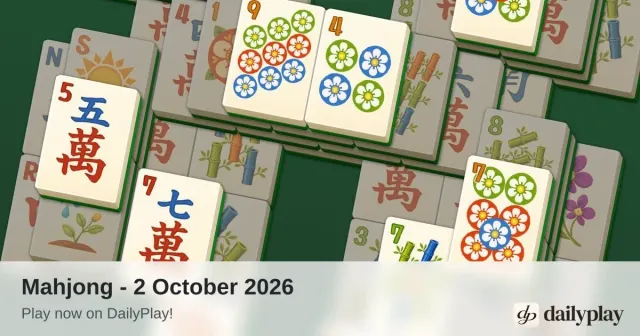
DailyPlay Mahjong
One mahjong solitaire layout a day, the same for everyone, with no ads
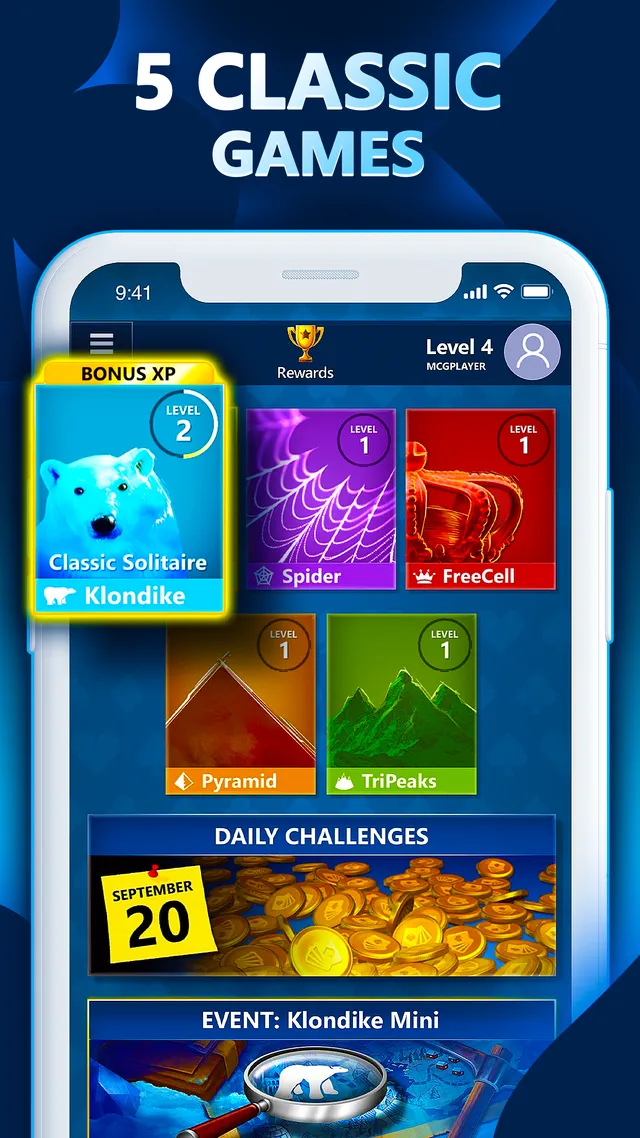
Microsoft Solitaire Collection
Microsoft's card game collection with the same five daily challenges and monthly badges
Microsoft Sudoku
Microsoft's sudoku app, with three daily challenges and badges

DailyPlay Solitaire
A daily Klondike deal the same for every player

KAMI 2
A calm daily puzzle about clearing a board in as few moves as you can

Flow Free
A pack of short daily puzzles to work through at your own pace

Align (Boston Globe)
Swap letters in a scrambled grid until all ten words line up.

All/Some
Pick the circle diagram that shows how the day's words relate.