Microsoft Jigsaw
Microsoft's jigsaw app, with a new set of challenge puzzles every day and badges to earn each month.
Every day: A fresh set of Daily Challenges each day: jigsaw puzzles in special modes, such as timed Jigsaw Jam rounds and variants with goals on the board, that count towards bronze, silver and gold badges for the month. New puzzle: Once a day; Microsoft does not state the time.
Microsoft Jigsaw is Microsoft's free jigsaw puzzle game for Windows. Alongside classic puzzles and the timed Jigsaw Jam mode, its Daily Challenges give a new set of puzzles and puzzle variants every day, and completing them through the month earns badges.
About Microsoft Jigsaw
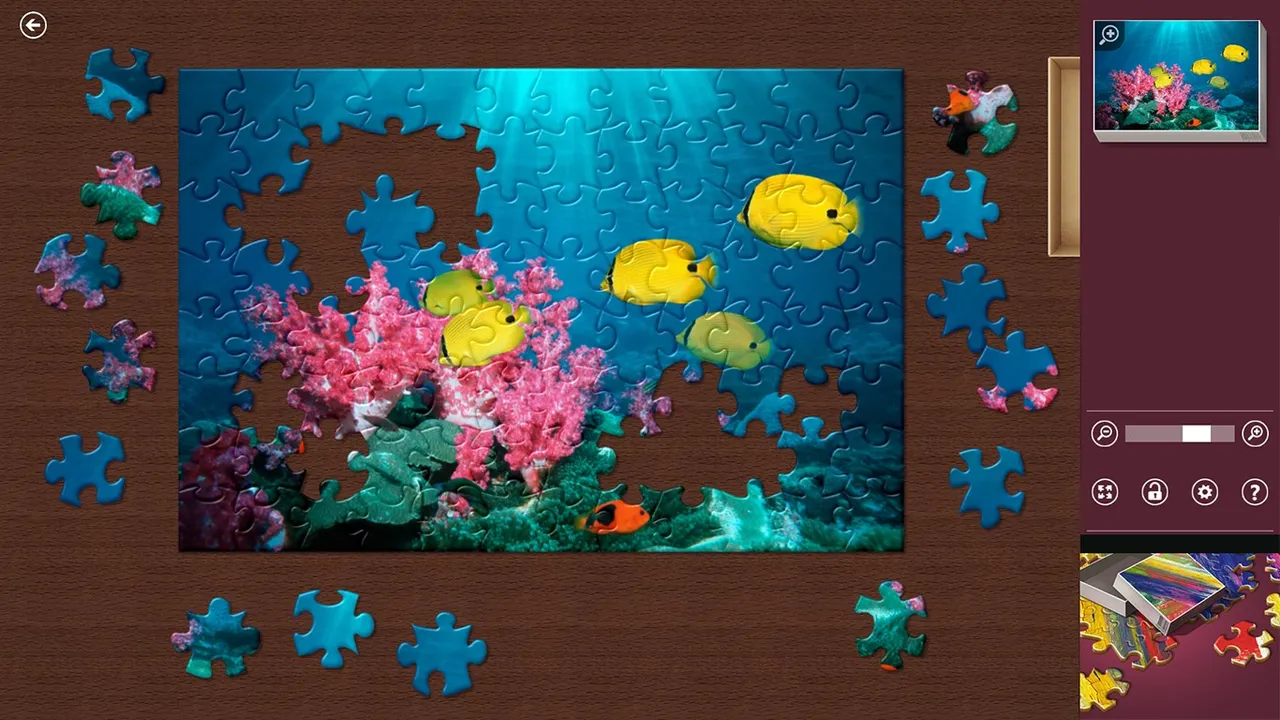
Microsoft Jigsaw has been part of Microsoft's casual games line since the Windows 8 era and is published by Xbox Game Studios on the Microsoft Store. It offers three main modes: Classic, where you choose a picture and a piece count and assemble it at your own pace with zoom, auto-arrange and trays for sorting; Jigsaw Jam, a timed mode with score multipliers for placing pieces quickly; and Daily Challenges.
The Daily Challenges are the daily part. Each day brings a new set of challenges, usually several puzzles at rising difficulty in special variants, such as a race against the clock or a board where you must place pieces to unlock or reach goals. Completing challenges earns points towards a bronze, silver and gold badge each month, and earlier days of the current month can still be played, but not days from previous months. Badges and other progress also feed into Xbox achievements.
The game is free and supported by ads, and a Microsoft account lets you save progress and stats across devices. You can also turn your own photos into custom puzzles to share.
It suits people who like jigsaws on a computer and want a short daily routine with a monthly goal, especially those who already play Microsoft's Solitaire, Mahjong or Sudoku dailies.
How to play Microsoft Jigsaw
- Install Microsoft Jigsaw from the Microsoft Store on Windows and open Daily Challenges.
- Pick one of today's challenges; each shows its mode and difficulty.
- Drag pieces onto the board, using the trays, zoom and the preview to find where they fit, and meet the challenge goal (for example within the time limit).
- Complete the day's challenges to earn points towards the month's bronze, silver and gold badges.
Screenshots
Tips
- Do the easy challenge first to warm up, then the harder ones for more points.
- Start with edge pieces and distinctive colours in Classic-style challenges.
- In timed challenges, place pieces quickly in a row to keep the bonus multiplier going.
- Catch up on missed days before the month ends: earlier days can only be played within the same month.
Questions
Is Microsoft Jigsaw free?
Yes. It is free on the Microsoft Store and supported by ads.
How often are there new Daily Challenges?
Every day, with badges awarded for completing enough of them during the month.
Can I play a missed Daily Challenge?
Earlier days of the current month can be played; once the month is over they are gone.
Do I need a Microsoft account?
Not to play, but an account saves your progress and stats across devices.
Games like Microsoft Jigsaw
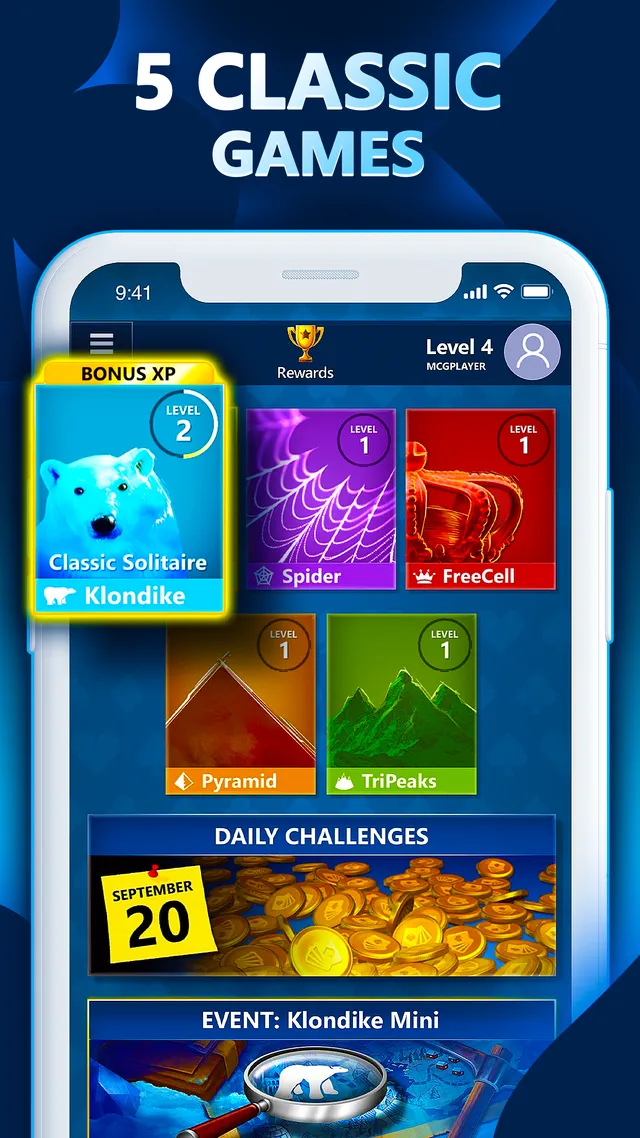
Microsoft Solitaire Collection
Microsoft's card games, with the same Daily Challenges and monthly badges
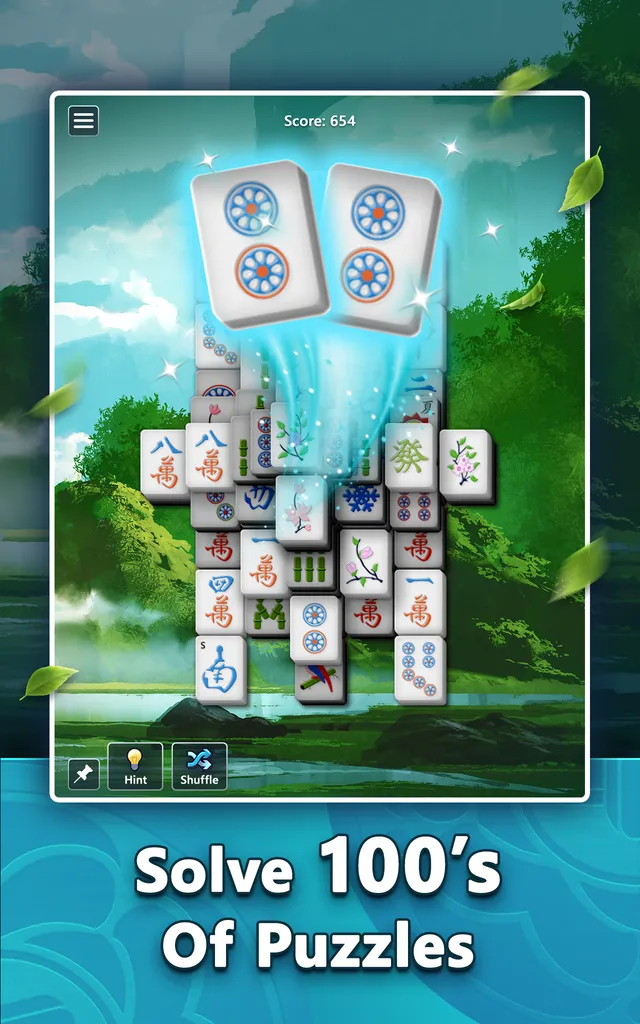
Microsoft Mahjong
Microsoft's tile-matching game with five Daily Challenges a day
Microsoft Sudoku
Daily Challenges and badges in Microsoft's Sudoku
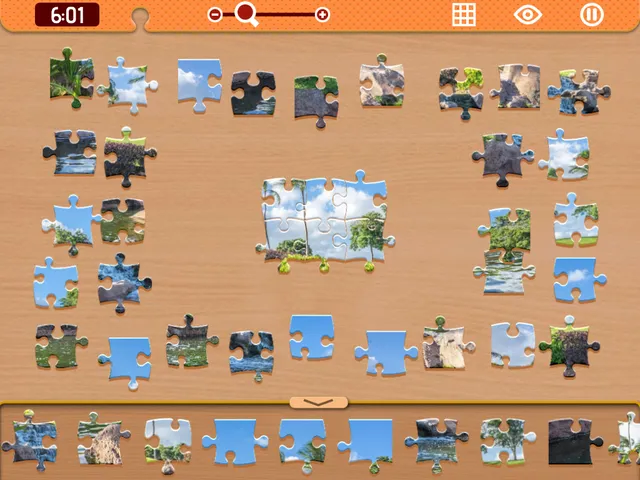
The Daily Jigsaw (Arkadium)
A free daily jigsaw in the browser

L.A. Times Jigsaw
A newspaper's daily jigsaw puzzle
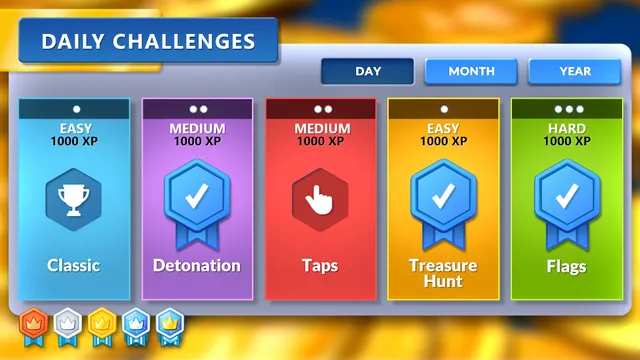
Microsoft Minesweeper
The Windows Minesweeper, rebuilt with themes, an adventure mode and five daily challenges.

Art Keeper
Piece together the day's hidden masterpiece, then hang it in your own gallery.

Cosy Puzzle Cabin
A calm, ad-free collection of logic and word puzzles with one Daily Puzzle shared by everyone.