Microsoft Solitaire Collection
Five solitaire games in one app, with five new challenges to clear every day.
Every day: Five new Daily Challenges every day across Klondike, Spider, FreeCell, Pyramid and TriPeaks, each worth points toward a bronze, silver, gold or diamond badge for the month. New puzzle: Once per calendar day; Microsoft does not publish a reset time.
Microsoft Solitaire Collection on the App StoreMicrosoft Solitaire Collection on Google PlayMicrosoft Solitaire Collection in the Microsoft Store (Windows)
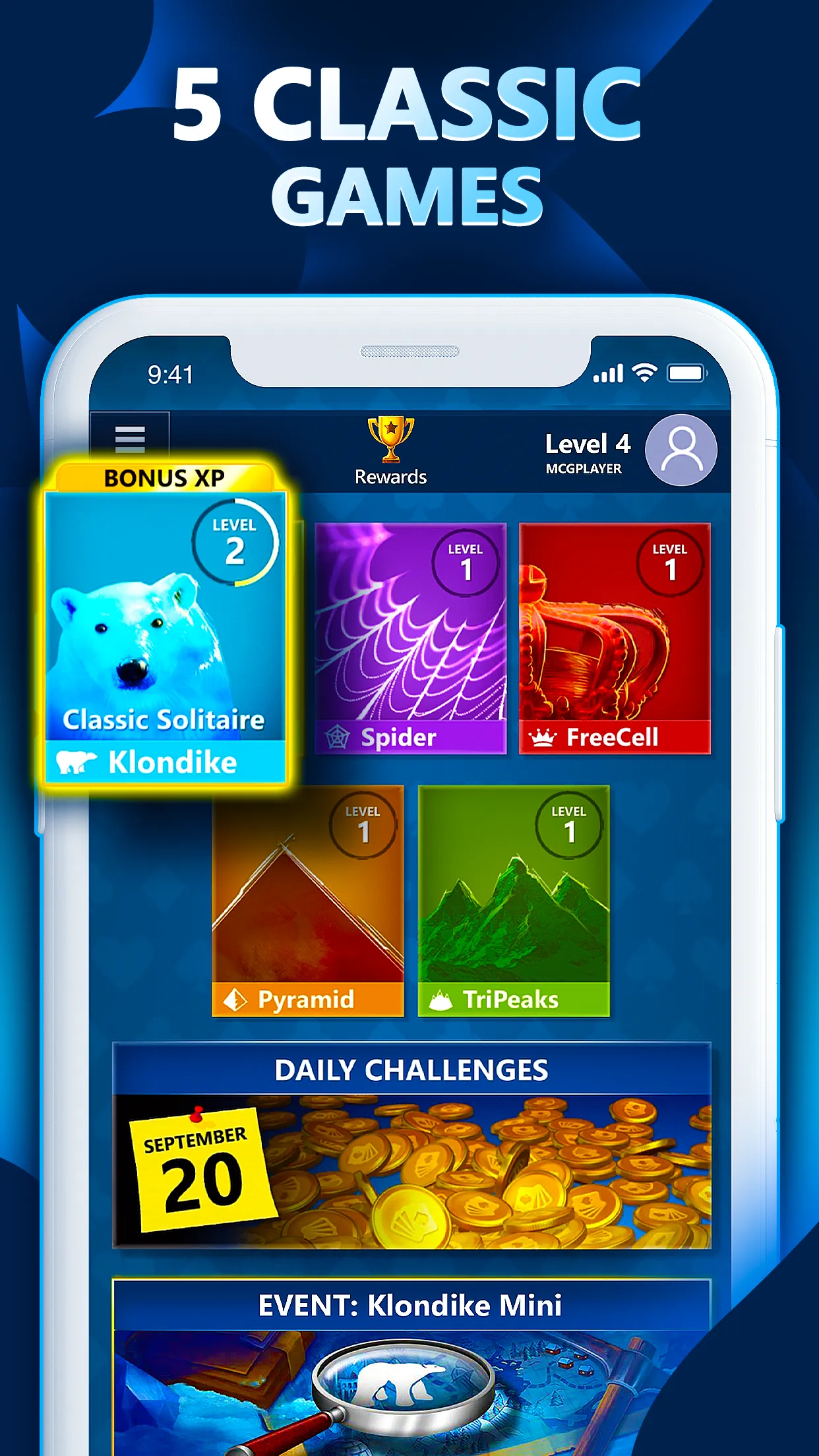
Microsoft Solitaire Collection puts Klondike, Spider, FreeCell, Pyramid and TriPeaks in one free app for Windows, iPhone, iPad and Android. Each day it sets five new Daily Challenges, and the points you earn from them build toward a badge for the month. The app shows ads unless you pay for Premium.
About Microsoft Solitaire Collection
Microsoft Solitaire Collection is Microsoft's own solitaire app. It first shipped with Windows 8 in October 2012 and came to iOS and Android in November 2016. It holds five games: Klondike, Spider, FreeCell, Pyramid and TriPeaks, each with its own statistics page.
The daily part is the Daily Challenges screen. The store listings promise five new challenges every day, and Wikipedia describes them as one for each game at any difficulty. Some challenges are a deal to clear, others ask you to reach a target score. Each finished challenge gives Daily Challenge points and XP, and Xbox Support says the points count toward a bronze, silver, gold or diamond badge each month. A progress bar for the month sits at the bottom of the screen and a calendar shows which days you have finished. Xbox Support also says every Daily Challenge can be solved.
Next to the dailies there are Weekly Rewards, Events with a leaderboard, achievements and trophies, plus other Microsoft casual games inside the same app. Signing in with a Microsoft or Xbox account saves your progress and lets you carry it between devices, and the app needs an internet connection.
The game is free with ads. Solitaire Premium, sold on mobile as a monthly or yearly subscription, removes the ads, doubles Daily Challenge points, opens past challenges and gives unlimited use of the Solitaire Solver; Microsoft notes it does not carry over to other platforms. It suits people who already play solitaire and want a short set of varied deals to finish each day rather than a single shared puzzle.
How to play Microsoft Solitaire Collection
- Open Microsoft Solitaire Collection and sign in with a Microsoft or Xbox account if you want your progress saved.
- Select Daily Challenges on the Home screen to see today's five challenges.
- Pick a challenge and read its goal, such as clearing the deal or reaching a target score.
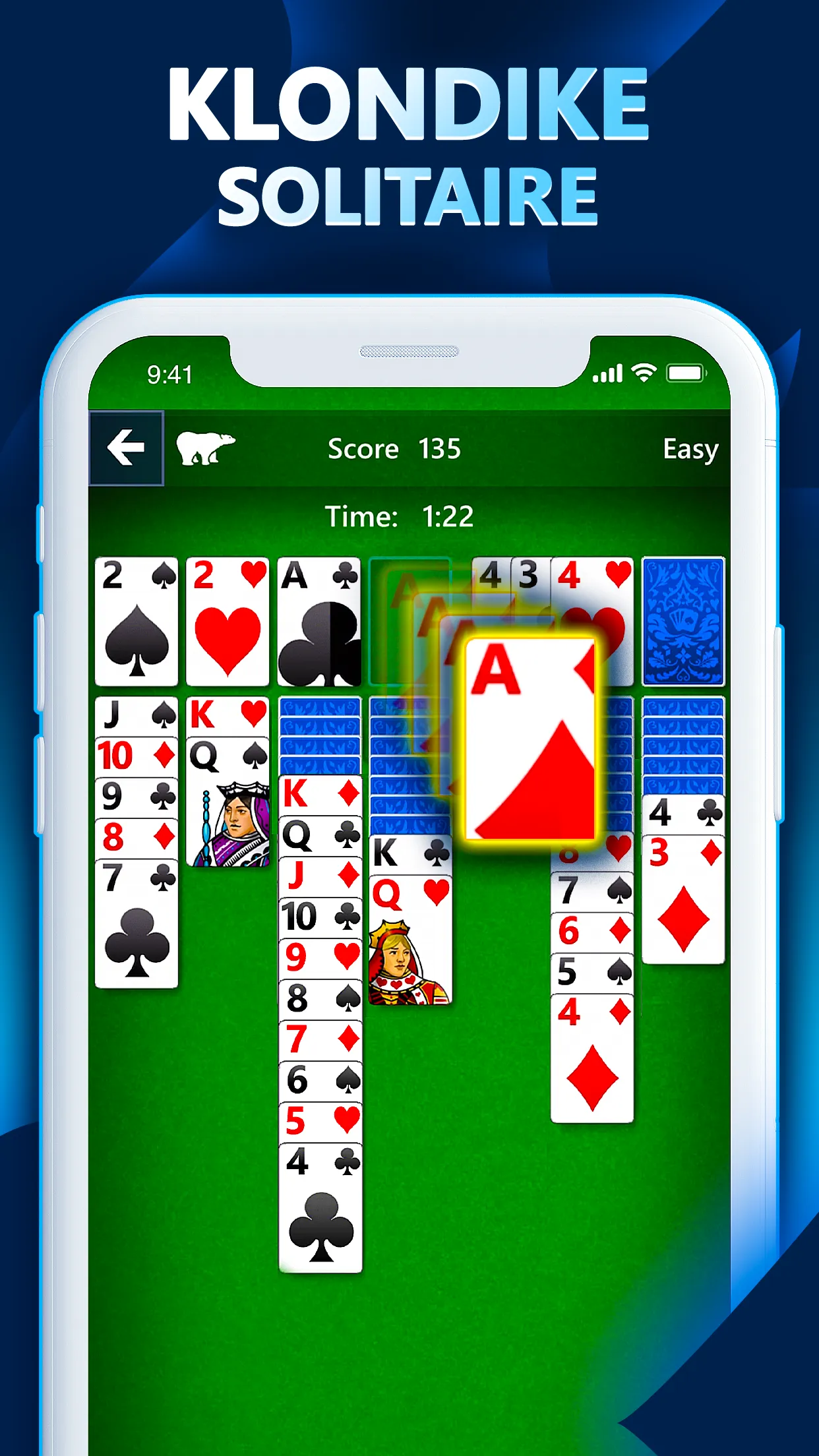
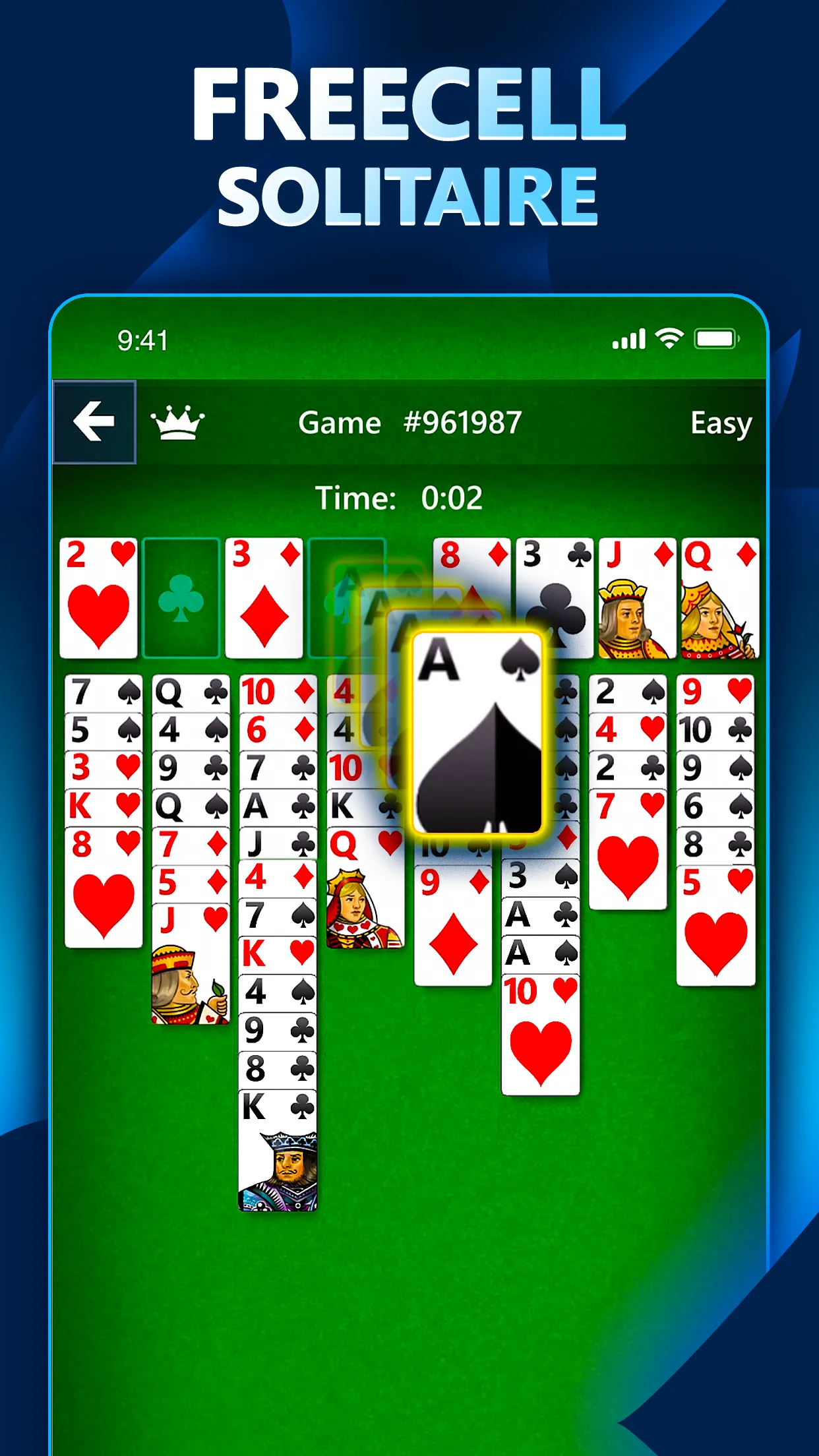
- Play the deal under that game's rules (Klondike, Spider, FreeCell, Pyramid or TriPeaks) until you meet the goal.
- Repeat for the other challenges, then check the progress bar at the bottom of the screen to see how close you are to this month's badge.
Screenshots
Tips
- Do all five challenges on the same day; the badge depends on how many points you collect over the month.
- Use the calendar in the Daily Challenges section to find days in the current month you skipped and still play them before the month ends.
- On score challenges, read the target first and play for points, not just for clearing the board.
- In FreeCell, keep at least one free cell open as long as you can; it is what lets you move longer runs.
- In Pyramid and TriPeaks, look a few cards ahead before you use a card that another pairing or run needs.
- Sign in with the same account on every device so challenge progress follows you.
Questions
How many Daily Challenges are there each day?
Five. The store listings say five new challenges arrive every day, spread across the five solitaire games.
When do the Daily Challenges reset?
Once per calendar day. Microsoft does not state an exact time; a Microsoft Q&A answer says the app uses the server's date and time, so changing your device clock does not unlock other days.
What do badges mean?
Completing challenges earns Daily Challenge points, and the points you collect in a month earn a bronze, silver, gold or diamond badge for that month.
Can I play past Daily Challenges?
Days earlier in the current month stay on the calendar. Older months need Solitaire Premium, which opens past challenges.
Is Microsoft Solitaire Collection free?
Yes, with ads. Solitaire Premium is an optional monthly or yearly subscription that removes ads and doubles Daily Challenge points; on mobile it does not transfer to other platforms.
Where can I play it?
On Windows through the Microsoft Store, and on iPhone, iPad and Android.
Games like Microsoft Solitaire Collection
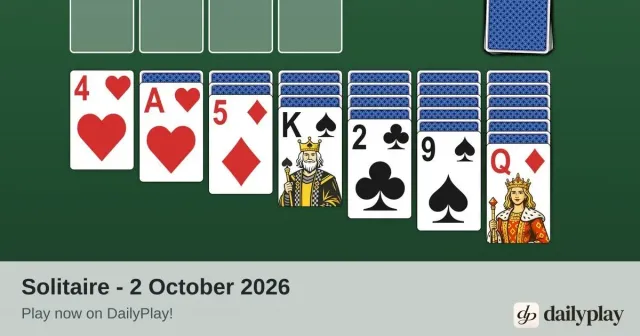
DailyPlay Solitaire
A daily Klondike deal in the browser, if you want one more hand of solitaire

DailyPlay Mahjong
A daily tile-matching board with the same clear-the-layout feel as Pyramid and TriPeaks

Daily Minesweeper
Another classic Windows pastime, with a new board each day

Tiles
A calm daily matching puzzle from NYT Games built around clearing a board

Daily Sudoku
A quiet daily logic grid for the same coffee-break slot

Chess.com Daily Puzzle
A daily puzzle inside a big game app, with streaks to keep
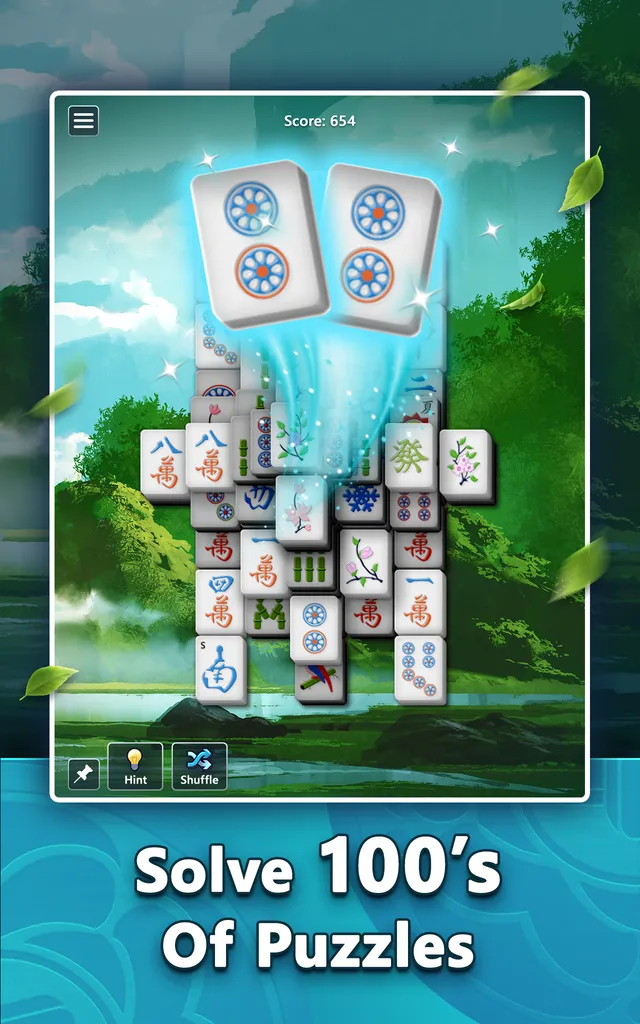
Microsoft Mahjong
Tile-matching mahjong solitaire with five daily challenges and a badge for the month.
Microsoft Sudoku
Sudoku from Microsoft with three daily challenges, including an Ice Breaker mode.