Jumble (Nerdcube)
Find as many words as you can on the day's letter grid before time runs out.
Every day: One Boggle-style letter grid a day, the same for everyone: find as many words as you can before time runs out. New puzzle: Once a day.
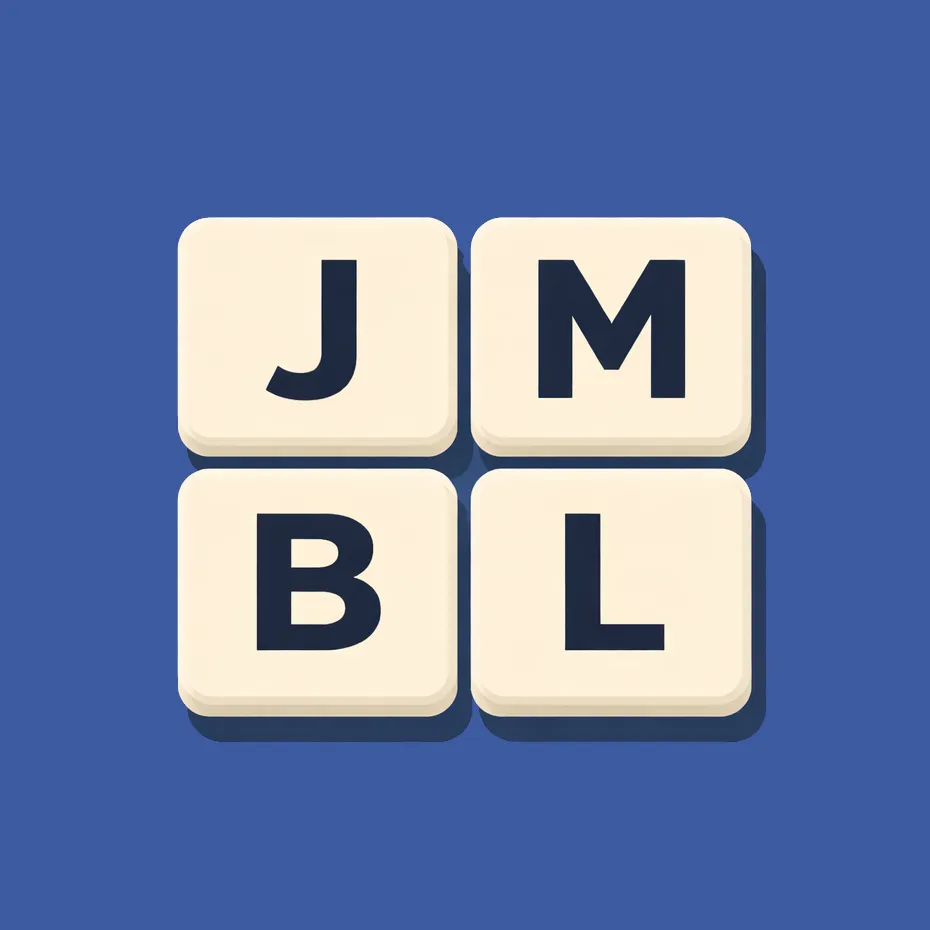
Jumble is Nerdcube's daily Boggle-style word game. Each day brings one letter grid for everyone, and you trace words through adjacent tiles, diagonals included, finding as many as you can before the timer ends.
About Jumble (Nerdcube)
Jumble gives you a grid of letters and a clock. You form words by connecting adjacent tiles, including diagonals, and each tile can be used only once per word. You can drag across the tiles, or tap to select and double-tap to submit.
The grid is the same for everyone each day, so scores can be compared, and the aim is simply to find as many words as possible before time runs out.
Nerdcube Daily is a small set of daily browser puzzles: Dabble builds high-scoring words on a daily board, Carom slides pieces to a goal in the fewest moves, Inlay fills a shape with pentominoes, Trio finds groups of shapes in the style of Set, and Jumble is a timed word search on a letter grid. Each one has a new puzzle every day, the same for every player, and they are free in the browser.
It suits fans of Boggle and fast word-finding games.
How to play Jumble (Nerdcube)
- Look at the day's letter grid.
- Drag across adjacent tiles, diagonals included, to form a word.
- Or tap tiles to select and double-tap to submit.
- Use each tile only once per word.
- Find as many words as you can before time runs out.
Tips
- Look for common endings like -ING, -ED and -ER and build back from them.
- Plurals of words you have found often count too.
- Scan the corners; they are easy to overlook.
Questions
Do diagonals count?
Yes.
Can I reuse a tile in a word?
No, each tile once per word.
Is it timed?
Yes.
Games like Jumble (Nerdcube)
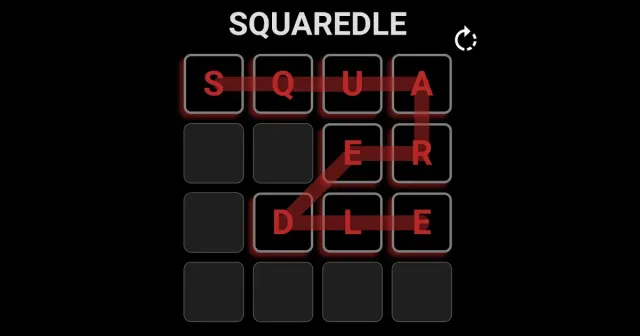
Squaredle
Trace words through a daily letter grid
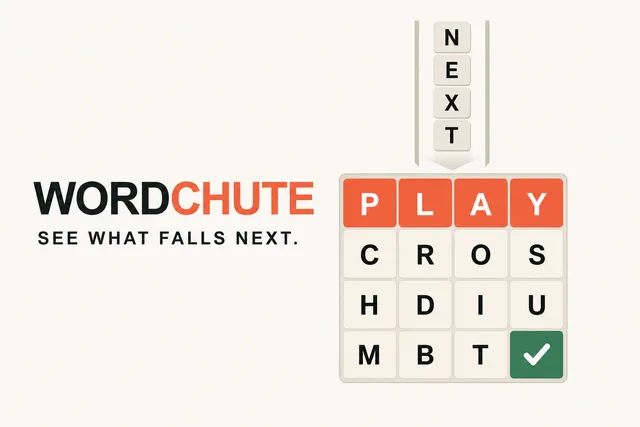
Wordchute
Make words from touching letters on a 4x4 board
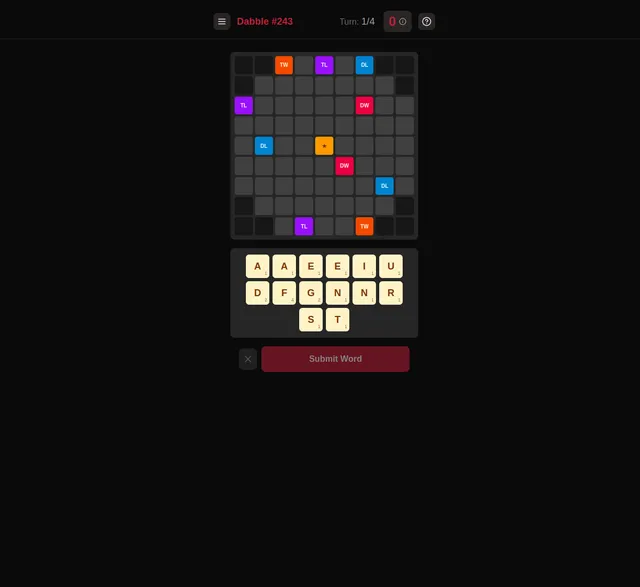
Dabble (Nerdcube)
Nerdcube's daily word board

Trio (Nerdcube)
Nerdcube's daily Set-style puzzle
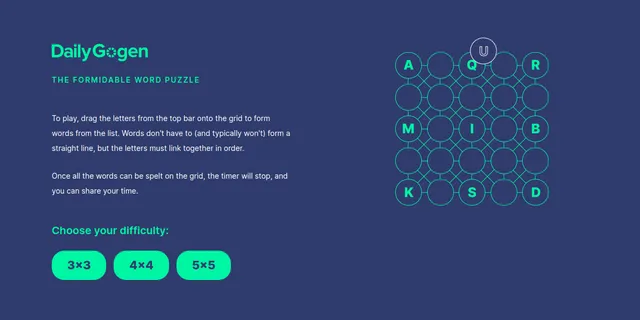
Daily Gogen
Place letters in a grid so every word on the list can be traced through it.

14 Kelime
Fourteen Turkish clues, four minutes, one set a day.
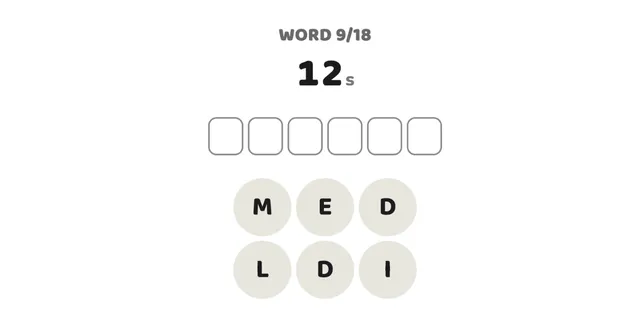
18 Words
Unscramble 18 words against the clock, once a day.

23 Words
Unscramble 23 words in a row, with 30 seconds for each.