Hedge (Mind Loft)
Rate itDraw one closed loop so every number counts its sides on the loop.
on mindloftdaily.com
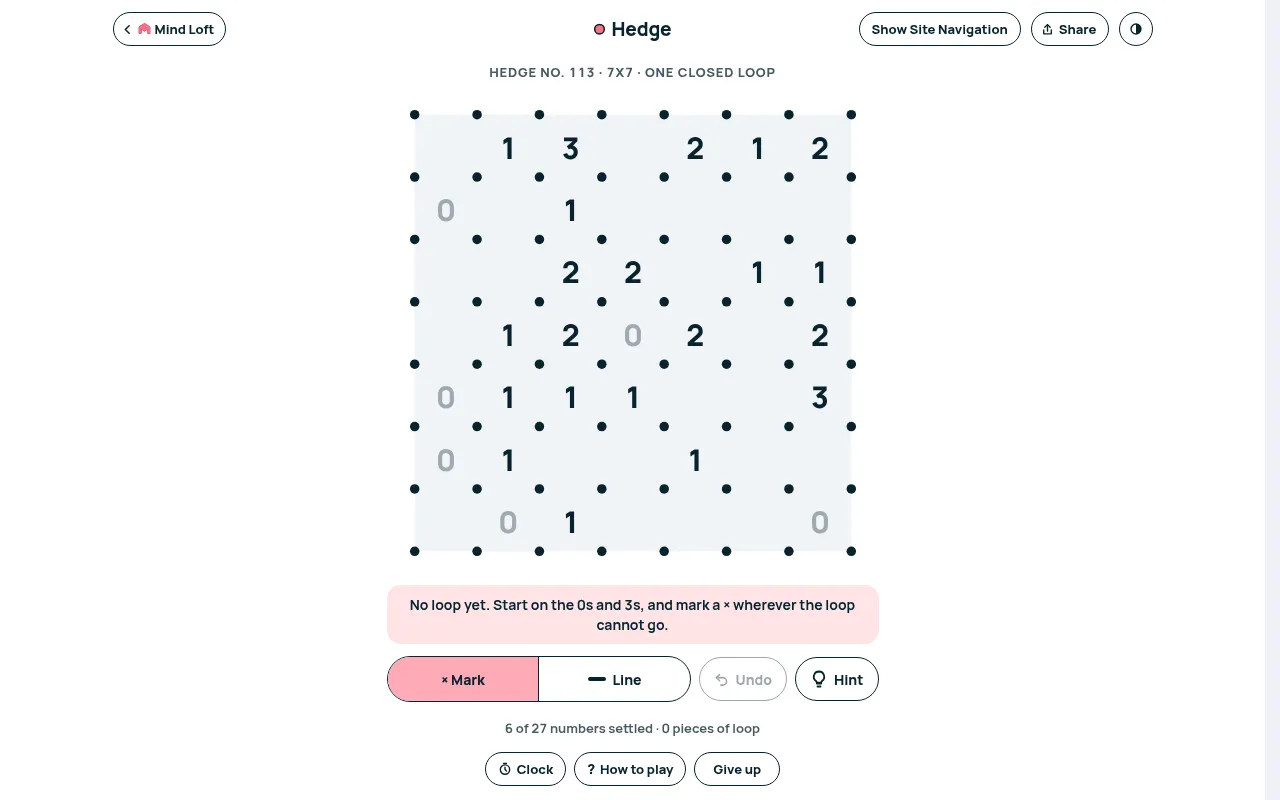
Hedge is a free daily slitherlink from Mind Loft, the loop puzzle also called fences. Draw one closed loop along the grid lines so that every numbered cell has exactly that many of its four sides on the loop; blank cells carry no rule.
About Hedge (Mind Loft)
Hedge is a slitherlink, also known as fences or takegaki. The board is a grid of dots with numbers in some cells, and there is exactly one closed loop that satisfies all of them. A number says how many of that cell's four sides the loop uses. Many cells are blank on purpose: they carry no rule, and the numbers alone pin down one answer.
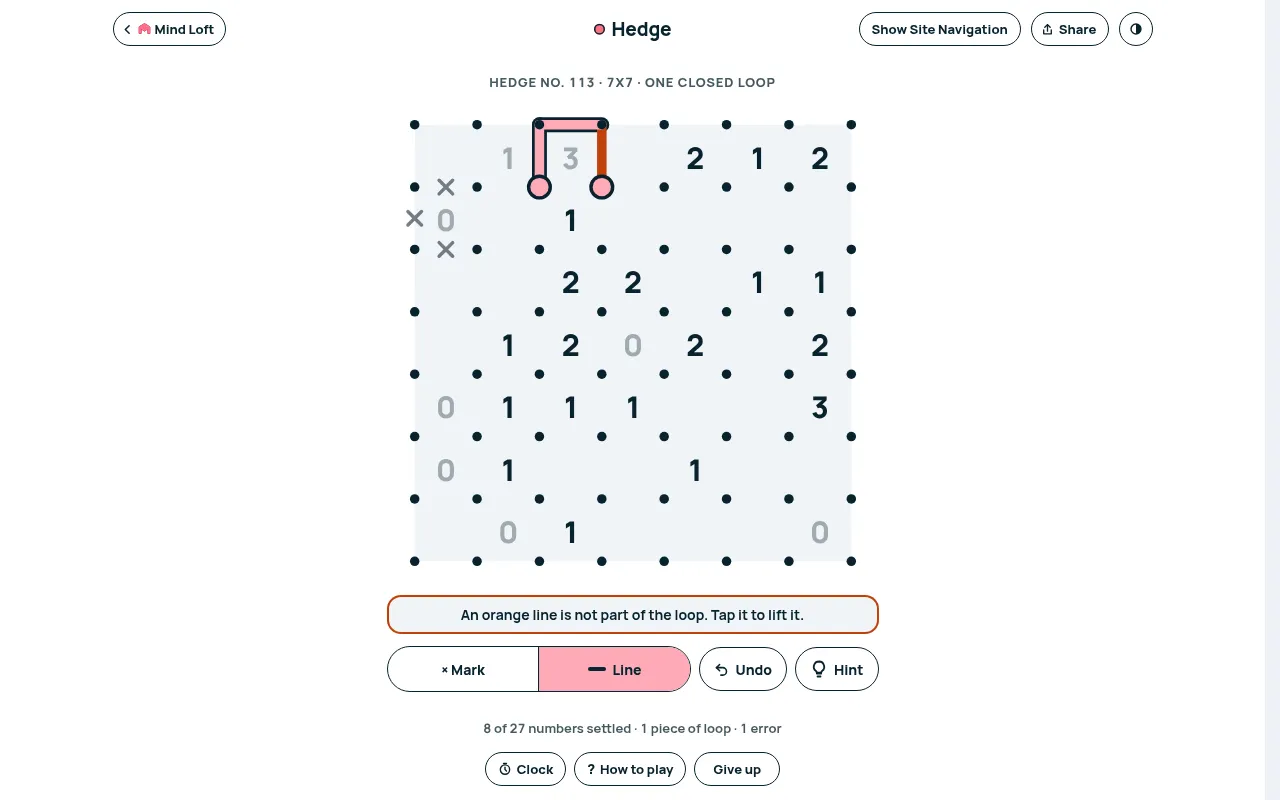
The deductions build on one another. A 0 rules out all four sides at once, a 3 in a corner forces its two outer edges, and every dot the loop passes through must have exactly two lines leaving it. You can cross out segments you have ruled out, and each number dims when it is satisfied. Any line that does not belong to the loop turns orange at once and counts as an error. Under the board, a running count shows the numbers settled, the pieces of loop and the errors so far. First-time players get one free hint that draws a correct segment, and a Give up button sits beside the clock.
Weekday boards are 7x7 and Sundays bring a 10x10 edition. A new loop appears every day at midnight Eastern.
How to play Hedge (Mind Loft)
- Open Hedge and press Start.
- Choose "× Mark" or "Line" under the board. A tap places that mark on the edge between two dots, and holding an edge (right-click on a computer) draws a line in either mode.
- Make every numbered cell have exactly that many sides on the loop, crossing out edges you rule out.
- Close a single loop with no branches or crossings. Undo or Ctrl+Z takes back a move.
Screenshots
Tips
- Start with 0s and with 3s in corners or next to each other; they force several edges at once.
- Every dot has either zero or two loop edges, so a dot with one edge already drawn must continue.
- Avoid closing a small loop early; there must be only one loop.
Questions
What time does Hedge reset?
A new Hedge puzzle goes up every day at midnight US Eastern Time, the same for every player. Weekday boards are 7x7 and Sundays bring a bigger 10x10 Sunday Edition.
Is Hedge free?
Yes. Hedge plays in the browser on Mind Loft with no app and no account. Signing up with a display name (no password) puts your result on the daily leaderboard; an email is optional.
Can I play earlier Hedge puzzles?
Yes. Mind Loft keeps an archive of past Hedge boards together with each day's standings.
Why are some Hedge cells blank?
Blank cells have no rule. The printed numbers are enough to fix one answer.
Ratings and reviews
No ratings yet. Be the first to rate Hedge (Mind Loft).
Games like Hedge (Mind Loft)
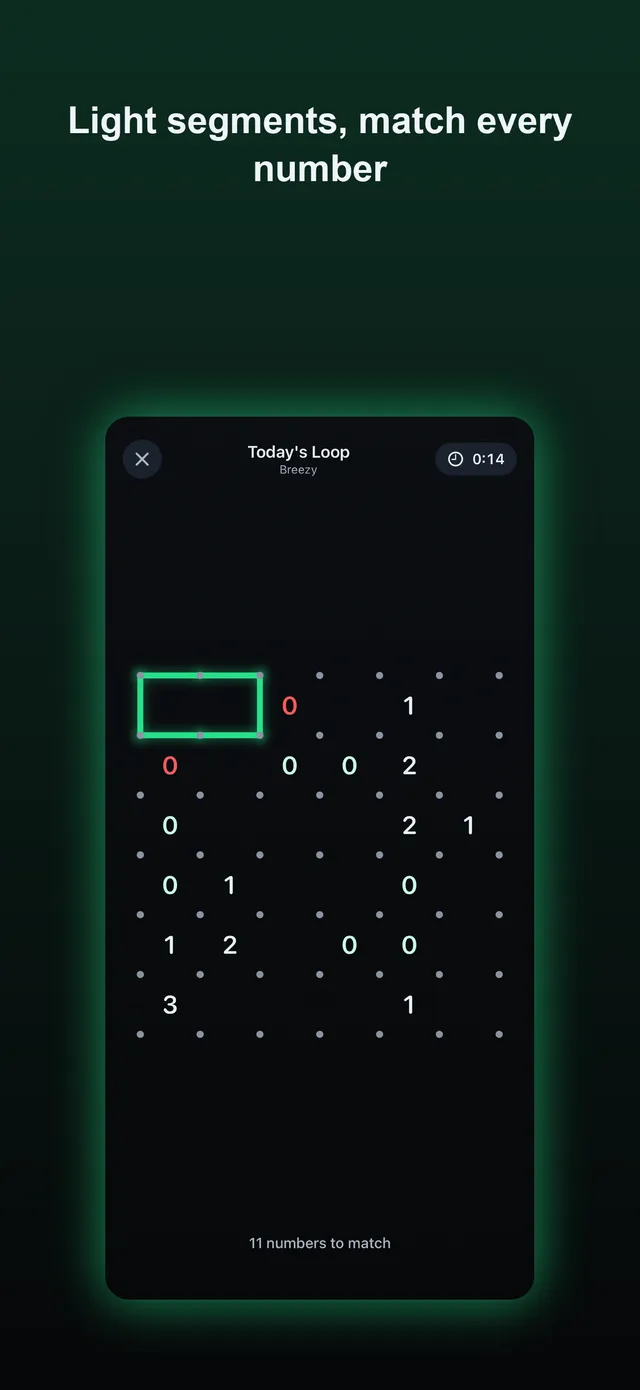
Daily Loop (Slitherlink)
The same loop rules on one Slitherlink grid a day, with difficulty that climbs from Monday to Sunday and a…
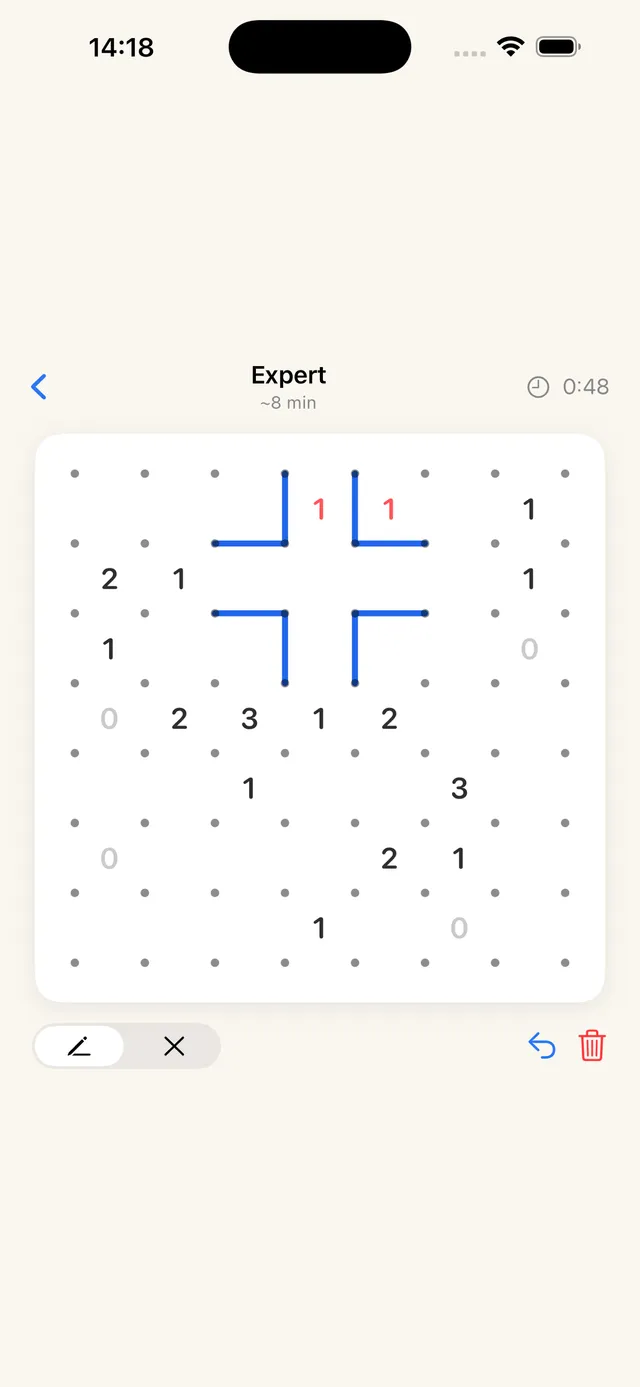
Slither Daily
Five Slitherlink grids a day from Easy to Master, for when one 7x7 is over too soon.
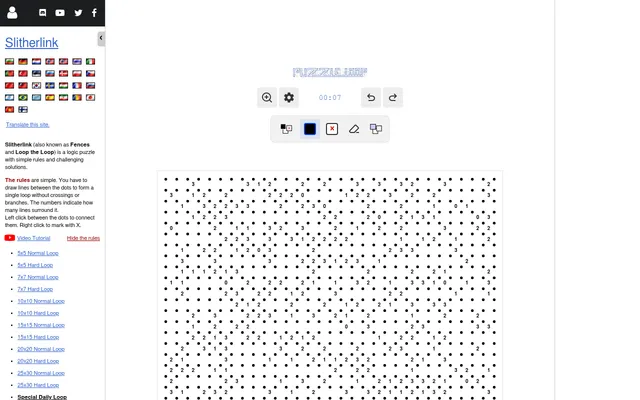
Daily Slitherlink
A single huge 30x30 Slitherlink each day
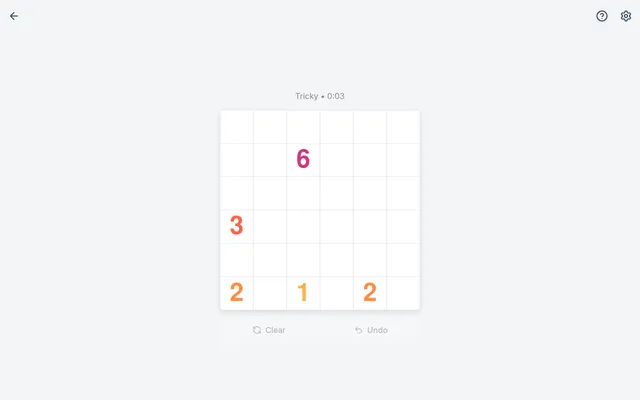
Loopy
Three loop puzzles daily, made in the browser from the date, starting with a quick 4x4.
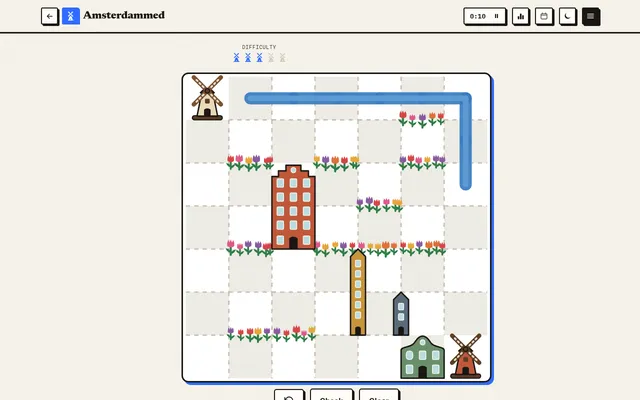
Amsterdammed
Another loop to close every day, on a grid that grows from Monday's 5 by 5 to a bigger Sunday board and is…
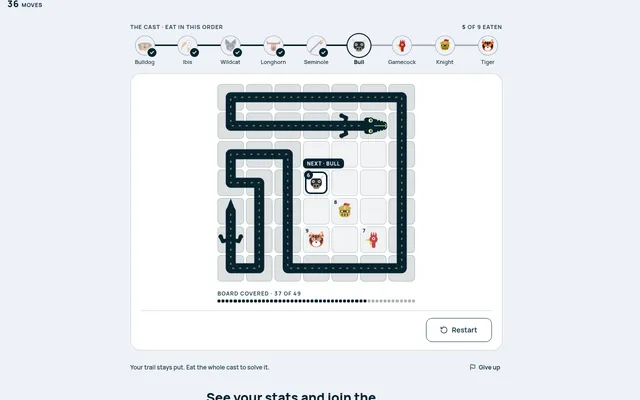
Chomp (Mind Loft)
Mind Loft's route puzzle. Your trail becomes the walls as you eat the mascots in order.
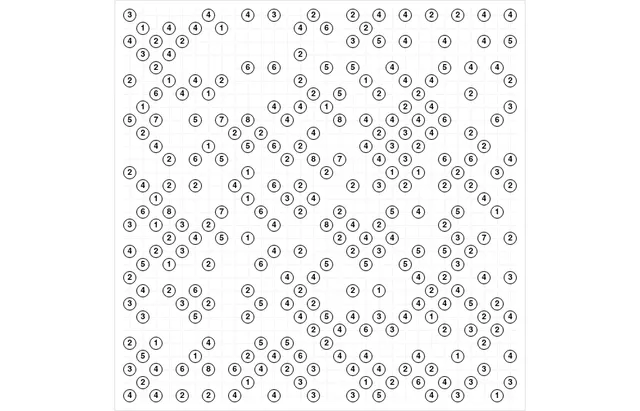
Daily Hashi
Bridges instead of a loop, still one large grid a day solved by counting what touches each number.
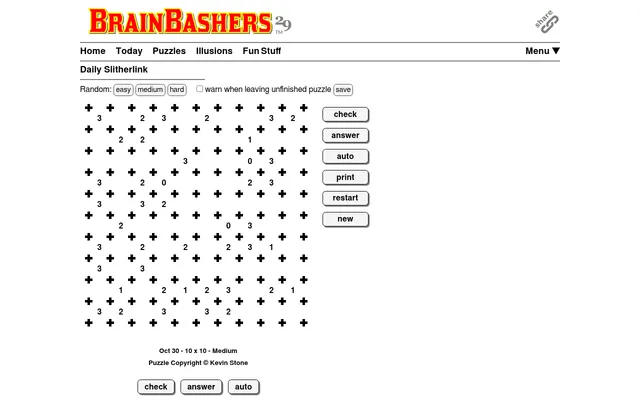
Slitherlink (BrainBashers)
Join the dots into one closed loop that matches every number.