ClickWord
Drop 60 letters onto a board and claim words for points.
Every day: One board and one run of 60 letter tiles a day, the same for every player, to place into scoring words; your score is compared with the day's other players. New puzzle: Midnight in your own time zone; the game counts days and its countdown by your device's clock.
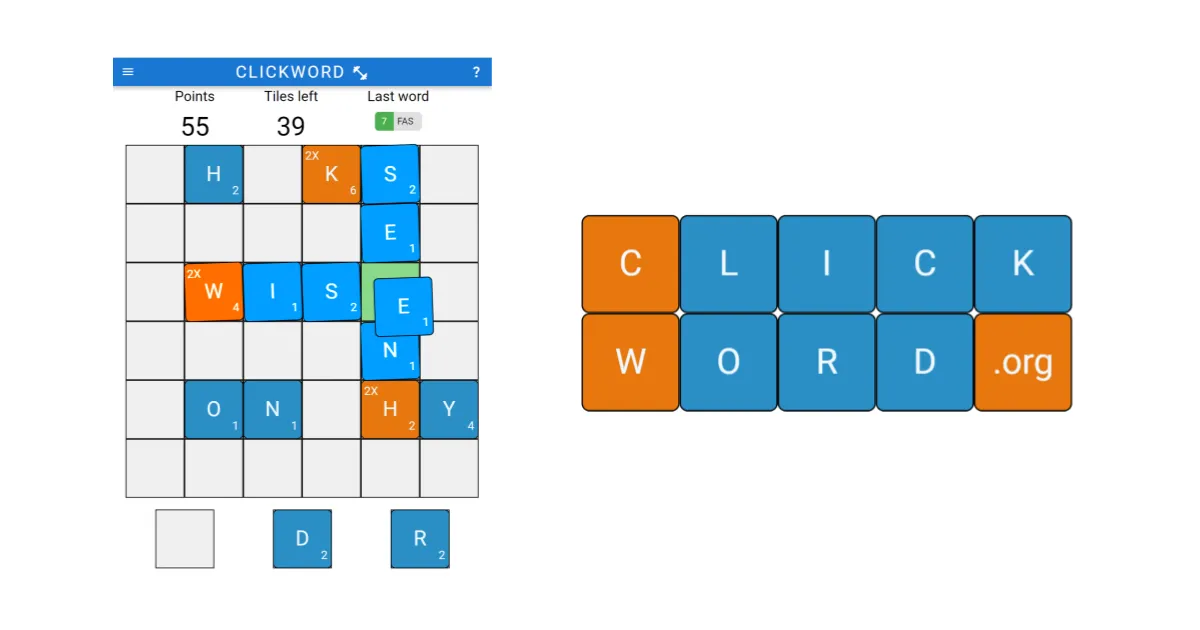
ClickWord is a daily word-building game. You get a run of 60 letters and place them one by one on a board; when three or more line up into a word, it turns green and you click it to claim the points. Rare letters, long words and crossing words score more.
About ClickWord
ClickWord is a browser word game with a daily board: once a day, everyone gets the same board and the same letters. There is also a practice mode you can play as often as you like.
You drag each letter to any open square. When three or more letters in a row or a column, read left to right or top to bottom, form a valid word, they turn green and wiggle. Clicking the word claims it and scores it, and the tiles clear away. You do not have to claim a word straight away: left on the board, it can grow, so a short word can become a long one before you cash it in. But once you pass on a green word, you must add a letter to it before you can claim it later. Rare letters are worth more, and a letter that completes a horizontal and a vertical word at once scores both.
The game ends when your 60 letters are used. Your result can be shared as a grid of coloured squares, one per word, coloured by score; in daily mode your best word stays hidden so you do not give it away. If you finish in the top half of the day's players, the share says so. There is a word checker and an undo for some placements.
It suits players who like Scrabble-style scoring but want to play alone against the same letters as everyone else.
How to play ClickWord
- Open ClickWord and look at the board and the next letter in your run of 60.
- Drag the letter to any empty square on the board.
- When three or more letters form a word across or down, they turn green.
- Click the green word to claim its points, or leave it and add letters to make it longer.
- Keep placing letters until all 60 are used, then share your result.
Tips
- Leave short words on the board and build them into longer ones before claiming.
- Aim for letters that make a word across and down at once; both words score.
- Place rare letters where they can join a word quickly, since they are worth more.
- If you skip claiming a green word, remember you must add a letter before you can claim it later.
- Use practice mode to learn how claiming and crossing words work before the daily game.
Questions
Is ClickWord the same for everyone?
In daily mode, yes: once per day everyone gets the same board and letters. Practice mode gives you new games whenever you like.
When does the daily ClickWord change?
At midnight on your device; the game counts days and its countdown by your local clock.
How are words scored?
Each claimed word scores points, rare letters are worth more, and long and crossing words score higher.
Which directions can words go?
Left to right across, or top to bottom down.
Games like ClickWord
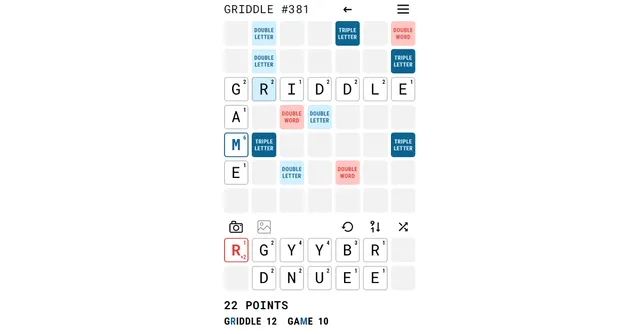
Griddle
Place the day s letter tiles for the highest score
Word Chain (PuzzleLab)
Build a connected crossword from fixed tiles
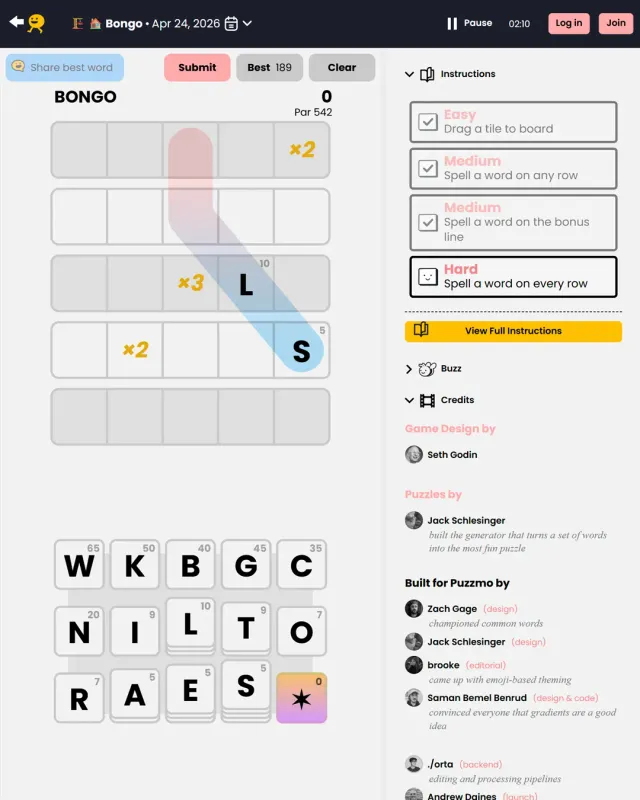
Bongo
Puzzmo s daily letter-value score attack
Droplet
Daily falling letters with letter values
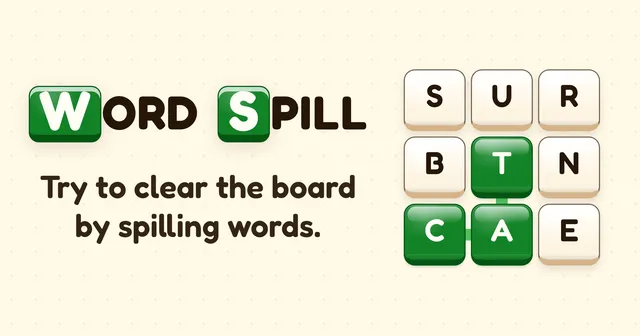
Word Spill
Spell words from falling tiles for a score
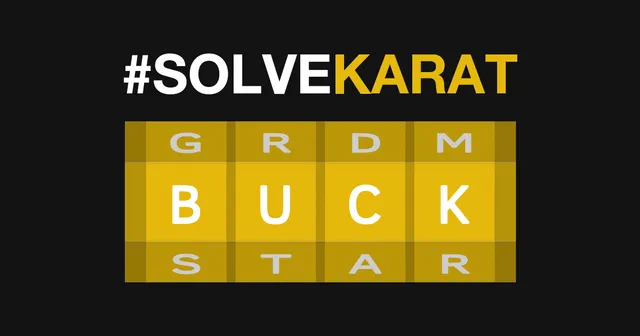
Karat
Turn the rings of a golden ingot until every face spells a four-letter word.
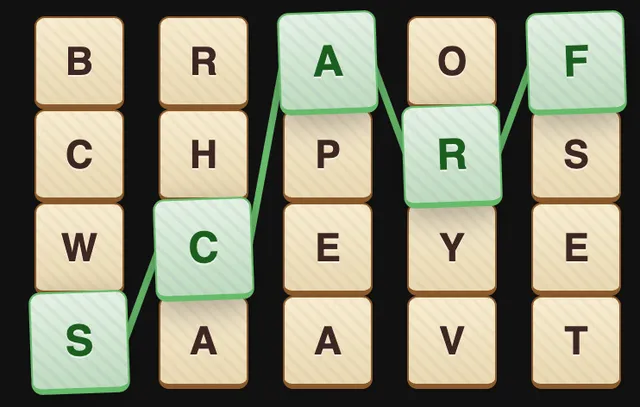
Cadgy
Find the five-letter words hidden in a grid, one tile from each column.
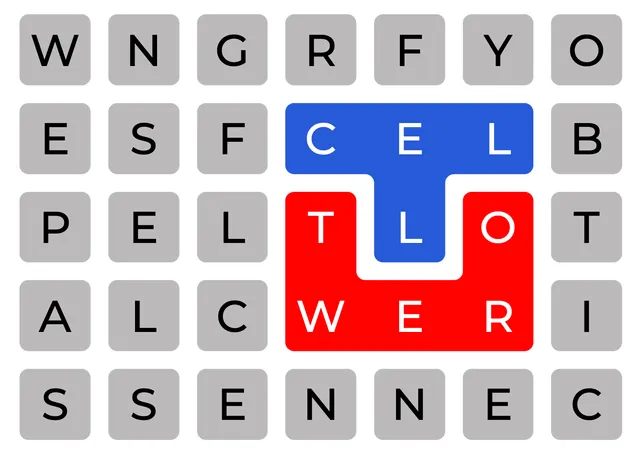
Cell Tower
Split a stack of letters into hidden words that cover the whole grid.