Word Search (Easybrain)
Rate itSwipe across a grid of letters to find the hidden words, with a Daily Challenge each day.
on apps.apple.com
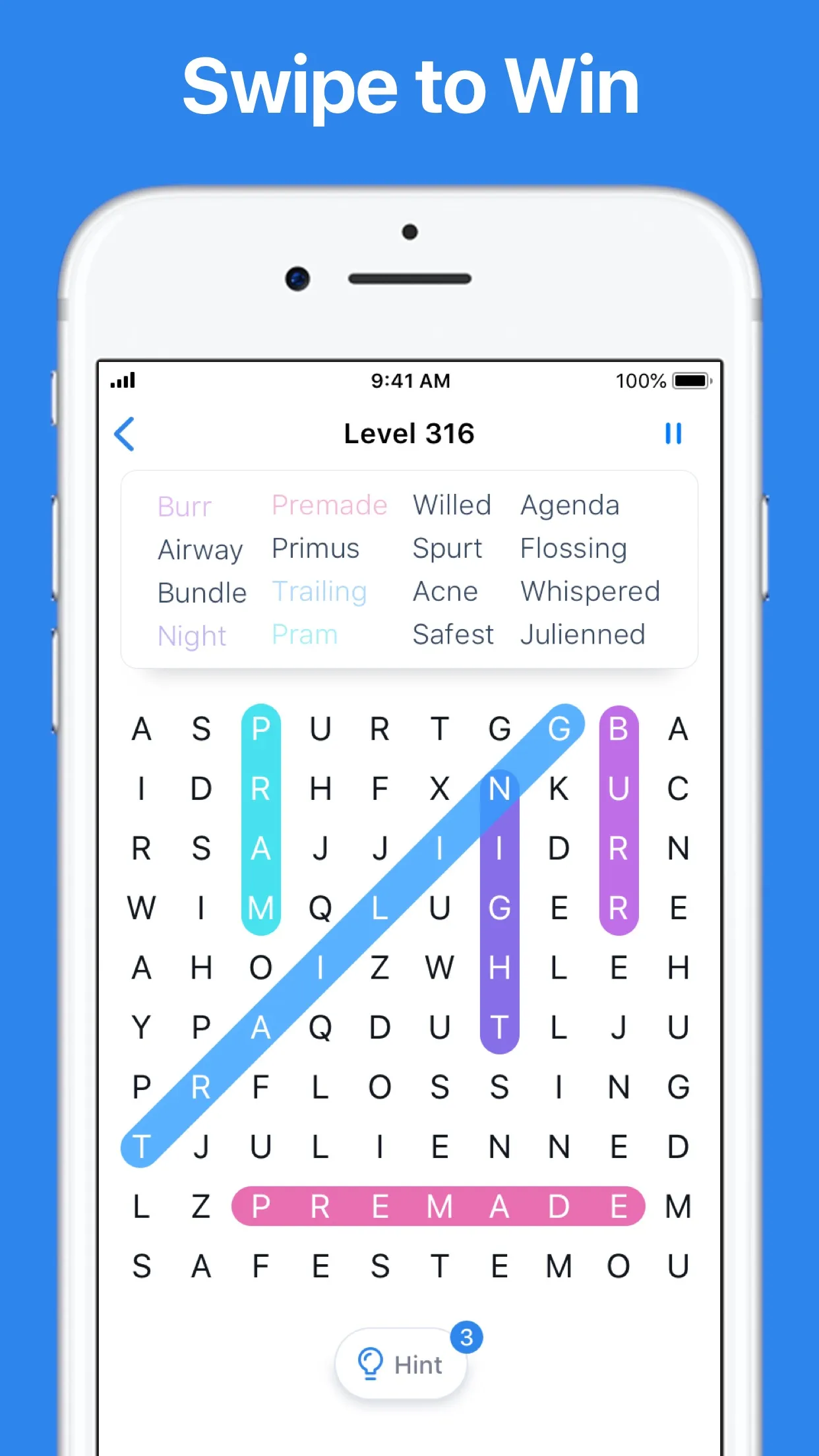
Word Search by Easybrain is a free word search app from the maker of Sudoku.com. You swipe in any of eight directions to mark the listed words hidden in a grid of letters, level by level, and a Daily Challenge each day counts toward unique trophies.
About Word Search (Easybrain)
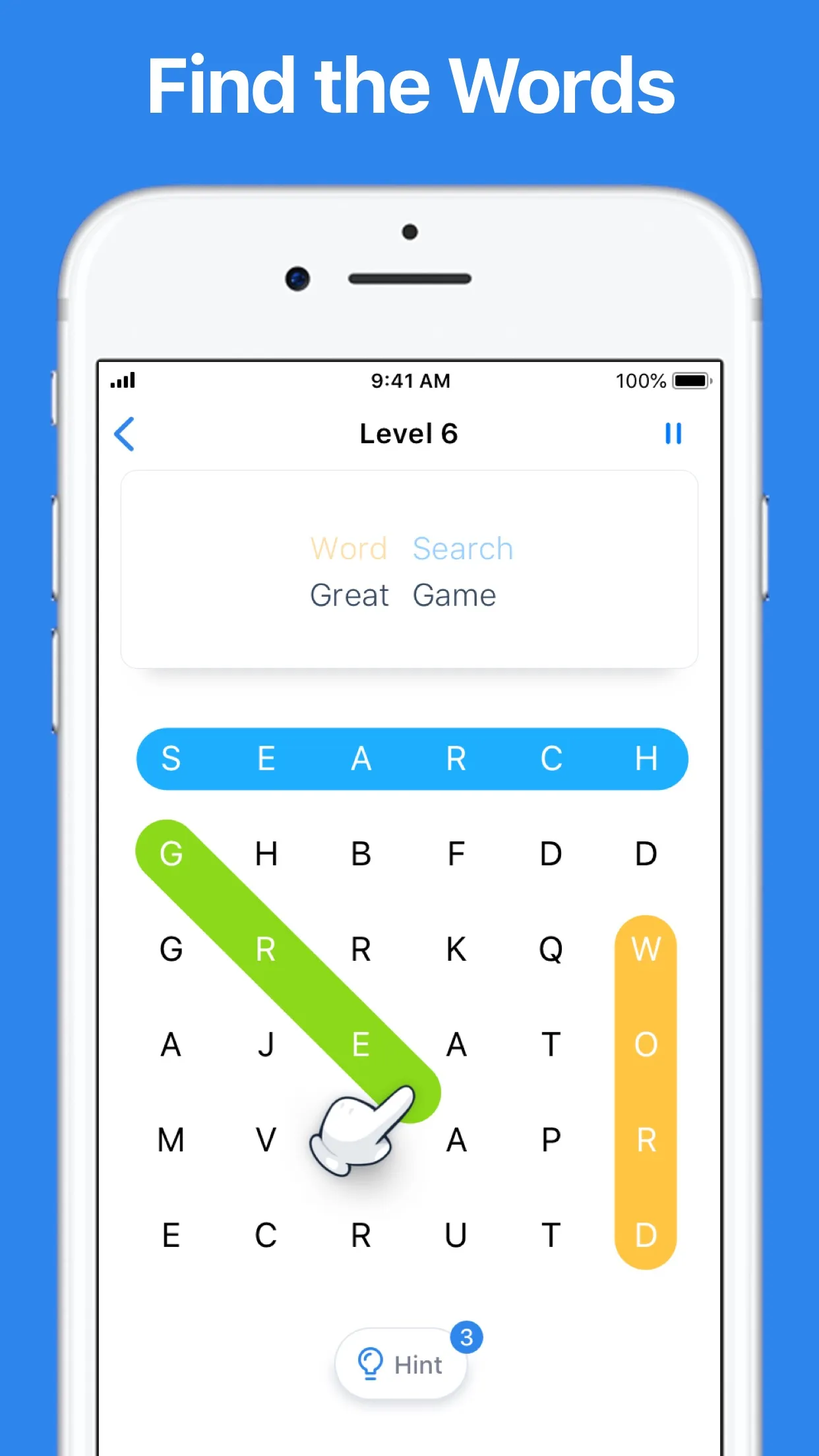
Easybrain, the company behind Sudoku.com, made this phone and tablet word search and has kept it up since 2019. Each puzzle gives you a grid of letters and a short list of words to find. Words run up, down, left, right or diagonally, and you swipe along one to mark it. A found word takes a coloured bar in the grid and fades on the list.
The main game climbs through thousands of numbered levels, with grids and word lists that grow as you go. Stuck? A hint lights up a word. One letter can belong to more than one word, so a crossing is a clue in itself.
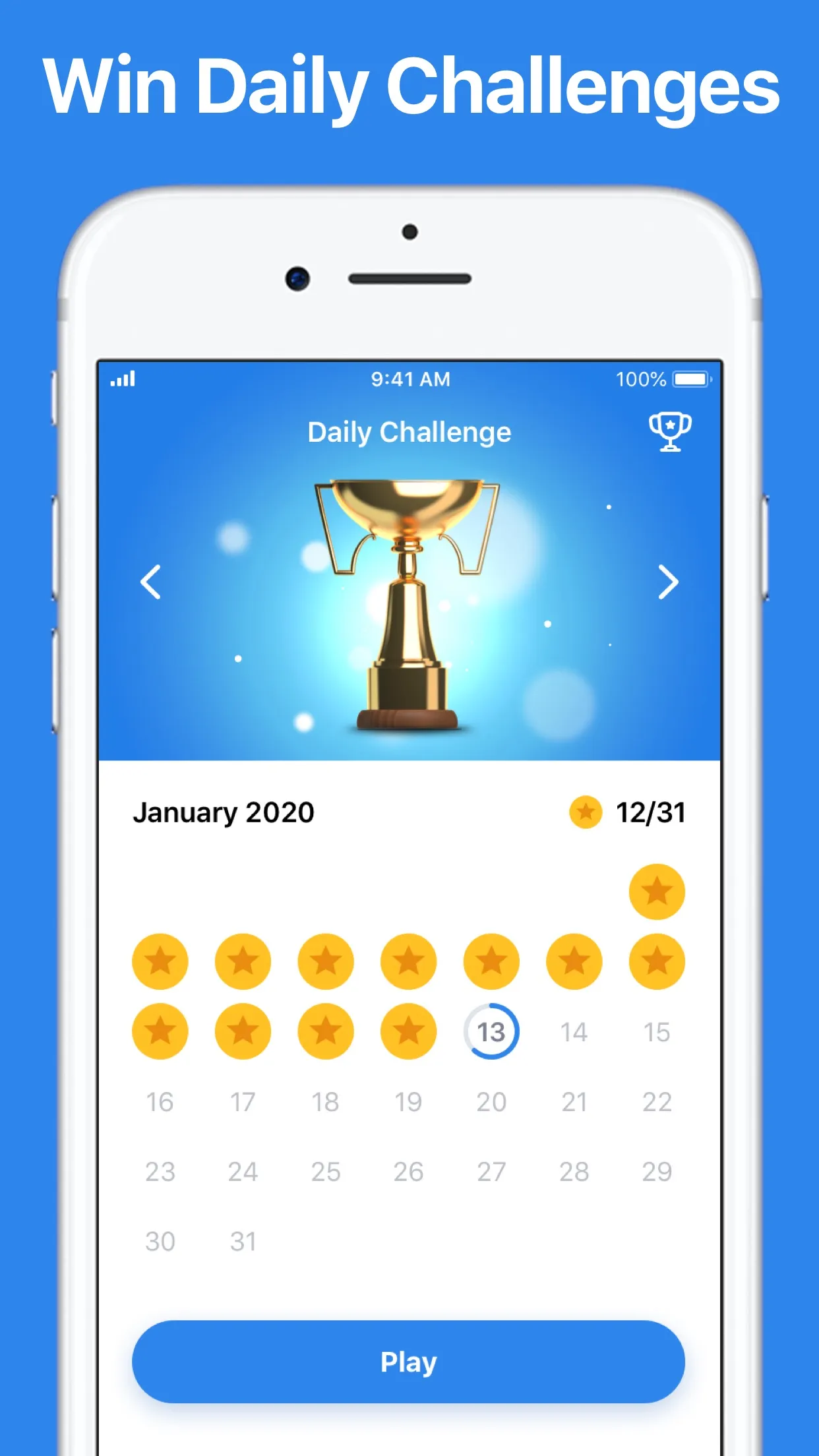
The Daily Challenge sits beside the levels on a month calendar. Today's date opens a new grid. Each one you finish turns its date into a gold star. Fill the month and you win that month's trophy, in the same way as Easybrain's Sudoku.com, Solitaire and Find the Differences apps.
The store text says the game can be played in English, German and Russian, and it works without an internet connection. It is free, with ads during play that a paid purchase removes. Good for a quiet few minutes.
How to play Word Search (Easybrain)
- Open the app and choose today's Daily Challenge.
- Read the list of words to find.
- Swipe across the letters of a word in any direction, diagonals included, to mark it.
- Use a hint if a word will not show itself.
- Find every word on the list to finish the puzzle.
Screenshots
Tips
- Look for unusual letters such as Q, X or Z first. They narrow down where a word can be.
- Scan for a word's first two letters together rather than its first letter alone.
- Remember words can run backwards and diagonally.
- Open the calendar each day, since a missed date breaks the month's run toward its trophy.
Questions
Does Easybrain Word Search have a daily puzzle?
Yes. Daily Challenges count toward unique trophies.
Is it free?
Yes, it is free with ads.
Which languages does it support?
English, German and Russian.
Ratings and reviews
Games like Word Search (Easybrain)
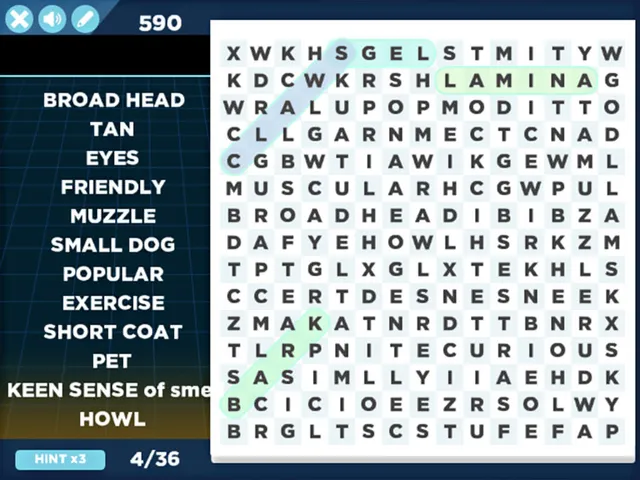
Arkadium Daily Word Search
Arkadium's free daily word search, with recent days kept in an archive to catch up on.
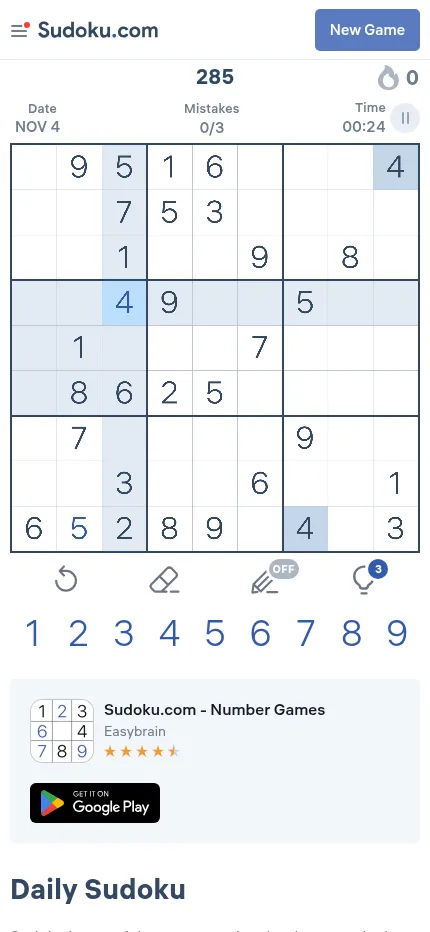
Sudoku.com
The same maker's sudoku, where each solved date on a month calendar earns a gold star.
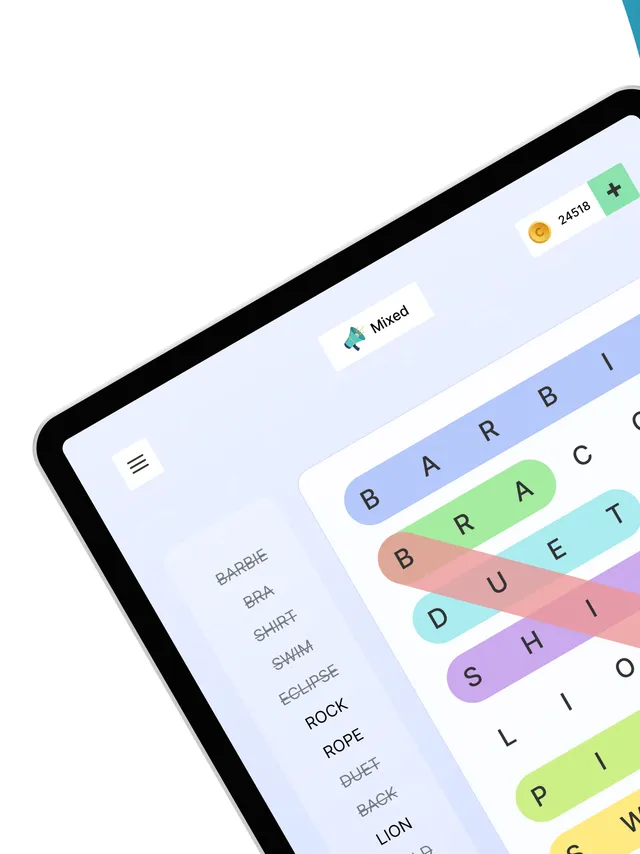
Word Search Colorful
Four new word searches each day and a daily leaderboard for your times
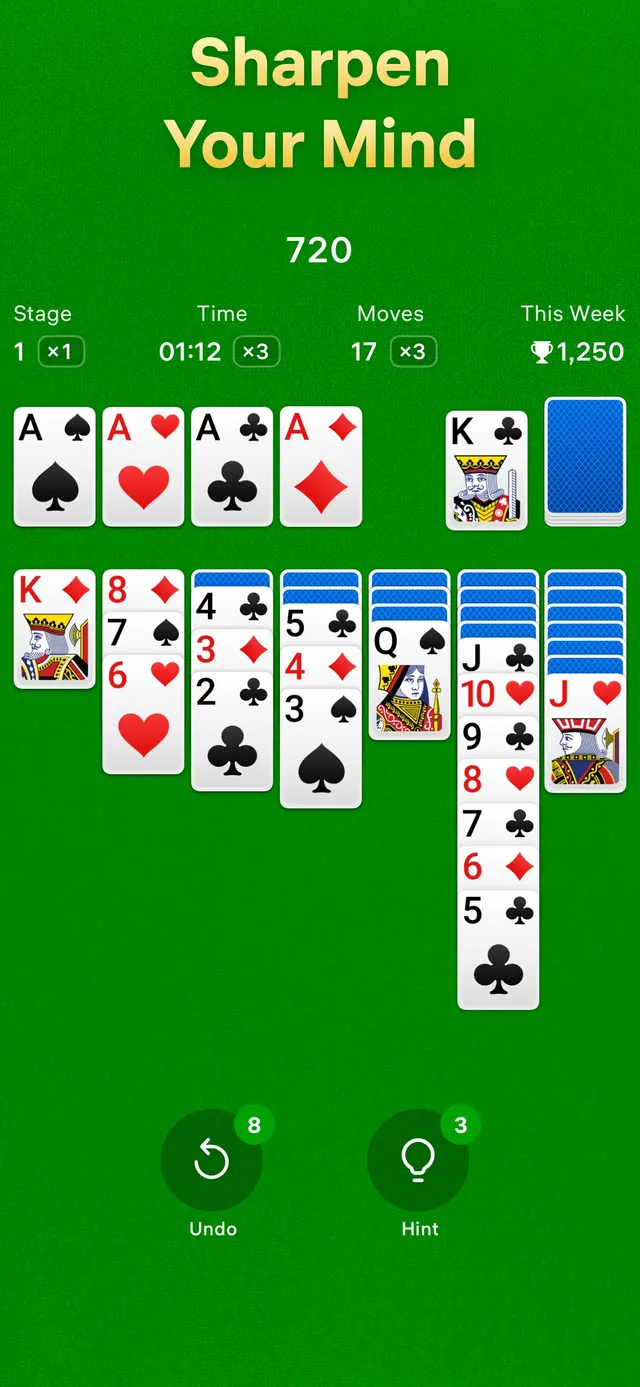
Solitaire (Easybrain)
Easybrain again: a Klondike deal for each date that wins a golden crown, with a trophy for a full month.
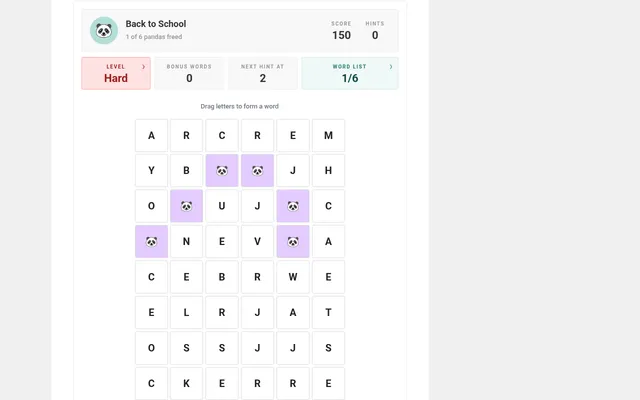
Daily Word Search (Bored Panda)
A themed search each day in Easy, Medium and Hard versions
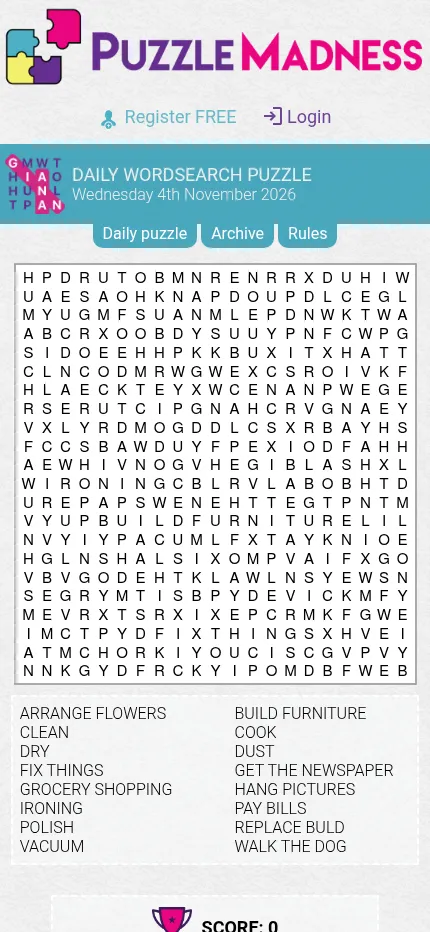
Wordsearch (PuzzleMadness)
For a bigger grid: one dated wordsearch a day with a long themed list
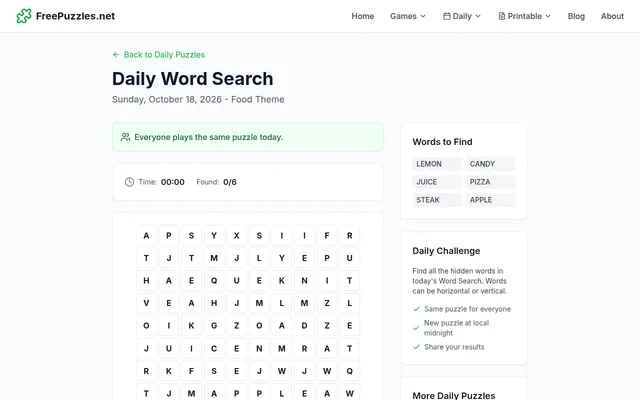
Daily Word Search (FreePuzzles)
Six themed words a day placed across or down, against a timer.
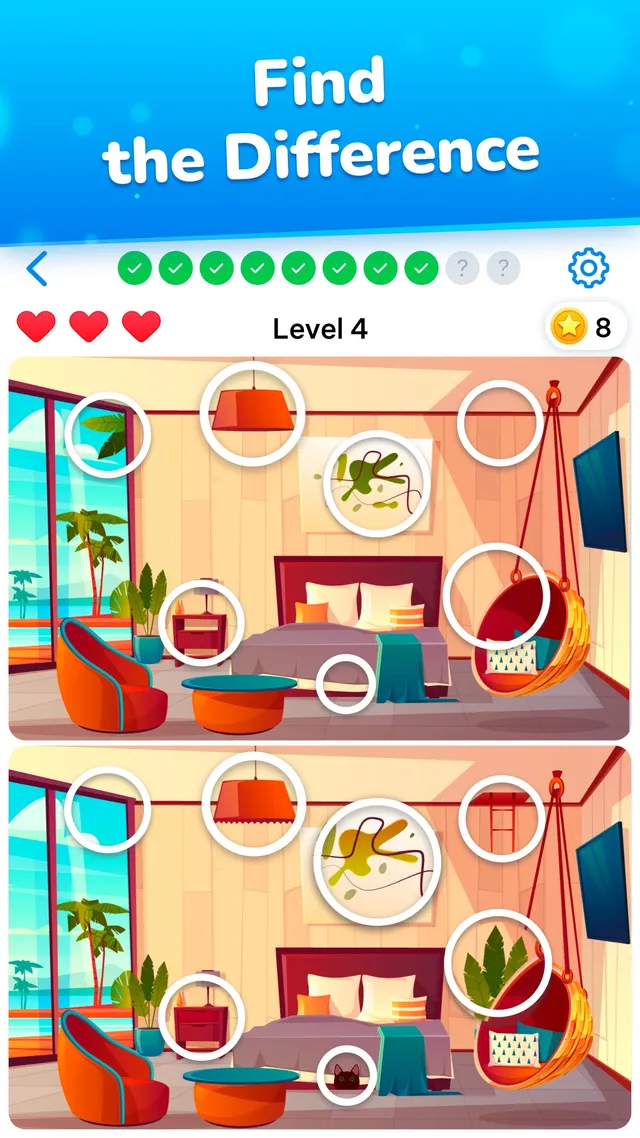
Differences (Easybrain)
Easybrain's spot-the-differences app with its own Daily Challenge trophies