Sudoku.com
Rate itA classic nine-by-nine sudoku for every date, picked from a calendar, with gold stars for each day you solve.
on sudoku.com
Sudoku.com is Easybrain's sudoku website and app. Its Daily Challenges give one classic sudoku for each date, chosen from a month calendar, and every solved day earns a gold star toward that month's trophy. It is free and shows ads.
About Sudoku.com
Sudoku.com comes from Easybrain, a mobile games studio that also makes Blockudoku and Nonogram.com. The iPhone app came out in 2017, and there is an Android version and a website at sudoku.com that plays the same way. All of them use the standard nine-by-nine grid: every row, column and three-by-three box must hold the digits one to nine once, and Easybrain says each puzzle has a single solution.
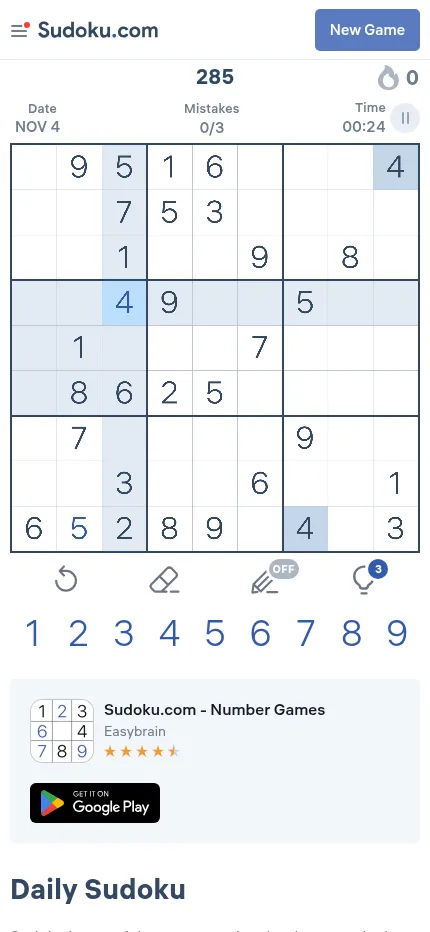
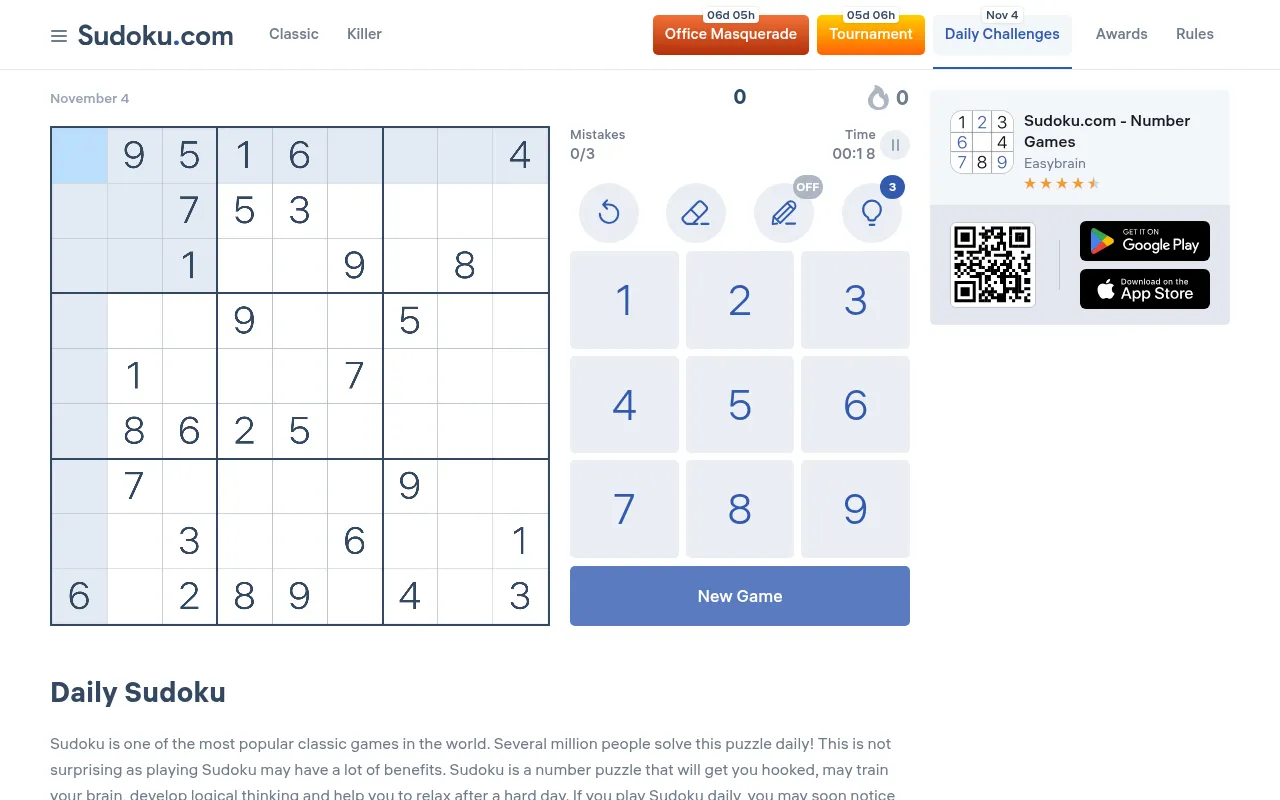
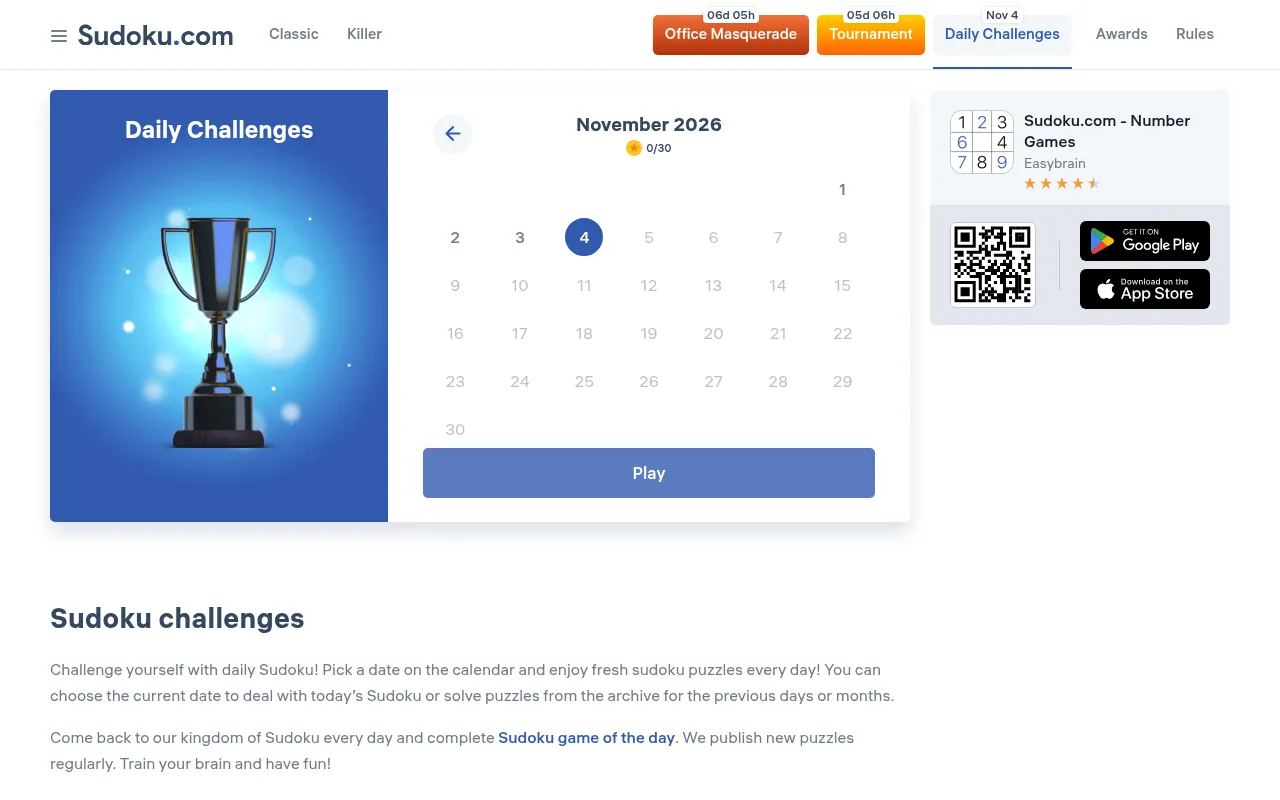
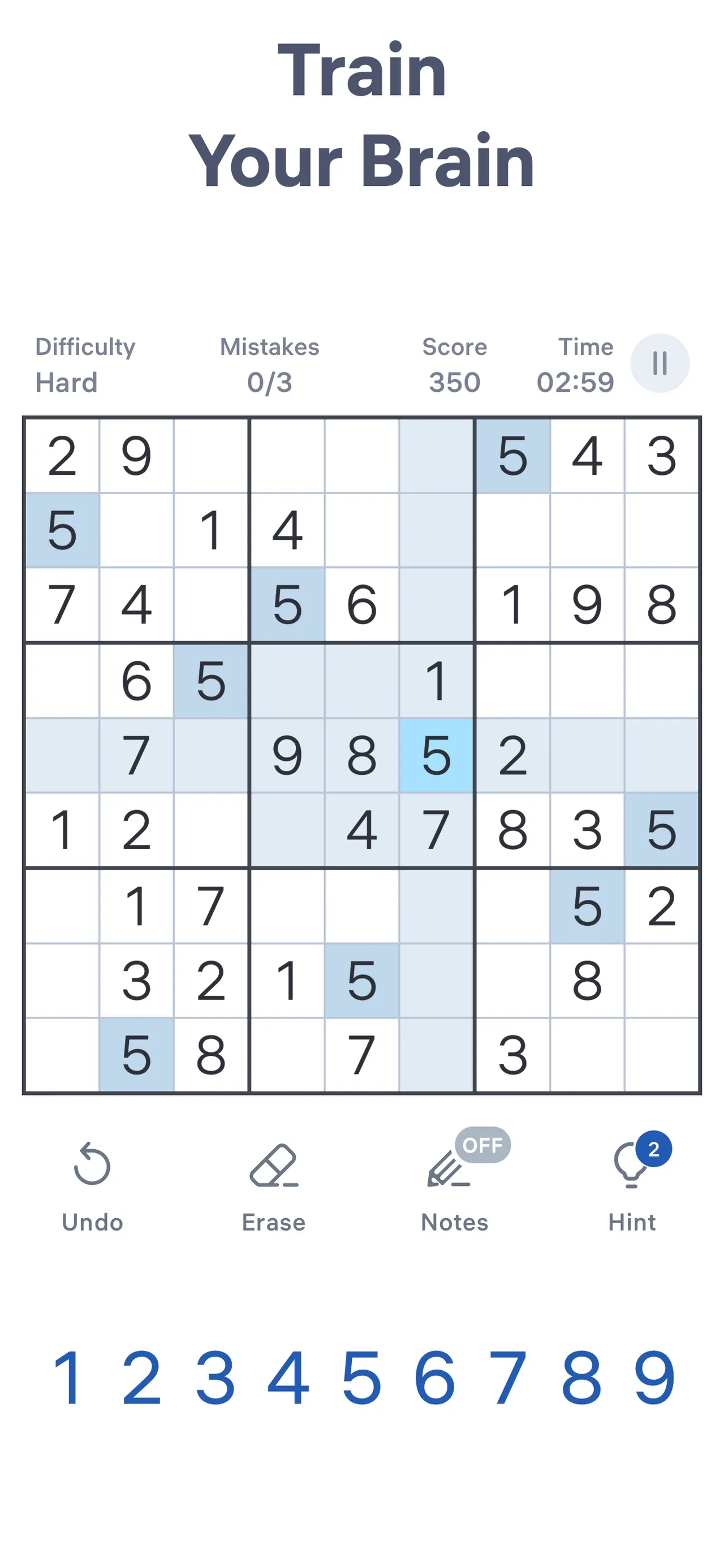
The daily part is the Daily Challenges section. It opens on a calendar for the month, with today's date ringed and a count of gold stars won so far, and pressing Play loads that day's grid. Today's board, for 4 November 2026, had 30 digits given. Missed days stay in the calendar, so you can go back and solve earlier dates. When you finish, the site shows what share of players managed to solve that puzzle. The store listings say completing the Daily Challenges earns unique trophies, shown on the Awards screen next to the medals from seasonal events.
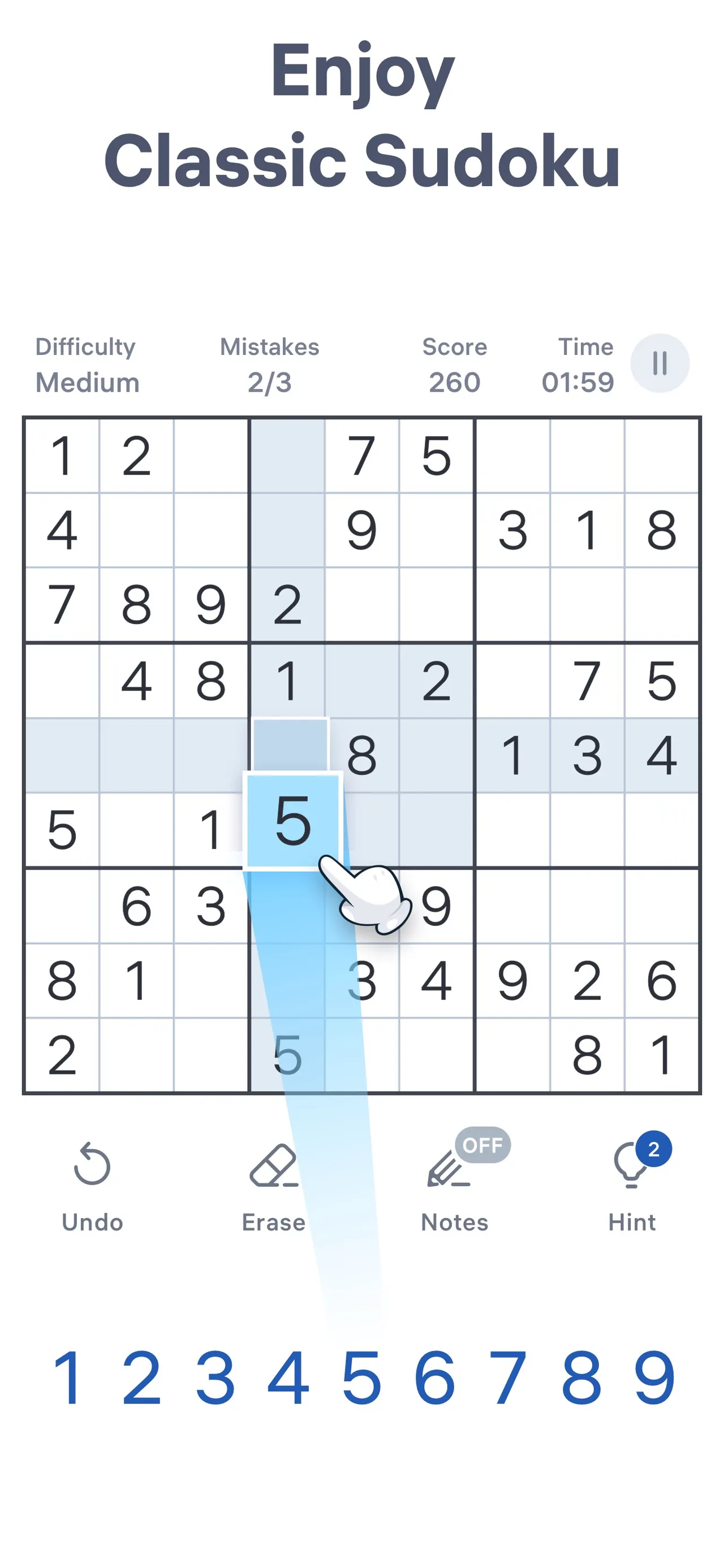
Within a puzzle you get the usual helpers: pencil notes that update themselves as you fill cells, hints that explain a solving method, highlighting of duplicates, an auto-check that flags wrong entries, unlimited undo and an eraser. On the website, three mistakes end the game unless you take a second chance. Outside the dailies there are classic puzzles at six levels, Killer Sudoku, seasonal events and tournaments with a leaderboard.
The app and site are free and carry ads. On a phone a display ad sits under the number pad, and after three mistakes the site offers a second chance for watching an ad. The Google Play listing also notes in-app purchases. Sudoku.com suits players who want a plain classic sudoku each day and like filling in a calendar, without the variants or extra rules some other daily grids add.
How to play Sudoku.com
- Open sudoku.com or the app and choose Daily Challenges.
- Pick today's date on the calendar and press Play to load the day's grid.
- Select an empty cell and tap a digit so that its row, column and three-by-three box each hold one to nine once.
- Turn on Notes to pencil in candidates where you are unsure. Use one of the three hints only if you are stuck.
- Fill every cell before you make three mistakes to win the day's star on the calendar.
Screenshots

Tips
- Avoid guessing on the website: three mistakes end the game.
- Start with the box, row or column that already has the most digits filled in.
- Leave Auto-Check off if you want the challenge to depend on your own checking.
- Keep notes on harder dailies; they update automatically as you place digits.
- If you miss a day, open its date on the calendar later and solve it from the archive.
Questions
Is there a new Sudoku.com puzzle every day?
Yes. The Daily Challenges section has one puzzle for each date, chosen from a calendar.
Can I play past daily puzzles?
Yes. Earlier dates stay in the calendar archive and can be solved at any time.
What do I get for playing the daily challenges?
Each solved date adds a gold star to that month's count on the calendar. The app's store listings say completing the Daily Challenges earns unique trophies, shown on the Awards screen.
When does the daily puzzle change?
With the calendar date. Easybrain does not state a time, and the website loads the puzzle for your device's current date.
Is Sudoku.com free?
Yes. The app and website are free with ads, and the app offers in-app purchases. No account is needed to play the daily.
Where can I play?
On the web at sudoku.com and in the apps for iPhone, iPad and Android.
Ratings and reviews
Games like Sudoku.com
NYT Sudoku
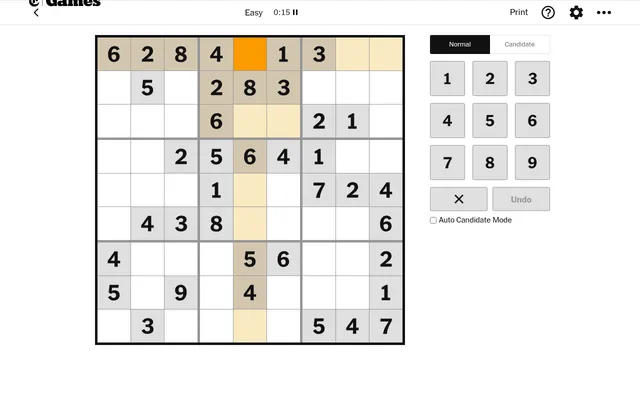
Three dated classic grids a day from The New York Times, at Easy, Medium and Hard, for when one sudoku is not…
Daily Sudoku
Our own ad-free daily sudoku, refreshed at midnight with notes, hints and a streak.
Good Sudoku
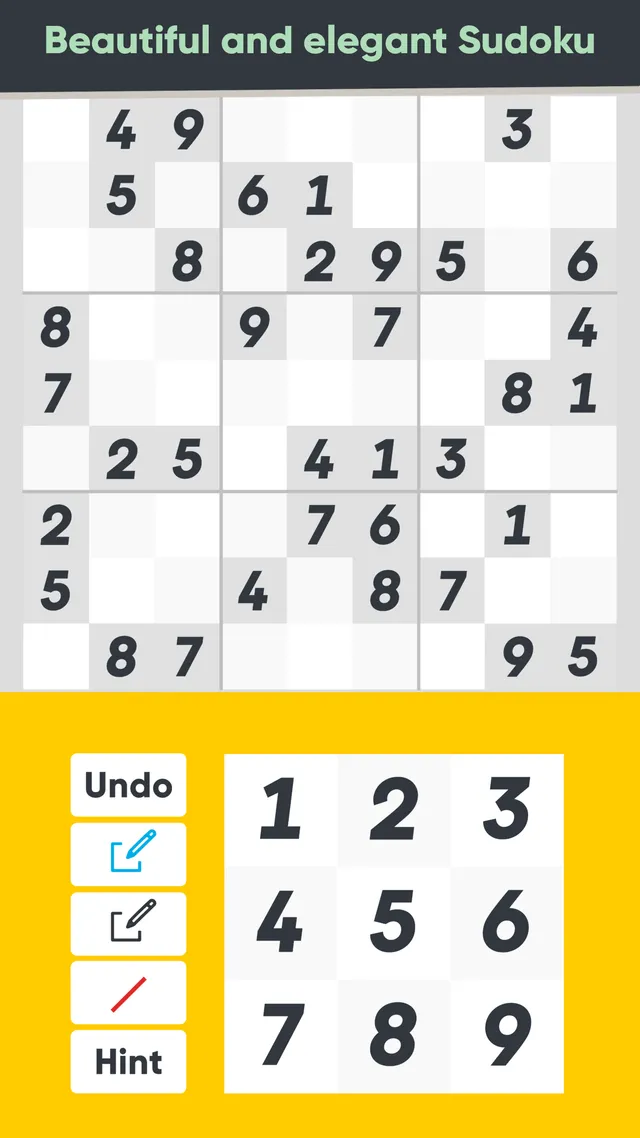
Its three dailies get harder through the week, and it teaches solving techniques.
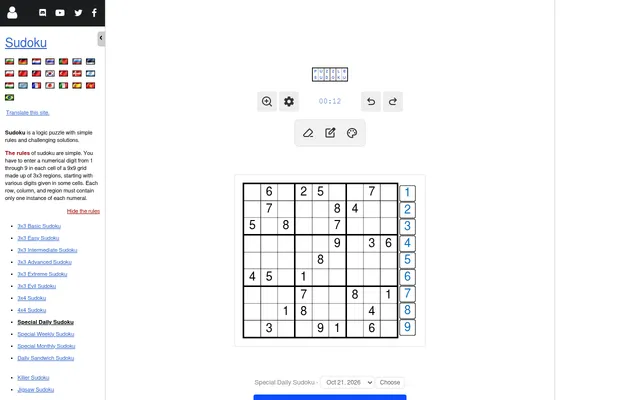
Daily Sudoku
A plain dated 9x9 grid, the same for everyone. Good as a second classic solve.
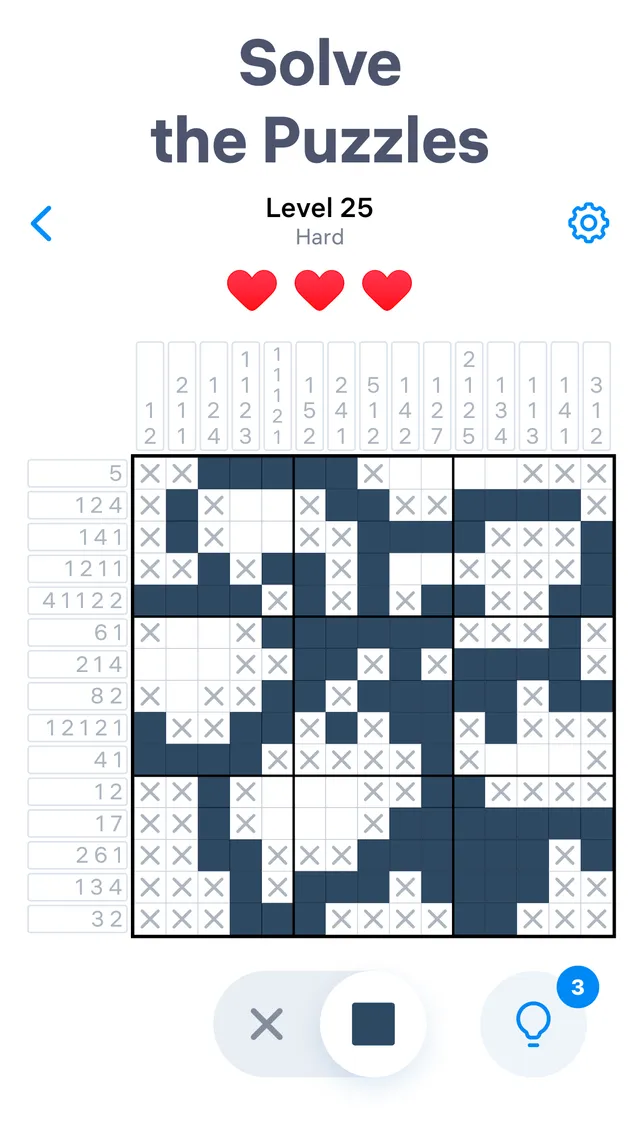
Nonogram.com
Easybrain's picture logic puzzle, with the same calendar of daily challenges and a trophy for each full month.
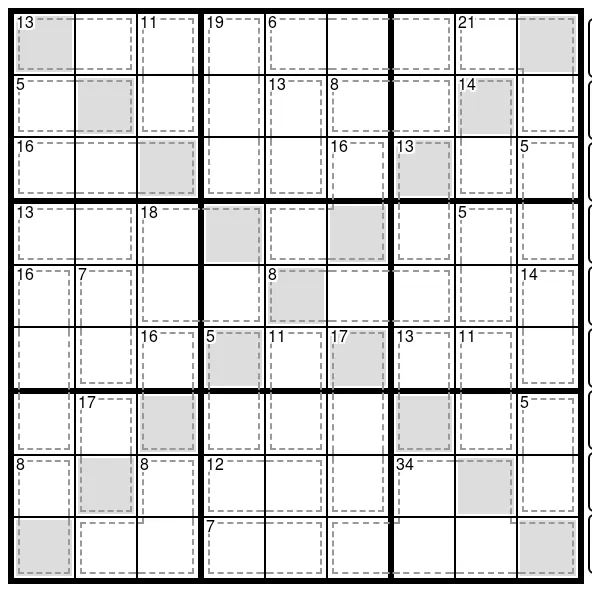
Daily Killer Sudoku
The variant changes by day, from cage sums to diagonals. A step up once the classic grid feels easy.
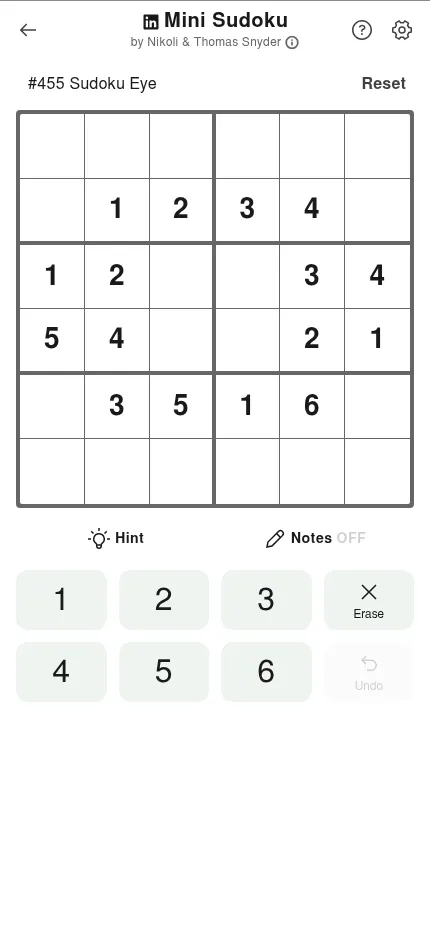
Mini Sudoku
LinkedIn's 6x6 daily, short enough for a coffee break.
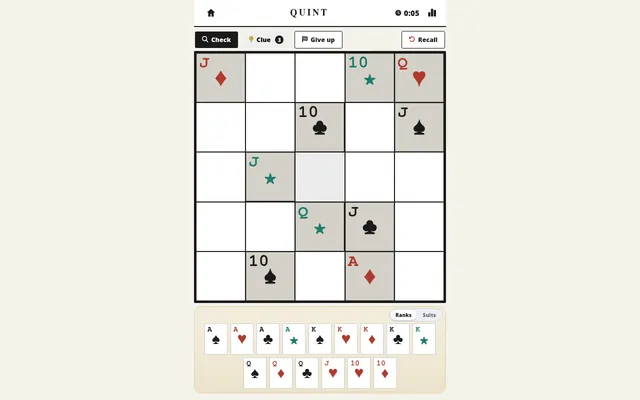
QUINT
Place 25 playing cards on a 5x5 board so no row or column repeats a rank or a suit.
More daily sudoku
- 12x12 Giant Sudoku (PuzzleMadness)
- 16x16 Giant Sudoku (PuzzleMadness)
- 3Doku
- Addition Sudoku (PuzzleMadness)
- Anti King Sudoku (PuzzleMadness)
- Anti Knight Sudoku (PuzzleMadness)
- Apple News+ Sudoku
- Argyle Sudoku (PuzzleMadness)
- Arrow
- Arrow Sudoku (PuzzleMadness)
- Between Line Sudoku (PuzzleMadness)
- Bubble Sudoku
- All daily sudoku