LETTERS
Spell high-scoring words from the day's letter grid, then watch new letters drop in.
Every day: A new numbered grid of letters each day, with the same letters and bonus tiles for every player and a daily leaderboard. New puzzle: At midnight Pacific time.
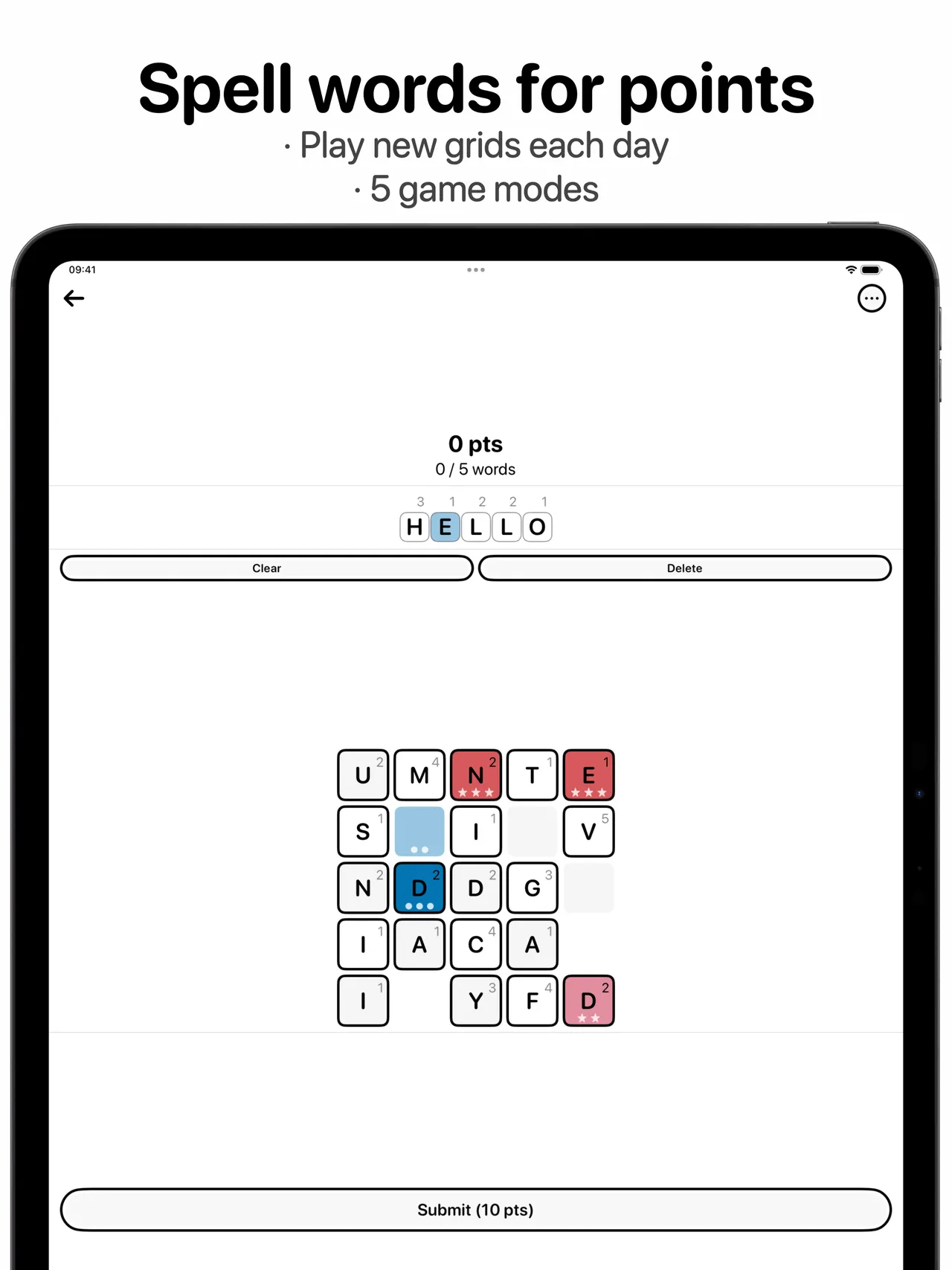
LETTERS is a free iPhone and iPad word game with one shared grid of letters a day. You tap any letters in the grid to spell a word, submit it for points, and new letters fall into the gaps. Bonus tiles multiply your score, and a daily leaderboard ranks everyone on the same grid.
About LETTERS
LETTERS is a daily word game for iPhone and iPad. Each day there is one numbered grid of lettered tiles, and every player starts from exactly the same letters. Each tile shows a point value, and coloured bonus tiles are scattered around the board.
The game is made by Charles Etzel, whose JazzyChad Network runs the website, and the first grid went out on 27 May 2025. It is free to download from the App Store. A new grid arrives at midnight Pacific time, and the app can send a daily reminder.
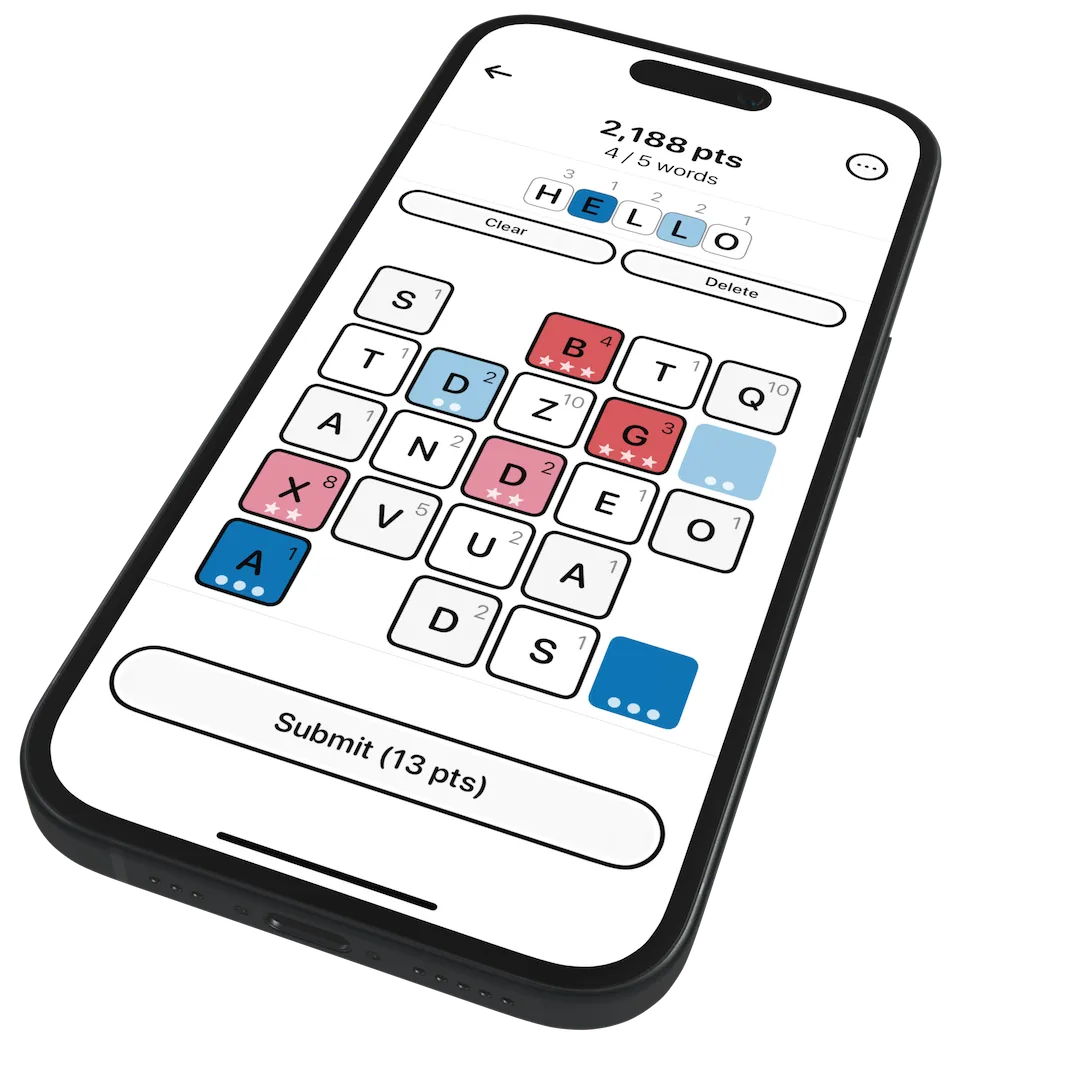
You do not have to trace a path: you simply tap letters anywhere in the grid in the order you want, check the score shown on the Submit button and play the word. Used tiles drop away and fresh letters fall into the grid, so each word changes what the next one can be. The main game gives you five words to build the biggest total, and bonus tiles stay in place all day, rewarding you for using them at the right moment.
Besides the classic high-score game there are other modes, including Golf, where you aim for the lowest score, and a Timed mode that rewards speed. Statistics, more than 50 achievements, a daily leaderboard and a spoiler-free share card round it out. It suits Scrabble players who like planning several moves ahead.
How to play LETTERS
- Open today's grid and look at the letter values and bonus tiles.
- Tap letters anywhere in the grid to spell a word.
- Check the points shown on the Submit button and submit the word.
- Watch new letters fall into the gaps and plan your next word.
- After five words, compare your total on the daily leaderboard.
Screenshots
Tips
- Think about what will fall into the grid after each word: saving a bonus tile for a longer word can be worth more than using it now.
- High-value letters on a multiplier tile score much more than a long word made of one-point letters.
- Use the Golf and Timed modes for practice once the daily grid is done.
Questions
Does everyone get the same grid?
Yes. Each day's numbered grid, including its bonus tiles, is the same for every player, and scores go on a daily leaderboard.
When does the grid change?
At midnight Pacific time.
Is it free?
Yes, it is a free download from the App Store.
Can I play in a browser?
The website only links to the iOS app; there is no browser version.
Games like LETTERS
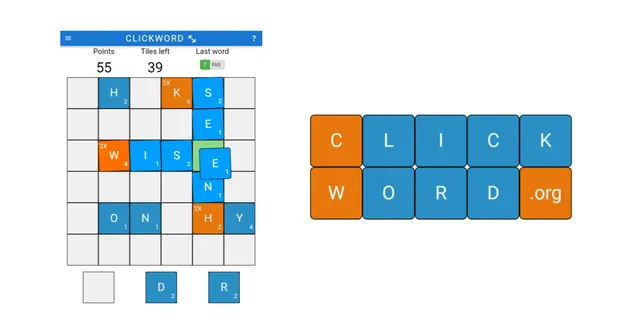
ClickWord
Build words for points from a daily set of letters.
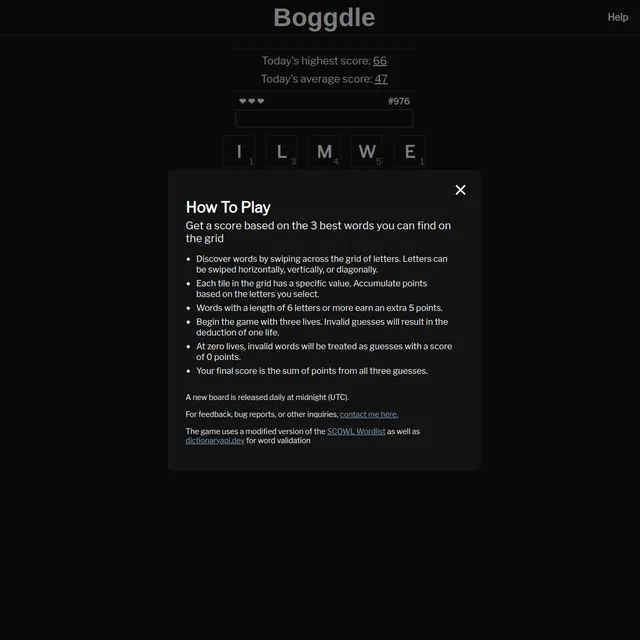
Boggdle
Score as many points as you can from the day's letter grid.
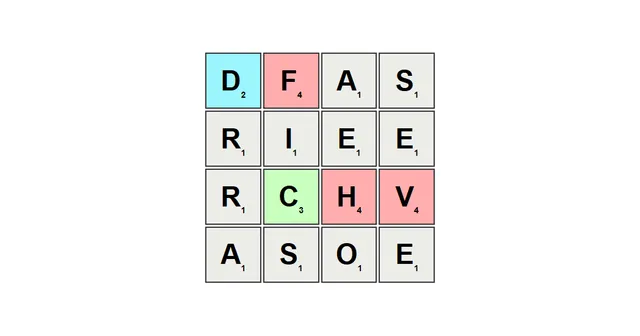
Chiddle
Find the highest-scoring words in a daily grid of letters.
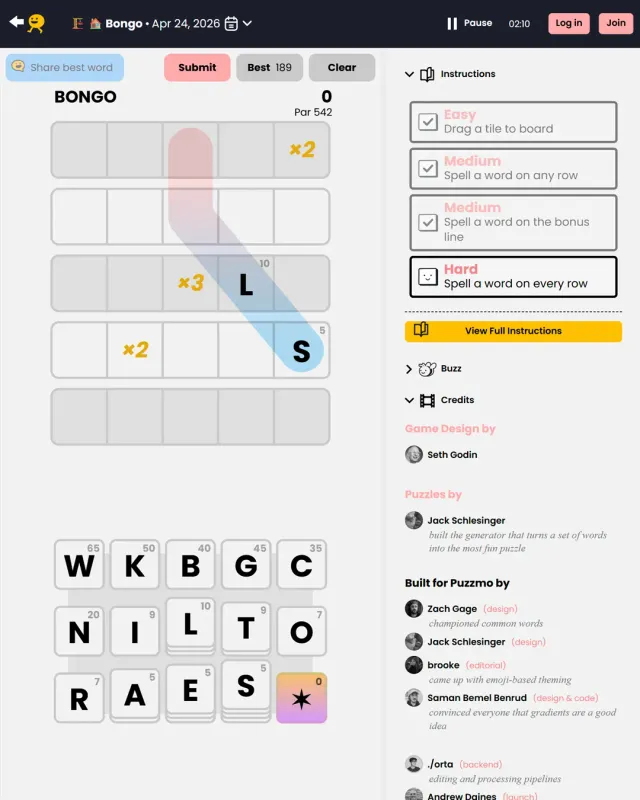
Bongo
Arrange letter tiles into words for the highest score.

Beat Me at Boggle
A shared daily board of letters with a score to beat.
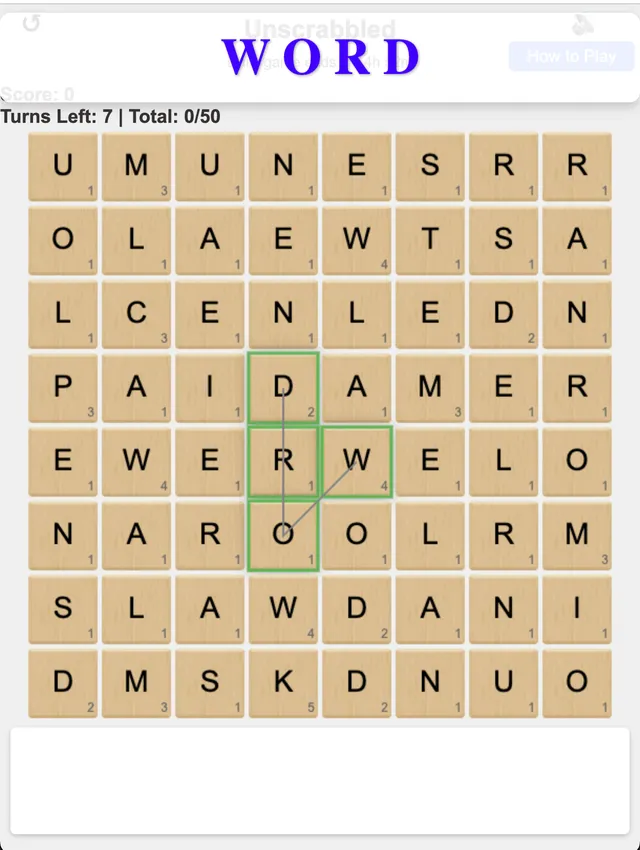
Unscrabbled
Trace words on a daily 8x8 board with Scrabble-style scoring, over a set number of turns.
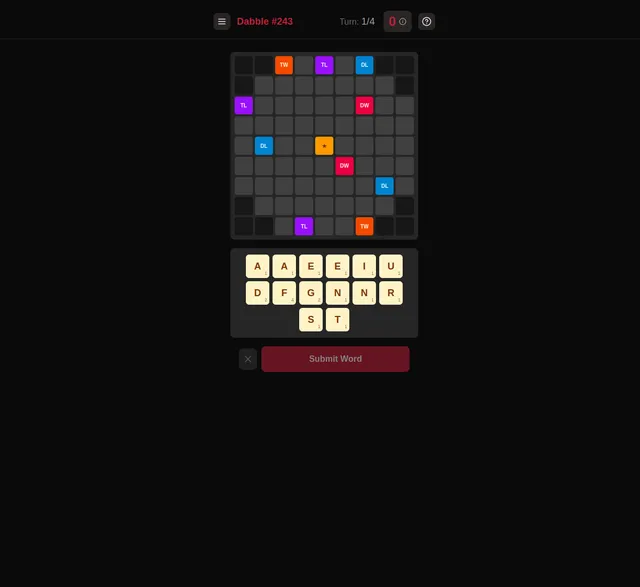
Dabble (Nerdcube)
Build the highest-scoring words on a unique daily board.
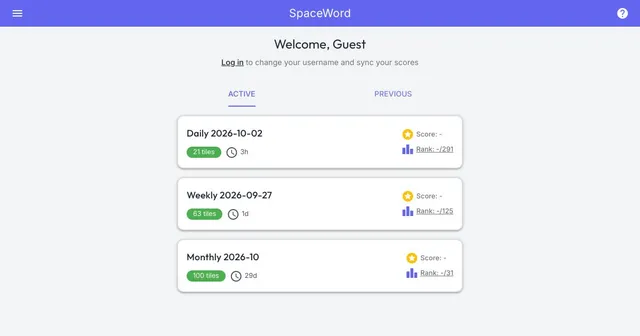
SpaceWord
Lay the day's 21 letter tiles into a connected crossword that takes up as little space as you can.