Daily Puzzle (AppsEverywhere)
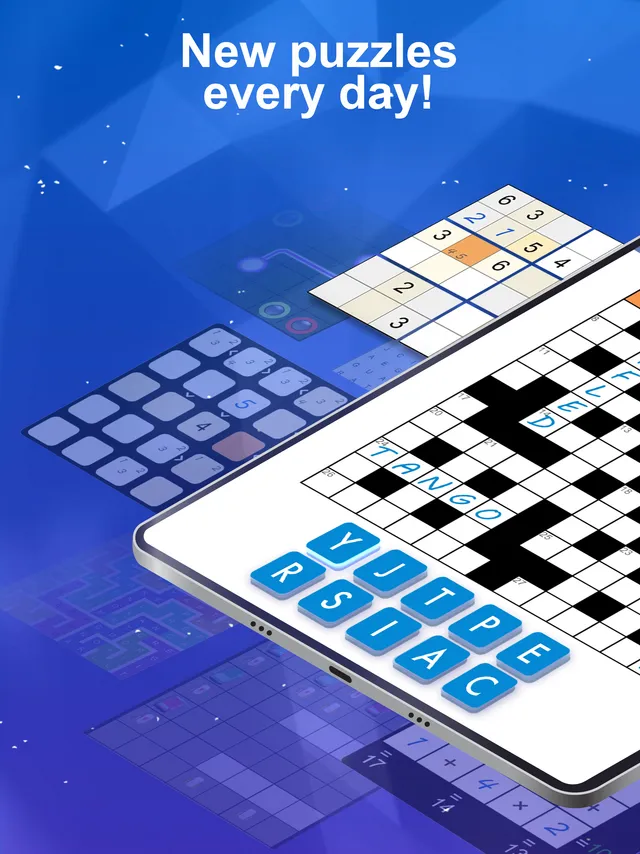
One new puzzle a day from 28 kinds, from sudoku and nonograms to slitherlink and star battle.
Every day: A new daily puzzle each day drawn from 28 puzzle types, kept on a 365-day calendar, plus a weekly challenge and an archive of past challenges. New puzzle: Each day; the listing does not give an hour.
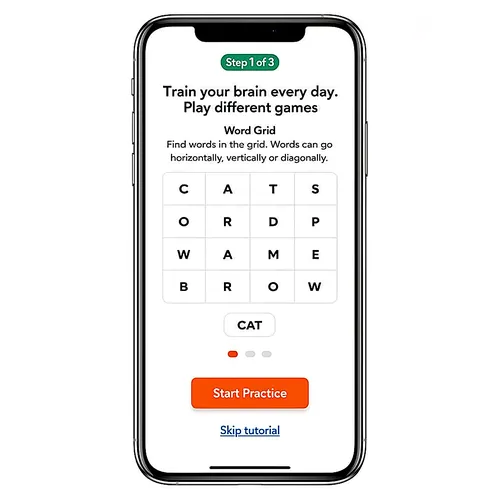
Daily Puzzle is an Android app from AppsEverywhere that brings one new challenge a day, picked from 28 types of logic, number and word puzzles. A calendar keeps the year's dailies, an archive holds a thousand more, and it all plays offline.
About Daily Puzzle (AppsEverywhere)
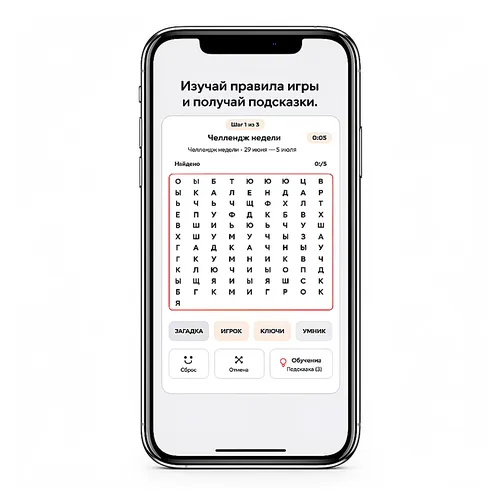
Daily Puzzle gathers 28 kinds of pencil puzzle in one app and serves a new one each day. The classics are there (sudoku, nonograms, word search, cross-sums), along with Japanese logic puzzles such as Hitori, Nurikabe, Slitherlink, Hashi, Kuromasu and Shikaku, grid puzzles like Flow, Pipes, Mines, Akari, Star Battle, Tents and Kings, and number puzzles including Futoshiki, Skyscrapers, Binairo, Suguru, Calcudoku, Thermo and Fillomino.
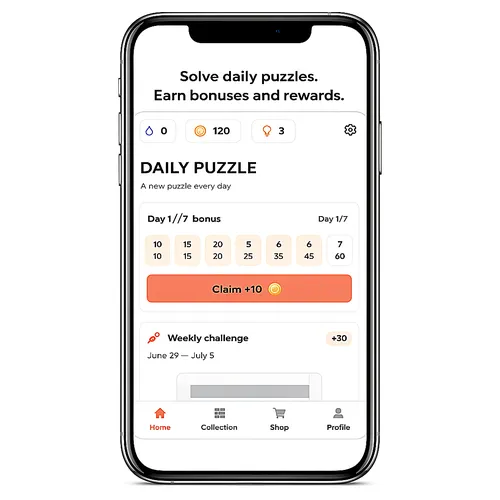
The home screen opens on the day's puzzle, with a week of login bonuses beside it and a weekly challenge that runs from Monday to Sunday. A 365-day calendar keeps every daily, so a missed day can be played later, and an archive of about a thousand challenges is arranged in chapters with rewards along the way. Each puzzle type also has an endless mode and a practice mode with a short tutorial.
Progress, stars, coins, achievements and personal bests are saved on the device, and no connection is needed to play. The interface is in English and Russian. The app is free with ads; hints, themes and a Premium subscription are sold inside it.
It suits players who like variety: one sitting a day that might be a nonogram one morning and a star battle the next, with a deep archive behind it.
How to play Daily Puzzle (AppsEverywhere)
- Open the app; the home screen shows the day's puzzle.
- Read the rules card for that puzzle type, or play the short practice round if it is new to you.
- Solve the grid by its rules, using a hint if you are stuck.
- Come back the next day for a new puzzle, or open the calendar to play a day you missed.
- Try the weekly challenge and work through the archive's chapters for extra rewards.
Screenshots
Tips
- Use practice mode on an unfamiliar type before the daily that features it, so a first try does not cost the day's streak.
- Hints are limited; in logic puzzles, look for a cell that only one value fits before spending one.
- The app plays offline, so the day's puzzle works on a flight or the underground.
Questions
How many puzzle types does Daily Puzzle have?
28, including sudoku, nonograms, word search, Slitherlink, Hashi, Star Battle, Futoshiki, Skyscrapers and Calcudoku.
Can I play a daily I missed?
Yes. A 365-day calendar keeps the dailies, and an archive holds about a thousand more challenges.
Does it need an internet connection?
No. Progress is saved on the device and the puzzles play offline.
Is it free?
Free to download with ads; hints, themes and a Premium subscription are sold in the app.
Games like Daily Puzzle (AppsEverywhere)
Puzzle Page
Another app with a whole page of different puzzles each day

Netflix Puzzled
A daily set of mixed word, logic and picture puzzles in one app
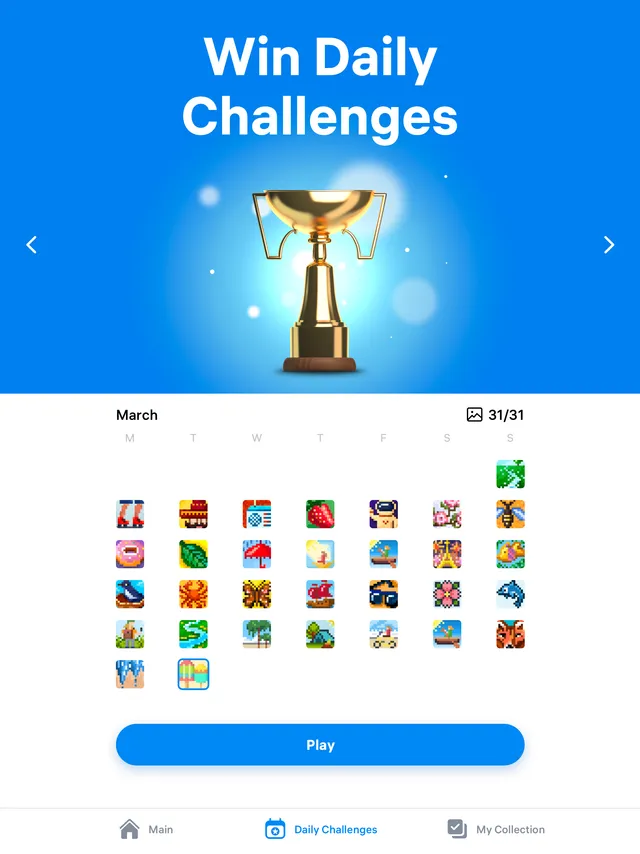
Nonogram.com
Daily nonograms, one of Daily Puzzle's 28 types, in an app of their own
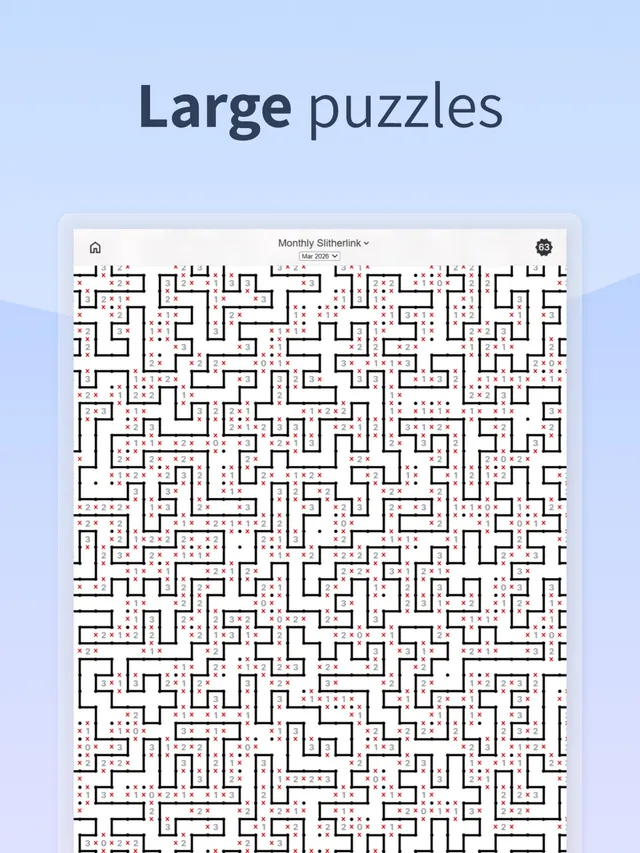
Daily Slitherlink
One large slitherlink loop a day, for players who find that type their favourite
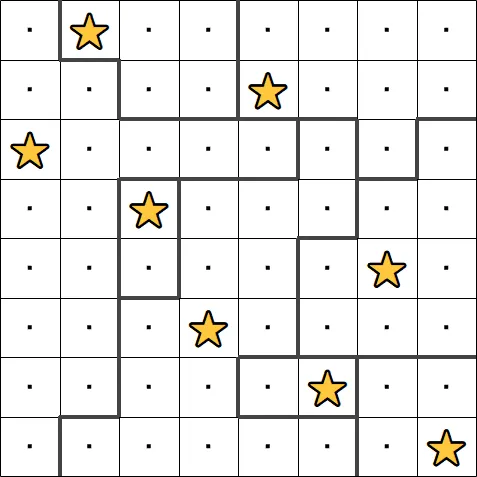
Star Battle (PuzzleMadness)
A daily star battle grid on the web, another type Daily Puzzle rotates through
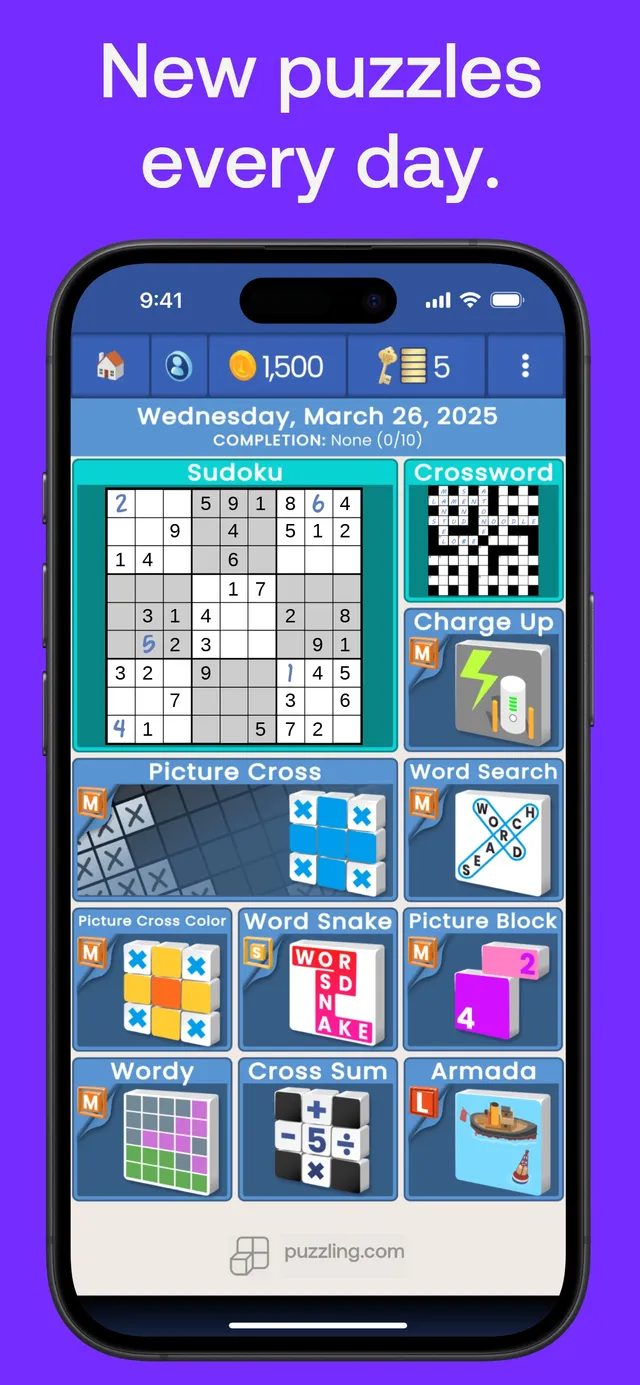
puzzling.com
A Morning page and an Evening page of puzzles every day, from crossword and sudoku to Picture Cross.
Cosy Puzzle Cabin
A calm, ad-free collection of logic and word puzzles with one Daily Puzzle shared by everyone.

Daily Grid (dailygrid.app)
Twelve small logic puzzles every day, from number paths to bridges and loops.