Microsoft Minesweeper
The Windows Minesweeper, rebuilt with themes, an adventure mode and five daily challenges.
Every day: Five Daily Challenges each day, one each in Classic, Flags, Detonation, Treasure Hunt and Taps, set on a calendar by date; completing every day of a month earns a Perfect Badge. New puzzle: Once a day; Microsoft does not state the time.
Microsoft Minesweeper on the Microsoft StoreMicrosoft Minesweeper at Microsoft Casual GamesMicrosoft Minesweeper on Xbox.com
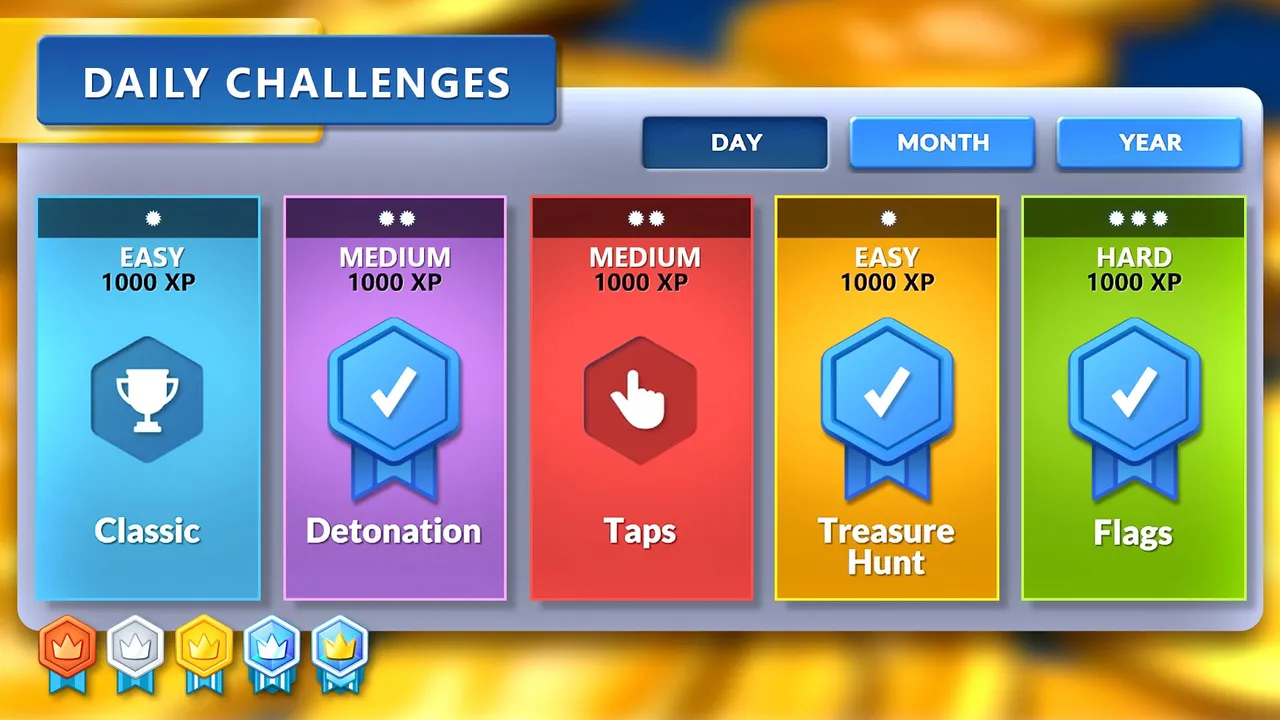
Microsoft Minesweeper is the free Windows version of the classic mine-clearing logic game, now published by Xbox Game Studios. Besides classic boards and an adventure mode, it sets five Daily Challenges every day across different modes, tracked on a calendar with monthly badges.
About Microsoft Minesweeper
Microsoft Minesweeper is the modern Windows edition of the Minesweeper that shipped with Windows from the 1990s. It has been on the Microsoft Store since 2012 and is published by Xbox Game Studios as one of the Microsoft Casual Games, alongside Microsoft Solitaire Collection, Mahjong and Sudoku.
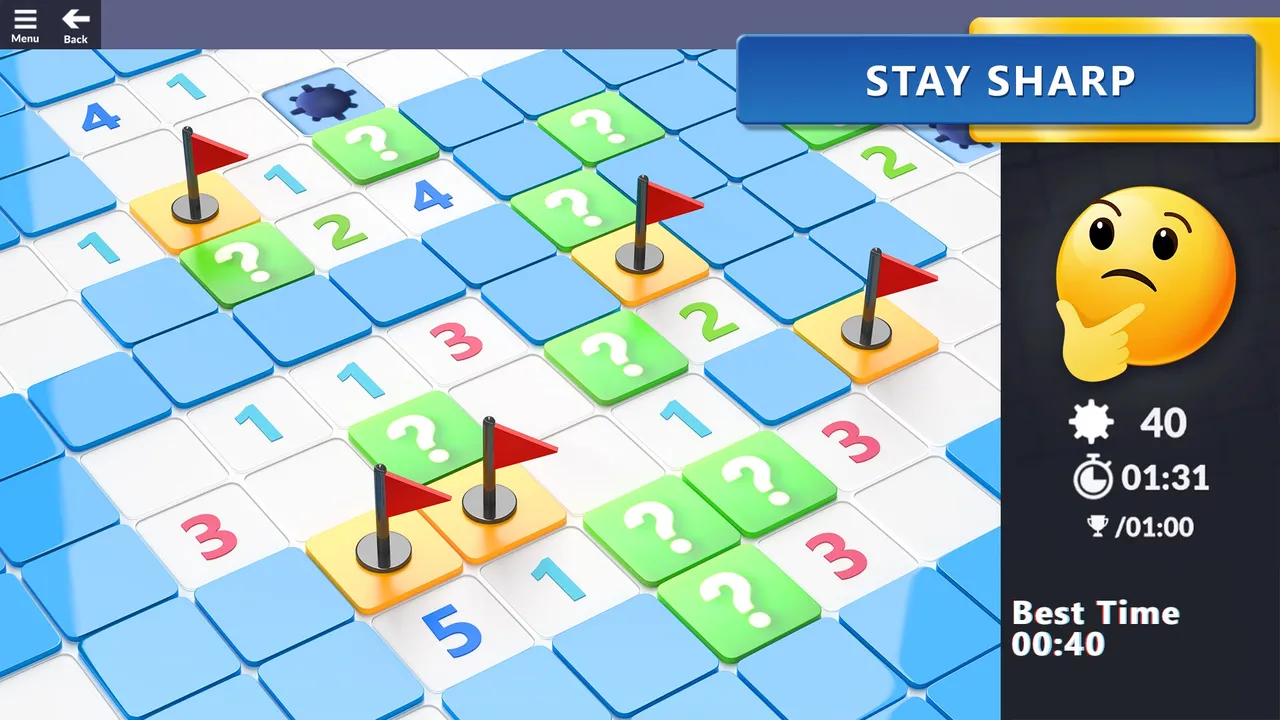
Classic mode is the game you know: open squares, read the numbers that count neighbouring mines, place flags and clear the board without setting one off, at the difficulty and board size you choose. Adventure mode turns the board into a labyrinth where you guide a hero toward the centre of the Earth, collecting loot and avoiding hidden hazards.
The Daily Challenges screen has five cards each day: Classic, Flags, Detonation, Treasure Hunt and Taps, each marked Easy, Medium or Hard and worth XP. Each sets a particular goal, such as finishing under a target time or within a number of taps. A Day, Month and Year calendar tracks what you have done, and finishing every challenge in a month earns a Perfect Badge. Missed days can only be replayed with a Premium subscription.
The game is free; an optional Premium subscription unlocks past challenges. Signing in with a Microsoft account saves your level, XP and achievements across devices.
It suits Minesweeper regulars who want a small set of fresh goals every day on Windows.
How to play Microsoft Minesweeper
- Install Microsoft Minesweeper from the Microsoft Store on Windows.
- Open Daily Challenges and pick one of the five cards for today.
- Clear the board using the numbers to deduce where mines are, while meeting the challenge goal shown.
- Complete all five each day to work toward the month's Perfect Badge.
Screenshots
Tips
- Start with the Easy cards to bank XP, then take on the Hard challenge.
- In Classic boards, look for 1s touching a single hidden square: that square is a mine.
- Sign in with a Microsoft account so your challenge progress is saved across devices.
Questions
How many daily challenges are there?
Five each day: Classic, Flags, Detonation, Treasure Hunt and Taps.
Can I play a day I missed?
Only with a Premium subscription.
Is it free?
Yes. An optional Premium subscription lets you play past Daily Challenges you missed.
What is the Perfect Badge?
A badge for completing all the Daily Challenges throughout a month.
Games like Microsoft Minesweeper

Microsoft Solitaire Collection
Microsoft's solitaire app with the same daily challenge calendar and badges.
Microsoft Sudoku
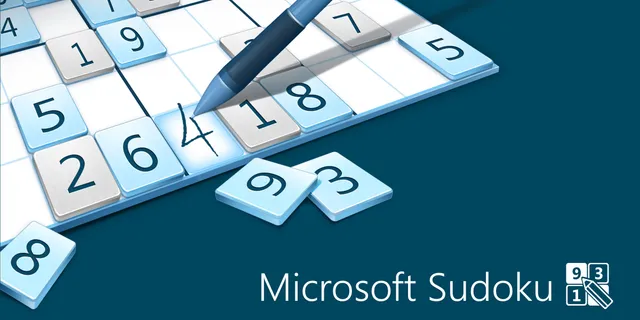
Microsoft's sudoku app, with three daily challenges and monthly badges.
Microsoft Mahjong
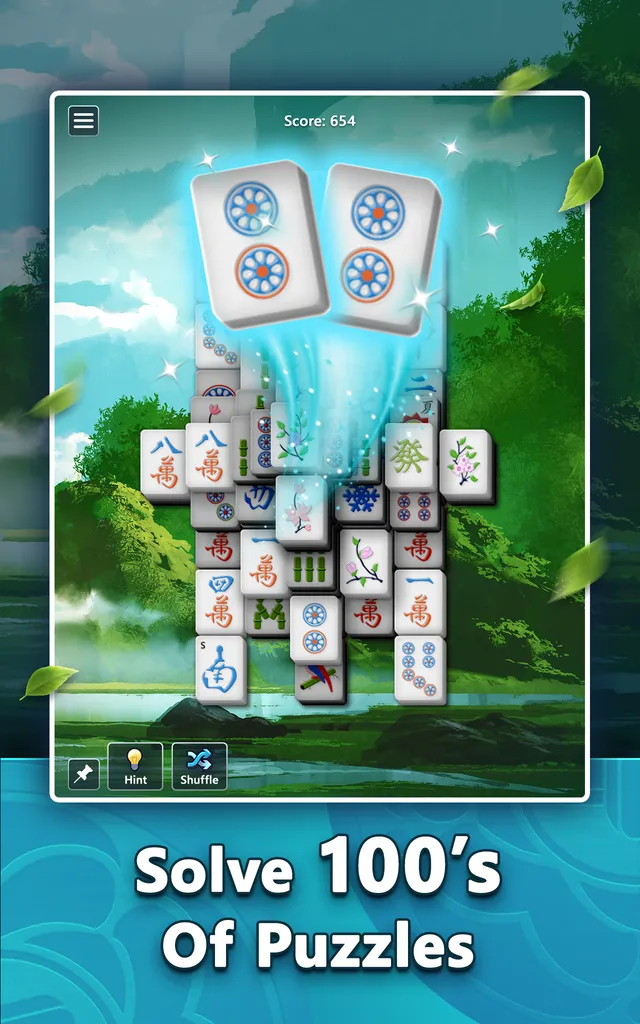
Microsoft's mahjong app, which also sets daily challenges.

0h n0
A grid logic puzzle built on deducing from numbers, with fresh boards daily.
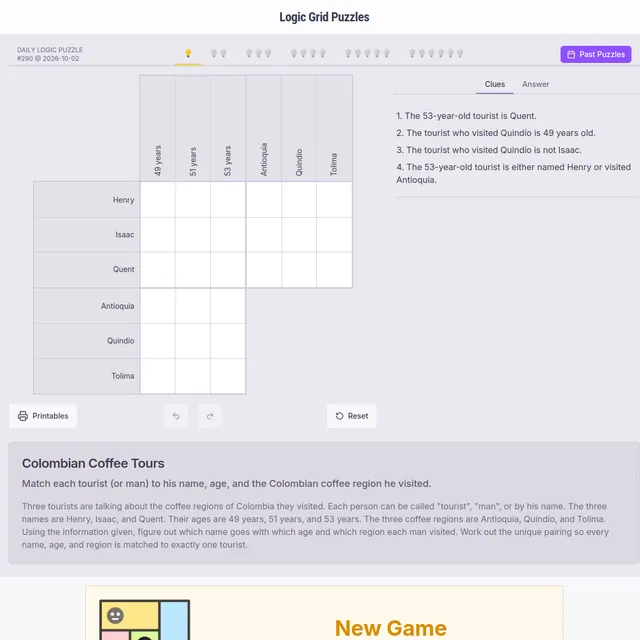
Logic Grid Puzzles
Six daily deduction puzzles in the browser.
Microsoft Jigsaw
Microsoft's jigsaw app, with a new set of challenge puzzles every day and badges to earn each month.

Bean Counter
Minesweeper in reverse: place the beans the numbers describe.
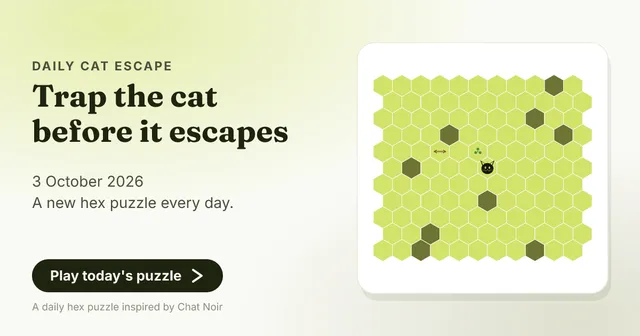
Daily Cat Escape
Place walls on a hex board to trap the cat before it reaches the edge.