Wordsearch (NZ Herald)
Rate itThe NZ Herald's themed daily word search, with a mystery answer in the leftover letters.
on nzherald.co.nz
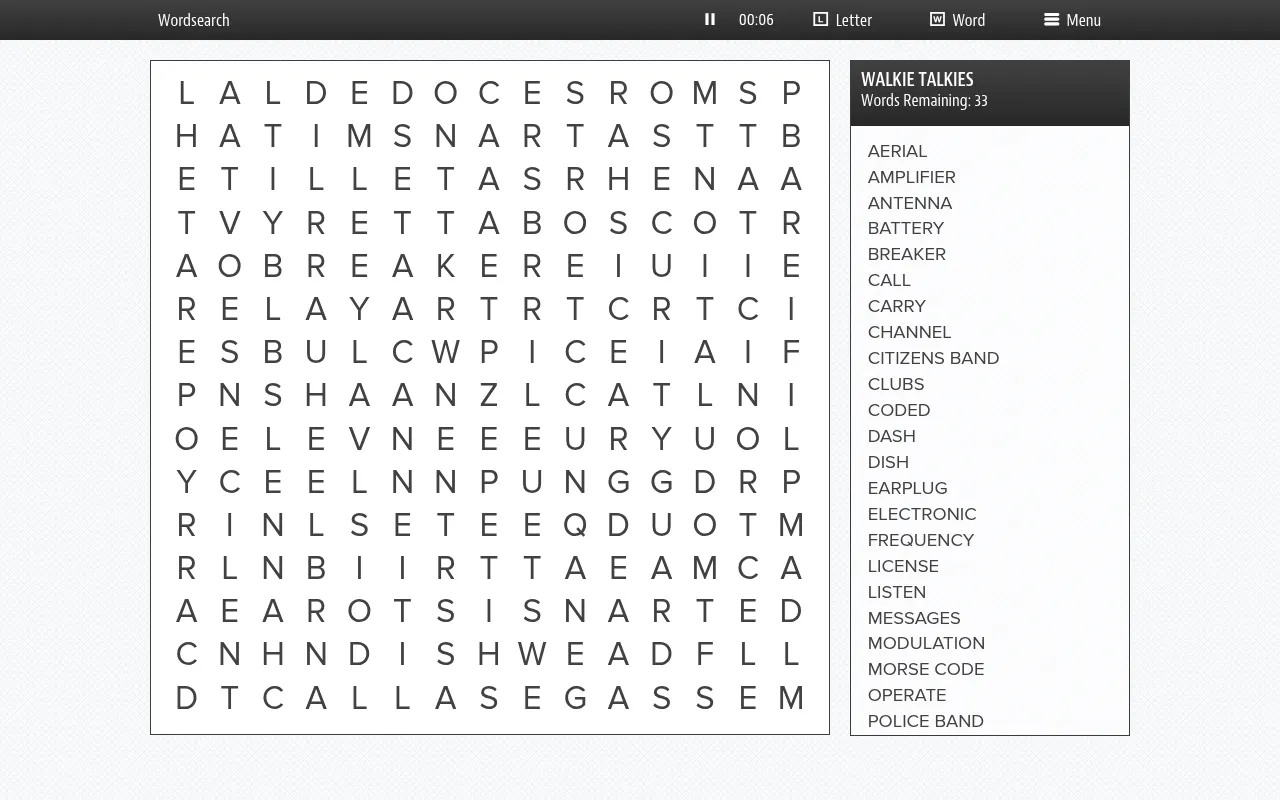
The NZ Herald publishes a themed word search every day on its Puzzles and games page. Find the listed words hidden in a grid of letters, then read the unused letters in order to reveal the day's mystery answer. The page is Premium content, so an NZ Herald Premium subscription is needed to play.
About Wordsearch (NZ Herald)
Wordsearch is one of the daily puzzles on the NZ Herald's Puzzles and games page, alongside its crosswords, Code Cracker and sudoku. Each day has a single puzzle with a theme, the same for every reader: recent titles include Amphibians, Sheep Tales, A Christmas Carol, The Simpsons and Smells Good.
The grid is a square of letters with a list of themed words and phrases to find. Its size changes with the puzzle: Soccer Fun on 9 November 2026 was 13 by 13, and Walkie Talkies the next day was 15 by 15 with 33 words. Words can run across, down, diagonally and backwards. On the Amphibians day, for example, the list included CAECILIANS, SALAMANDER and FOUR LEGS.
Not every letter is used. Once all the words are found, the leftover letters read in order spell a mystery answer linked to the theme, which is the final step of the puzzle. A timer runs at the top, and two hint buttons reveal a letter or a whole word when you are stuck. The player keeps today's puzzle and the six days before, so a missed day can still be played within the week.
The page is marked as Premium, so you need an NZ Herald Premium subscription. It suits readers who like a relaxed themed puzzle with a small twist at the end.
How to play Wordsearch (NZ Herald)
- Open the Wordsearch page on nzherald.co.nz and sign in with a Premium subscription.
- Pick today's puzzle, or one of the previous six days.
- Find each listed word in the grid; it may run in any direction.
- Drag across each word you find to mark it. Use the Letter or Word button if you get stuck.
- Read the leftover letters in order to spell the mystery answer.
Screenshots
Tips
- Scan for rare letters such as Q, X or Z that appear in the list.
- Look for long phrases first; they cross many other words.
- Leave the mystery answer until the end, when only unused letters remain.
Questions
Do I need a subscription?
Yes. The page is NZ Herald Premium content.
Can I play past puzzles?
The player offers today's puzzle and the previous six days.
What is the mystery answer?
A word or phrase spelled by the letters left in the grid once every listed word has been found.
Ratings and reviews
Games like Wordsearch (NZ Herald)
Code Cracker (NZ Herald)
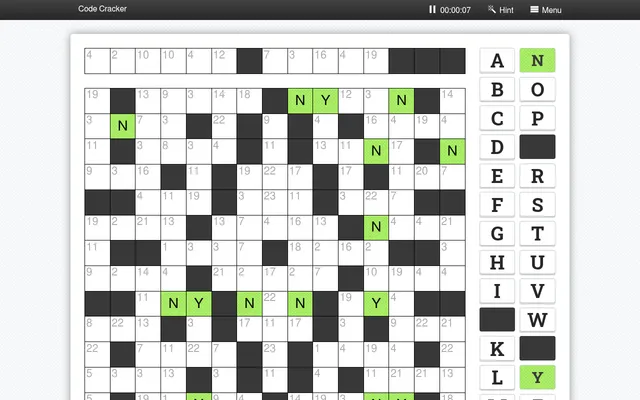
Another NZ Herald daily puzzle that ends in a mystery answer, this time from a number-coded grid
WonderWord
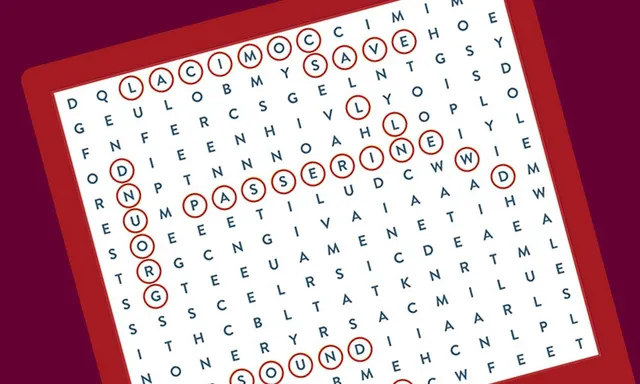
Also a themed word search where the letters left over after the last word spell a hidden answer
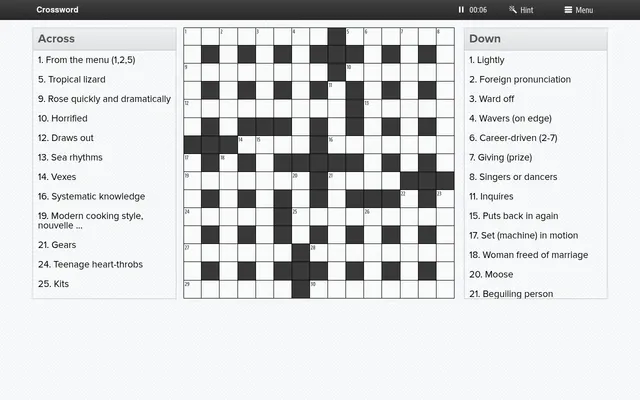
Crossword (NZ Herald)
The NZ Herald's daily crossword, in the same puzzle player and the same subscription
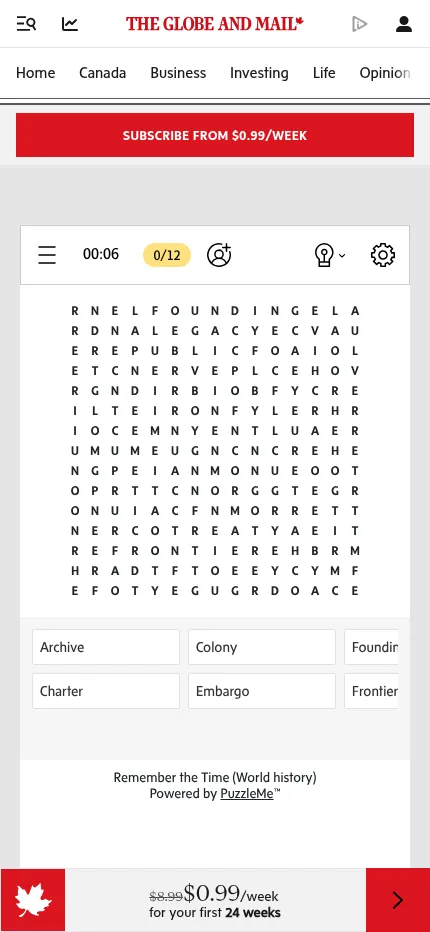
Wordfinder (The Globe and Mail)
A newspaper's daily word search from another Commonwealth paper
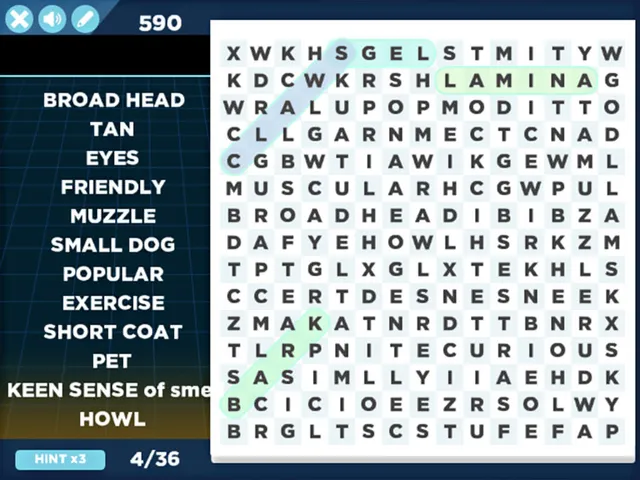
Arkadium Daily Word Search
A daily word search with a calendar of past days, free to play
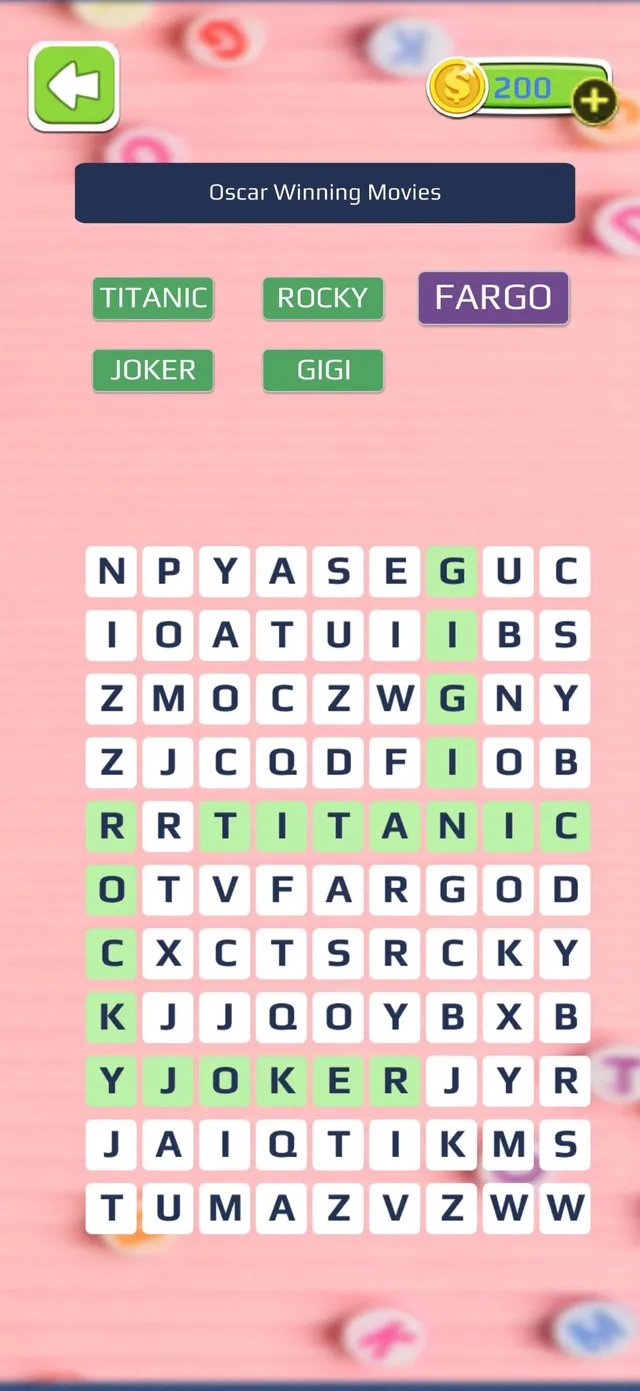
Daily Themed Word Search
A themed word search each day, for players who like a topic behind the list
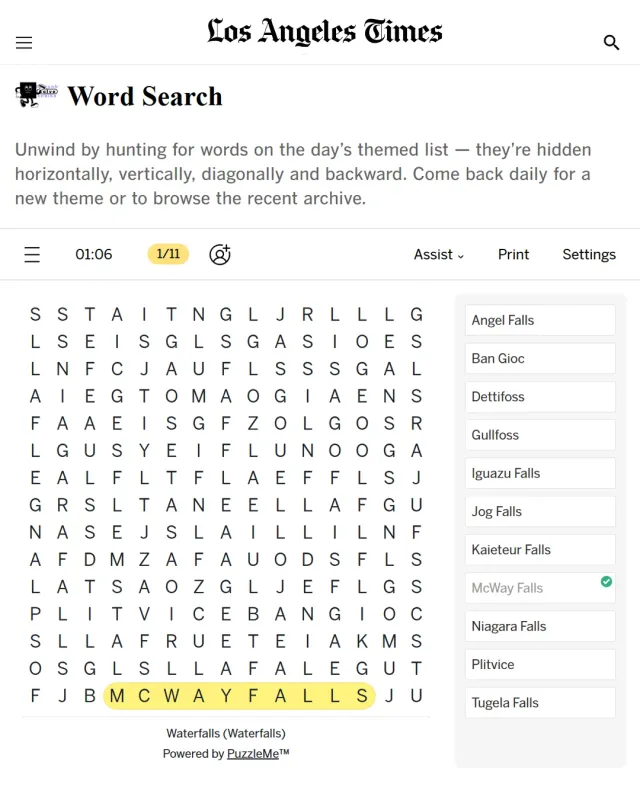
LA Times Word Search
Another newspaper's daily word search to play after the Herald's
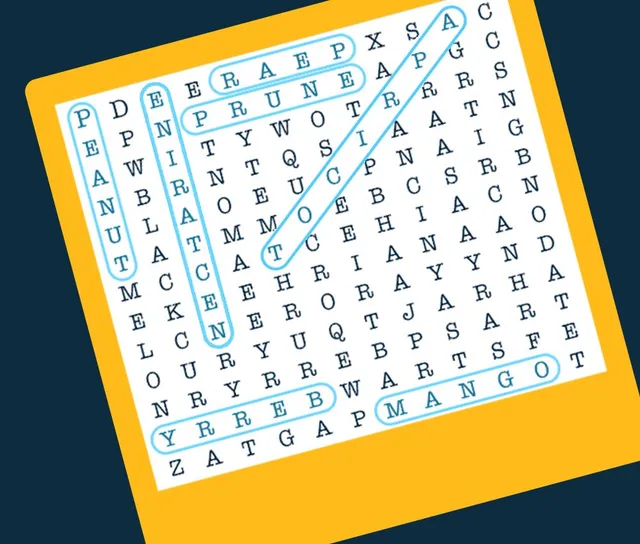
Universal Word Search
A themed word search on the day's subject.