Wend
Trace the hidden words through the grid and use every letter tile once.
Every day: One numbered Wend grid a day, the same for every player: trace the hidden words through neighbouring letters so that every tile is used exactly once, with a streak and a leaderboard against your connections. New puzzle: Midnight Pacific Time.
Play Wend on LinkedInLinkedIn on the App StoreLinkedIn on Google Play
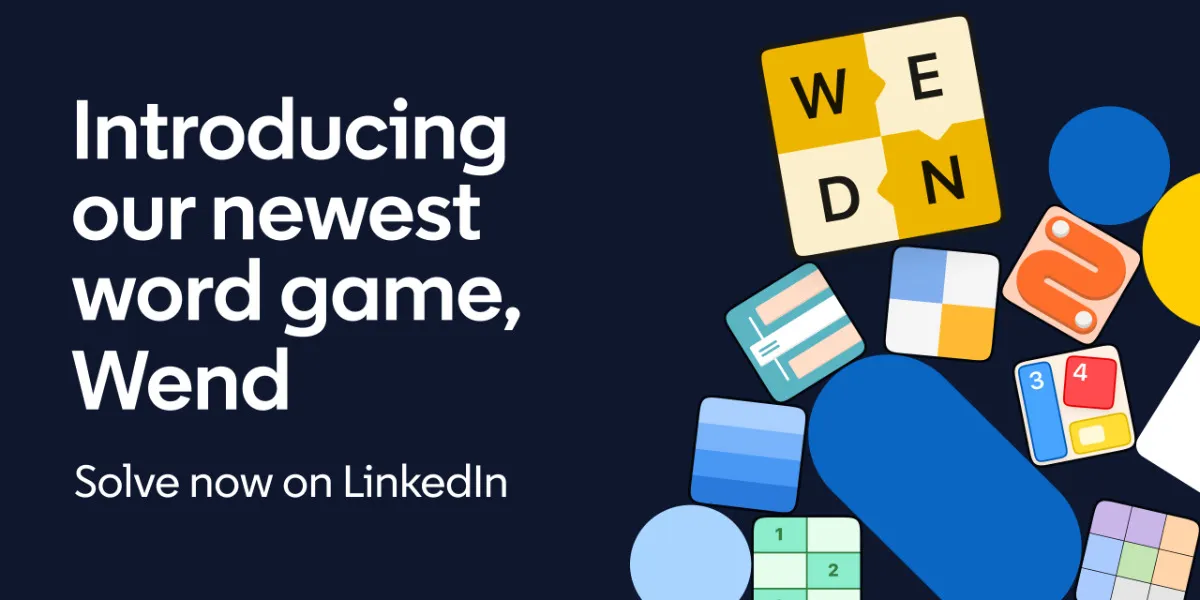
Wend is LinkedIn's daily word search. The game tells you how many words are hidden and how long they are, and you trace each one through neighbouring letters until every tile on the board belongs to a word. It launched on 9 June 2026 as LinkedIn's eighth game, and your time is compared with your network.
About Wend
Wend arrived on 9 June 2026 as the eighth game on LinkedIn, joining Queens, Tango, Zip, Patches, Mini Sudoku, Pinpoint and Crossclimb. It was the first new word game LinkedIn had added since its games began in 2024, and like the rest of the lineup its puzzles are made by people, with Thomas Snyder as LinkedIn's Principal Puzzlemaster.
Each day's board is a small grid of letter tiles. Above it the game tells you how many hidden words there are and how many letters each one has. You drag from letter to letter to spell a word, and when the board is solved every tile has been used exactly once. The puzzle number counts up by one each day; on 2 October 2026 it was No. 116.
What sets Wend apart from an ordinary word search is that the words share the same set of tiles, so finding one word changes what is left for the others. A word that looks right can strand a letter in a corner where no other word can reach it. The hints can reveal a first letter, extend a word you have started, or remove a mistake.
It suits players who like Strands or Squaredle but want a smaller board that takes a few minutes, and LinkedIn players who want a word game to go with the logic grids.
How to play Wend
- Open Wend on LinkedIn and press Start game.
- Read how many hidden words there are and how long each one is.
- Drag across neighbouring letter tiles to spell a word, then let go to place it.
- Keep finding words until every tile on the board is part of one.
- If a word blocks the rest of the board, remove it and try a different route, or use a hint.
Tips
- Start with the corners and edges, since a letter there has fewer neighbours and fewer words can reach it.
- Use the word lengths given above the grid to rule out routes that are too long or too short.
- Look for tiles that can only belong to one word before guessing at the long ones.
Questions
What time does Wend reset?
A new Wend grid comes out at midnight Pacific Time, like the other LinkedIn games.
Do I have to use every letter?
Yes. The puzzle is solved only when every tile on the board is part of one of the hidden words.
Is Wend free?
Yes. It is free to play on the LinkedIn website and in the LinkedIn app.
Games like Wend

Strands
The New York Times' daily word search where themed words fill the whole board
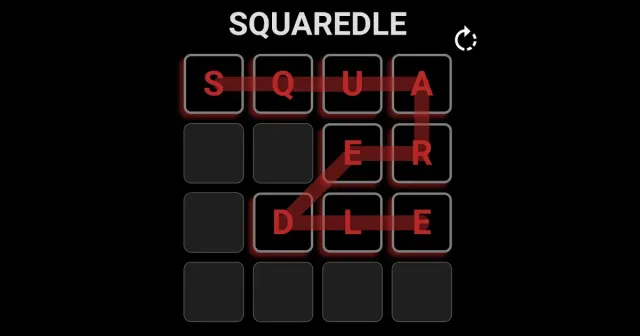
Squaredle
A daily grid of letters where you trace words through neighbouring tiles
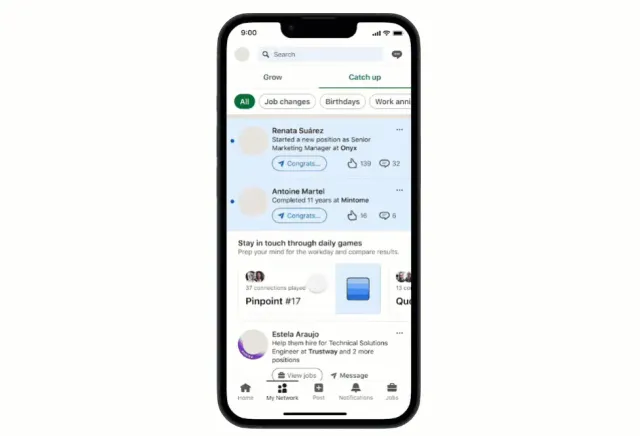
Pinpoint
LinkedIn's daily word game: guess the category that links five words
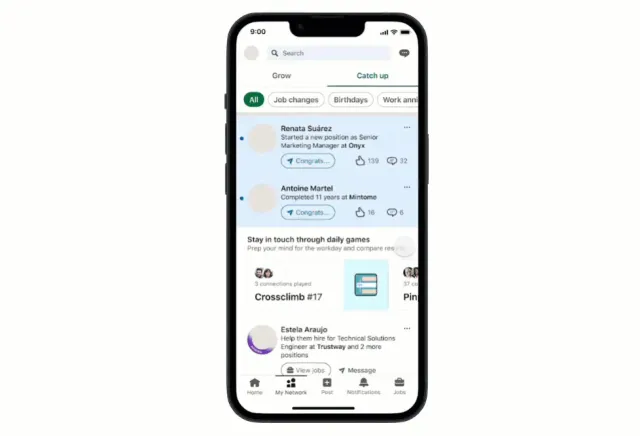
Crossclimb
LinkedIn's daily word ladder of trivia clues
Spelling Bee
A daily word hunt over a fixed set of letters

Patches
Fill the grid with squares and rectangles that match the clues.
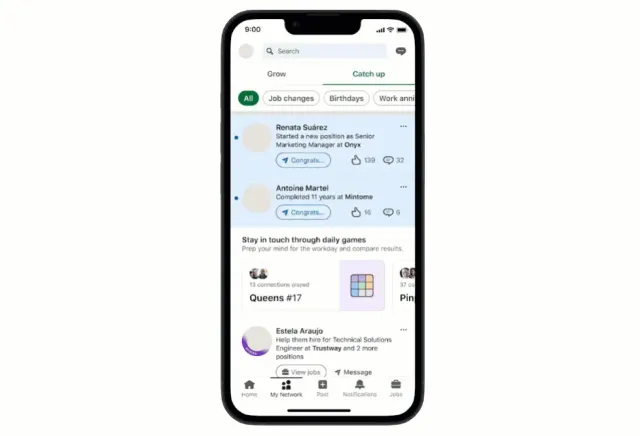
Queens
Place one crown in every row, column and colour region, with no two crowns touching.
Smartle
Rearrange the letters until every row of the 5x5 grid is a word.