Crossherd
Rate itA 5x5 mini crossword each day, solved against a timer.
on crossherd.clevergoat.com
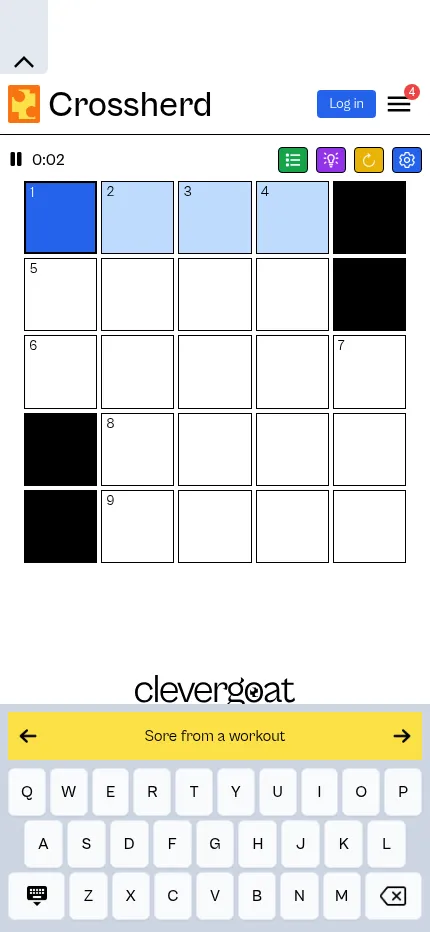
Crossherd is CleverGoat's daily mini crossword. Each day brings one numbered 5x5 grid with short across and down clues, and a timer runs while you solve. Hints and checks help when you are stuck, and earlier grids can be played from the archive.
About Crossherd
Crossherd is a daily mini crossword from CleverGoat, a studio that makes a range of small daily puzzles. Each day there is one numbered 5x5 grid, the same for everyone, with a short list of across and down clues.
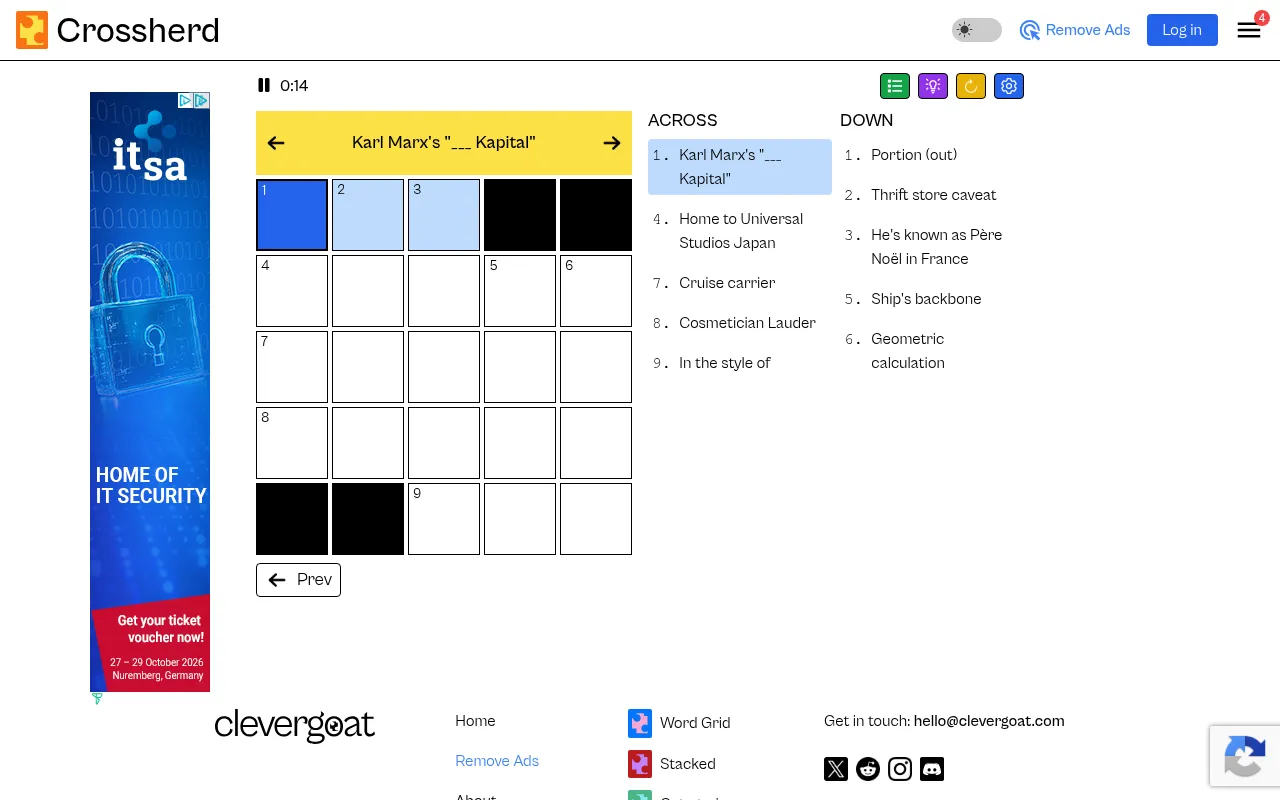
You press Start and type answers into the grid, moving between the across and down clues and using the letters they share to work out the rest. A timer runs while you solve, shown at the top, and a toggle lets you hide it if you would rather not race. Four buttons above the grid switch between a grid view and a list view, open hints and checks, reset the puzzle and change settings. A hint can reveal one letter or a whole word, and a check tells you whether a letter or word is right.
An archive lets you go back to earlier grids with the Prev button or from its list of past games. Without an account it keeps your most recent 200 games, and a free CleverGoat account saves them all. The game sits alongside CleverGoat's other dailies such as Word Grid, Stacked and Categories. The page carries ads, with a paid Remove Ads option. On a phone the game brings its own on-screen keyboard under the grid, with the current clue in a bar above it, so the whole puzzle fits on one screen.
It suits crossword fans who want a quick daily solve, and anyone easing into crosswords with a small, friendly grid.
How to play Crossherd
- Press Start on the day's Crossherd grid.
- Click a square, or tap it on a phone, and type a letter. The cursor moves on to the next square of the word.
- Move between clues with the arrow keys, by clicking, or with the arrows beside the yellow clue bar.
- Use the purple button to reveal a letter or word, or to check what you have entered.
- Fill every square correctly to finish. Your time is shown if the timer is on.
- Open the archive or press Prev to play earlier grids.
Screenshots
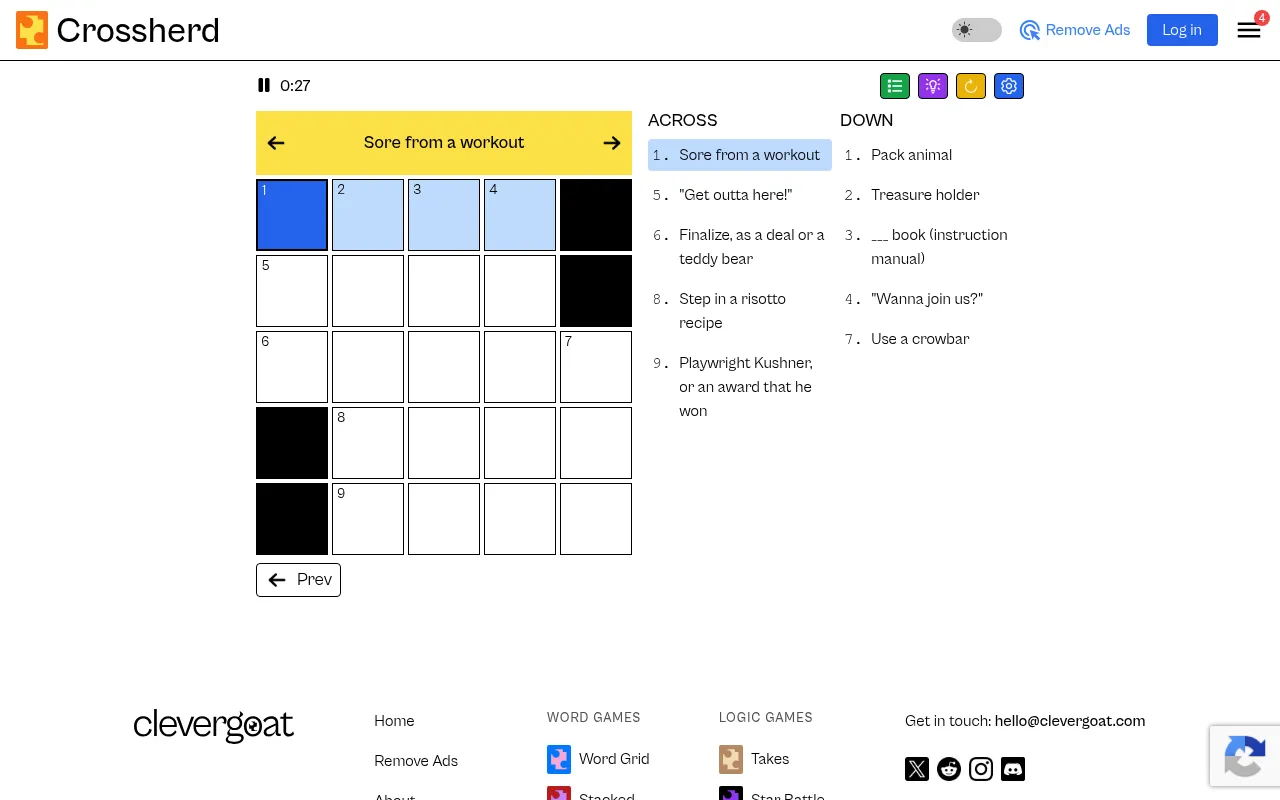
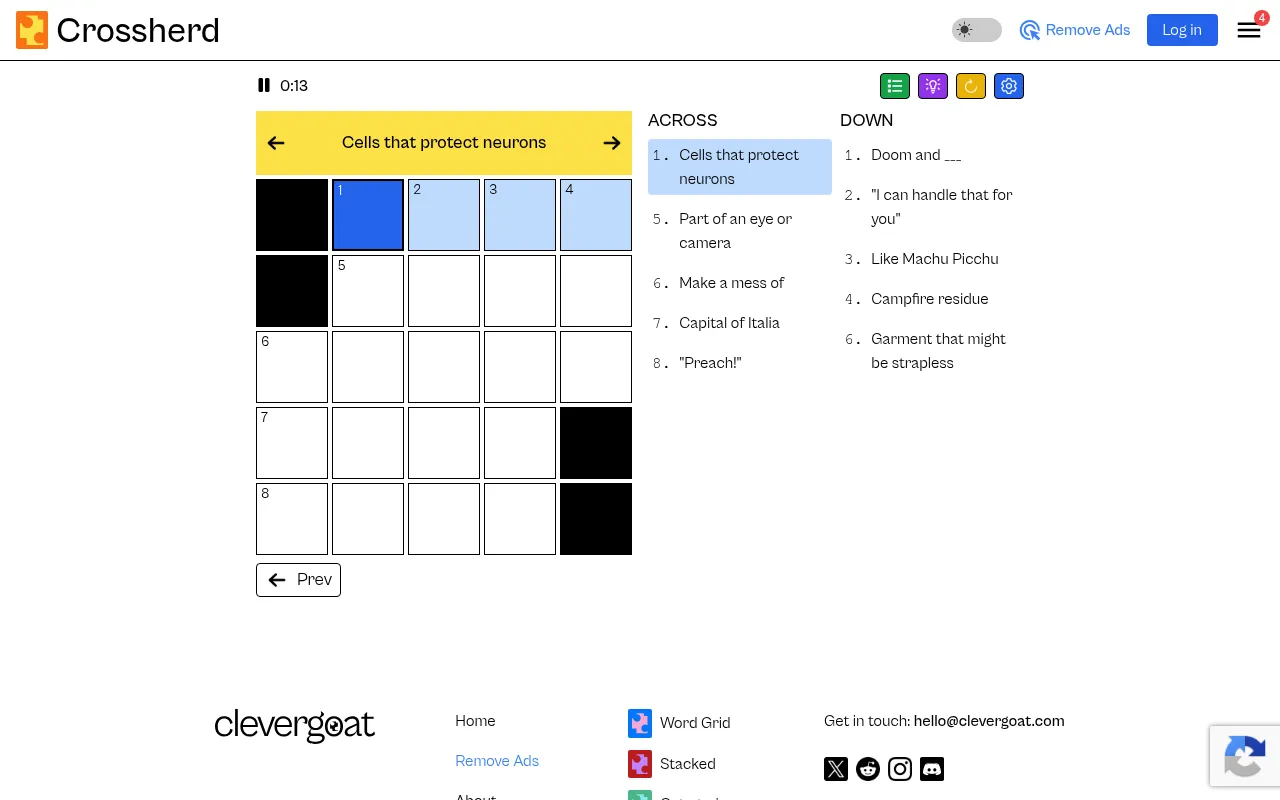
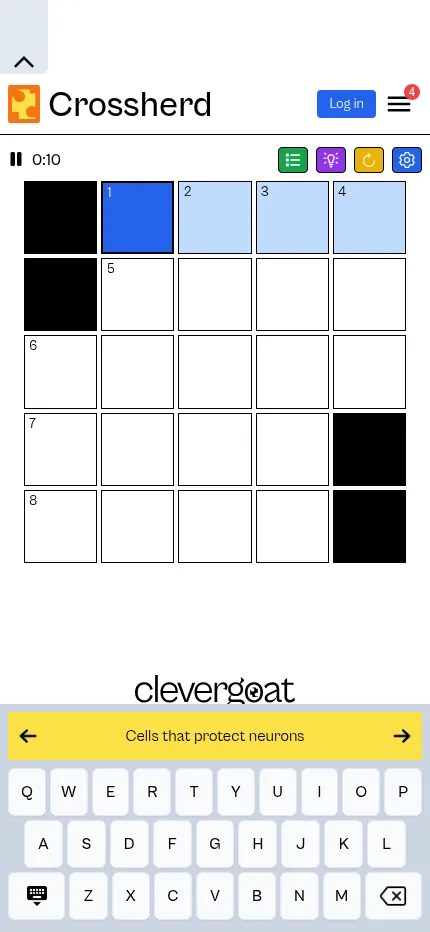
Tips
- Start with the shortest answers and the clues you are sure of to seed crossing letters.
- If a clue stumps you, fill its crossings from the other direction first.
- Turn the timer off if you would rather solve at your own pace.
Ratings and reviews
Games like Crossherd
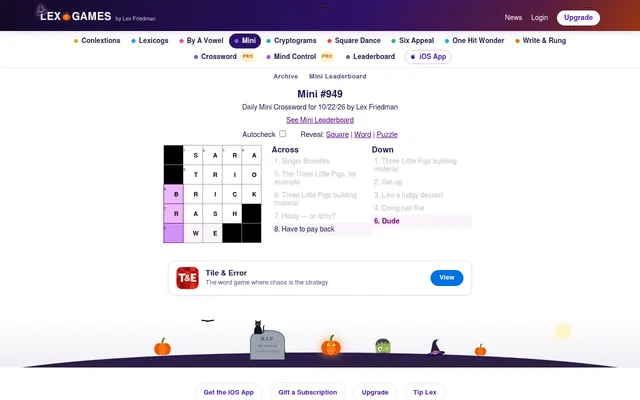
Lex.Games Mini Crossword
Another numbered 5x5 mini a day, with a solve time to share and every earlier Mini in its archive
Daily Mini Crossword
A 5 by 5 daily mini with a timer and three hints, free and with no ads
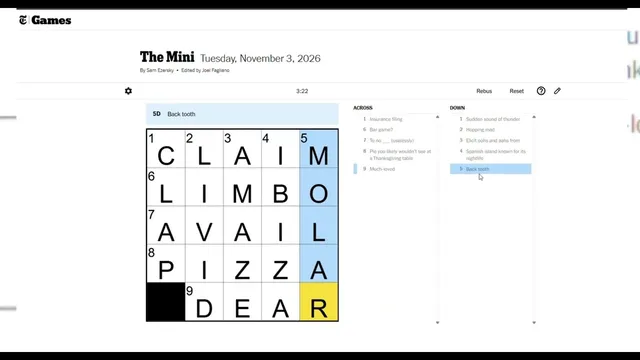
The Mini Crossword
The NYT mini that set the pattern, played against the clock
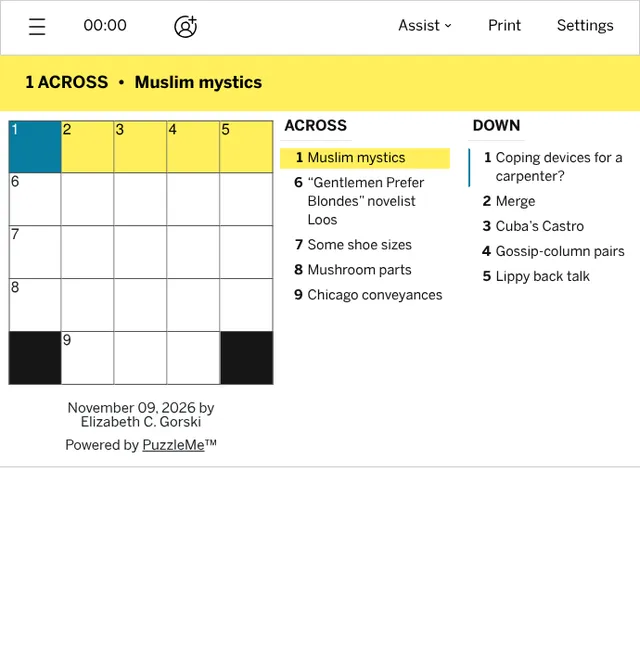
LA Times Mini Crossword
Elizabeth C. Gorski writes this dated 5x5, and the last two weeks stay open
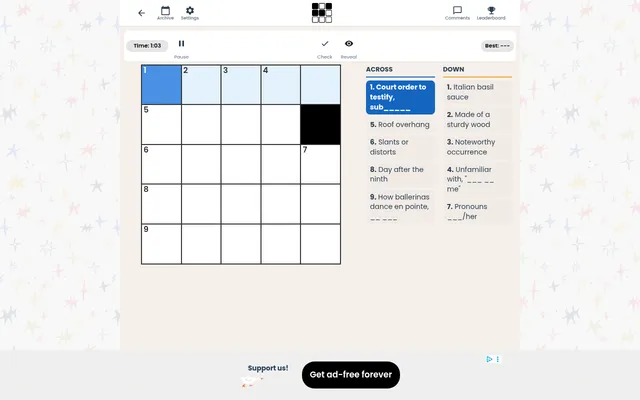
Mini 5x5
If the race against the timer is the draw, its daily leaderboard adds people to beat
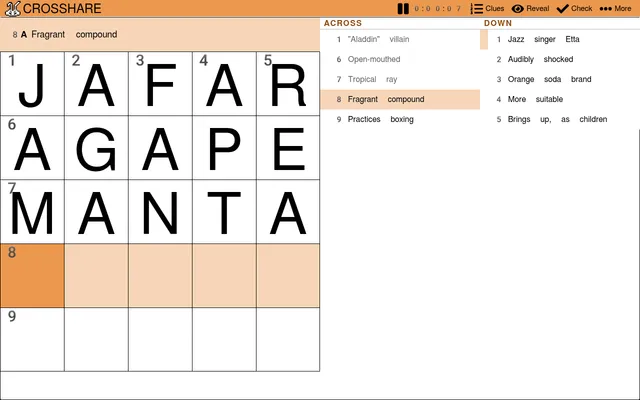
Crosshare Daily Mini
Its Daily Mini is picked from grids made by a community of constructors
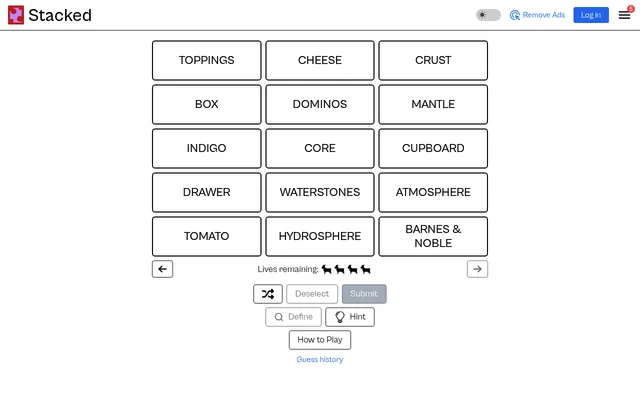
Stacked
From CleverGoat as well. Fifteen words hide five groups of different sizes
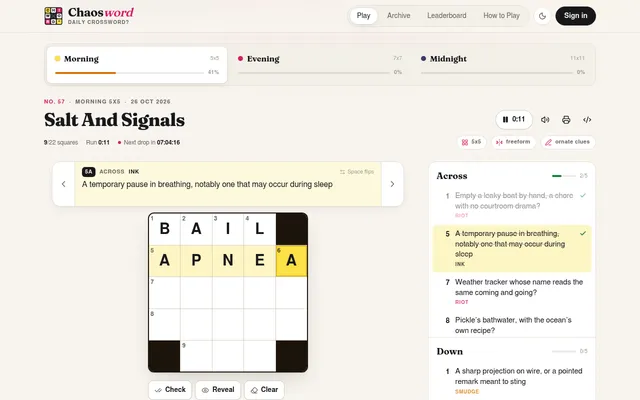
Chaosword
Three crosswords a day, 5x5, 7x7 and 11x11, with each clue stamped by how straight it plays.