Pixogue
Rate itA minimal daily nonogram: paint the cells the clues ask for and reveal the day's pixel picture.
on apps.apple.com
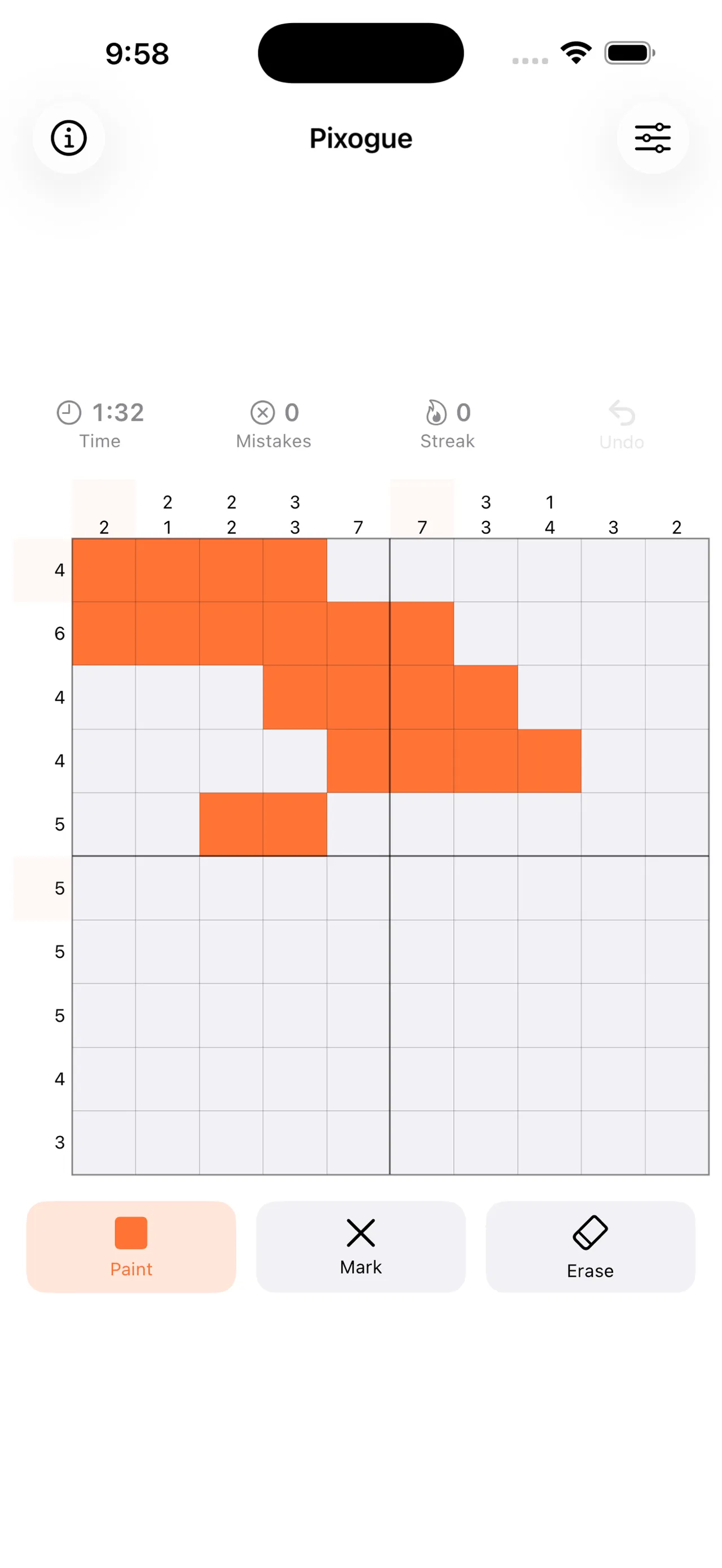
Pixogue is a minimal daily nonogram for iPhone. Everyone in the world gets the same puzzle each day; follow the row and column clues to paint the grid and uncover a small pixel picture. It has no ads, no in-app purchases and no account.
About Pixogue
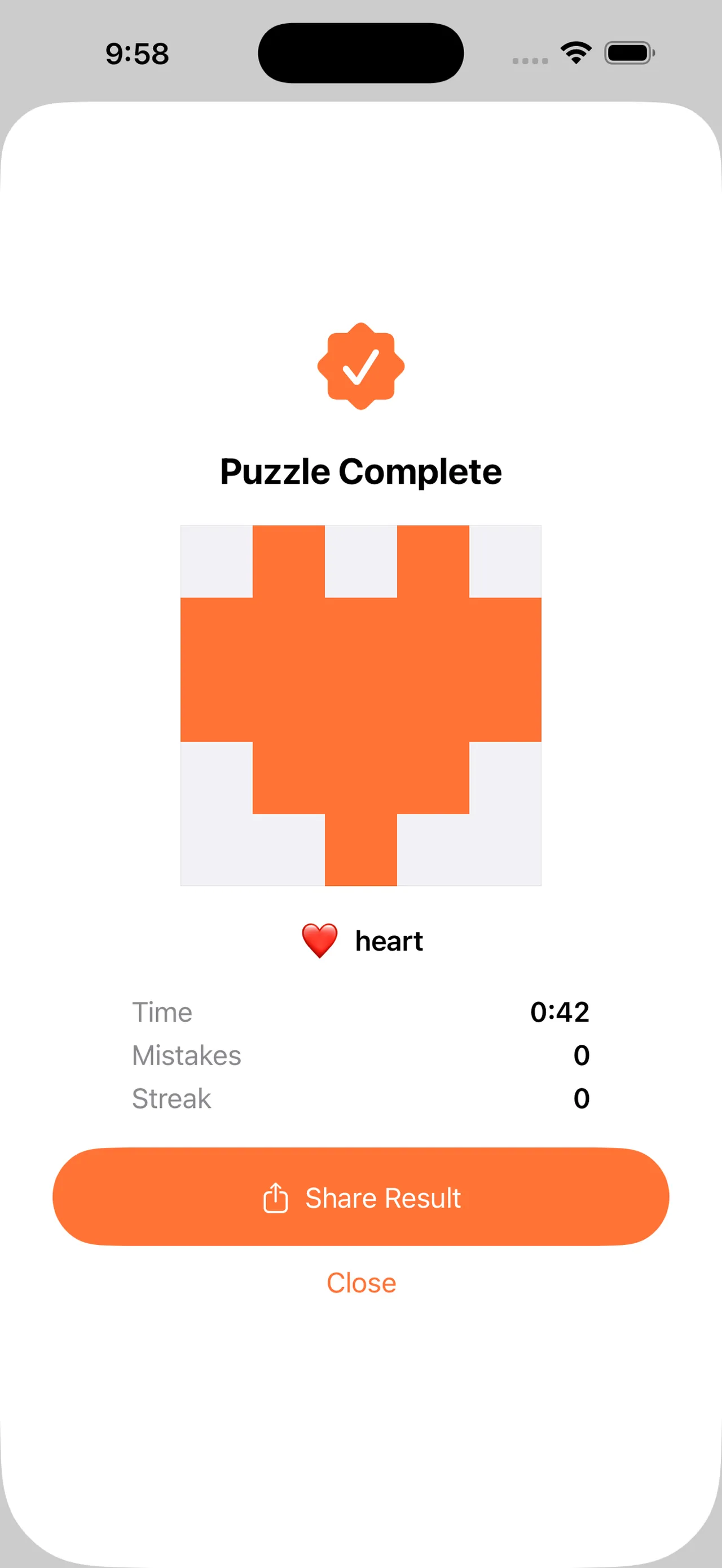
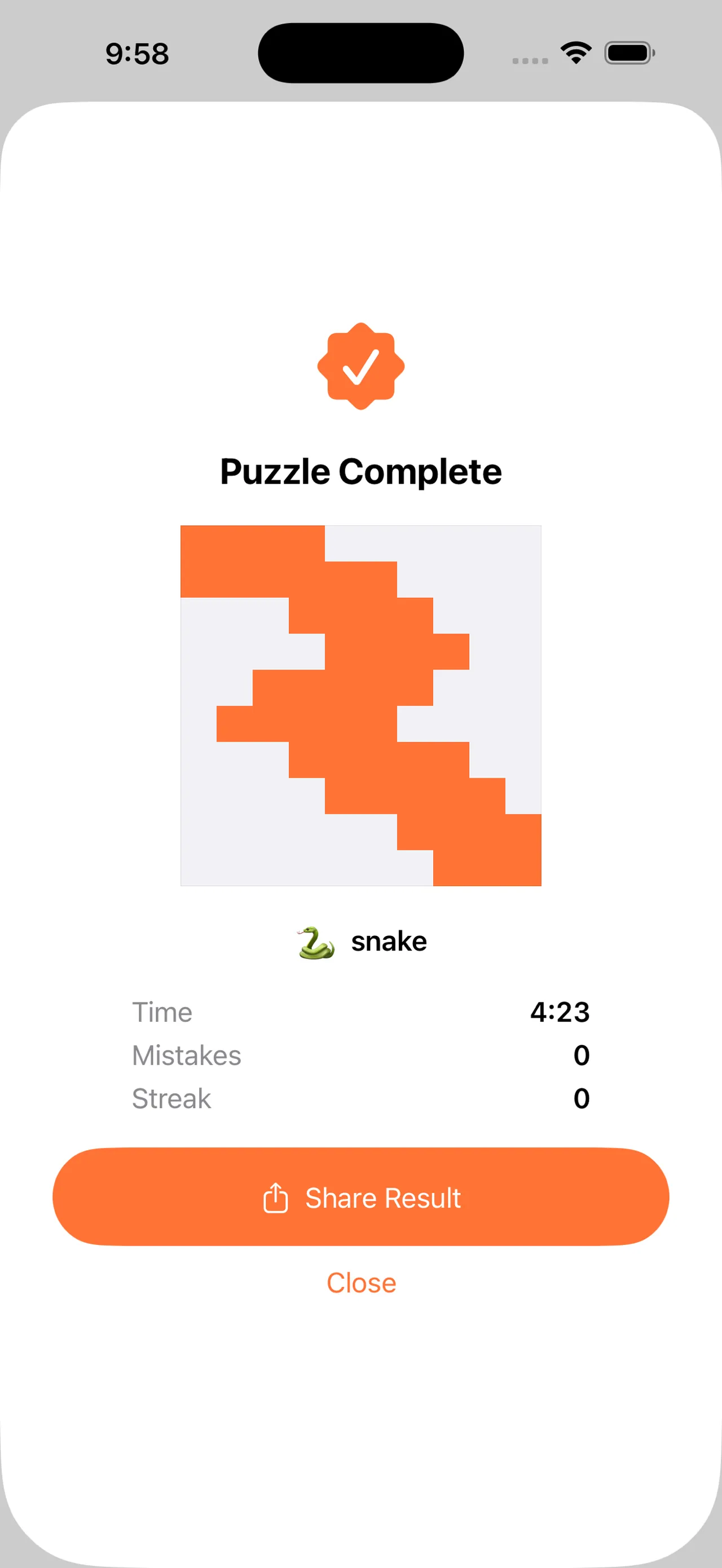
Pixogue is a nonogram, also called picross. Numbers beside each row and above each column tell you the runs of painted cells in that line, and you paint and mark cells until every clue is satisfied. The finished grid shows a small pixel picture, a heart, a star, a snake, a coffee cup or a tree, and the app names it.
There is one puzzle a day and it is the same for every player worldwide. It comes in three difficulties: Easy on a 5x5 grid, and Medium and Hard on 10x10. A timer, a mistake count and a daily streak sit above the grid, and when you finish you can share your result as an emoji grid.
Input is built for touch. Drag across cells to paint or clear a run in one motion, long-press to switch between the Paint and Mark tools, and step back with undo. Light haptics mark each fill and each completed line.
Pixogue is made by JIYULMOM under the OOTSSU Apps name and came out in May 2026. It is free with no ads, no in-app purchases and no account, works fully offline, and keeps your streak only on your device. Its screens are in English, Korean, Japanese, Simplified and Traditional Chinese, Spanish and Brazilian Portuguese. It is an iPhone app with no web version; version 1.0.8 came out in October 2026.
How to play Pixogue
- Open Pixogue and choose Easy, Medium or Hard for today's puzzle.
- Read the clues: each number is a run of painted cells in that row or column, in order.
- Use Paint to fill cells you are sure of and Mark to cross out cells that stay empty.
- Drag across cells to fill a whole run, and long-press to switch tools.
- Satisfy every clue to reveal the picture, then share your emoji result.
Screenshots
Tips
- On a 10x10 grid, a clue of 6 or more always fills some middle cells; start with those.
- Mark empty cells generously; crosses make the crossing lines easier to read.
- Check finished lines against their clues as you go to keep the mistake count at zero.
- Easy is a quick warm-up before trying the 10x10 Hard puzzle.
Questions
Is the Pixogue puzzle the same for everyone?
Yes. There is one puzzle a day, the same for every player worldwide.
Is Pixogue free?
Yes, with no ads, no in-app purchases and no account.
What sizes are there?
Easy is 5x5; Medium and Hard are 10x10.
Does it work offline?
Yes. Pixogue works fully offline and stores your streak on your device.
Ratings and reviews
Games like Pixogue
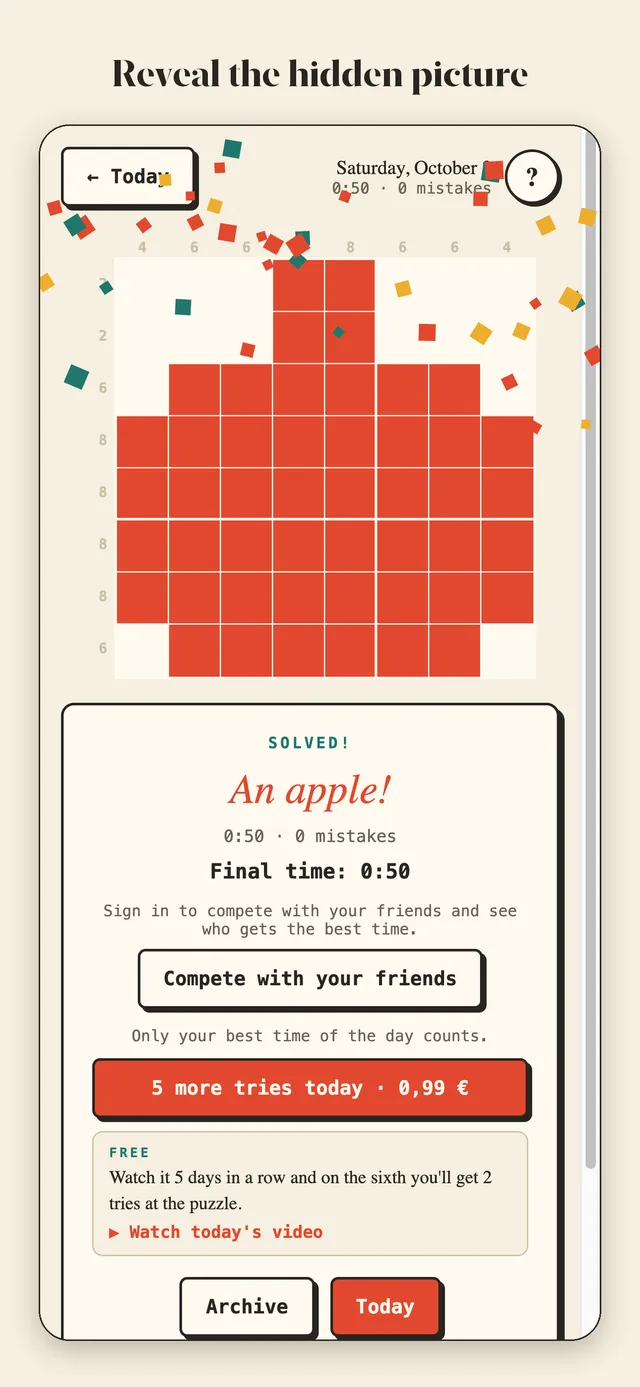
Pixalea
A daily nonogram that hides a pixel-art picture, the same for everyone, with a riddle as a hint and a streak
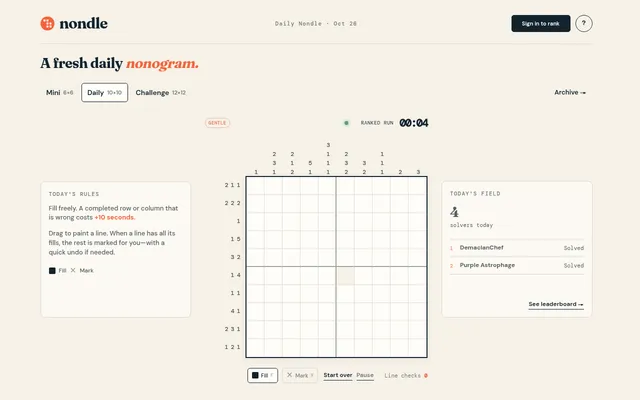
Nondle
Three daily nonograms at rising sizes, a 6x6 Mini, a 10x10 Daily and a 12x12 Challenge, for players who like…
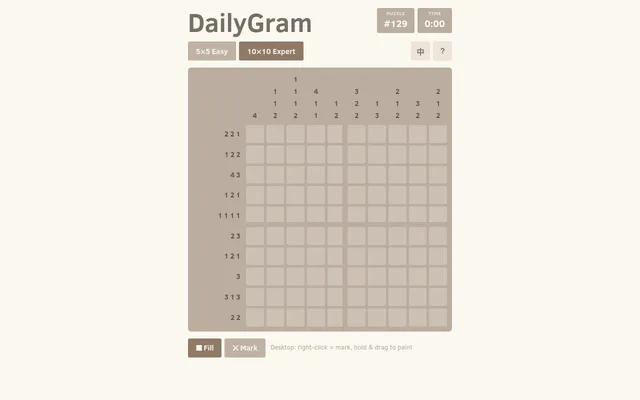
DailyGram
One numbered nonogram a day for everyone, in a quick 5x5 and a harder 10x10, solvable by logic alone
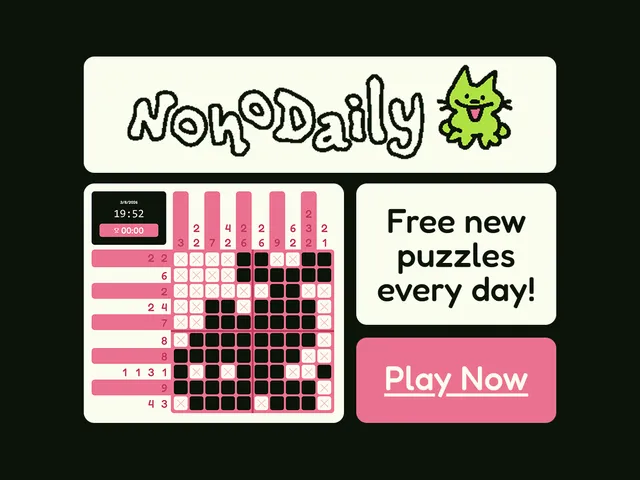
NonoDaily
One titled nonogram a day with a difficulty rating; solving it reveals a pixel-art picture
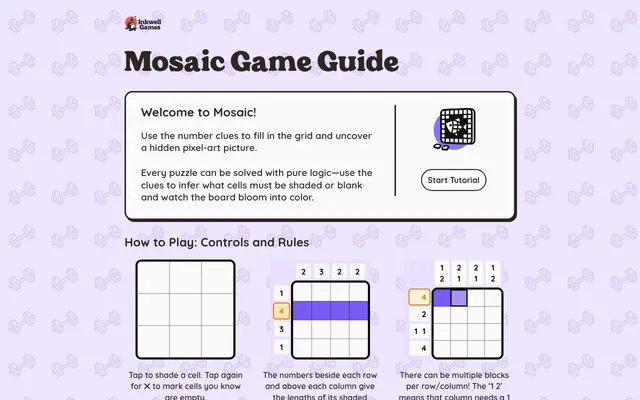
Mosaic (Inkwell Games)
A dated daily nonogram that grows from Monday to Sunday and ends in a hand-made pixel-art picture
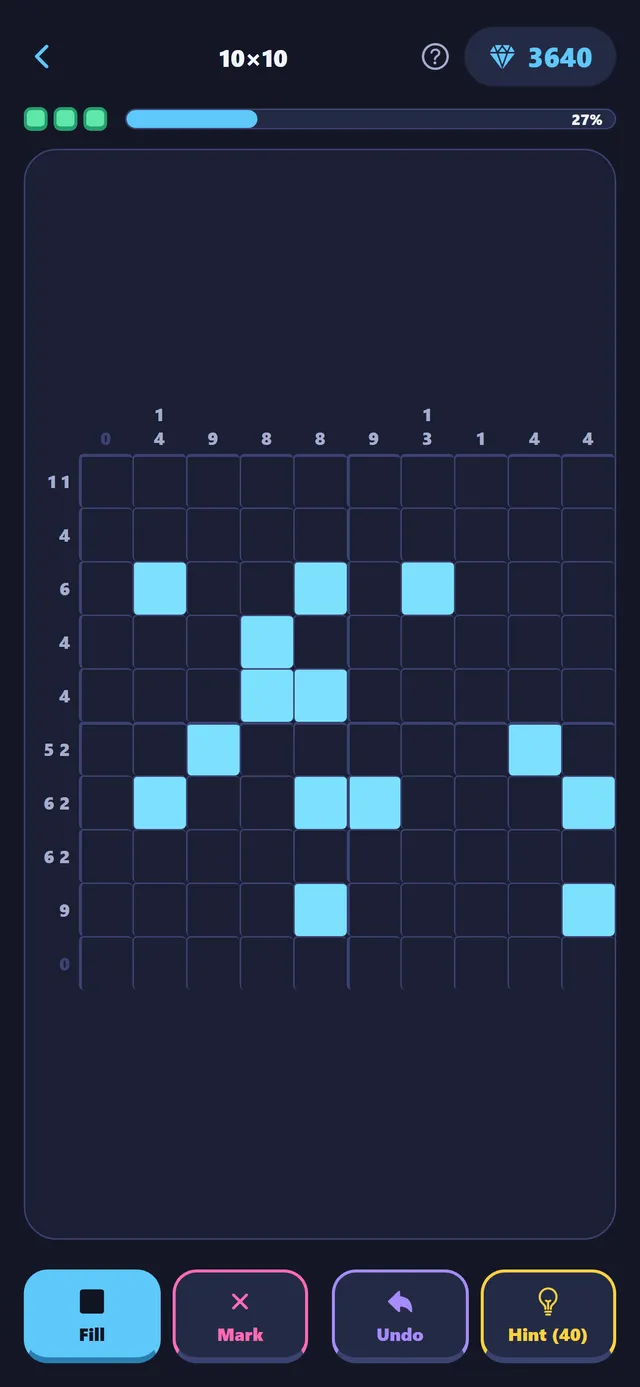
Shadepix
A phone picross game with one date-seeded daily nonogram for every player in the world
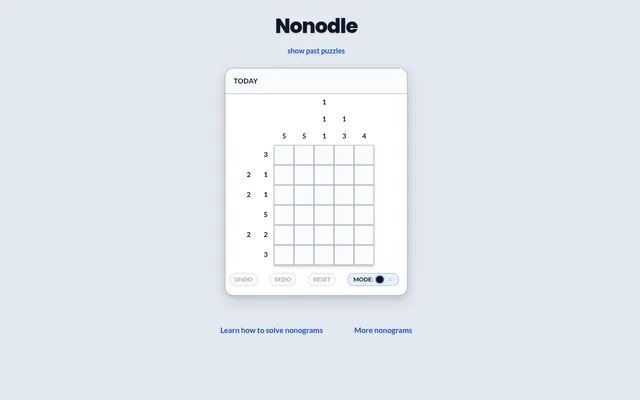
Nonodle
A small daily nonogram with a countdown to tomorrow's, and the three days before it still playable
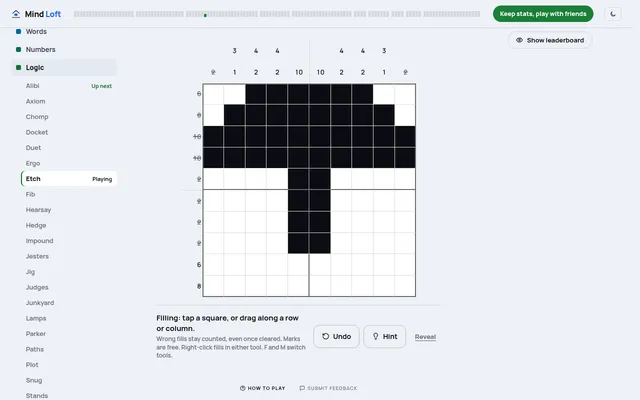
Etch (Mind Loft)
One shared nonogram a day that reveals a picture, from 10x10 on weekdays up to 20x20 on Sunday