Pinpoint
Rate itGuess what links a set of words, seeing as few of the five clues as you can.
on linkedin.com
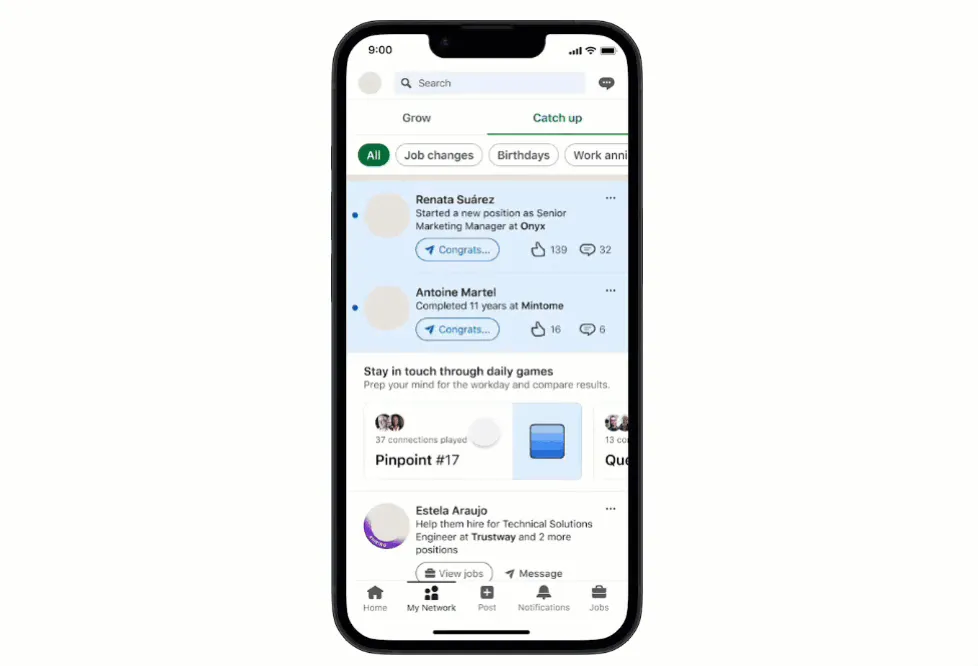
Pinpoint is LinkedIn's daily word association game. Clue words are revealed one at a time, and after each one you guess the category they all share. Get it in one clue for the best score, or run out after five and see the answer.
About Pinpoint
Pinpoint was one of the three games LinkedIn launched at the end of April 2024, alongside Queens and Crossclimb, as part of LinkedIn News. It is the simplest of LinkedIn's puzzles to explain: there is a hidden category, and five words that belong to it.
A round starts with one clue word on screen. You type what you think the category is and submit it. If you are wrong, the next word appears, and you try again with more to go on. The aim is to name the category using as few clues as possible. If you have not got it after all five words, the game ends and shows the answer.
The early clues are usually the ones with the most possible meanings, so the first guess is often a long shot, while the later words narrow things down. That makes Pinpoint a game of reading words in several ways at once: a word like a place name might also be a brand, a food or part of a phrase. Your result is the number of clues you needed, which you can compare with other players and your connections, and winning each day builds a streak.
Pinpoint is a good fit for people who enjoy Connections or pub quiz picture rounds and want something that takes a minute or two. There is nothing to place or arrange, just thinking about what words have in common.
How to play Pinpoint
- Open Pinpoint on LinkedIn and press Start game.
- Read the first clue word.
- Type your guess for the category that links the clues and submit it.
- If the guess is wrong, a new clue appears; guess again with the extra word.
- Name the category before all five clues are used to win.
Tips
- Think of every meaning of the first word, not just the obvious one: names, brands, phrases and slang all count.
- Use an early guess even if you are unsure; a wrong guess only costs you the next clue, which you would need anyway.
- Look for what the words have in common as words, such as a hidden word or a shared letter pattern, as well as what they mean.
- Keep your guess short and general; a precise category name is more likely to match.
- Compare the newest clue with the first one; the two together often rule out most ideas.
Questions
What time does Pinpoint reset?
A new set of clues comes out every day at midnight Pacific Time, and the old puzzle expires.
How many guesses do I get?
You can guess after each clue, and there are five clues. If none of your guesses is right by the end, you lose and the answer is shown.
How is Pinpoint scored?
By how many clues you needed to reveal before naming the category. Fewer is better.
Is Pinpoint free?
Yes. It is free on the LinkedIn website and app, and you can play as a guest without signing in.
Ratings and reviews
Games like Pinpoint
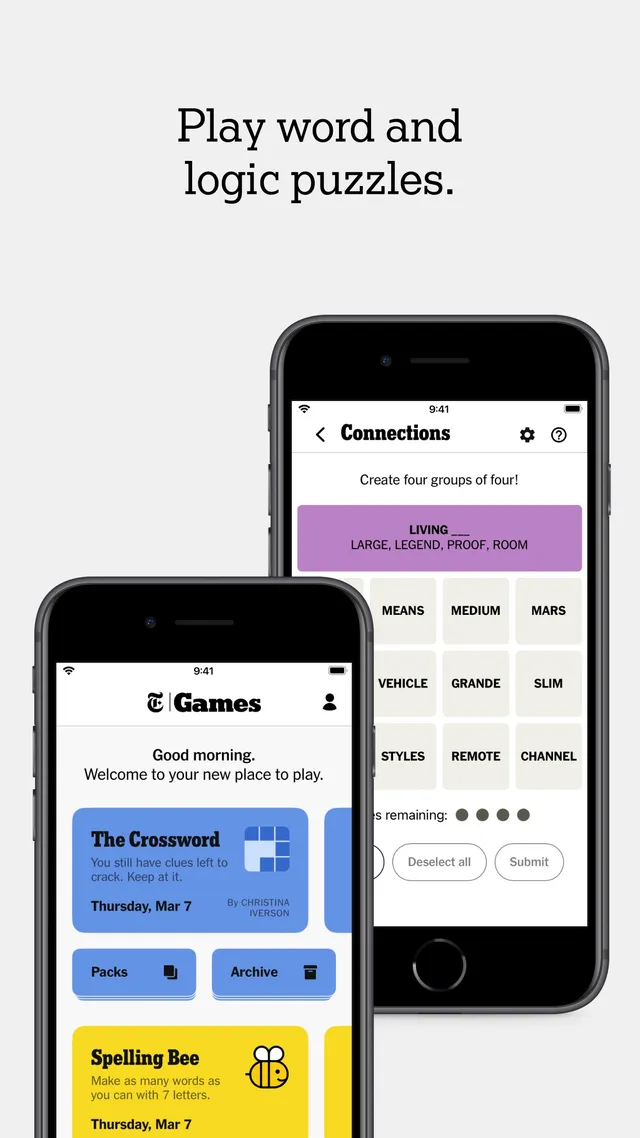
Connections
Find what groups of words have in common, on a daily board
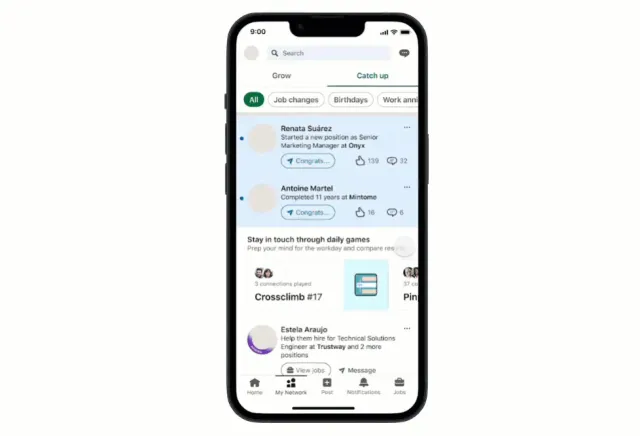
Crossclimb
LinkedIn's daily word ladder from the same launch
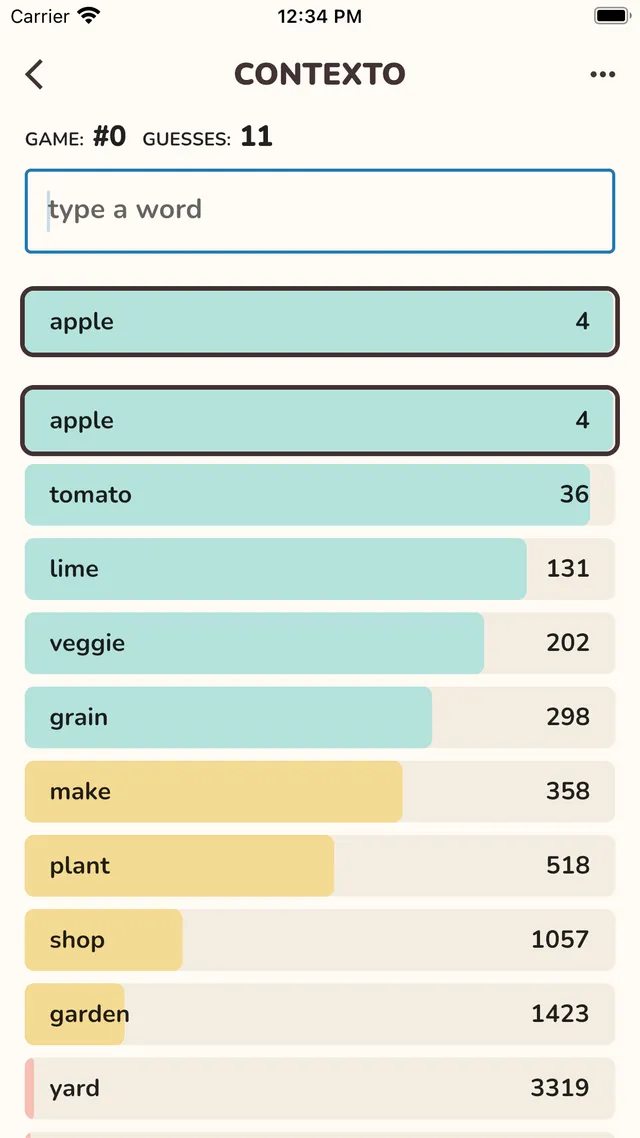
Contexto
Guess a hidden word by how close in meaning your guesses are

Semantle
Another daily game about finding a word through meaning
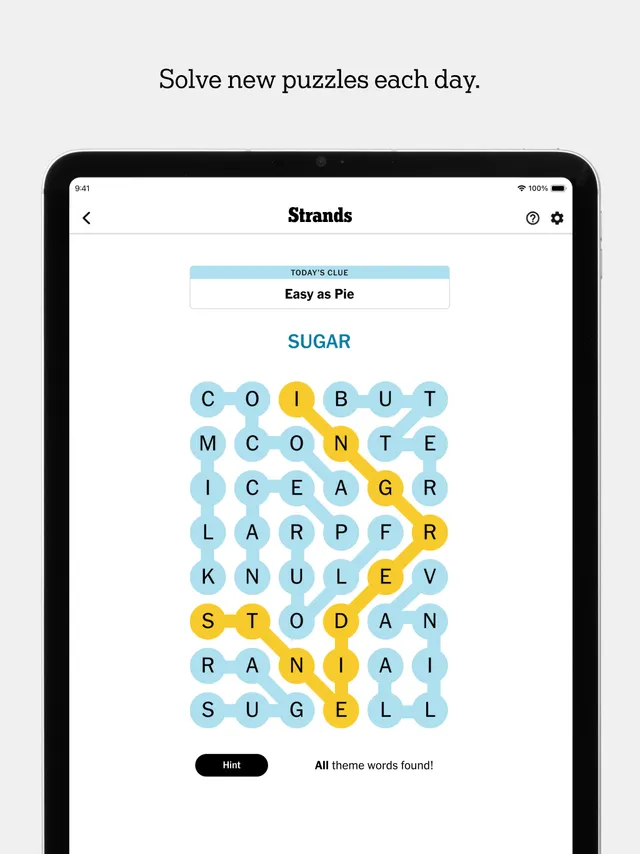
Strands
A daily word search built around a hidden theme
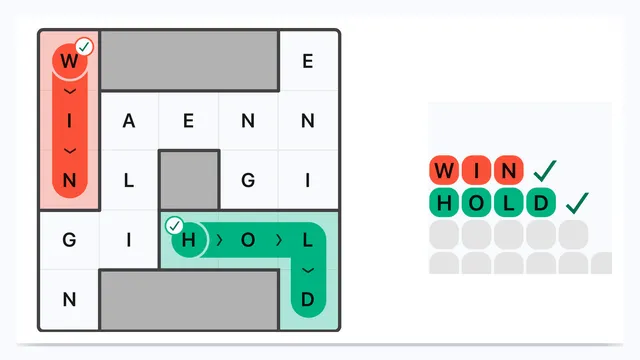
Wend
Trace the hidden words through the grid and use every letter tile once.
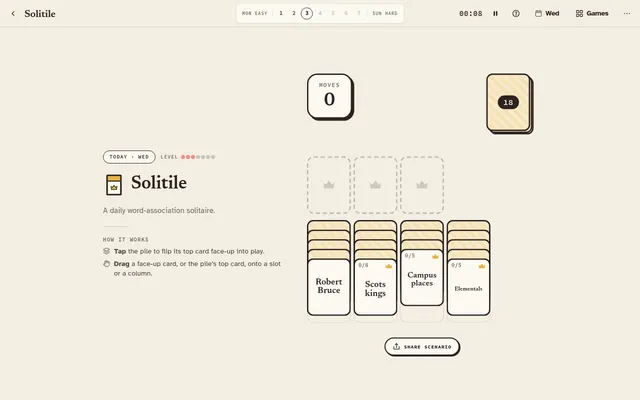
Solitile (Knotwise Games)
Word-association solitaire: draw, sort and clear families of themed word cards into crowned slots, one deal a…
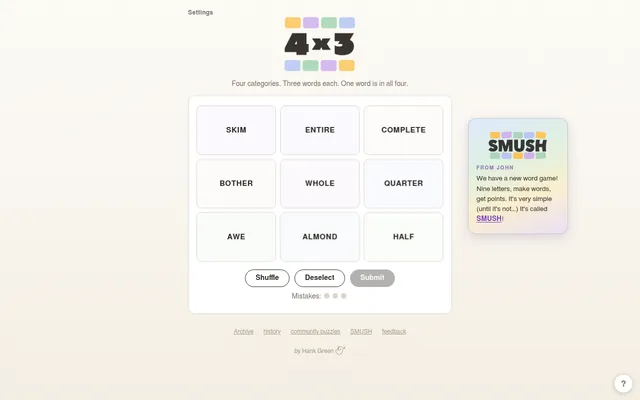
4×3
Four categories, three words each, and one word that belongs to all four.