Spooky Search
Rate itFind Halloween words hidden in a new letter grid each day, at easy, medium or hard.
on halloween.sailtoworld.com
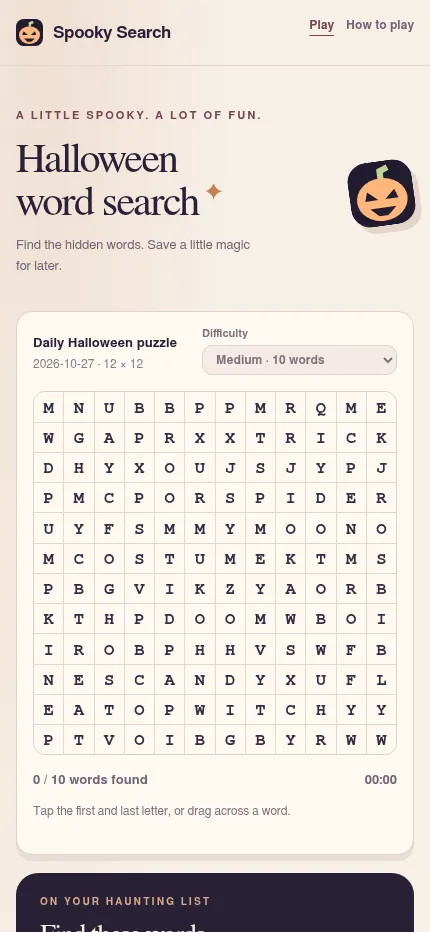
Spooky Search is a free Halloween word search from SailToWorld. Each day the UTC date builds a new grid for everyone, in three sizes from a small easy board to a 14 by 14 hard one where words can run backward and on diagonals. The words stay the same. You can play on a phone or computer, or print the puzzle with its answer key.
About Spooky Search
Spooky Search is an original Halloween word search made by SailToWorld, with its own word lists, puzzle maker and pumpkin artwork. It runs in the browser on phones and computers and needs no account, payment or app.
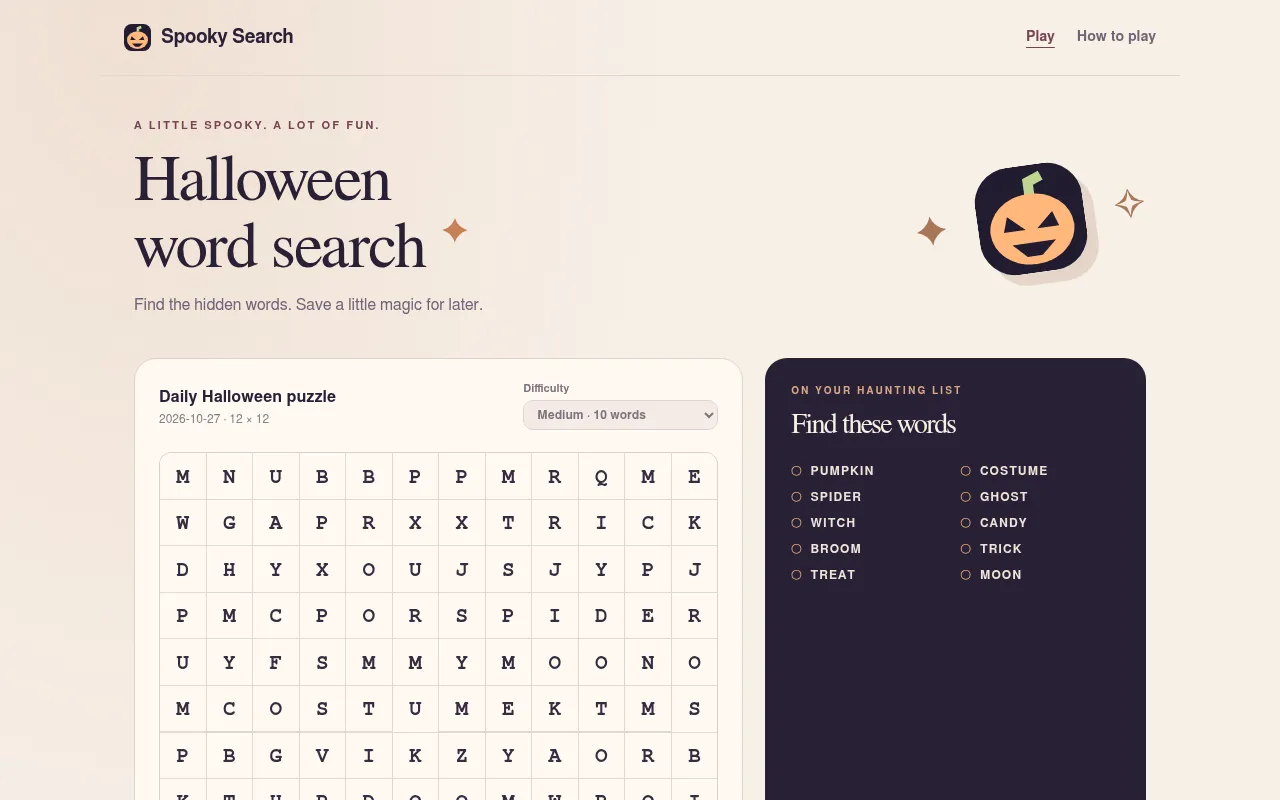
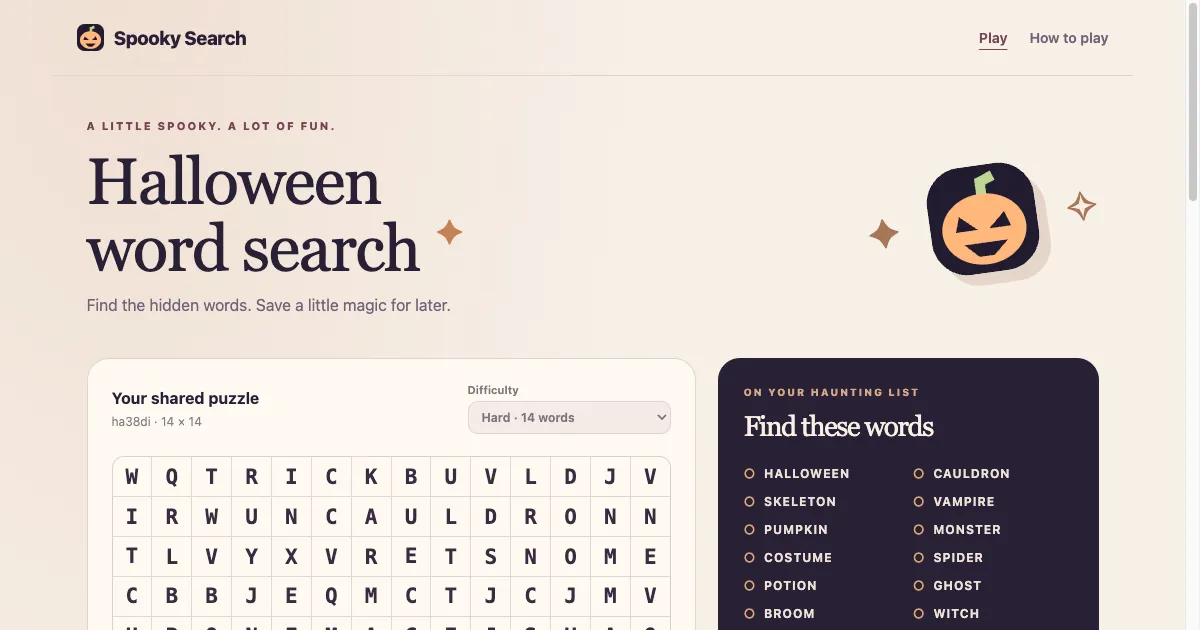
Every day the site builds a Daily Halloween puzzle from the UTC date, so friends who open it on the same day see the same letters. You pick a level: easy hides 6 short words in an 8 by 8 grid, running forward across or down. Medium hides 10 words in a 12 by 12 grid and adds diagonals, and hard hides 14 words in a 14 by 14 grid with backward words too. Each level is its own puzzle. The word list sits beside the grid, with words like PUMPKIN, GHOST, WITCH, CAULDRON and SKELETON, and a counter and timer track your progress.
The words do not change from day to day. Each level keeps its own fixed list, and what is new each morning is where those words sit and which letters fill the gaps. Regulars soon know what to look for, so the daily grid is more a quick seasonal warm-up than a new vocabulary test.
Beyond the daily grid, a New puzzle button makes a fresh board with its own link, and a copied link holds the seed and difficulty so someone else can play the exact grid you had. A hint marks the first letter of one word you have not found, and revealing the answers is there for practice but does not count as a finished game.
The print button sends two sheets to your printer, the puzzle and a matching answer key, in Letter or A4, which makes it handy for a classroom or a Halloween party table. It suits anyone who likes a short, relaxed word search in October, and the easy level is gentle enough for children.
How to play Spooky Search
- Open the site; the Daily Halloween puzzle for today's UTC date loads first.
- Choose easy, medium or hard from the Difficulty menu; each level is a different grid.
- Find a word from the list and drag from its first letter to its last, or tap the two ends; with a keyboard, Tab to a letter and press Enter or Space.
- Words run in straight lines: across or down on easy, with diagonals on medium and backward words on hard.
- Find every listed word to finish the puzzle; the counter and timer show how you are doing.
Screenshots
Tips
- Look for rare letters such as V, K or W first: they narrow down where VAMPIRE, SKELETON or WITCH can sit.
- On hard, read each line backward as well as forward, since some words are hidden in reverse.
- Use a hint only when stuck: it marks the first letter of one unfound word, while revealing answers means the game is not recorded as completed.
- To play together with a group, print the puzzle and keep the matching answer key aside for checking.
Questions
When does the Spooky Search daily puzzle change?
At midnight UTC. The daily grid is built from the UTC date, so everyone sees the same board that day.
Is Spooky Search free?
Yes. It plays in the browser with no account, payment or app install.
Can I print it?
Yes. The print button produces the current puzzle and a separate matching answer key, in Letter or A4, and you can save it as a PDF.
Can a friend play the same grid?
Yes. Copy the puzzle link: it holds the seed and difficulty, so the other person gets the same letters, though not your progress.
Do the words change every day?
No. Each level uses the same list of Halloween words every day. The daily change is the grid itself: the words move to new places among new filler letters.
Ratings and reviews
Games like Spooky Search
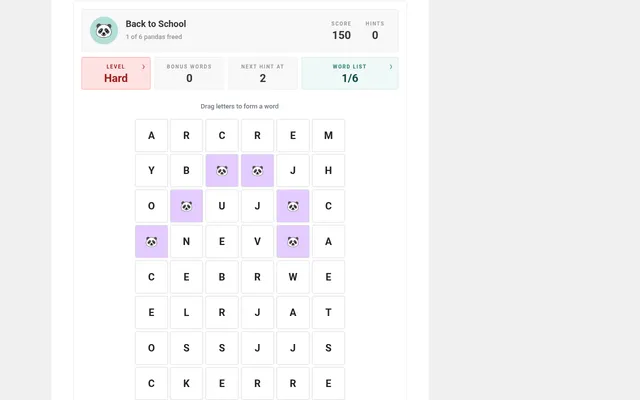
Daily Word Search (Bored Panda)
A daily word search in Easy, Medium and Hard versions on its own dated page, with a new theme each day.
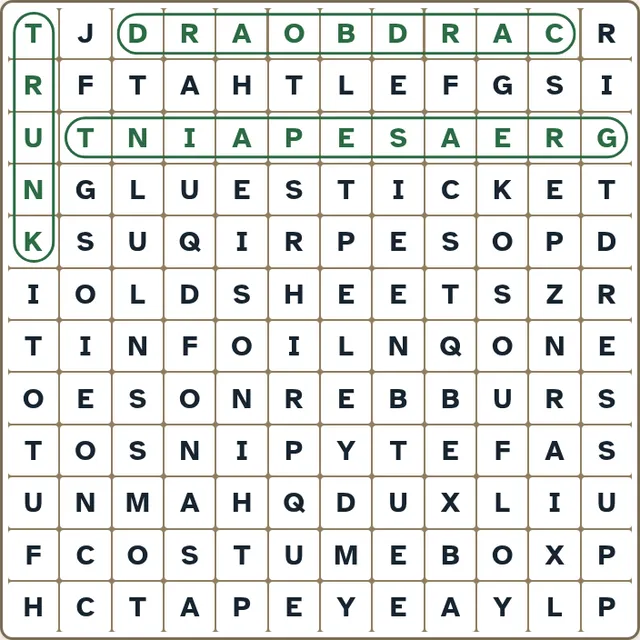
Big Print Word Search
One featured themed 12 by 12 word search a day with large letters, which had a costume theme in late October.
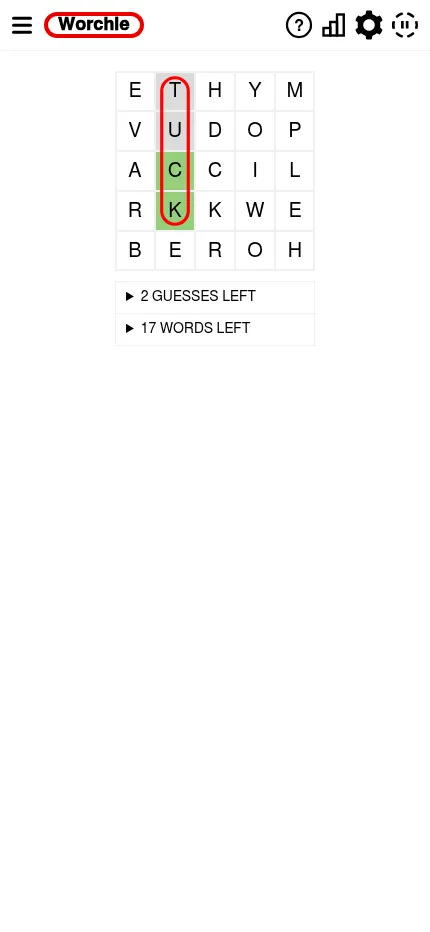
Worchle
Three daily word searches from a small 5x5 to a 15x15, close to Spooky Search's three sizes, with a hidden…
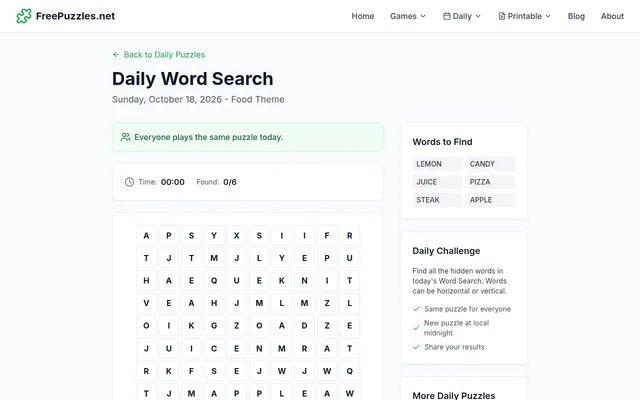
Daily Word Search (FreePuzzles)
A short dated themed search with six words placed across or down, near Spooky Search's easy level.

LA Times Word Search
A themed 15x15 daily grid with 15 words, a step up from the hard level with a new word list every day.
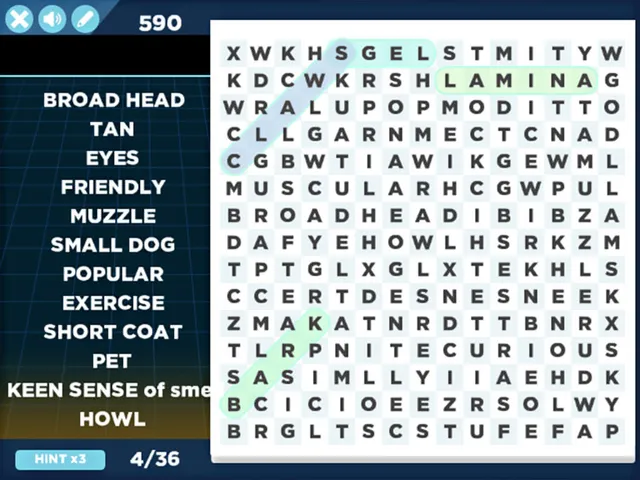
Arkadium Daily Word Search
A free daily word search with an archive of recent days to keep playing after Halloween.
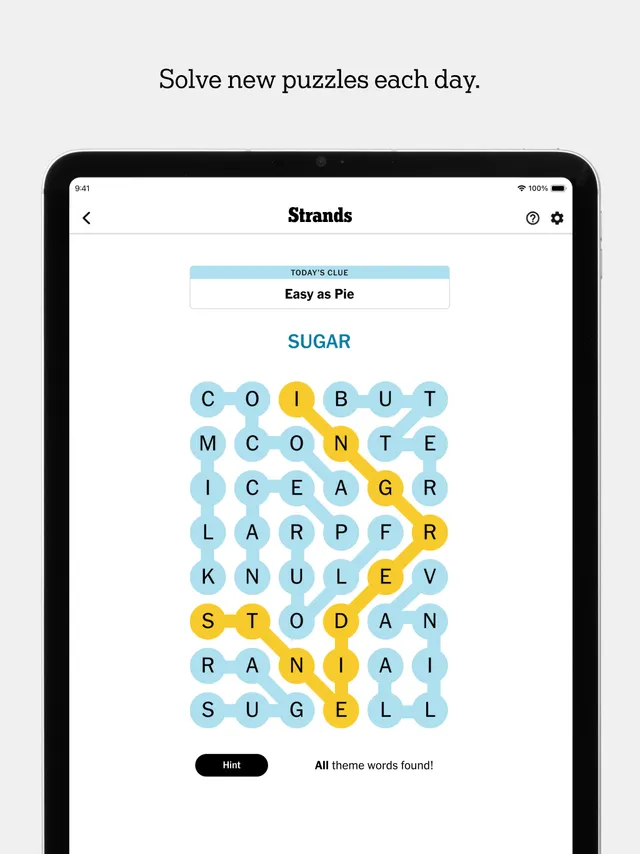
Strands
A themed daily letter board where the words bend and a spangram crosses it, for a harder step up.
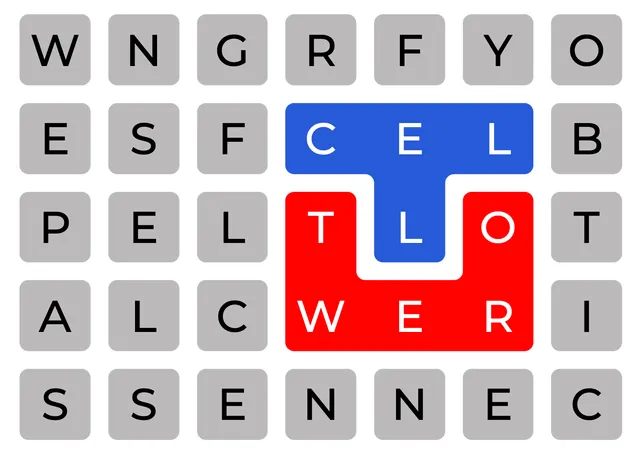
Cell Tower
Split a stack of letters into hidden words that cover the whole grid.