Pixletters
Rate itGuess the word from coloured pixel clues about each letter's shape.
on pixletters.com
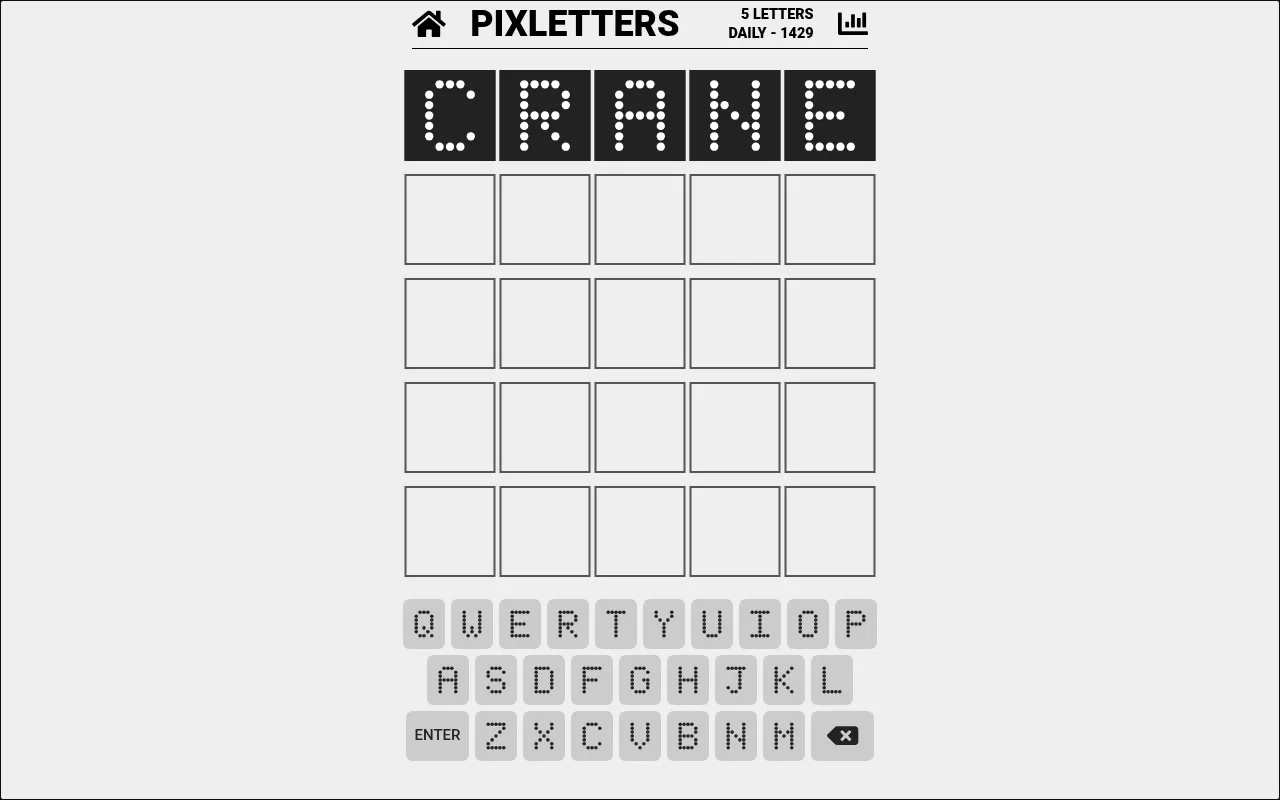
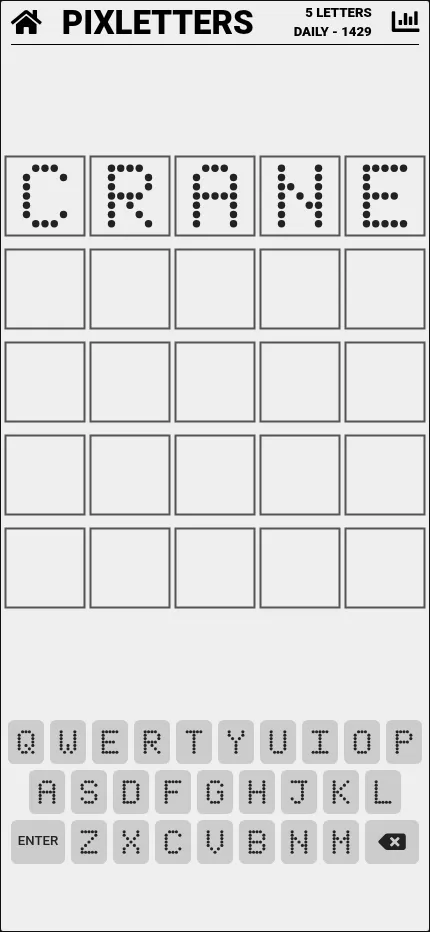
Pixletters is a Wordle-like game where feedback comes as pixels. Each letter is drawn on a small dot grid, and after a guess you learn which dots the hidden letter in each spot must or must not have, one more row revealed with every guess. Three daily words, in Daily, Plus and Pro modes, with five tries each.
About Pixletters
Pixletters is a word guessing game by Michal Gorny, who publishes as Nebula Bytes and also made Betweenle. It plays in the browser and as a free app for iPhone, iPad and Android, and its daily words have been numbered since late 2022.
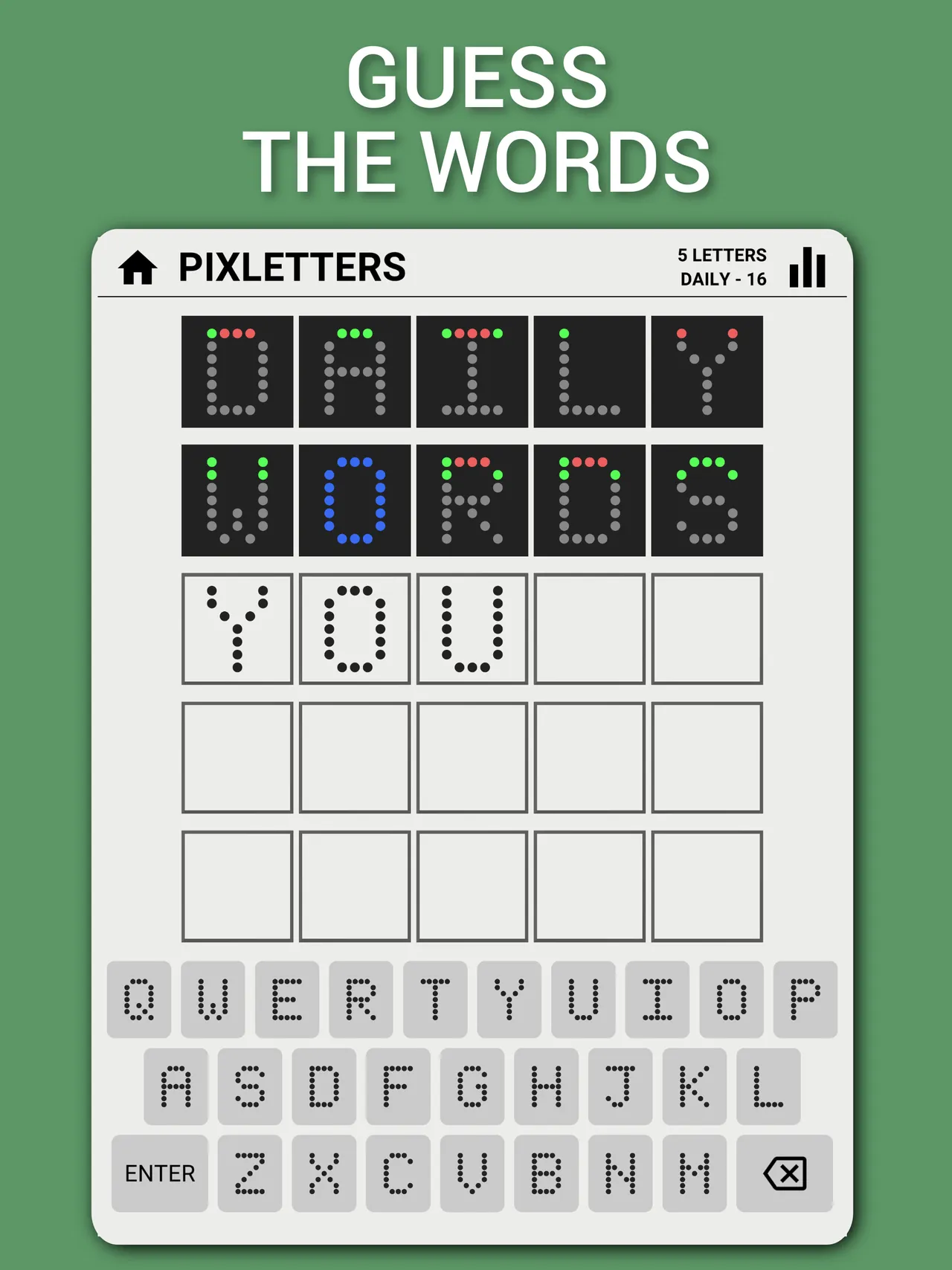
It follows the Wordle pattern of guessing a five-letter word, but the feedback is drawn rather than spelled. Every letter is made of dots on a small grid, like an old display board. A letter in the right spot turns blue. For a wrong letter, the game colours the top row of its dots: green for a dot the hidden letter must have, red for one it must not have, and grey for dots still unknown. Each new guess colours one more row, so you work out the answer from strokes and curves rather than from which letters appear in the word.
The Daily Words menu holds three shared words a day. In 5 Letters the rows fill from the top. In 5 Letters Plus an arrow over each spot says whether rows or columns are revealed and from which side, and in 5 Letters Pro only one row or column is coloured each time. A countdown shows when the next words arrive, and a Play mode gives unlimited practice words. The apps add six-letter words.
It suits Wordle players who want a puzzle closer to a visual logic problem than a vocabulary test, and anyone who likes reasoning from partial information.
How to play Pixletters
- Open pixletters.com or the app, choose Daily Words and pick 5 Letters, Plus or Pro.
- Type a valid five-letter word and press Enter.
- Read each letter: blue means the letter is right; on a wrong letter, green dots must be in the hidden letter and red dots must not.
- Guess again: each guess colours one more row (or, in Plus and Pro, a row or column the arrow points to).
- Find the word within five tries, then try the next mode or come back when the countdown ends.
Screenshots
Tips
- Open with words whose letters have very different shapes, such as one round, one straight and one diagonal.
- Think in strokes: a letter with a full vertical edge on the left narrows it to a handful.
- Several letters share most of their pixels, like O and Q or E and F, so save one guess to tell them apart.
Questions
When does Pixletters get new words?
The game's code starts each new day at 17:00 on your own device's clock, and the menu shows a countdown to the next daily words.
How many daily puzzles are there?
Three: one word each in 5 Letters, 5 Letters Plus and 5 Letters Pro, the same for every player.
Is there an app?
Yes, free on the App Store for iPhone and iPad and on Google Play. The apps also have six-letter words. The Google Play listing says the app contains ads; the website shows none.
Is it free?
Yes, the website and the apps are free, with no sign-up.
Ratings and reviews
No ratings yet. Be the first to rate Pixletters.
Games like Pixletters
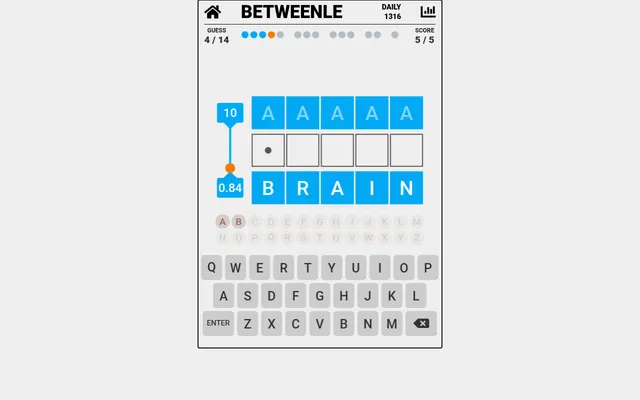
Betweenle
The same maker's daily word game: find the day's word by squeezing it between others in alphabetical order
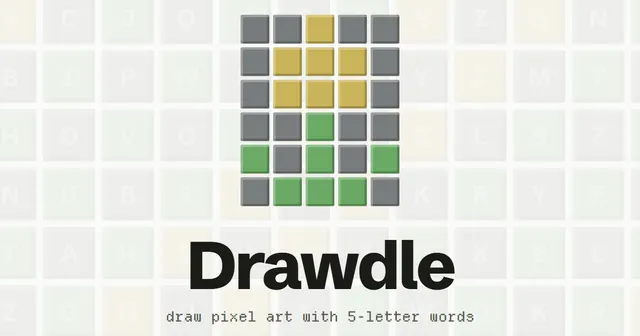
Drawdle
Another daily that mixes Wordle with pixels: draw the day's pixel picture with words whose colours match each…
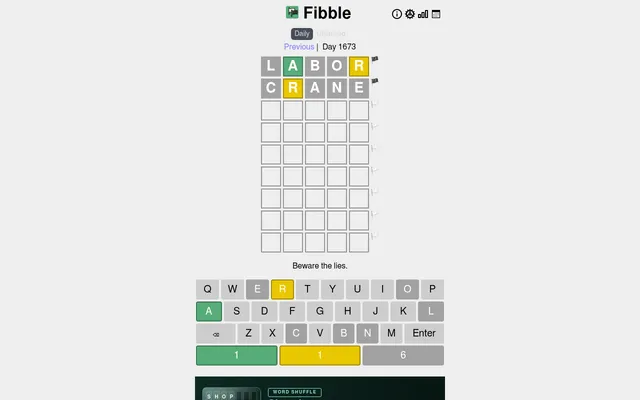
Fibble
Wordle feedback you have to reason about harder: one tile in every row is a lie
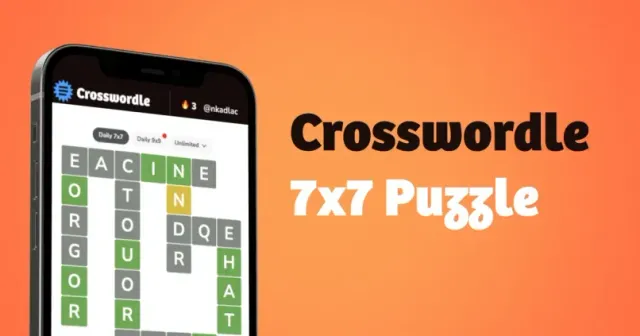
Crosswordle
A daily Wordle variant that asks you to reason from colours rather than just guess
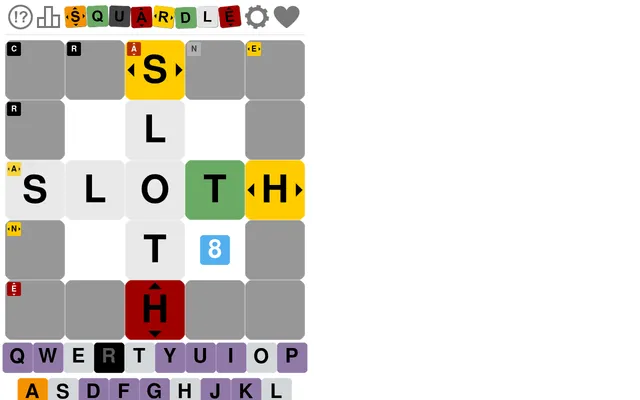
Squardle
Wordle on a 5x5 grid, with hints that point along rows and columns, for players who like directional clues
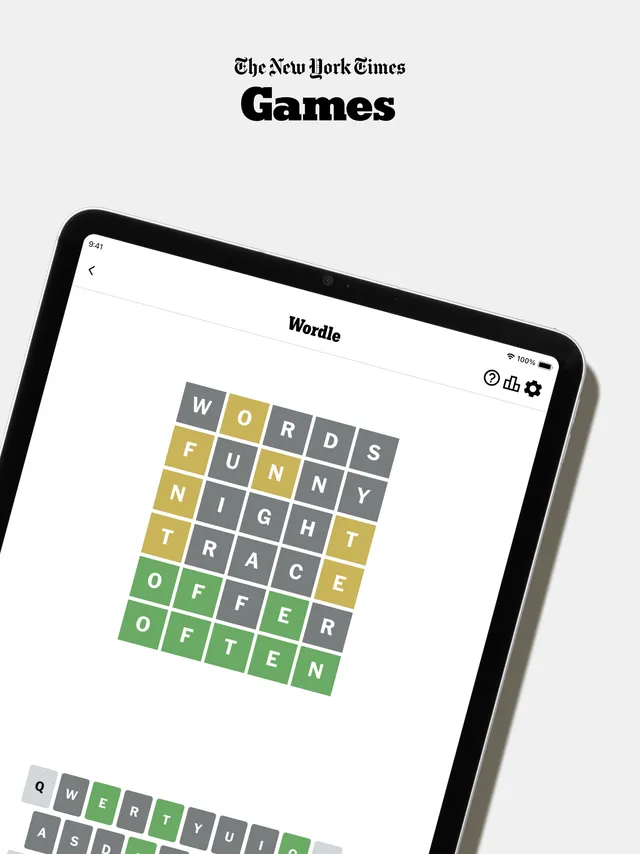
Wordle
The five-letter guessing game Pixletters builds on, with plain letter colours instead of pixels
Semantle
Another daily word hunt with unusual feedback, by meaning instead of shape
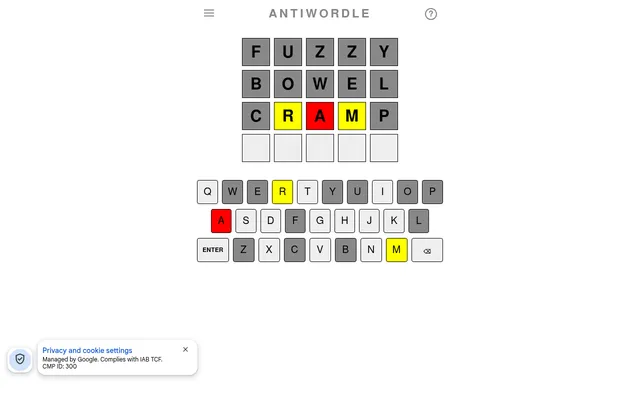
Antiwordle
Wordle in reverse: last as many guesses as you can before you hit the word.