LogoHue
Rate itSee a brand logo in black and white and guess its exact colour in one try.
on logohue.app
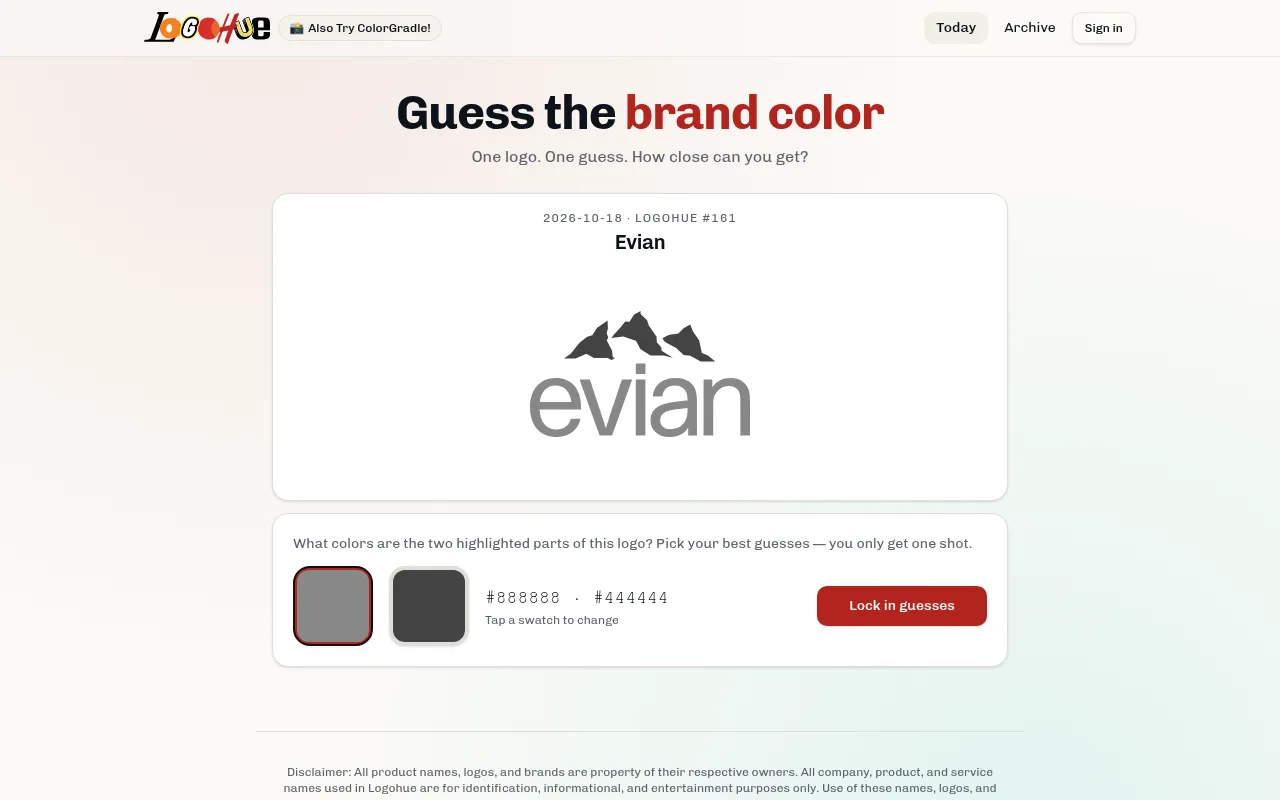
LogoHue is a one-guess daily colour game. Each day it shows a well-known logo with its colour removed, names the brand, and asks you to pick the colour of the highlighted part with a colour picker. The closer your hex value is to the real one, the higher your score.
About LogoHue
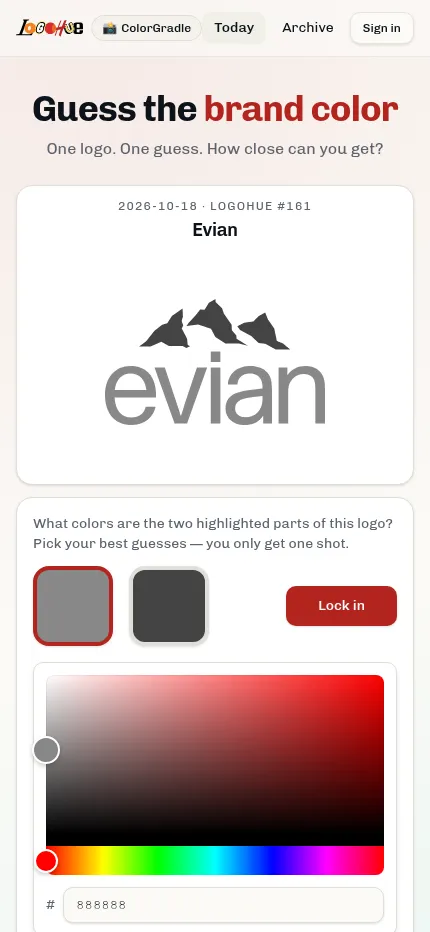
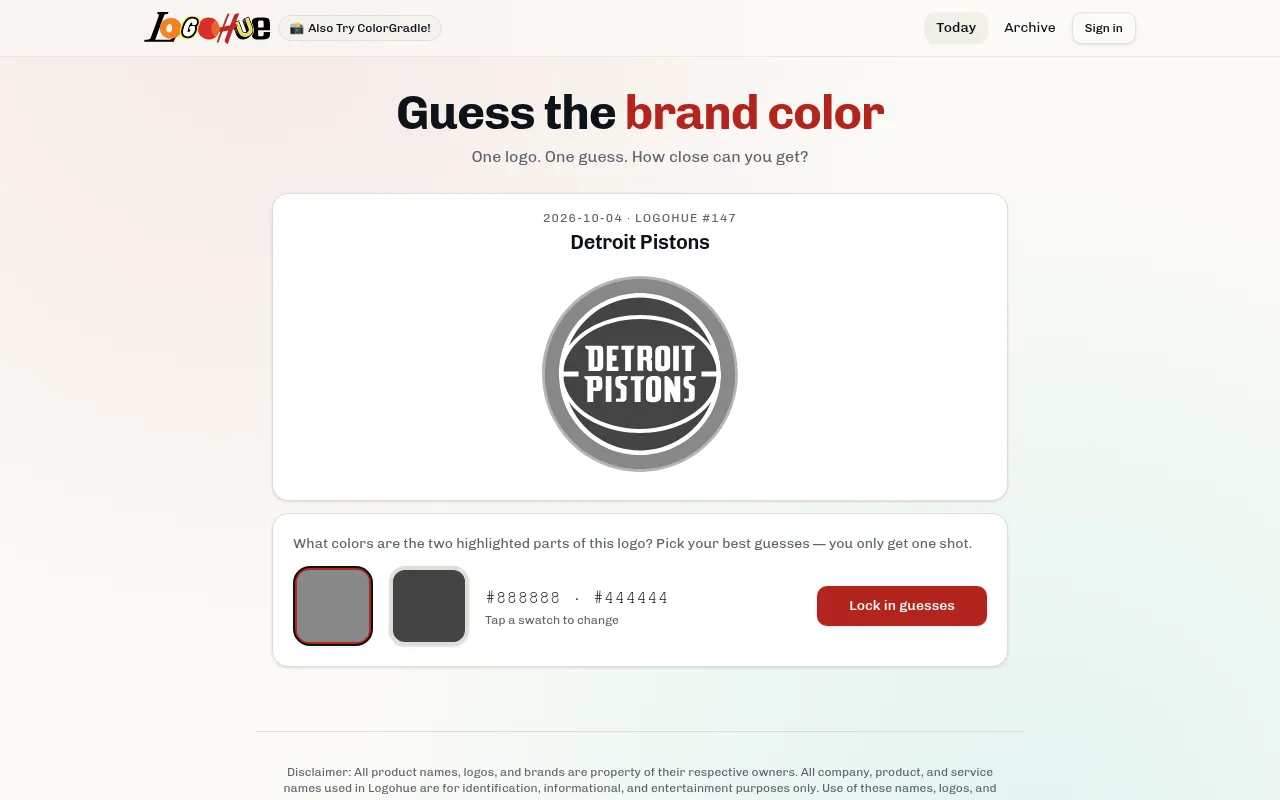
LogoHue tests how well you remember the colours of brands you see every day. The day's puzzle is numbered and dated (number 145 on 2 October 2026 was Ben & Jerry's, number 161 on 18 October was Evian), and the logo appears in greyscale with the brand name above it.
You open the swatch, drag through the colour picker or type a hex code, and lock in your guess. There is only one guess, and the game scores how close you came to the true colour. Some logos have two highlighted parts, and then you pick a colour for each and the two scores are averaged.
The logo is chosen by date, so everyone gets the same one each day, and an archive lets you play days you missed. Signing in keeps your stats and streak; guests can play without an account. The first puzzle is dated 11 May 2026, and the header links to another colour daily, ColorGradle.
It suits designers, marketers and anyone who thinks they know exactly which red a soft drink uses, and it takes about a minute.
How to play LogoHue
- Open LogoHue and look at today's greyscale logo and brand name.
- Tap the swatch to open the colour picker.
- Choose a hue on the bar, then the shade in the square, or type a hex code.
- Press Lock in guess: you get only one try.
- See how close your colour was, then share the result or play past days from the archive.
Screenshots
Tips
- Picture the logo on a familiar product or sign before you pick.
- Get the hue right first, then fine-tune brightness and saturation.
- Many brand reds and blues are more saturated than you remember.
- If you know a brand's hex code, type it straight into the box.
Questions
How many guesses do I get?
One per logo. Logos with two highlighted parts take one colour for each.
Is the logo the same for everyone?
Yes. Each logo is assigned to a date and number.
Can I play earlier days?
Yes, from the Archive page.
When does a new LogoHue logo appear?
The game picks the logo by your device's date, so a new one appears at midnight local time.
Ratings and reviews
No ratings yet. Be the first to rate LogoHue.
Games like LogoHue
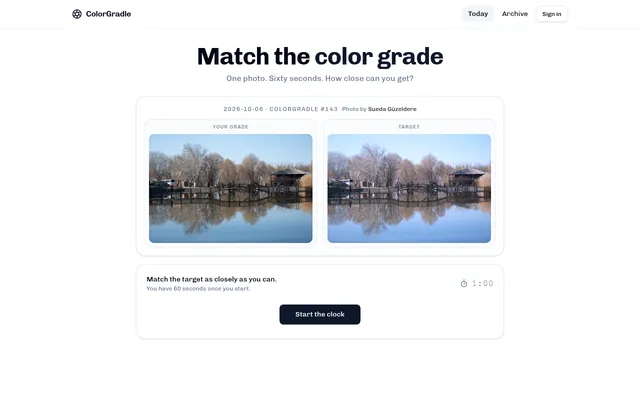
ColorGradle
Another daily colour game, linked from LogoHue's header
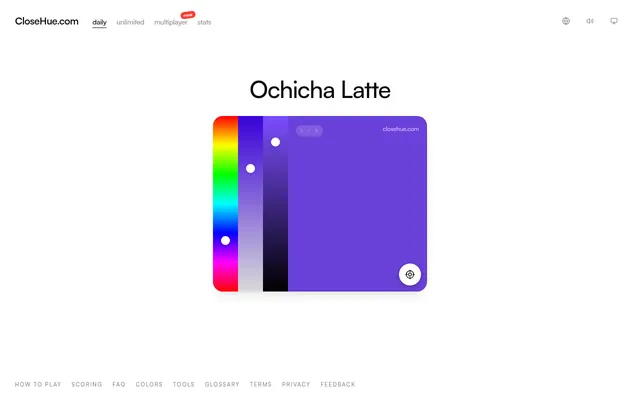
Close Hue
Another daily game about judging colours
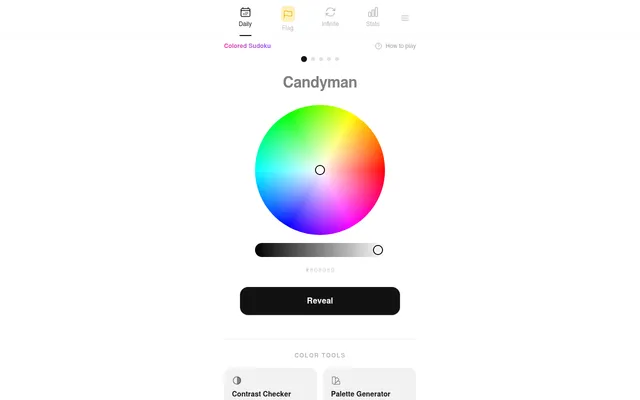
ColorGuesser
Guess a colour's value each day
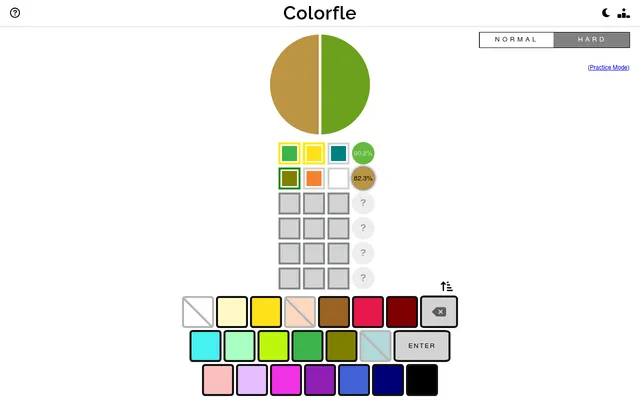
Colorfle
A daily puzzle about mixing to a target colour
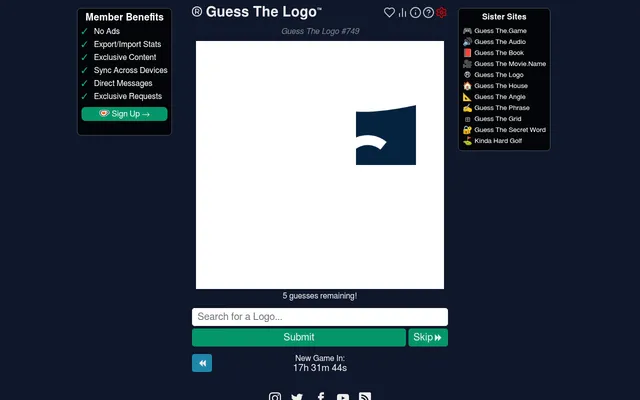
Guess The Logo
Name the brand from a cropped piece of its logo in five guesses.
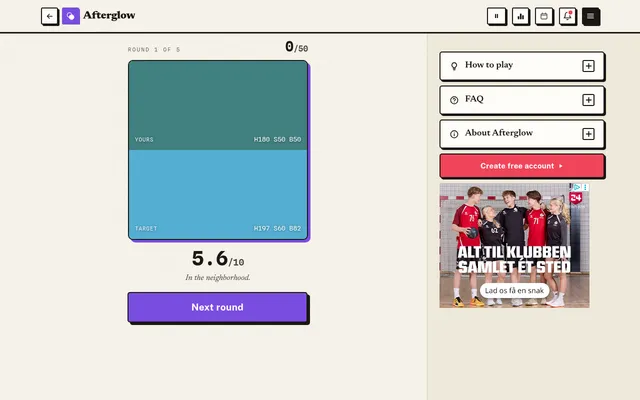
Afterglow
See a colour for a moment, then rebuild it from memory, five times a day.

Dialed Color2
Fix the one wrong colour on a cartoon or logo from memory, five rounds a day.
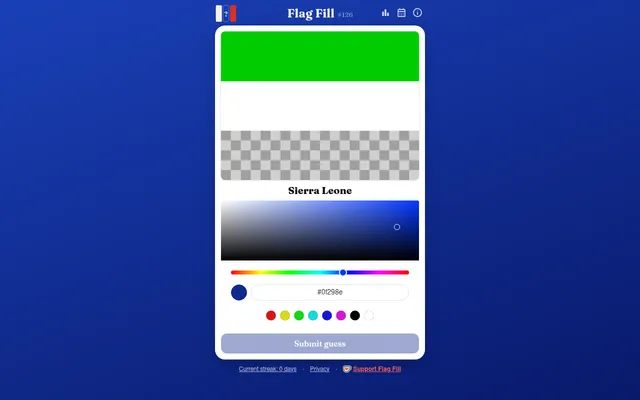
Flag Fill
Pick the colour of the flag's missing stripe, scored out of 100.