Airspan (FlightQ)
Rate itResize a plane or airport against a known object until the scale looks right.
on flightq.app
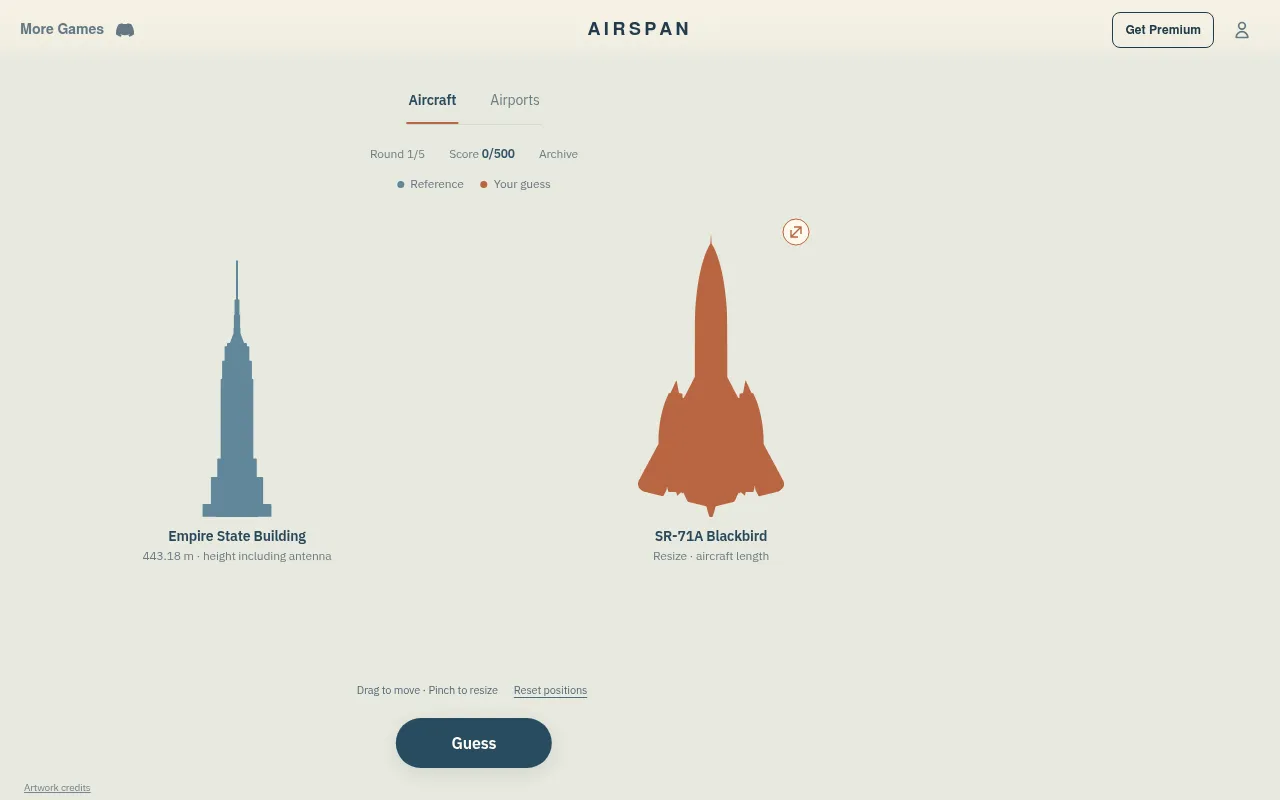
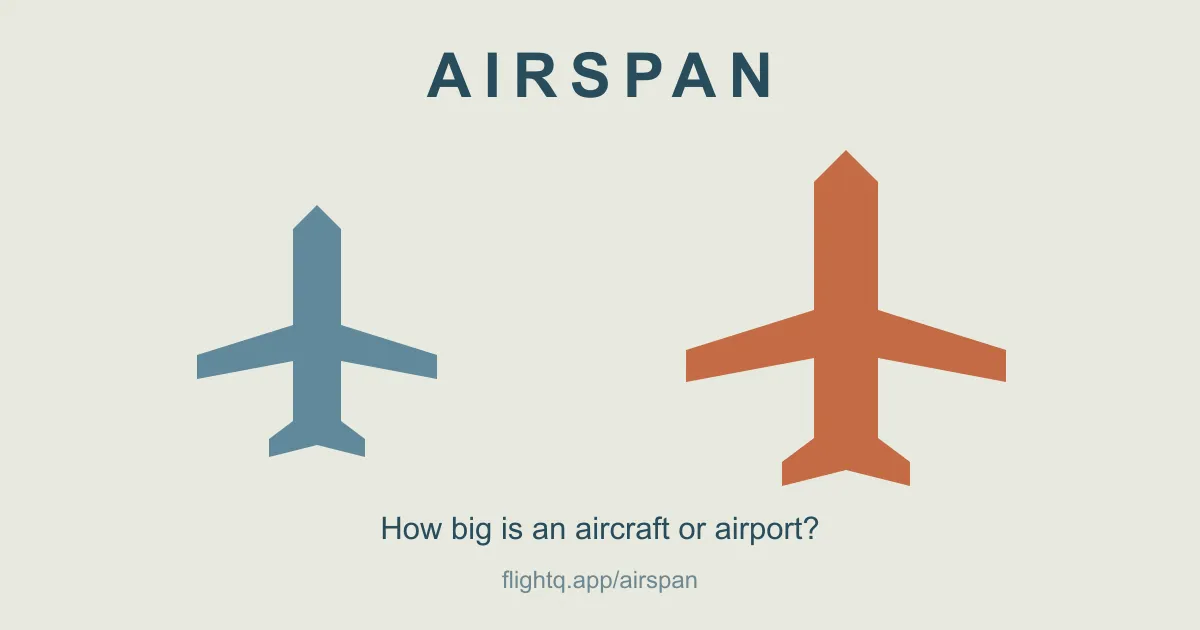
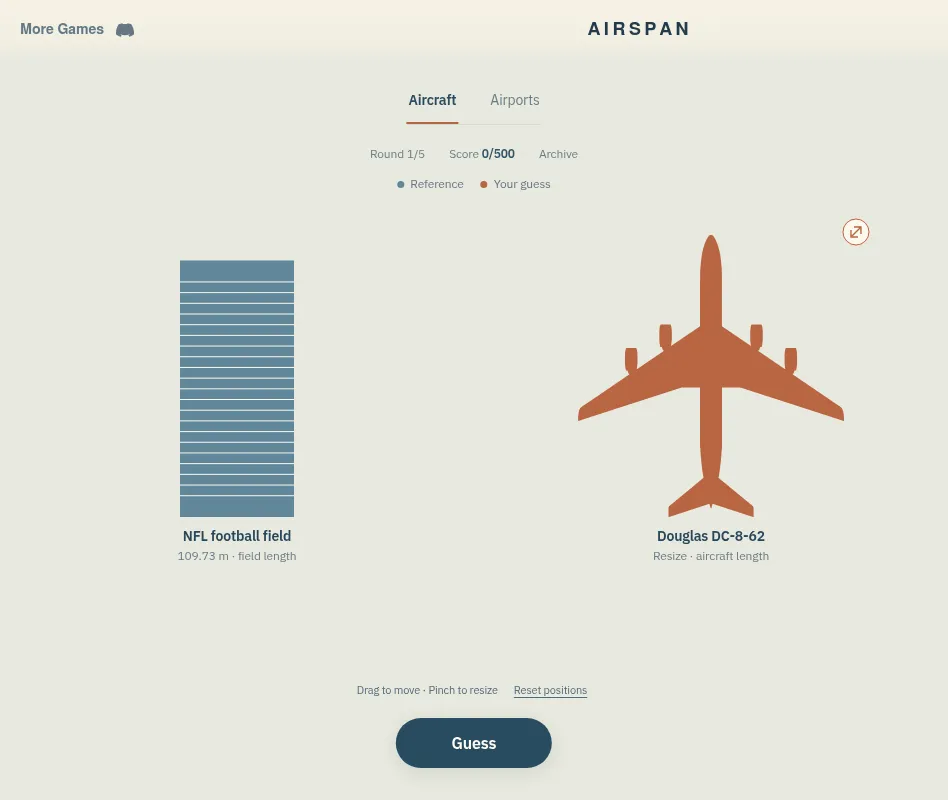
Airspan shows a reference object at a known size, such as a 109.73 m NFL field, beside an aircraft or airport you resize until the two look correctly proportioned. Press Guess to see the real scale. Five rounds a day in each of two collections, Aircraft and Airports, up to 100 points a round.
About Airspan (FlightQ)
Airspan is FlightQ's size-estimation game. A blue reference is shown at a known scale: a football pitch, a park, a landmark such as the Empire State Building, a car, the Space Shuttle Discovery or another plane. Beside it sits an orange aircraft or airport, and you pinch or drag its handle to resize it until the proportion looks right. Aircraft are compared by overall length; airports by the mapped area of their grounds.
When you press Guess, the orange shape smoothly resizes to its true size next to a dashed outline of your guess, and you score up to 100 points for the round. Facts and dimensions, such as an aircraft's wingspan, open after each reveal. A streak counts guesses within 90 percent of the true proportion.
Aircraft and Airports each have their own five-round daily challenge, the same comparisons for everyone, refreshing at midnight Eastern. The collection covers 42 aircraft configurations, modern, historical and in development, and 500 major airports in 115 countries and territories. An archive holds past days: today's and yesterday's challenges are free, and FlightQ Premium unlocks older ones and removes the ads. Airspan says it was inspired by Magnitudle's Size It Up.
How to play Airspan (FlightQ)
- Open Airspan on flightq.app and choose Aircraft or Airports.
- Read the reference object's size, shown under it.
- Resize the orange aircraft or airport by pinching, dragging its handle or using the mouse wheel.
- Drag the shapes to overlap them if that helps, then press Guess.
- See the real scale and your score, then play all five rounds for a total out of 500.
Screenshots
Tips
- Overlap the shapes before guessing: comparing edges is easier than comparing side by side.
- Remember aircraft are compared by length, not wingspan.
- Airport areas are much larger than you expect next to parks: lean big.
- Open Facts and dimensions after each round to calibrate for the next.
Questions
When does Airspan reset?
At midnight Eastern, for both the Aircraft and Airports dailies.
How is it scored?
Up to 100 points a round for how close your proportion is, 500 for the day in each collection.
What is compared?
Aircraft by overall length and airports by mapped ground area, against parks, playing fields, landmarks, vehicles and other aircraft.
Is Airspan free?
Yes. Today's and yesterday's challenges are free with ads; FlightQ Premium removes the ads and opens the older days in the archive.
Ratings and reviews
No ratings yet. Be the first to rate Airspan (FlightQ).
Games like Airspan (FlightQ)
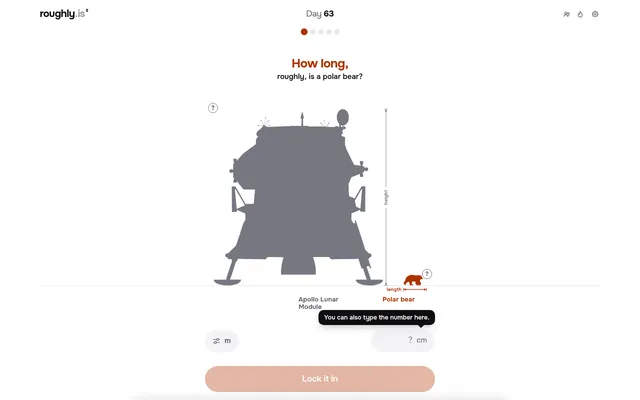
How big? roughly.
Drag one object to its real size next to another, five times a day.
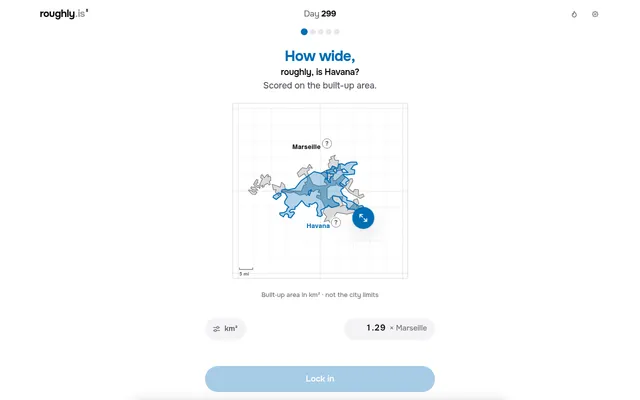
How wide? roughly.
Resize one city's outline against another until the areas match.
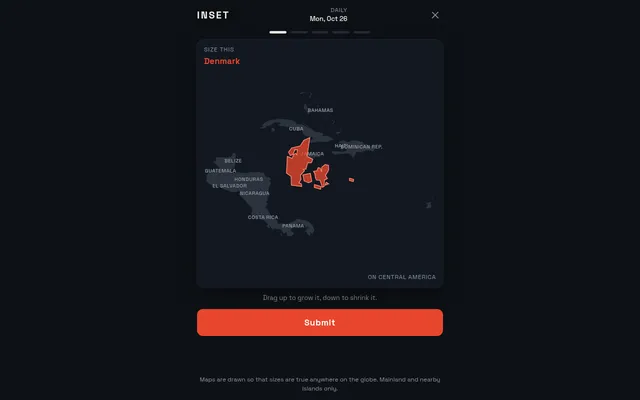
INSET
Drag a country to its true size on a map of somewhere else.
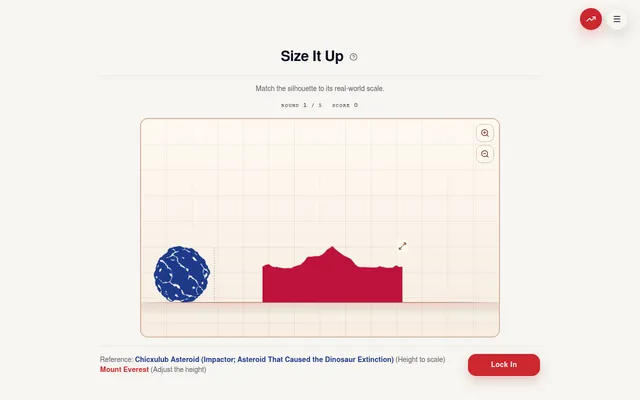
Magnitudle
Resize silhouettes to their true scale against each other.
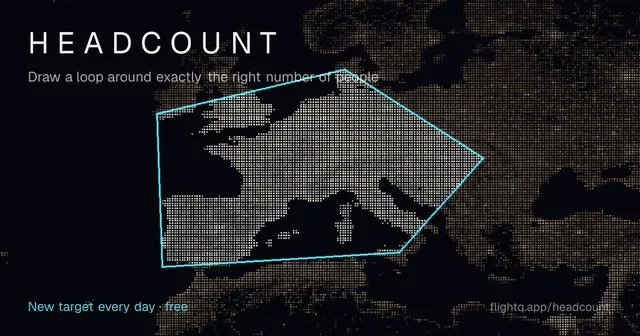
Headcount (FlightQ)
FlightQ's daily estimation game on a population map.
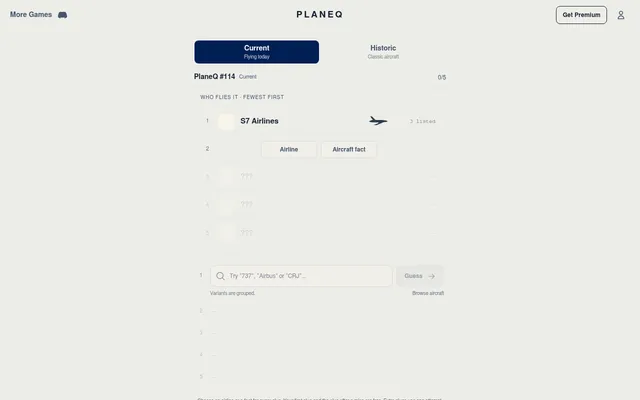
PlaneQ
FlightQ's daily airliner to name, for players who enjoy the aircraft rounds.
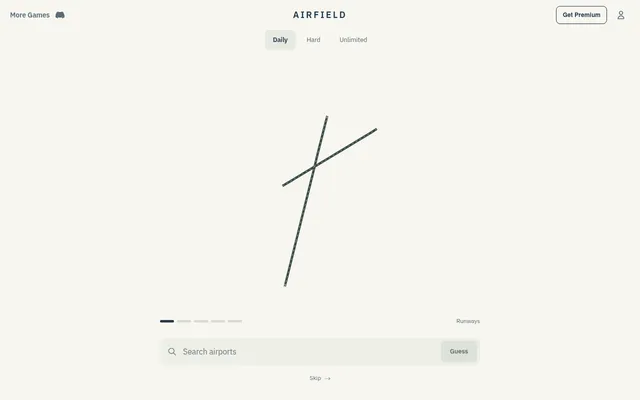
Airfield (FlightQ)
FlightQ's daily airport named from its runway layout alone.
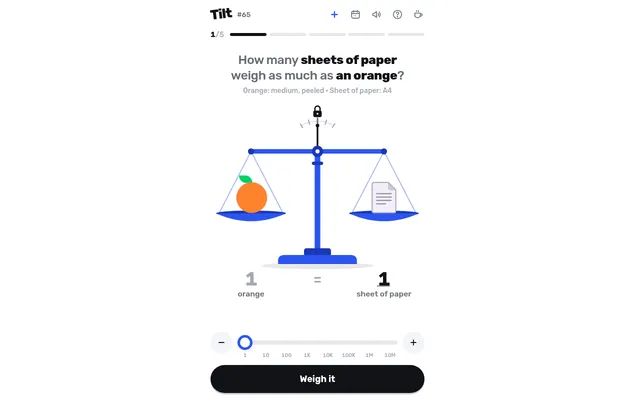
Tilt
How many golf balls weigh as much as a soccer ball? Balance the scale by eye.