AirportQ (FlightQ)
Rate itName the hidden airport from a map of its nonstop routes.
on flightq.app
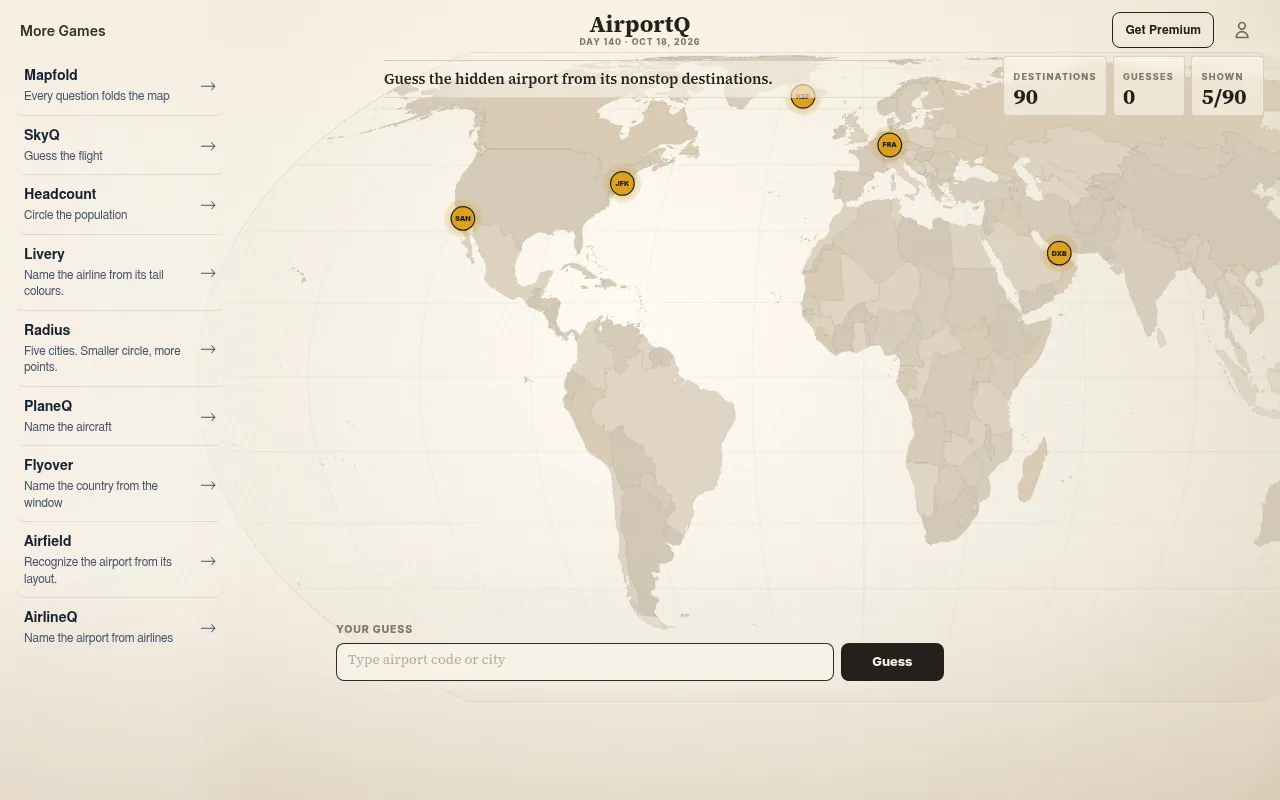
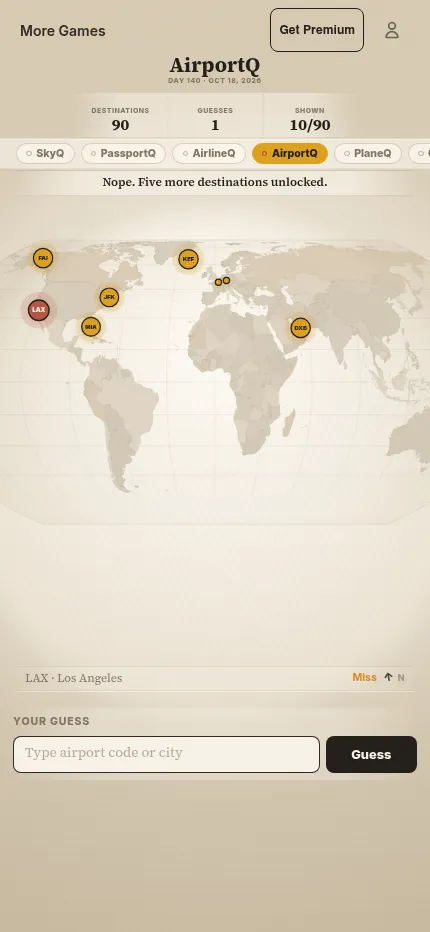
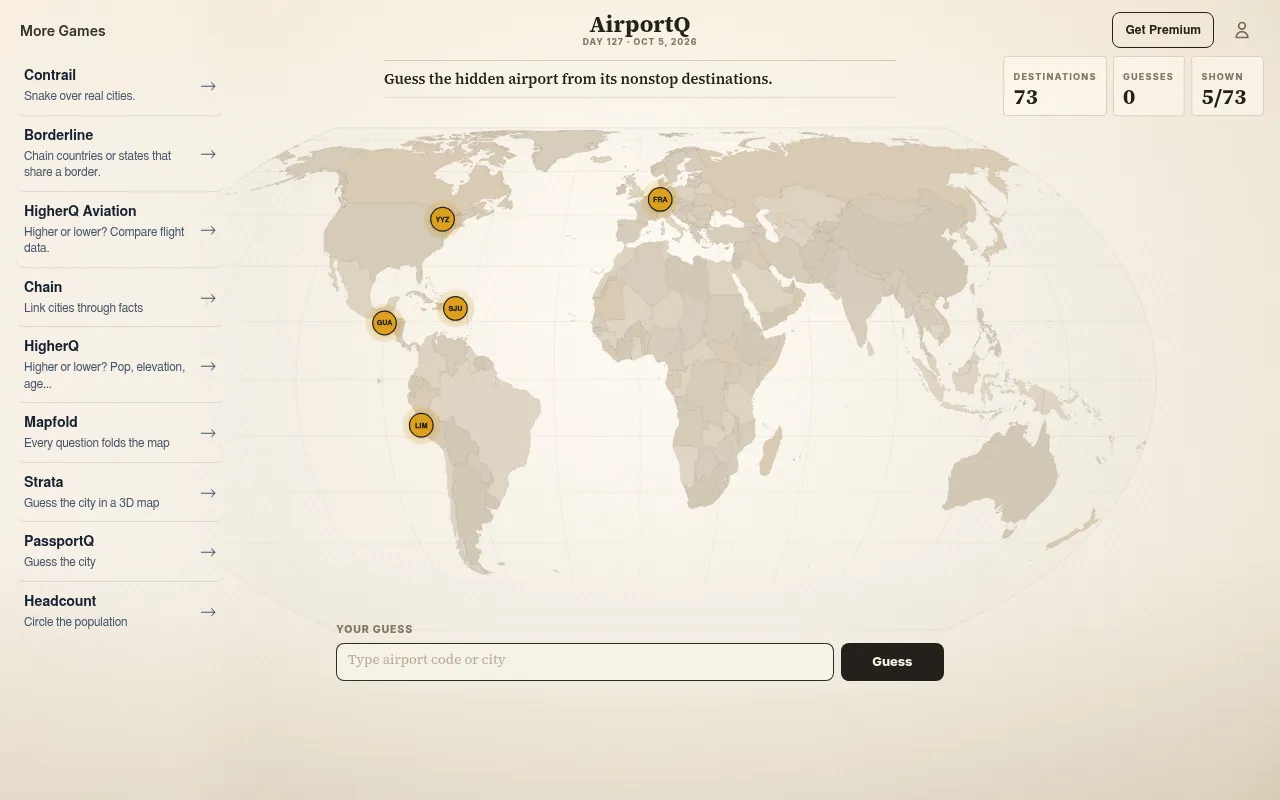
AirportQ shows a world map with a handful of destinations served nonstop from a hidden airport, and you name the airport. Each wrong guess gives the distance and direction to the answer and reveals five more destinations, until you solve it or the whole network is shown.
About AirportQ (FlightQ)
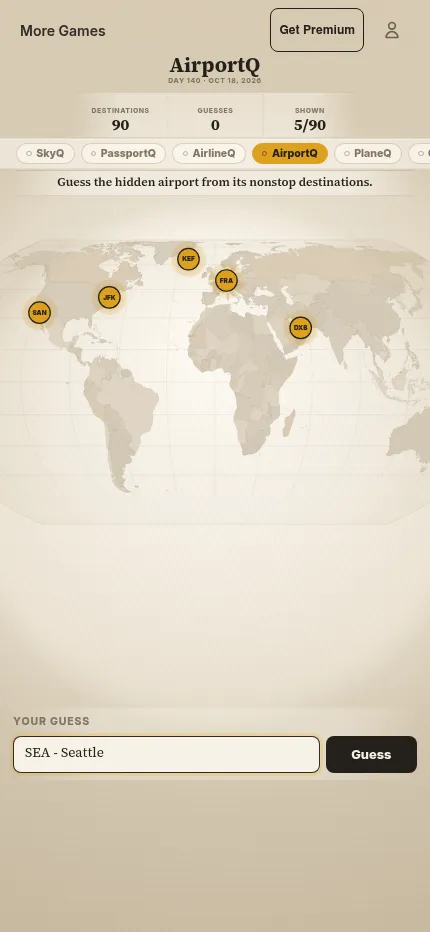
AirportQ is FlightQ's route-network puzzle. The hidden airport sits at the centre of a map you cannot see; what you get are its nonstop destinations, shown as airport codes on a world map, starting with five out of the total (5 of 90 on October 18, 2026, when the answer was Seattle-Tacoma). A map of mostly domestic spokes points somewhere different from one reaching Europe, Asia, the Gulf or across the Pacific.
You type a city, airport name, IATA or ICAO code and pick the match. A wrong guess returns the distance and direction to the answer and unlocks five more destinations, and you can keep guessing until you solve it or the full network is revealed. There are no satellite photos or terminal pictures: the network is the only clue, so knowing alliances, hubs and seasonal routes pays off.
The puzzle is numbered and the same for everyone each day. The daily is free with no account and shows ads. FlightQ Premium, shared across all the FlightQ games, costs $3.99 a month or $29.99 a year and adds past puzzles, unlimited practice, advanced stats and ad-free play. The site and the FlightQ apps for iPhone and Android can be switched to 19 languages, and the puzzle itself is airport codes on a map.
How to play AirportQ (FlightQ)
- Open AirportQ on flightq.app and study the destinations on the map.
- Guess an airport by city, name, IATA or ICAO code.
- Read the distance and direction from your guess to the answer.
- Look at the five new destinations revealed after each miss.
- Keep narrowing it down until you name the airport.
Screenshots
Tips
- Long-haul destinations on several continents mean a big hub; a cluster of nearby cities means a regional airport.
- Look for one carrier's focus cities among the destinations: they hint at its hub.
- Guess a central airport first so the distance and direction narrow the region.
- Seasonal leisure destinations point to airports in colder places.
Questions
How many guesses do I get in AirportQ?
You can keep guessing until you solve it or the full destination network is revealed.
What changes after a wrong guess?
You see the distance and direction to the answer, and five more destinations appear.
Is it free?
Yes. The daily puzzle is free with no account, with ads around it. FlightQ Premium ($3.99 a month or $29.99 a year, shared across the FlightQ games) removes the ads and adds past puzzles and unlimited practice.
When does a new AirportQ puzzle come out?
The result card says a new puzzle arrives at midnight Eastern Time.
Ratings and reviews
No ratings yet. Be the first to rate AirportQ (FlightQ).
Games like AirportQ (FlightQ)
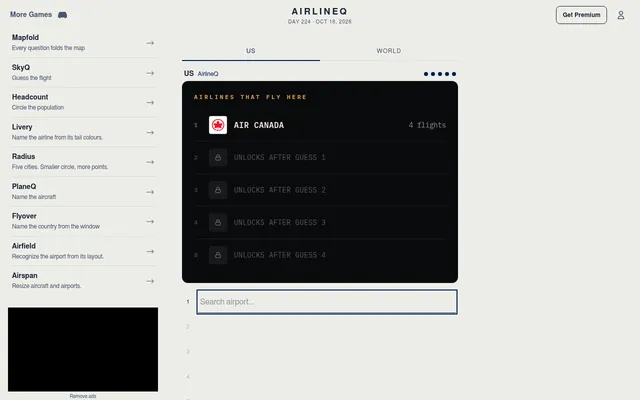
AirlineQ (FlightQ)
FlightQ's daily airport puzzle, solved from the airlines that fly there
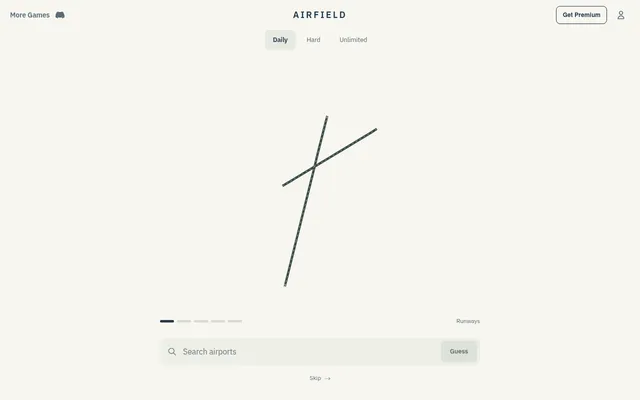
Airfield (FlightQ)
Name the day's airport from nothing but its runways
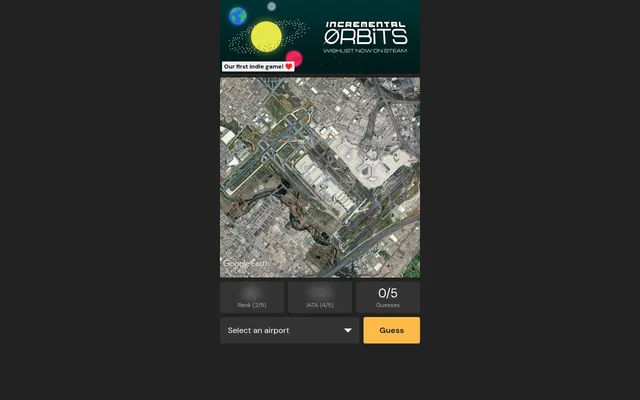
Airport Guessr
Name the day's airport from a satellite image, with a hint after each miss
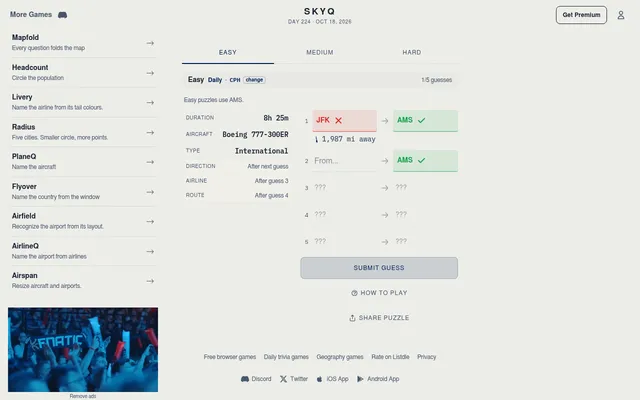
SkyQ (FlightQ)
Name both airports of a mystery flight from clues
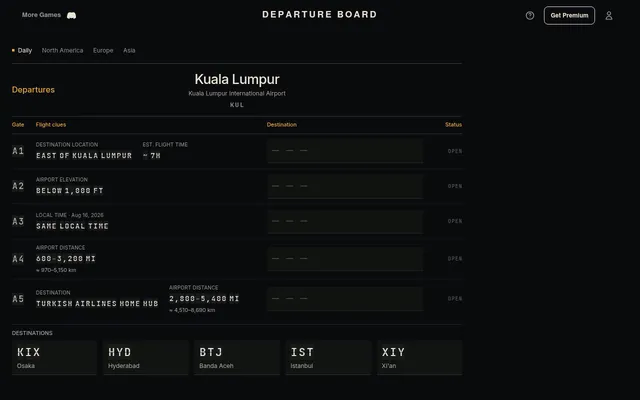
Departure Board (FlightQ)
Match five destinations to the flight clues on the day's departure board
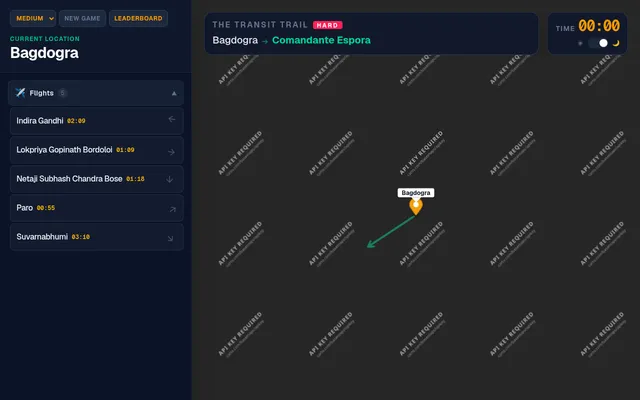
The Transit Trail
Pick real flights to get from one small airport to another across the world
PlaneQ
FlightQ's airliner puzzle: name the plane from the airlines that fly it
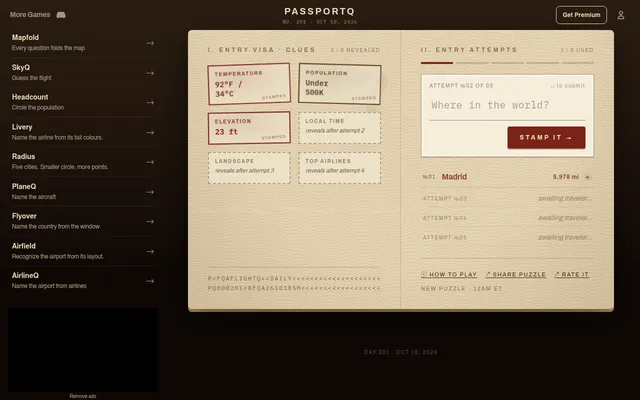
PassportQ (FlightQ)
Name the day's mystery city from its weather, size and more, in five guesses.