Little Pairs
Rate itTurn over illustrated cards two at a time and find every matching pair.
on playatyours.com
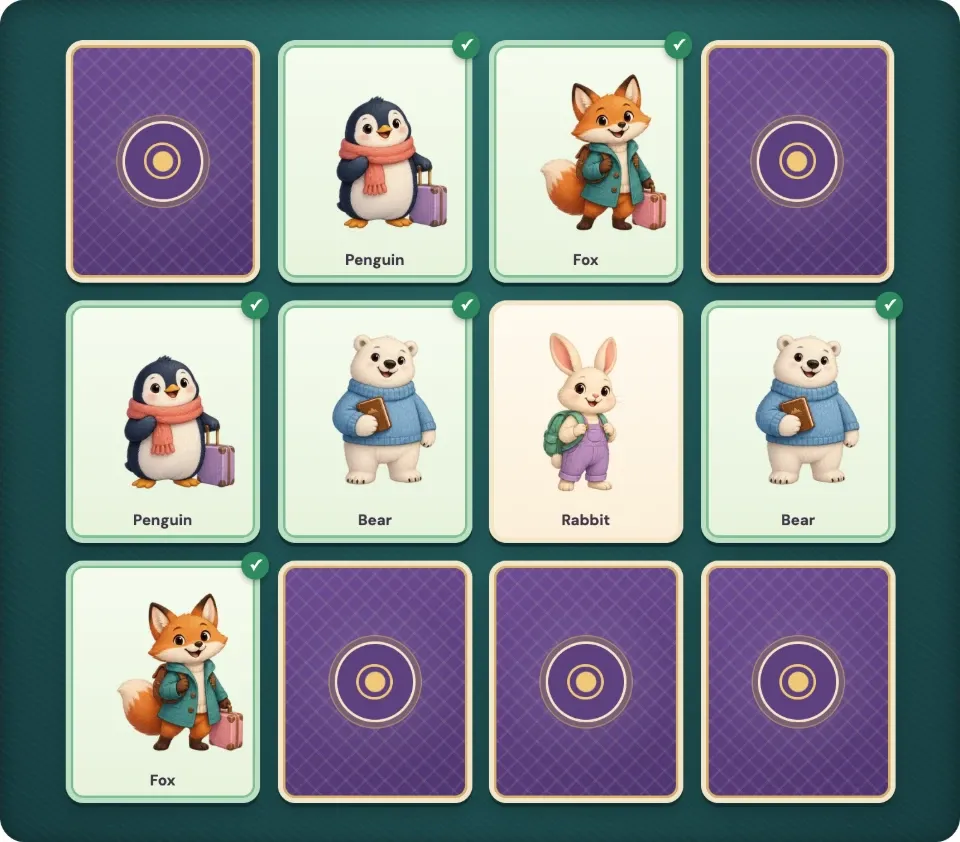
Little Pairs is a free picture memory game from At Yours. Each day brings a six-pair board and a ten-pair board with the same shuffle for everyone, and you clear them by remembering where each picture sits. Play alone to beat your best turn count, or take turns with someone on the same device.
About Little Pairs
Little Pairs is a memory match game in the browser, made by At Yours, a site of games for playing at home and on a shared screen. The cards show small illustrated characters and objects, such as a penguin with a suitcase, a fox in a coat or a bear holding a book, and every card has a twin somewhere on the board.
The daily boards change at midnight UTC. There are two of them: a gentle board of six pairs and a larger one of ten pairs, and each has a stable shuffle for the day, so everyone who plays that day faces the same layout. When you want to play again, a fresh shuffle deals a new arrangement whenever you like.
A turn is two cards. If they match, they stay face up; if not, they turn back after a short look, and you have to remember what you saw. In solo or together mode the game counts your turns, and your best count for each board size is saved in the browser so you can try to beat it. In two-player mode both people share one device: a match scores a point and earns another turn, a miss hands the turn over, and the higher total wins, with ties possible.
There is no account, download or payment, no paid unlock and no public leaderboard. Progress saves in the browser and resumes after a reload. Cards can be chosen by tapping or with the keyboard, and the game follows reduced-motion settings. Its pictures and simple rules suit young children, who can point while an adult works the screen, and it works as a short game for a family to play together.
How to play Little Pairs
- Open Little Pairs and choose the day's six-pair board or the larger ten-pair board.
- Pick solo or together mode to count turns, or two-player mode to take turns on one device.
- Turn over two covered cards by tapping them, or by moving to a card with Tab and pressing Enter or Space.
- If the two pictures match, they stay face up; if not, look at them before they turn back over.
- Keep turning pairs until every card is face up, then try to clear the board in fewer turns next time.
Tips
- Turn over a card you have not seen yet as your first pick, so every turn shows you something new.
- Say each picture and its place out loud, such as fox top left, to remember it longer.
- Start with the six-pair board before moving on to ten pairs.
- Use a fresh shuffle for practice once the day's boards are done.
Questions
When does the Little Pairs daily board change?
The daily boards change at midnight UTC. The six-pair and ten-pair boards each keep the same shuffle for the whole day.
Is Little Pairs free?
Yes. Every board and mode is free, and it needs no account, download or payment.
Can two people play Little Pairs?
Yes. In two-player mode both players share one device. A match earns a point and another turn, a miss passes the turn, and the higher total wins.
Is there a leaderboard?
No. Your best turn count for each board size is saved in your browser, but there is no public leaderboard.
Ratings and reviews
Games like Little Pairs
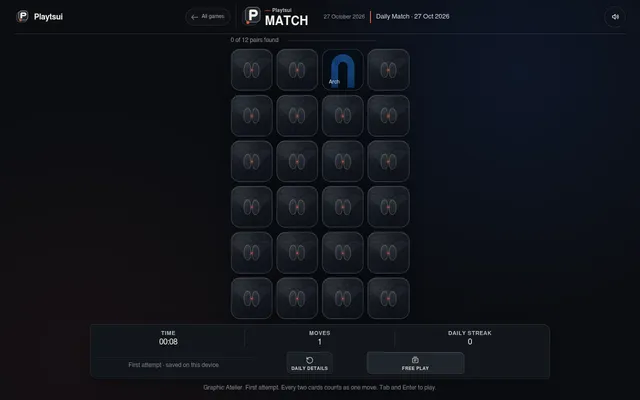
Playtsui Daily Match
Another dated board of illustrated picture cards to clear in pairs, 24 cards in 12 pairs with a shared theme…
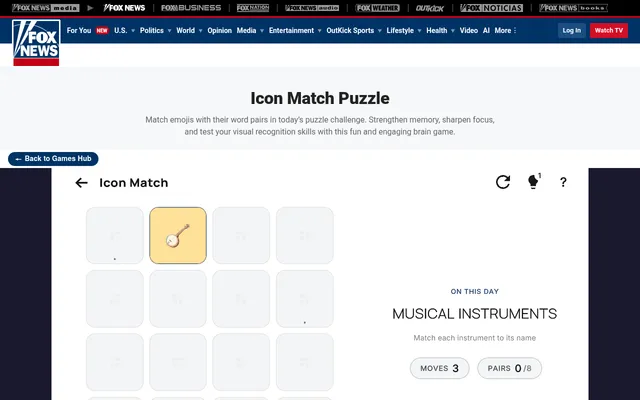
Icon Match (Fox News)
A daily face-down board of sixteen cards, matching emoji with their text instead of twin pictures, in as few…
DAILYJIG
Three short dailies a day, one of them a memory card board, beside a jigsaw of the day's picture and a logic…
Color Memory Game
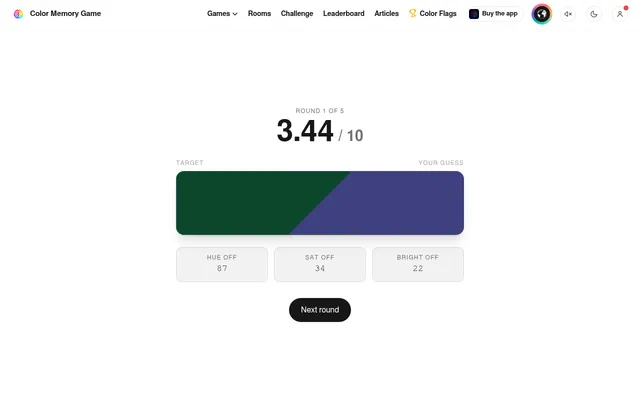
A different memory test each day: five colours flash for a few seconds each and you rebuild them from memory.
Glimpse (Yuki Games)
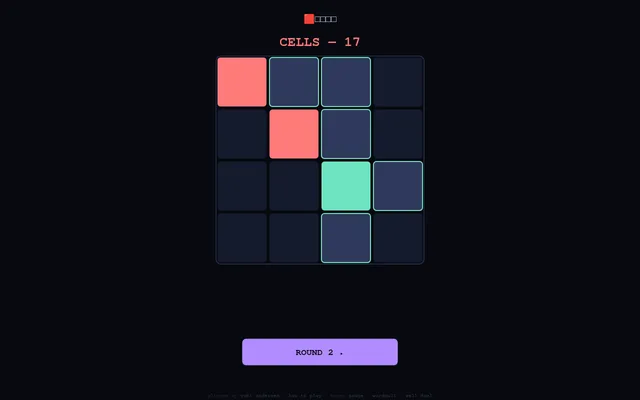
Five quick daily rounds of flashes to remember, such as cells, spots and digits, the same for every player.
Mahjong Solitaire
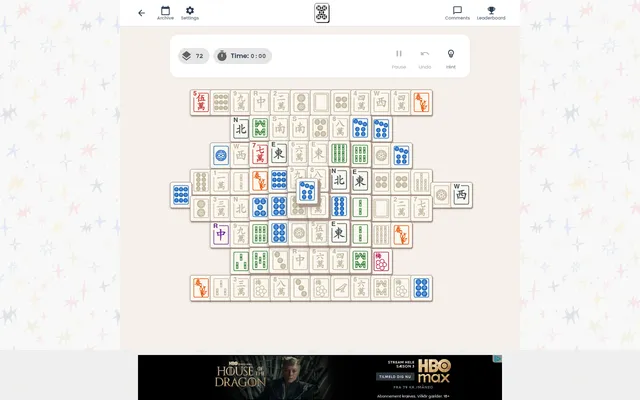
A calm daily board cleared by matching pairs, here stacked mahjong tiles with every free tile in view.
Afterglow
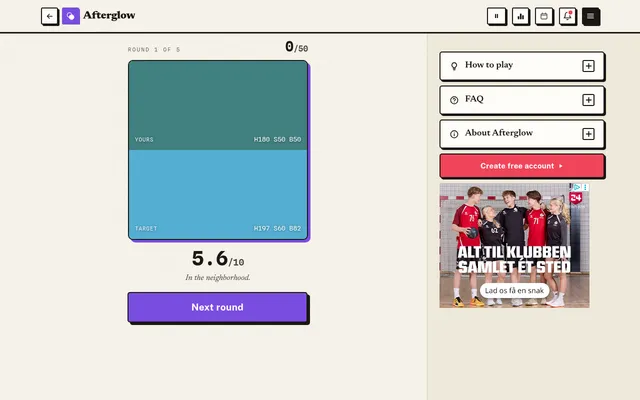
See a colour for a moment, then rebuild it from memory, five times a day.
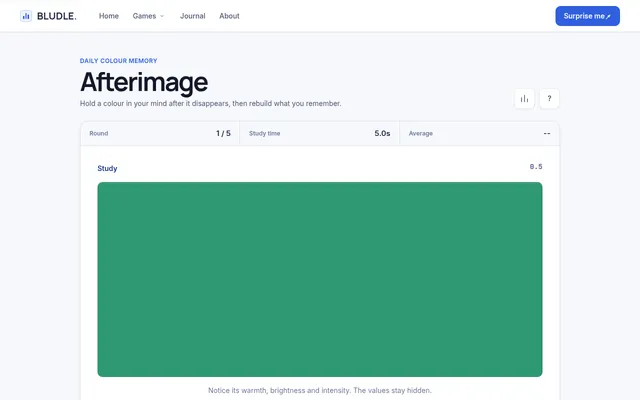
Afterimage
See a colour for a few seconds, then mix it again from memory with RGB sliders.