Hexle
Rate itGuess the day's hex colour code in six tries; the title is painted in the answer.
on frankljin.github.io

Hexle is a Wordle-style game for web colour codes. Each day has a six-character hex code to guess in six tries, with green tiles for characters in the right place and yellow ones for characters elsewhere in the code. The #Hexle title is shown in the day's colour, and each guess shows its own swatch beside the answer's.
About Hexle
Hexle is a small React game by the GitHub user frankljin, published on GitHub Pages in 2022. It swaps words for hexadecimal colour codes: six characters from 0 to 9 and A to F, as used in CSS. The day's colour comes from a fixed list by the day of the year, so everyone playing on the same date gets the same code, and the puzzle number is the day of the year.
You type a six-character code on the on-screen keypad or your keyboard and press Enter. Green tiles mark characters in the right position, yellow ones characters that are in the code but elsewhere. You have six tries. The hint is visual: the #Hexle title at the top is coloured with the answer, and the swatch beside each guess shows your colour next to the target, so you can judge how far off the red, green and blue pairs are.
After the game you can copy your grid to share. There is no account, no ads and nothing to install. The game has not been updated since 2022 and its list of colours runs out at day 303, so in November and December the title shows no colour of the day.
It suits web designers and developers, and anyone who wants to train an eye for colour values.
How to play Hexle
- Look at the colour of the #Hexle title; it is the answer.
- Type a six-character hex code (0 to 9, A to F) on the keypad or keyboard and press Enter.
- Green tiles are right characters in the right place; yellow ones are in the code elsewhere; grey ones are not in it.
- Compare your guess's swatch with the title colour and adjust the red, green and blue pairs.
- Find the code in six tries and copy your grid to share.
Screenshots

Tips
- Estimate each pair from the title colour: high first pair means strong red, and so on.
- Dark colours have low digits in all three pairs; pastels have high ones.
- Characters can repeat in a hex code, so do not rule out a green character elsewhere.
- Use a first guess that spreads common digits across all positions.
Questions
Is the colour the same for everyone?
Yes. It is picked from a fixed list by the day of the year, read from your device's date.
How many tries do I get?
Six.
Is there a hint?
Yes, the #Hexle title is shown in the day's colour, and each guess shows a swatch of its colour.
Does it work in November and December?
The game's colour list ends at day 303 of the year, so from 31 October until 1 January there is no colour of the day.
Is it free?
Yes, with no ads and no sign-up.
Ratings and reviews
Games like Hexle
Hexcodle
Guess the six-digit hex code of the day's colour in five tries.
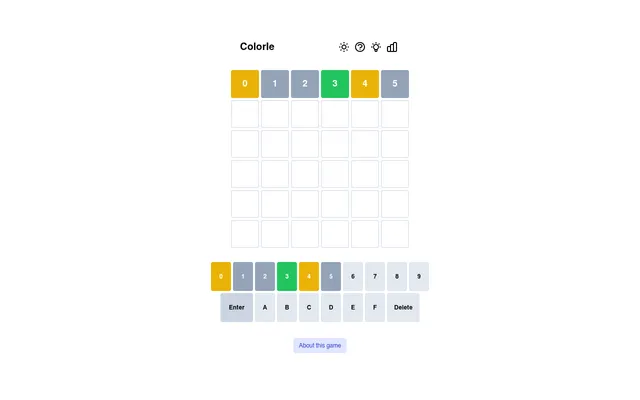
Colorle
Guess the day's hex colour code in six tries.
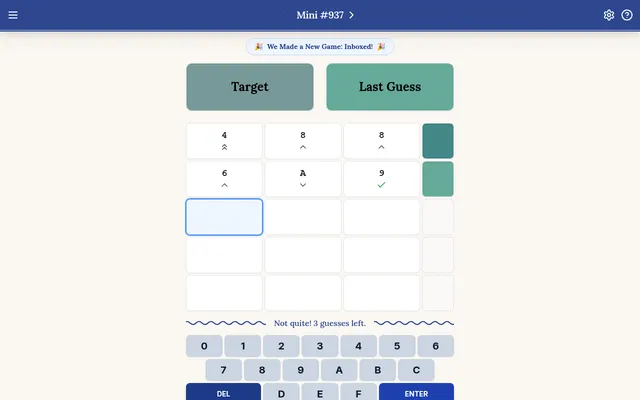
Hexcodle Mini
A shorter version: the day's colour as a three-character hex code.
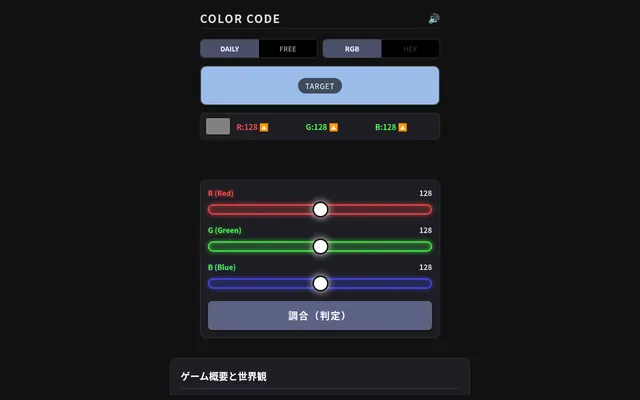
COLOR CODE
Match the day's colour by mixing red, green and blue sliders, the same skill as reading a hex code.
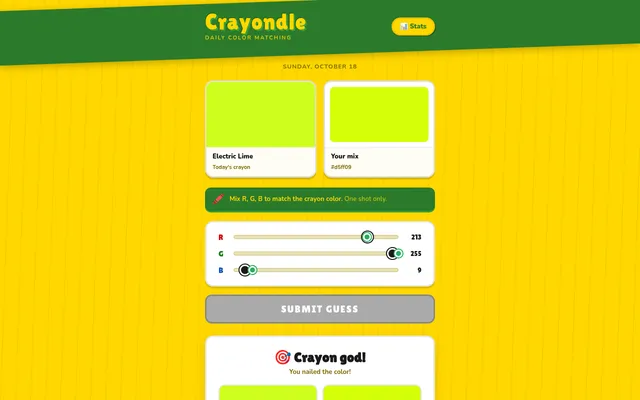
Crayondle
Mix the day's crayon colour from red, green and blue in one shot.
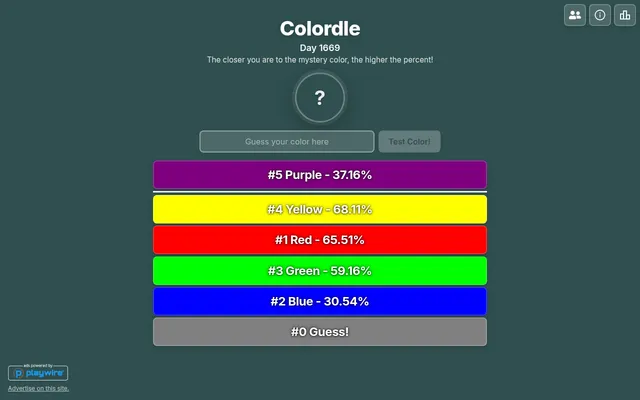
Colordle
Name colours until you hit the day's hidden one.
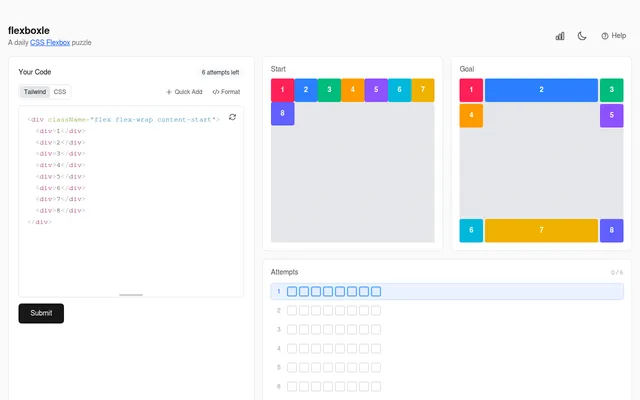
Flexboxle
A daily puzzle for web developers, arranging blocks with CSS.
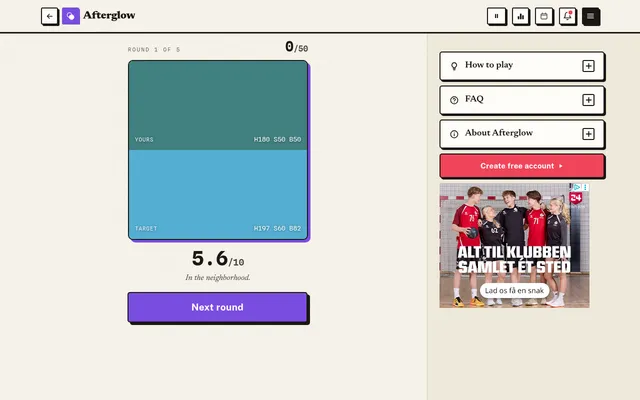
Afterglow
See a colour for a moment, then rebuild it from memory, five times a day.