Departure Board (FlightQ)
Rate itMatch five destinations to the flight clues on the day's departure board.
on flightq.app
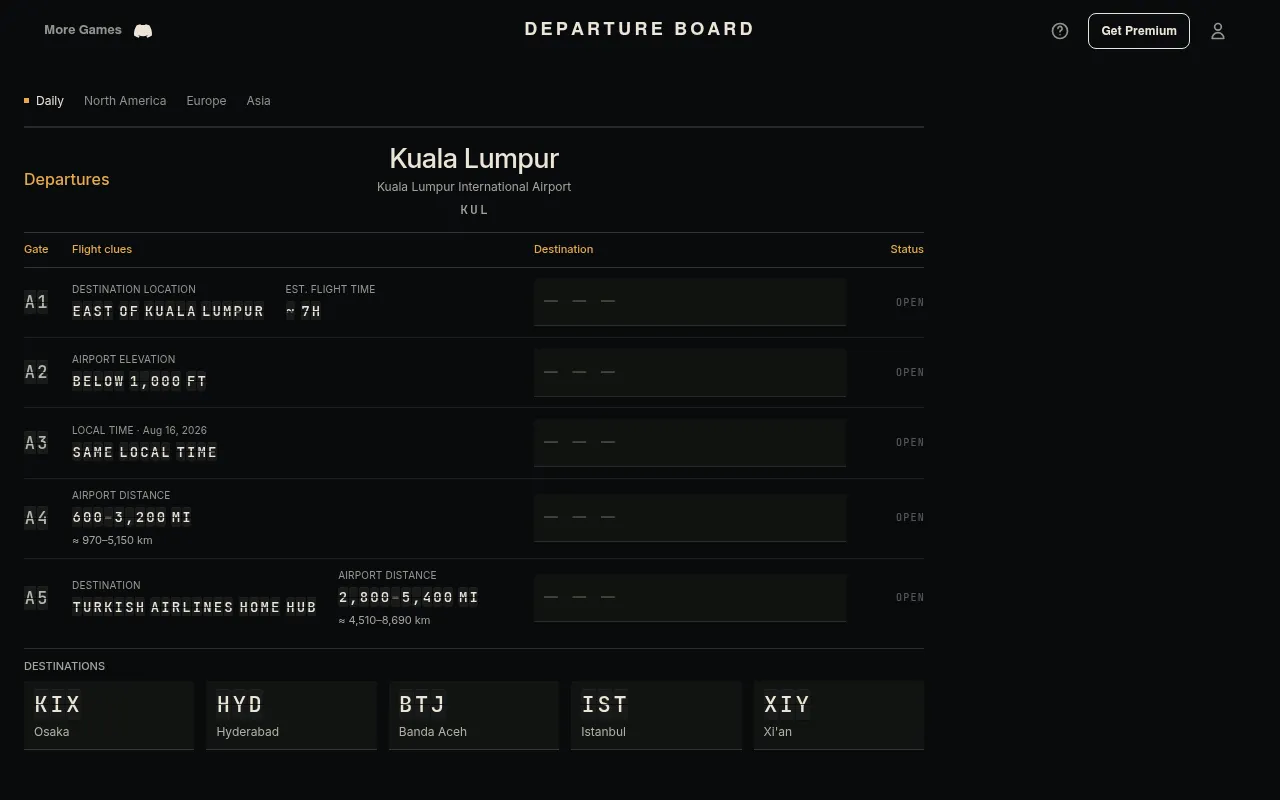
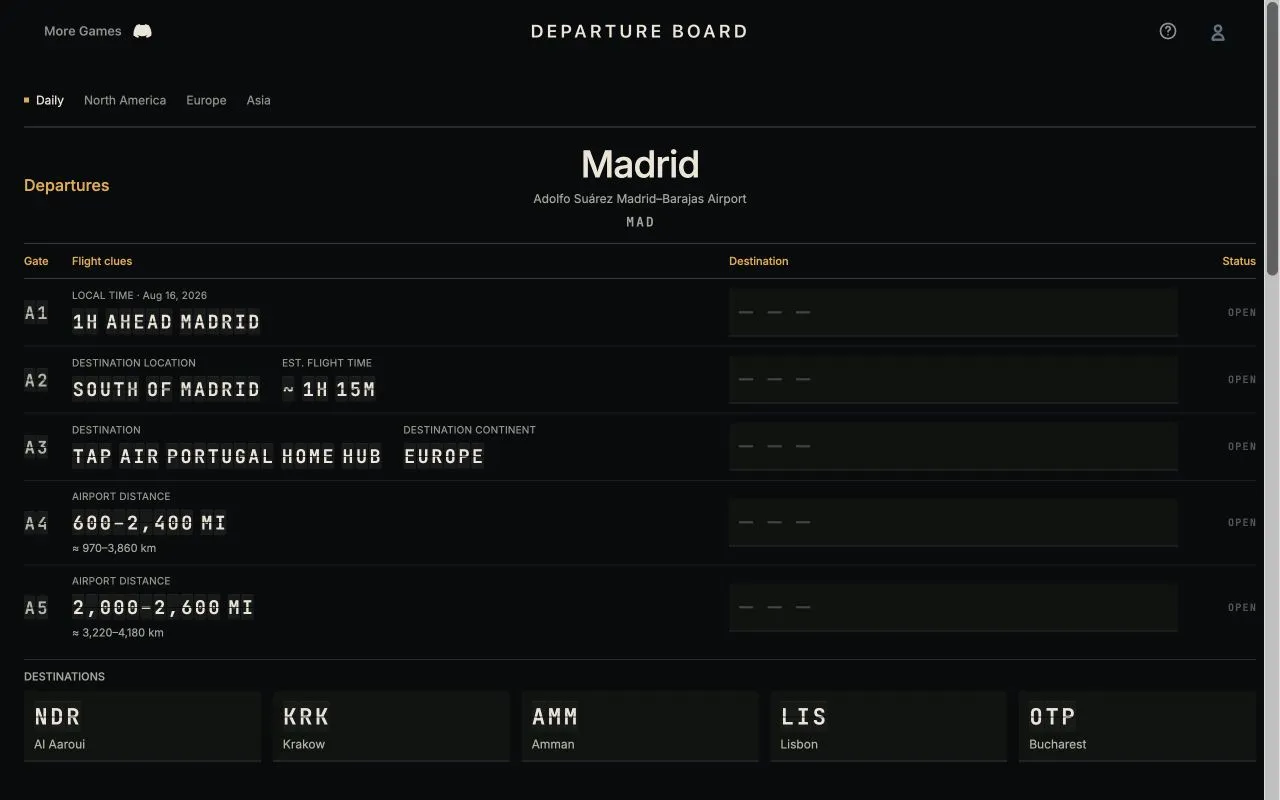
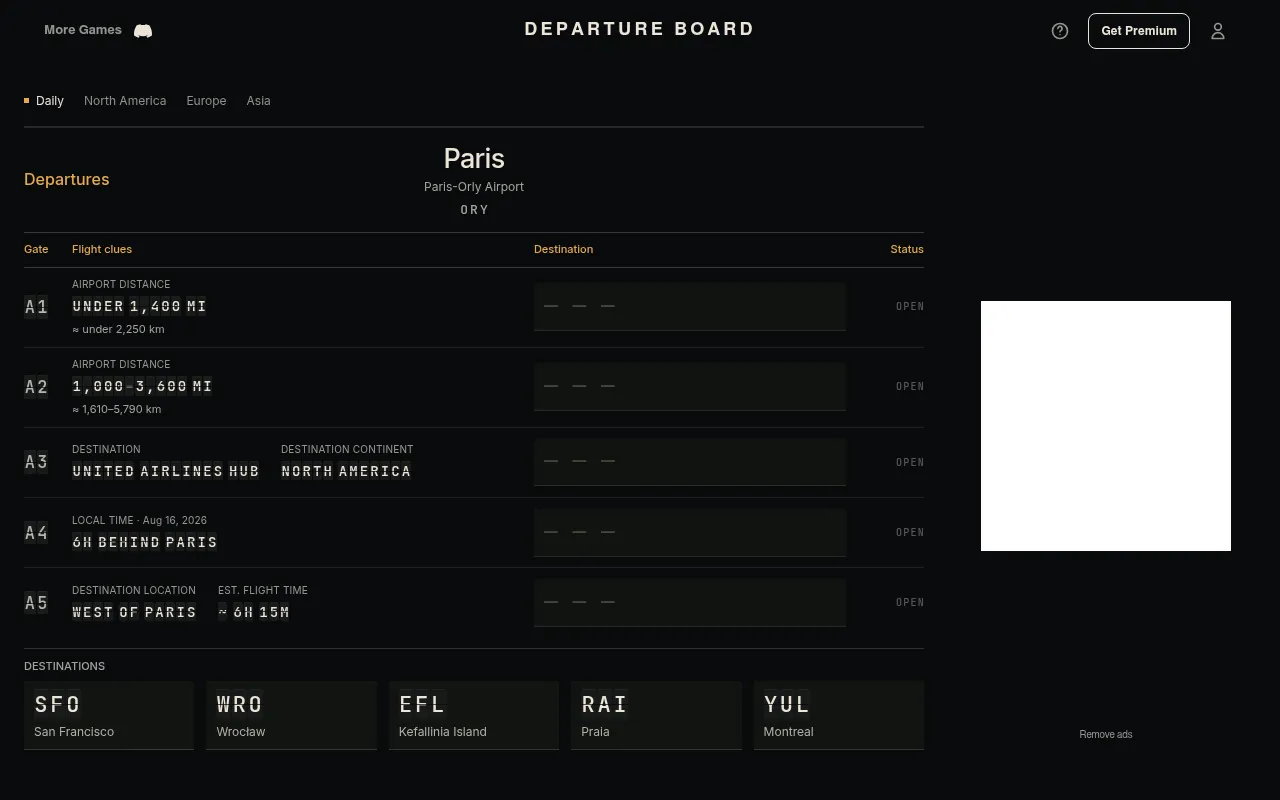
Departure Board shows a departure airport and five gates, each with clues about a flight: distance, direction, destination continent, the airline whose hub it is, or the local time there. Below sit five destinations. Put each on its gate; you have two checks to connect all five.
About Departure Board (FlightQ)
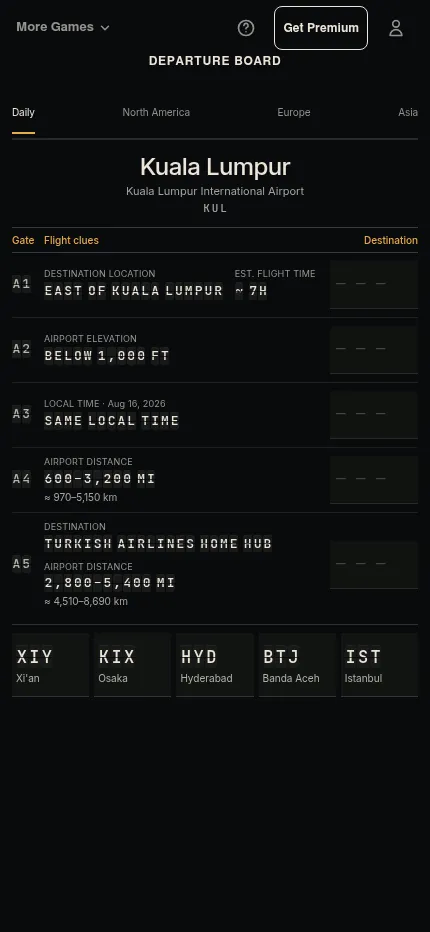
Departure Board is a daily aviation puzzle from FlightQ, drawn as an airport flip board. Each day one departure airport heads the board, for example Kuala Lumpur on 21 October 2026. Five gates carry one or two clues each: airport distance in miles, estimated flight time, where the destination lies against the departure city, airport elevation, local time compared with the departure city, or that the destination is an airline's hub. Five destinations wait in the tray below, that day Osaka, Hyderabad, Banda Aceh, Istanbul and Xi'an.
You tap a destination and then a gate, or drag it onto the gate's row; placing one on an occupied gate swaps the two. When all five are placed, Check Board flips the gates one at a time: correct connections lock green and wrong destinations go back to the tray. You have two checks and no timer. The clues are chosen so that only one full solution fits FlightQ's recorded flight data, so a distinctive clue at one gate narrows the others.
The Daily departure city rotates between North America, Europe and Asia, never the same region two days running, and changes at midnight Eastern. Separate North America, Europe and Asia tabs hold their own boards that change at the same hour. Today's boards and yesterday's Daily are free; older Dailies need FlightQ Premium, which also removes the ads.
It suits players who know their airports and airlines, and anyone who likes the elimination of a logic grid with a geography subject.
How to play Departure Board (FlightQ)
- Open Departure Board on flightq.app and read the departure city and the five gates of clues.
- Tap a destination, then tap its gate, or drag it onto the gate's row.
- Use every destination once; drop one on an occupied gate to swap them.
- When all five are placed, press Check Board: correct gates lock green.
- Move the wrong ones and check again; you have two checks.
Screenshots

Tips
- Start with the most specific clue, such as an airline's home hub.
- Use distance and flight-time clues together: overlapping ranges decide which short flights go where.
- A same-local-time clue pins a destination in the departure city's time zone fast.
- Airport elevation clues split coastal airports from high ones.
- Fill every gate with your best guess before the first check.
Questions
When does Departure Board change?
At midnight Eastern, with the same departure city for everyone. The three regional boards change at the same time.
How many checks do I get?
Two, to connect all five destinations.
What does Destination hub mean?
That the destination airport is a connecting base for the named airline, not necessarily that the airline flies this route.
Can I play past boards?
Yesterday's Daily is free; older Dailies need FlightQ Premium.
Ratings and reviews
Games like Departure Board (FlightQ)
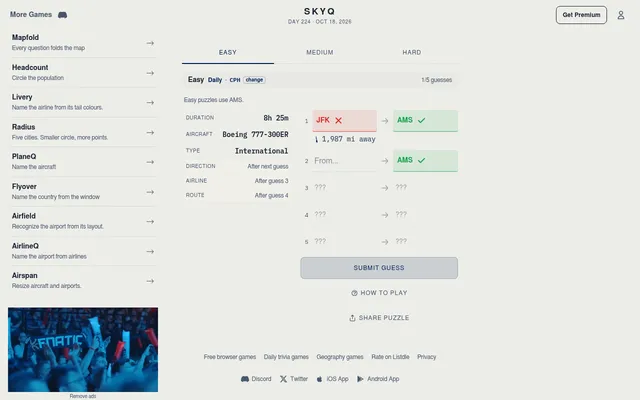
SkyQ (FlightQ)
FlightQ's flight puzzle: name both airports of a real mystery flight from clues, in an easy, a medium and a…
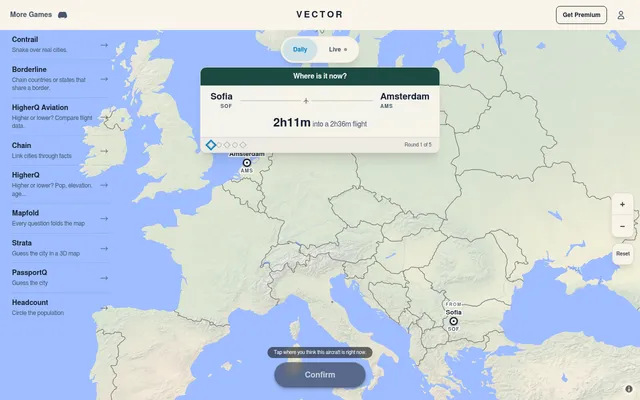
Vector
Another FlightQ board of five real recorded flights, where you pin where each aircraft lands or is now
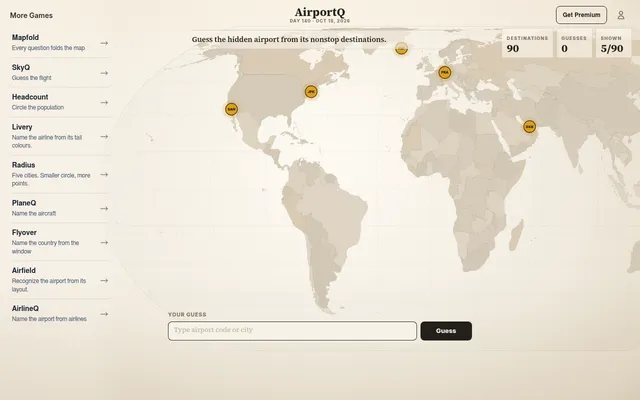
AirportQ (FlightQ)
Name a hidden airport from a map of its nonstop destinations
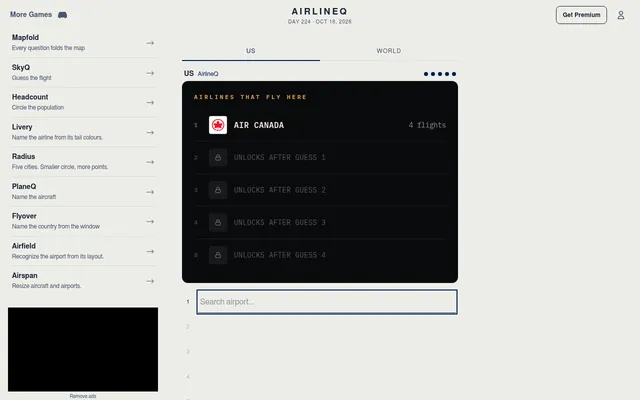
AirlineQ (FlightQ)
Name the day's airport from the airlines that fly there, in US and World modes
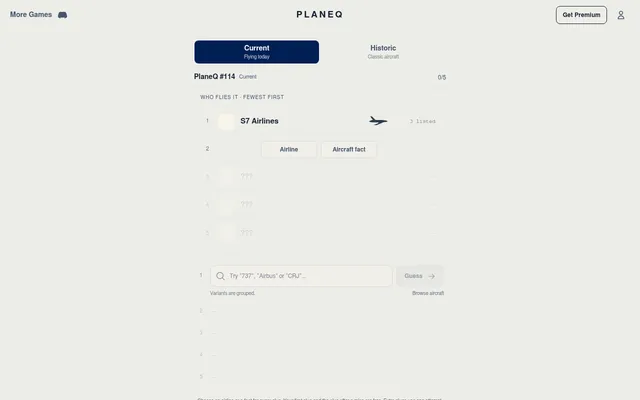
PlaneQ
FlightQ's daily mystery aircraft, in Current and Historic modes
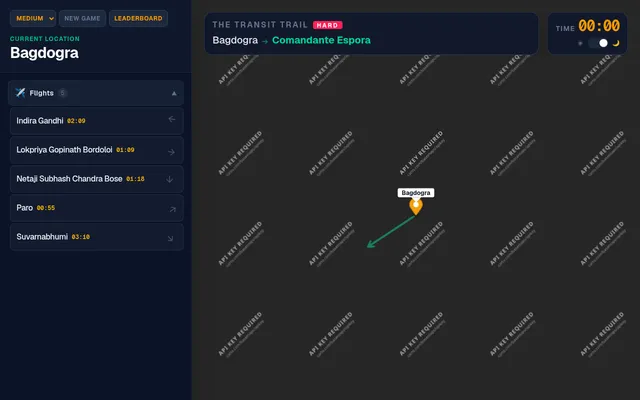
The Transit Trail
Pick flights to get from one airport to another across the world
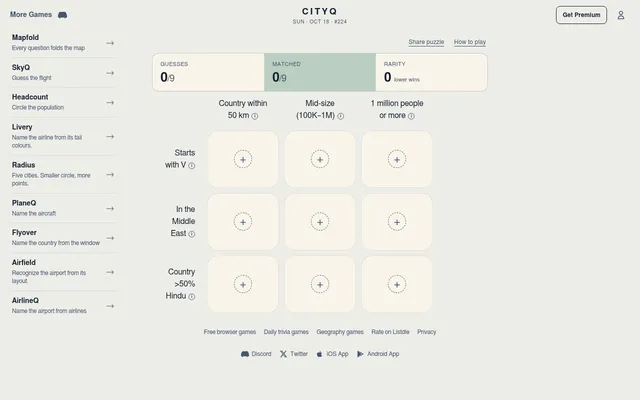
CityQ (FlightQ)
FlightQ's daily 3x3 grid of cities that fit a row and a column clue
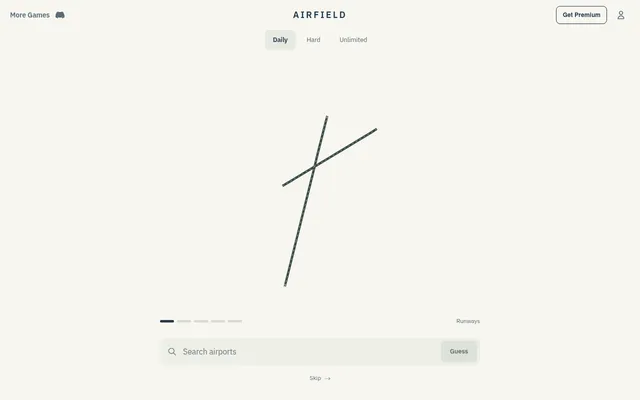
Airfield (FlightQ)
Name the day's airport from nothing but its runways.