Bingle
Rate itMusic bingo: name the songs on a 3x3 card of clips.
on bingle.app
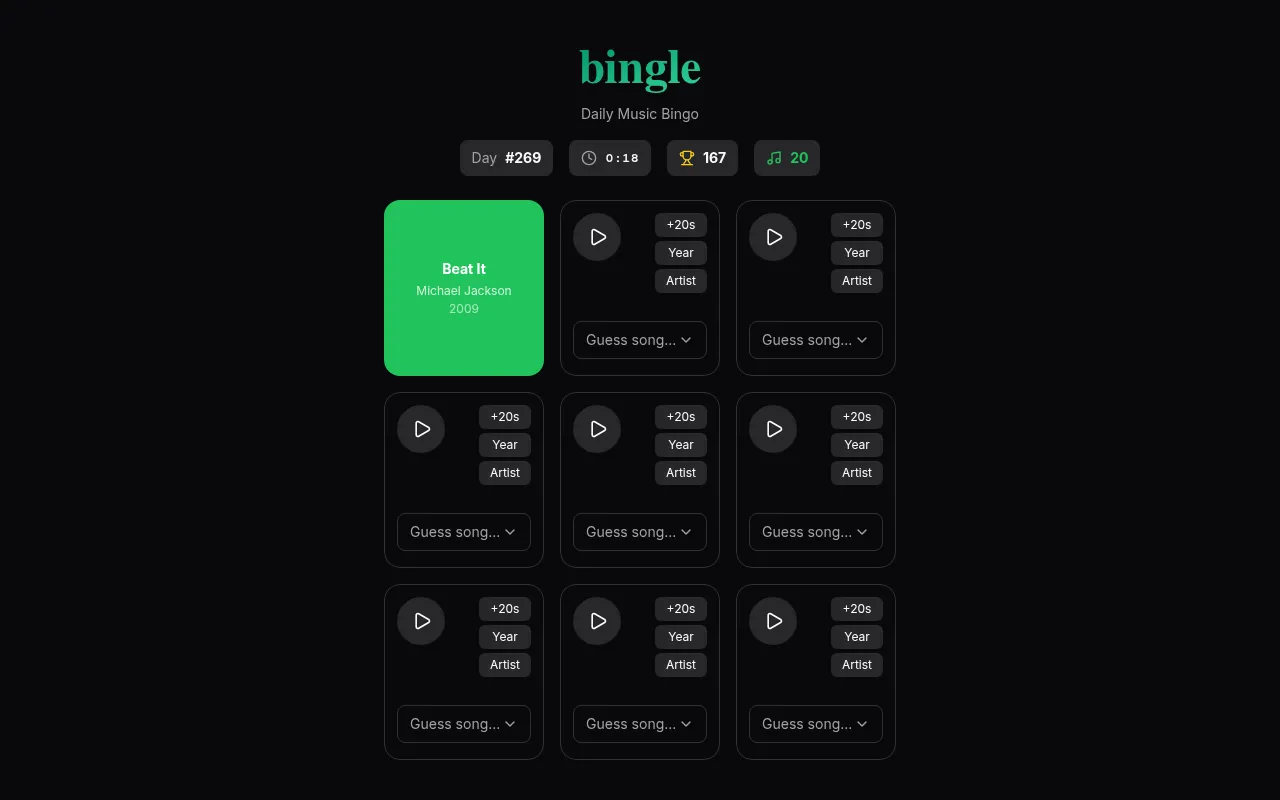
Bingle is a daily music bingo game. Each square of a 3x3 card hides a song clip, and naming songs fills in squares toward bingo lines while a clock runs. Notes you earn buy hints such as a longer clip (+20s), the release year or the artist's initials.
About Bingle
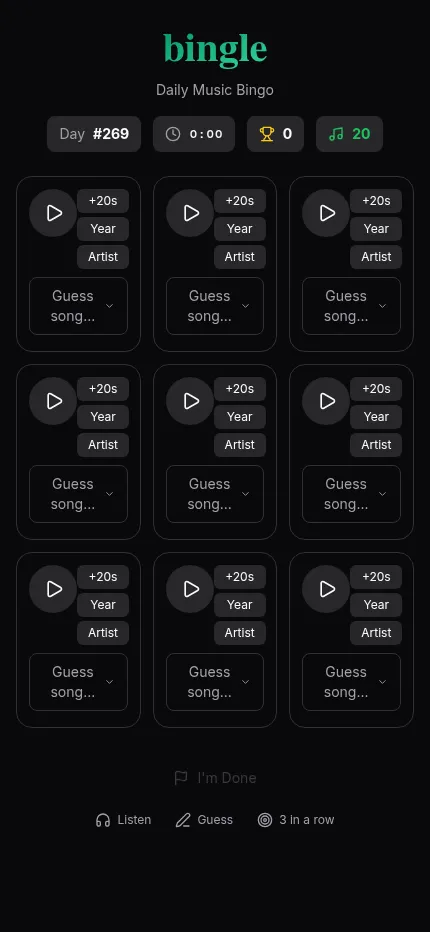
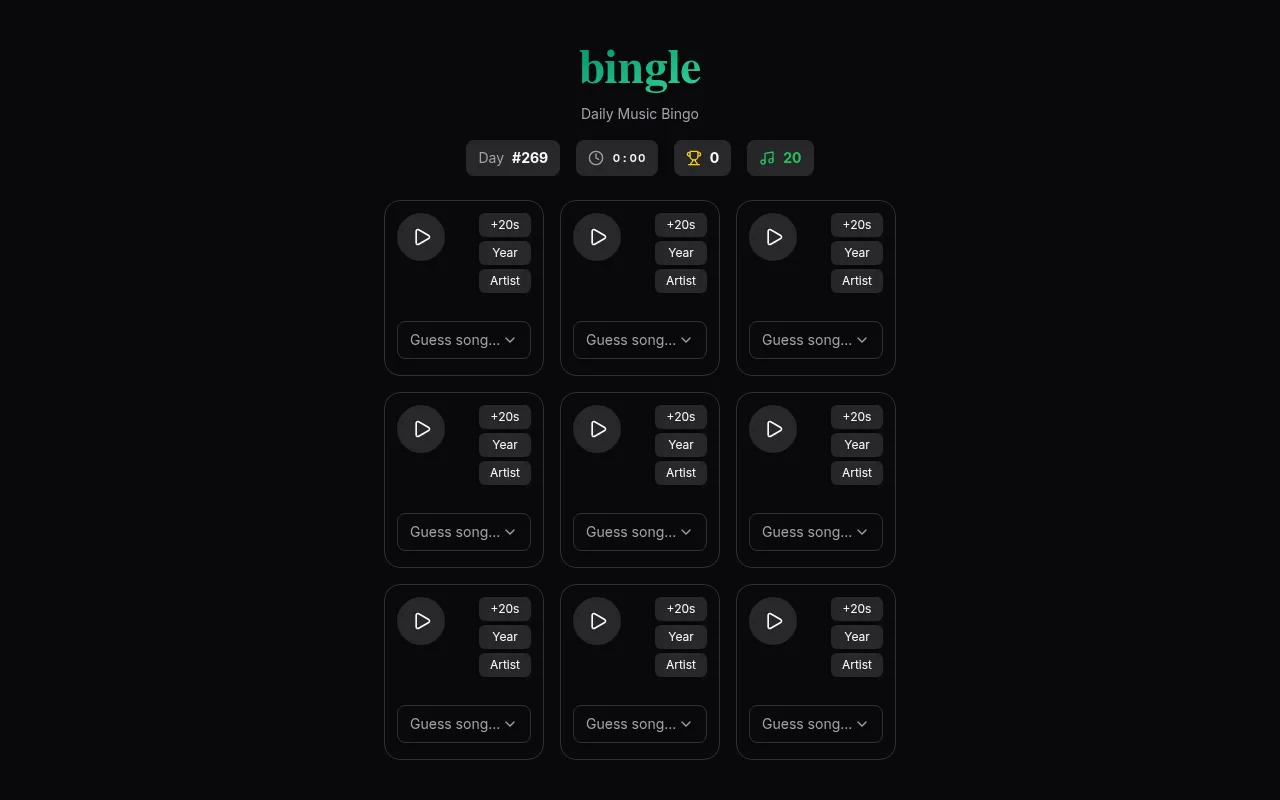
Bingle mixes a song quiz with a bingo card. The day's puzzle is a 3x3 grid of nine squares, and behind each square is a short clip of a song. You play a clip, type the title into the search box and pick it from the list. Get it right and the square is filled in; three filled squares in a row, column or diagonal make a bingo line.
The clock starts when you play your first song, and speed counts. Your score is built from correct guesses, how fast you are and how many bingo lines you clear. When you have had enough, the I'm Done button ends the game and shows your results, so you can stop with a line or two rather than chase every square.
Help costs notes, a currency shown at the top of the card. You can spend them to add 20 seconds to a clip (the +20s button), reveal a song's release year, or reveal the artist's initials. Each hint can be used once per square, so it pays to save notes for the songs that stump you.
The songs on a card come from different decades and styles, so one grid can hold an early 2000s R&B hit next to a rock single. Bingle keeps a puzzle number for each day, your best score and a win streak, which counts consecutive days with at least one bingo line. Some clips may not play in every country because of licensing.
How to play Bingle
- Open Bingle and tap a square to play its song clip; the clock starts with your first clip.
- Type the song title and pick it from the list to fill the square.
- Spend notes on hints if you are stuck: a longer clip with +20s, the release year or the artist's initials.
- Fill three squares in a row, column or diagonal to clear a bingo line.
- Press I'm Done to finish, then copy your results grid to share.
Screenshots
Tips
- Start with the squares you recognise at once to bank points while the clock is low.
- Plan around lines: the centre square counts toward four lines, so it is worth solving early.
- Use the release year hint on songs you half know: a decade is often enough to unlock the title.
- Stop when the remaining squares would cost more time than they are worth; one line keeps your streak alive.
Questions
What counts toward my score?
Correct guesses, your speed and the number of bingo lines you clear.
What are notes for?
Notes buy hints: adding 20 seconds to a clip (+20s), revealing the release year, or revealing the artist's initials.
How does the streak work?
It counts consecutive days on which you cleared at least one bingo line.
Why will a clip not play?
Some songs may not play in your region because of licensing restrictions.
Ratings and reviews
No ratings yet. Be the first to rate Bingle.
Games like Bingle
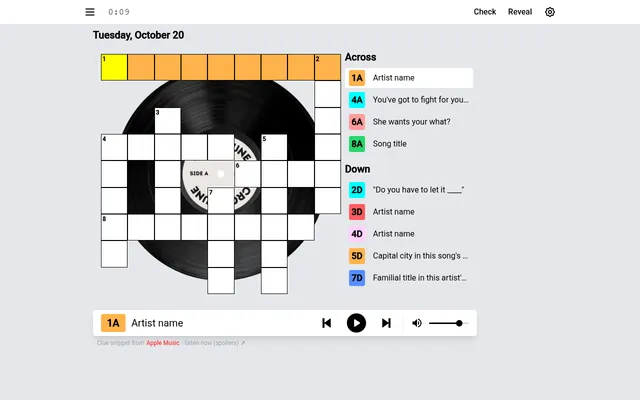
Crosstune
Also a grid you fill by listening to song clips, laid out as a crossword.
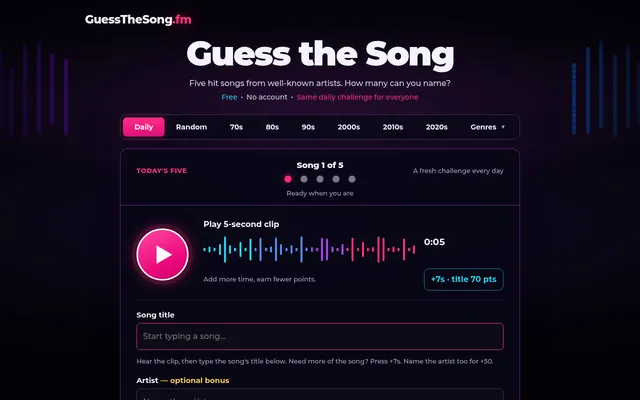
Guess the Song
Five songs a day rather than nine, each named from a clip. Past days stay in an archive.
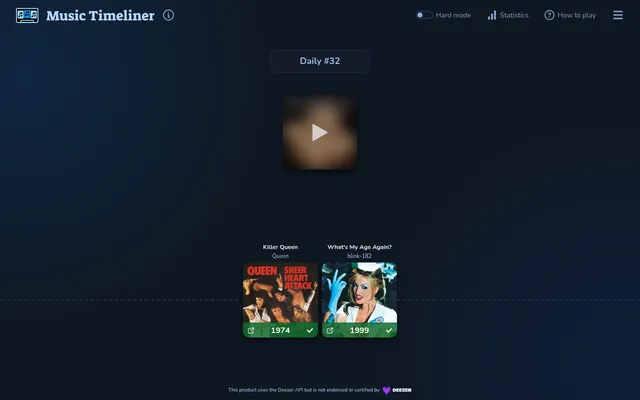
Music Timeliner
Eight songs a day to place on a timeline by release year, for players who like Bingle's Year hint.
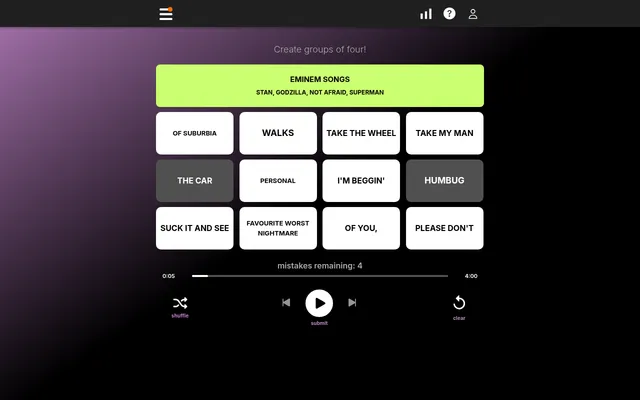
Harmonies
Sixteen music tiles to sort into four groups
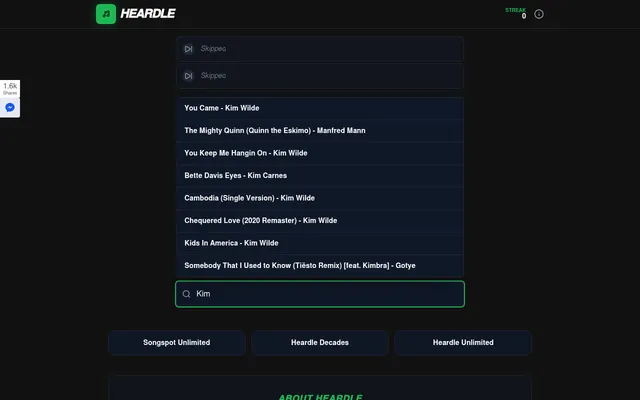
Heardle Daily
The one-song version: a single opening to name in six tries, with the clip growing after each miss.
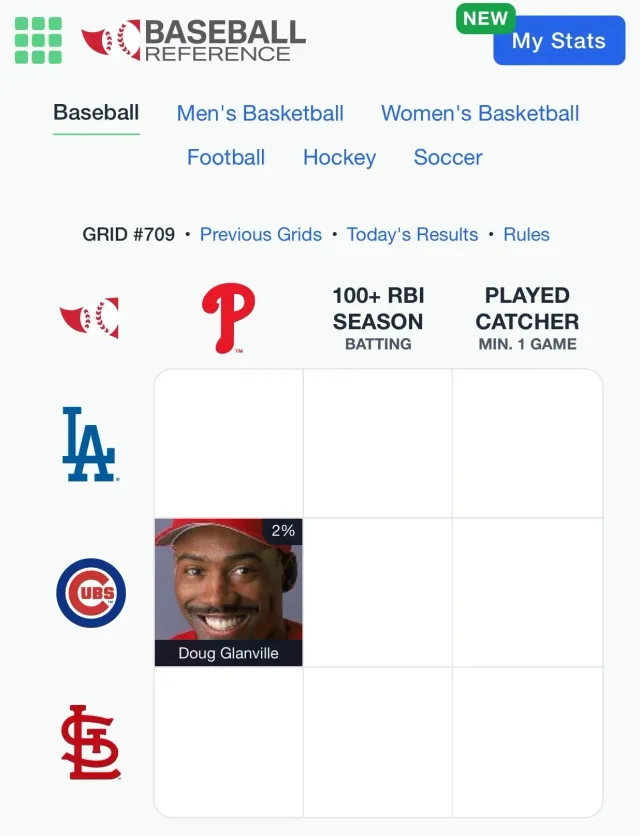
Immaculate Grid
Same 3x3 grid idea with athletes in the squares.
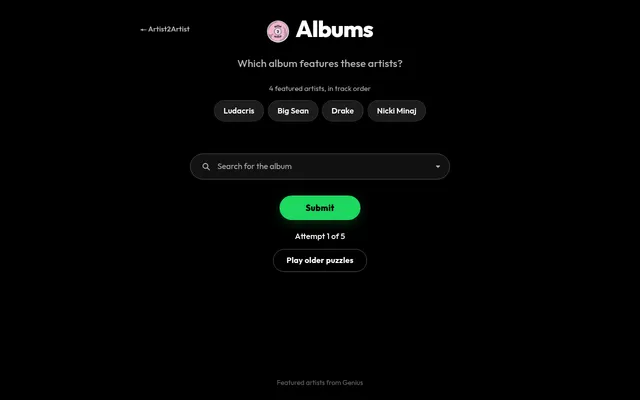
Artist2Artist Albums
Name the day's album from the artists featured on it, listed in track order, in five attempts.
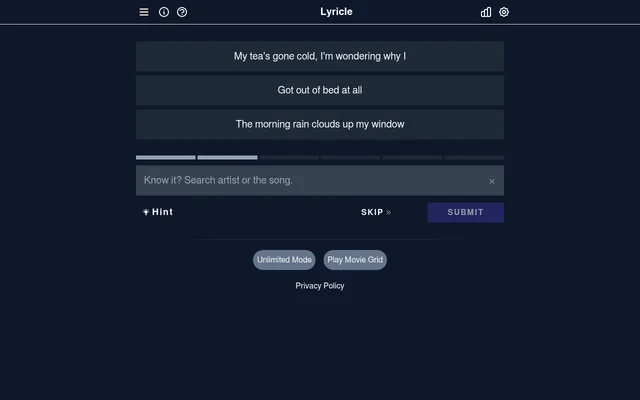
Lyricle
Name the day's song from its lyrics, one more line after each miss.